# 2D velocity streamlines look strange
**URL:** https://discourse.paraview.org/t/2d-velocity-streamlines-look-strange/3322
**Category:** ParaView Support
**Created:** [January 13, 2020, 11:16am UTC](https://discourse.paraview.org/t/2d-velocity-streamlines-look-strange/3322 "2020-01-13T11:16:11Z")
**Posts on this page:** 5
**Page:** 1
### Author:  [@msjuhasznora](https://discourse.paraview.org/u/msjuhasznora)
#### Post date: [January 13, 2020, 11:16am UTC](https://discourse.paraview.org/t/2d-velocity-streamlines-look-strange/3322/1 "2020-01-13T11:16:11Z")
Hi, could someone please help me with the following? I have a 2D velocity dataset:
[velocity\_\_vert\_velocity\_degree1\_\_eps\_0.0\_\_nr\_cells\_1800.pvd](https://discourse.paraview.org/uploads/short-url/bAF9L6iCTb347B8sPGz5sT3onuf.pvd) (217 Bytes)
I am curious of the proper result of the StreamTracer filter, but so far I only obtained weird-looking images. For example, I get this. Is this how it should look like? I am a beginner to ParaView but this looks a bit odd:
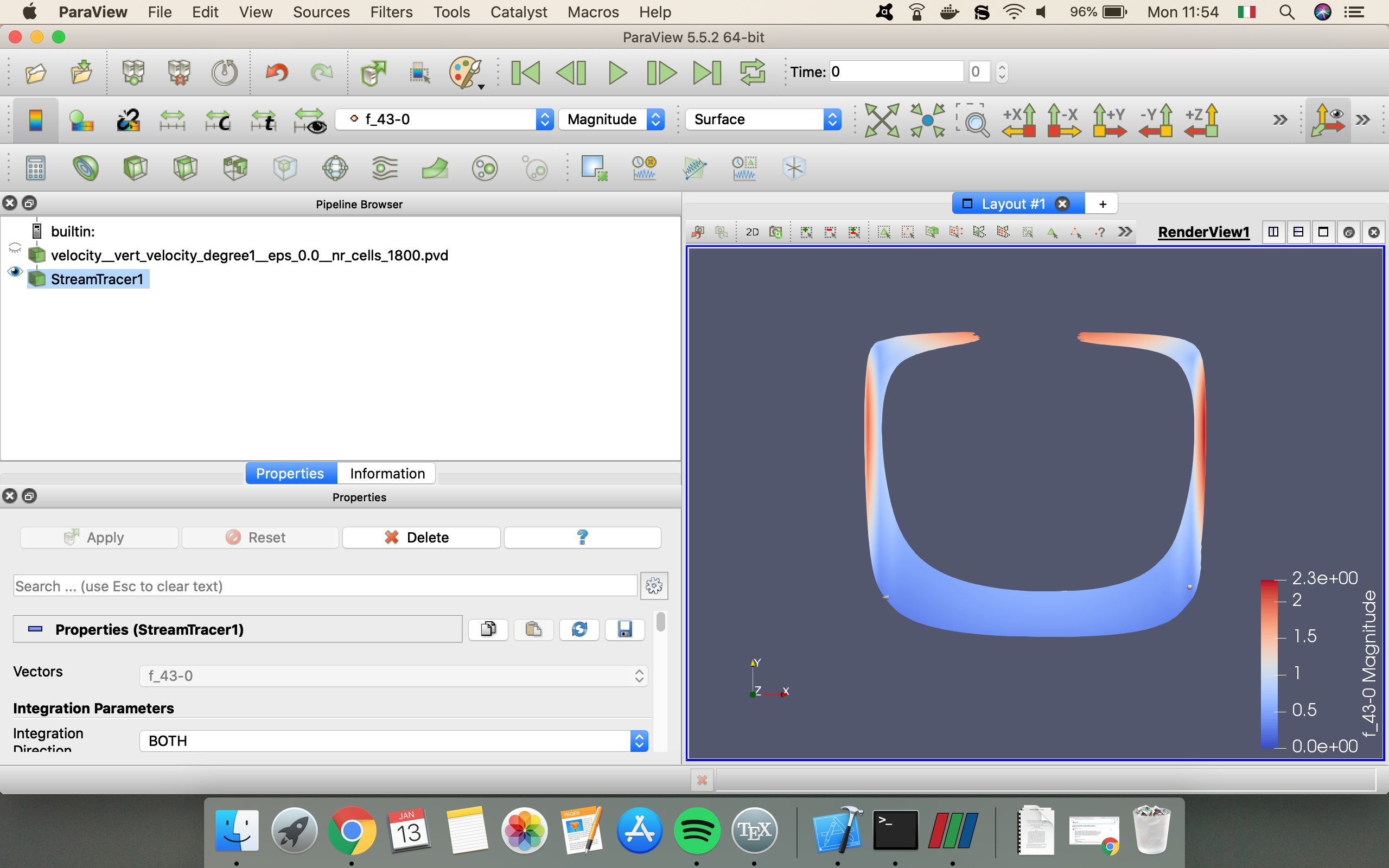
It is true that the velocity field is circular like this, but a) why isn’t this just a line (it is a thick phase), b) why is the majority of the original field “gone”?
I tried with PointSource as well, then the result is just greyness:
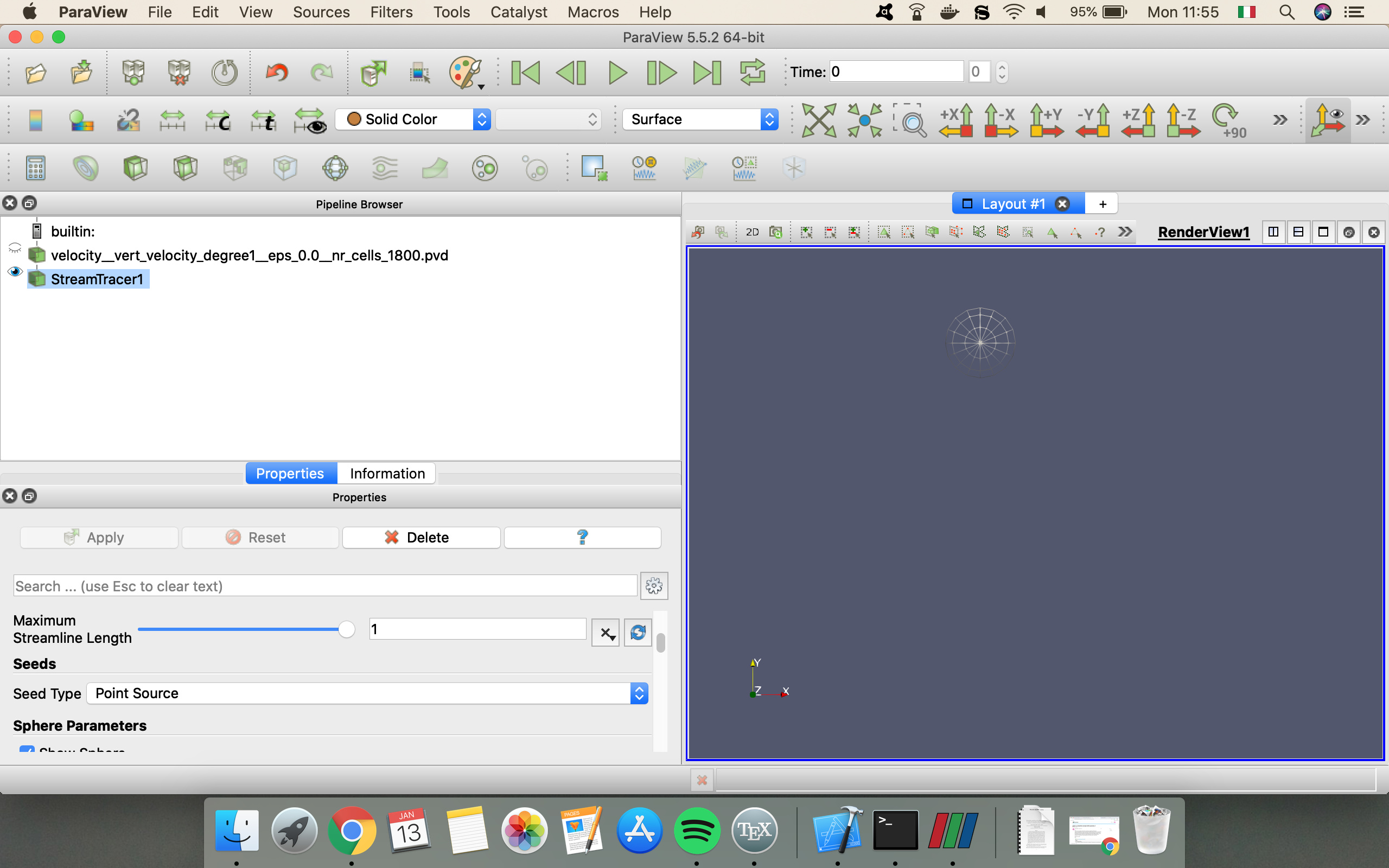
Could someone help me with some hints how to obtain a decent-looking and informative streamline?
Thank you so much!
Nora
---
### Author:  [@mwestphal](https://discourse.paraview.org/u/mwestphal)
#### Post date: [January 13, 2020, 12:35pm UTC](https://discourse.paraview.org/t/2d-velocity-streamlines-look-strange/3322/2 "2020-01-13T12:35:45Z")
Please share your associated .vtu file as well
---
### Author:  [@msjuhasznora](https://discourse.paraview.org/u/msjuhasznora)
#### Post date: [January 13, 2020, 12:56pm UTC](https://discourse.paraview.org/t/2d-velocity-streamlines-look-strange/3322/3 "2020-01-13T12:56:17Z")
The .vtu file:
[velocity\_\_vert\_velocity\_degree1\_\_eps\_0.0\_\_nr\_cells\_1800000000.vtu](https://discourse.paraview.org/uploads/short-url/7coatwxQALNKWLmpCPXu4aWe34b.vtu) (129.9 KB)
---
### Author:  [@Kenneth\_Moreland](https://discourse.paraview.org/u/Kenneth_Moreland)
#### Post date: [January 13, 2020, 6:18pm UTC](https://discourse.paraview.org/t/2d-velocity-streamlines-look-strange/3322/4 "2020-01-13T18:18:40Z")
As you said, your data has circular streamlines. Probably what is happening is that you are getting lots of streamlines on top of each other, and its rendering looks solid.
When I run streamlines on your data, I get something a bit different:
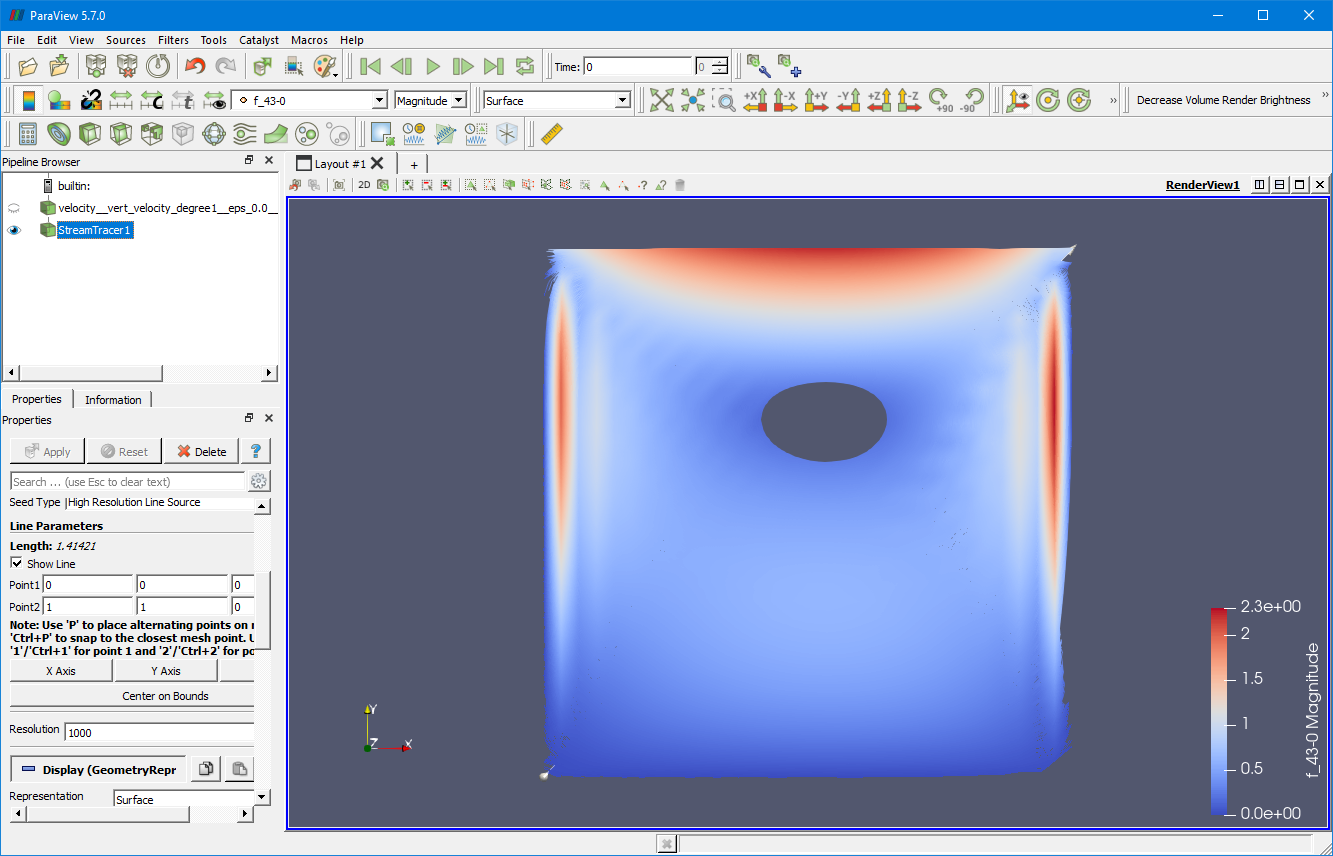
The default behavior of the `Stream Tracer` is to define a line along the diagonal of your data and then seed the streamlines with 1000 points along the streamline. 1000 is excessive in your case, so the first step would be to reduce the `Resolution` parameter. If I reduce the `Resolution` parameter to 100, I get this:
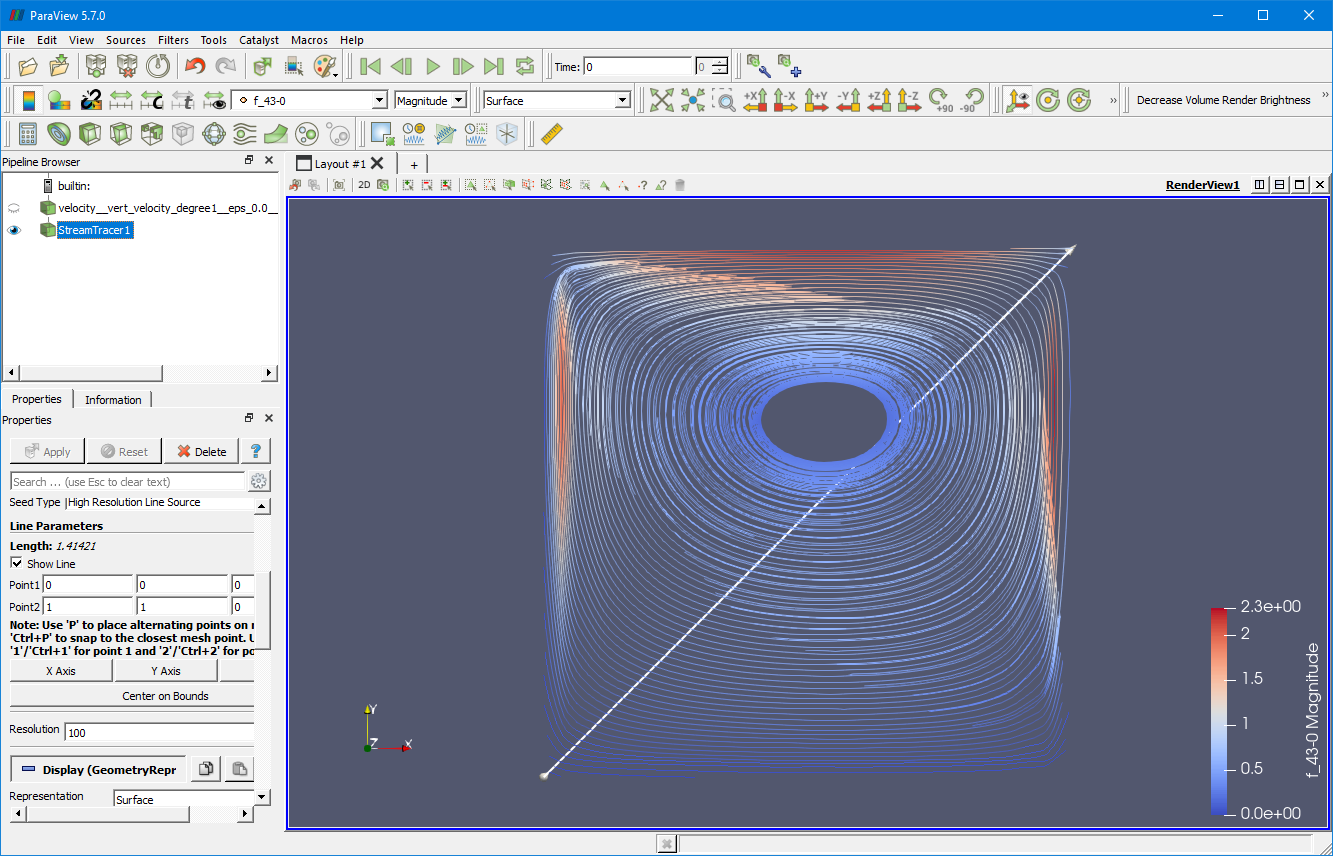
Now you can really see the streamlines. This might still be more than you really want, but you can further reduce the `Resolution` parameter to get fewer streamlines.
You might also note that there is a “hole” in the middle with no streamlines. This is because the line does not go through this part of the model so none of the seeds are on a streamline in this region of the model. If you want to see streamlines here, you can fiddle with the seed line to go through that part. For example, here is the result when I change the line to be along the X Axis and going through the center of this region.
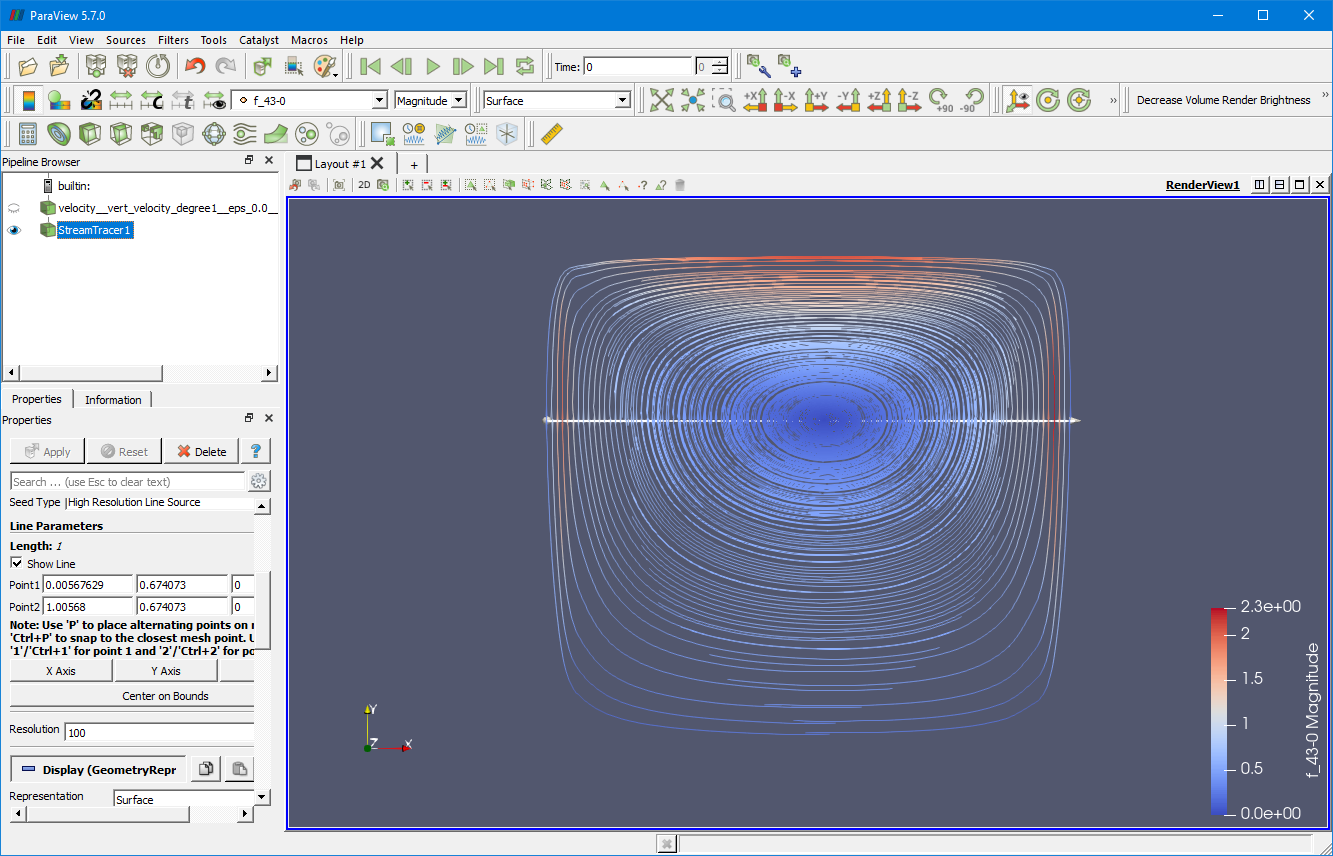
BTW, the reason why you get nothing when you select `Point Source` as the `Seed Type` is because the `Point Source` actually randomly creates seeds in a sphere of a given radius. (You can see that seeding sphere as a 3D widget in the view.) The problem is that a seed has to be exactly on the 2D surface you are trying to make streamlines for, and since the seeds are randomly placed, that never actually happens.
There are also a couple of alternatives you can try that might give you something closer to what you want. First, filter named `Evenly Spaced Streamlines 2D`. Rather than make you select seed locations for the streamlines, it seeds the streamlines for you using an algorithm that attempts to evenly space the streamlines. (See [this blog post](https://blog.kitware.com/evenly-spaced-streamlines-2d/) for more details.) Applying `Evenly Spaced Streamlines 2D`, I get this:
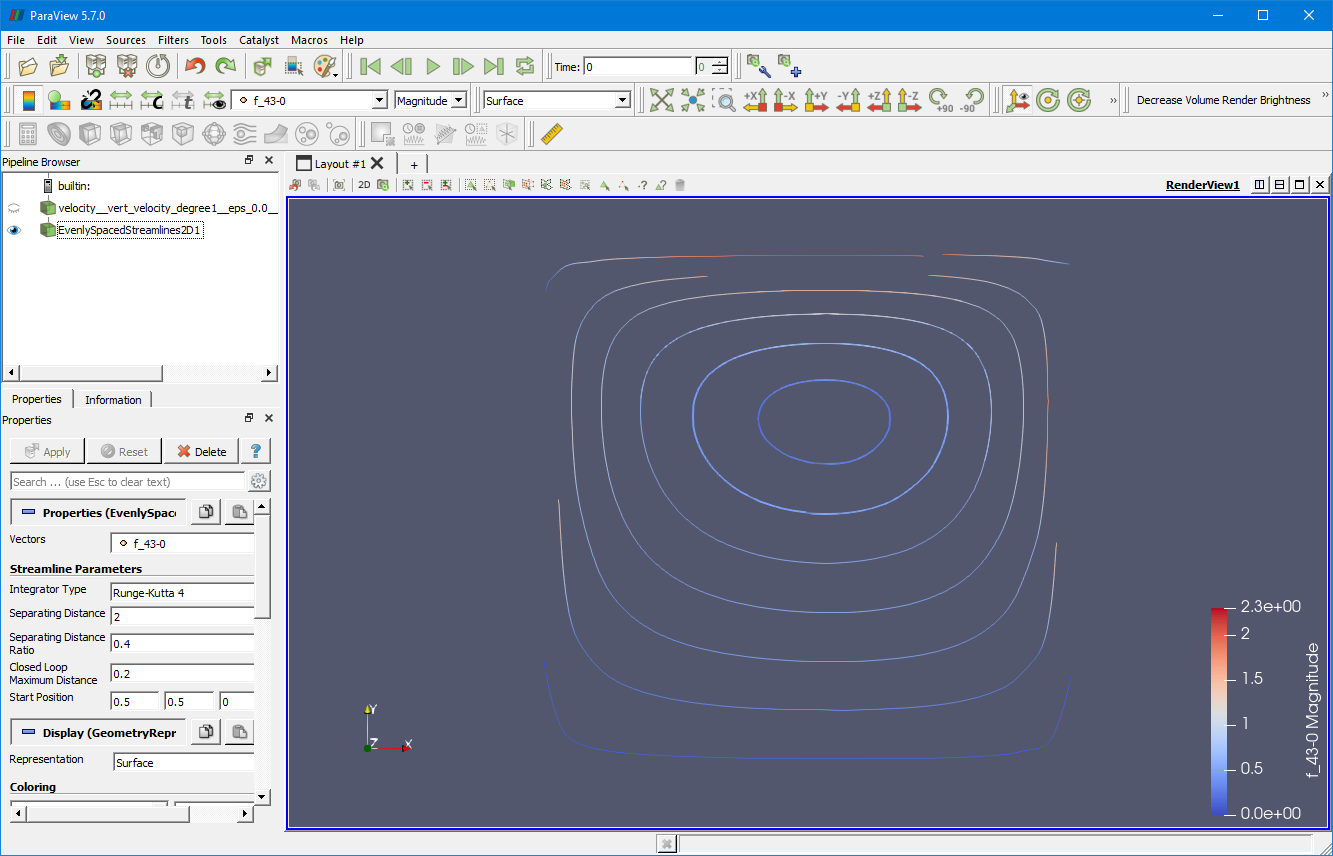
Finally, since you have a surface, you might be interested in viewing your vector field using a LIC instead of streamlines. ParaView has a plugin called `SurfaceLIC` that lets you draw a continuous field of streamlines (sort of). To use it, when you first load ParaView, go to `Manage Plugins...` and load the `SurfaceLIC` plugin. Then open your data and change the representation to `Surface LIC`. Here is what I get when I load that on your data:
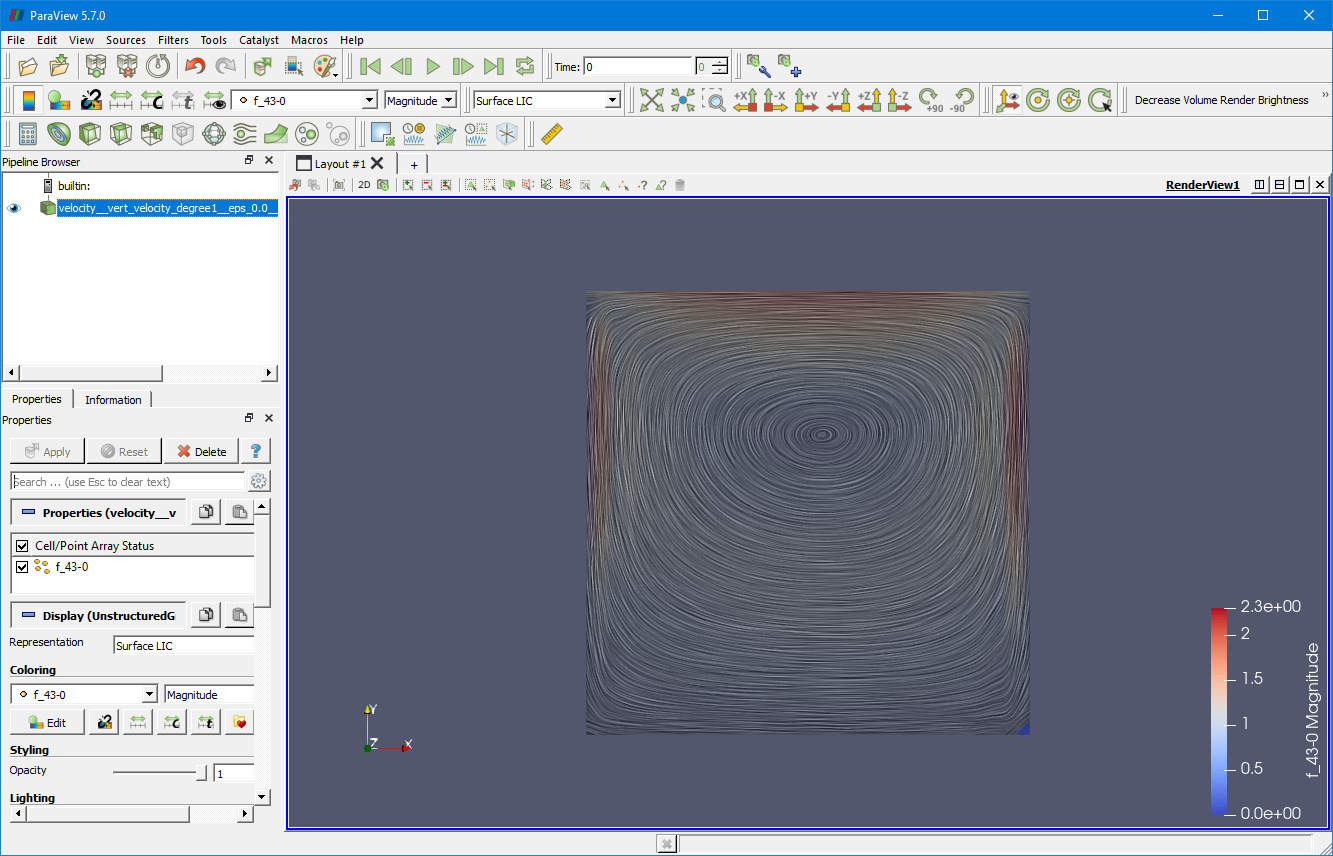
---
### Author:  [@msjuhasznora](https://discourse.paraview.org/u/msjuhasznora)
#### Post date: [January 13, 2020, 7:02pm UTC](https://discourse.paraview.org/t/2d-velocity-streamlines-look-strange/3322/5 "2020-01-13T19:02:42Z")
They all work! I appreciate it, thank you so much.