# Add imagery basemap
**URL:** https://discourse.paraview.org/t/add-imagery-basemap/7279
**Category:** ParaView Support
**Created:** [May 22, 2021, 9:33pm UTC](https://discourse.paraview.org/t/add-imagery-basemap/7279 "2021-05-22T21:33:00Z")
**Posts on this page:** 8
**Page:** 1
### Author:  [@frank\_forster](https://discourse.paraview.org/u/frank_forster)
#### Post date: [May 22, 2021, 9:33pm UTC](https://discourse.paraview.org/t/add-imagery-basemap/7279/1 "2021-05-22T21:33:00Z")
Hello,
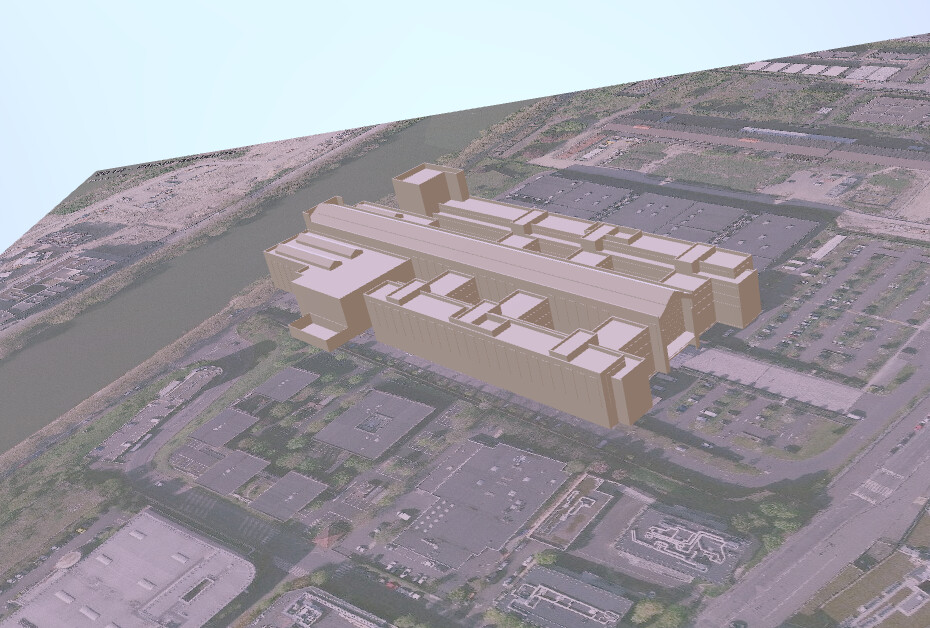
I managed to merge a CityGML with NetCDF in a GLTF file using Parawier & Blender.
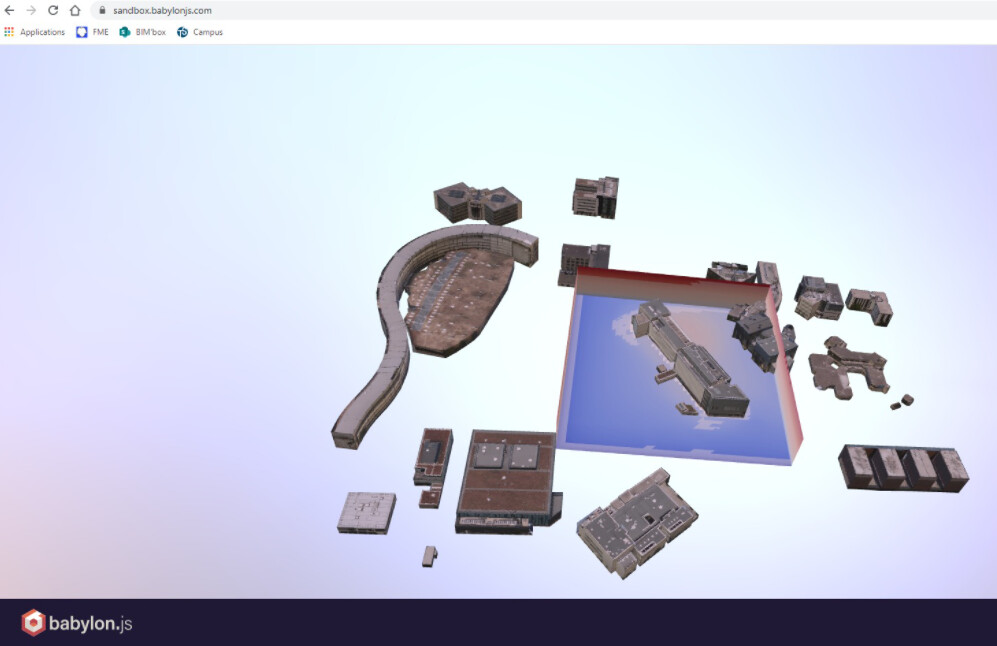
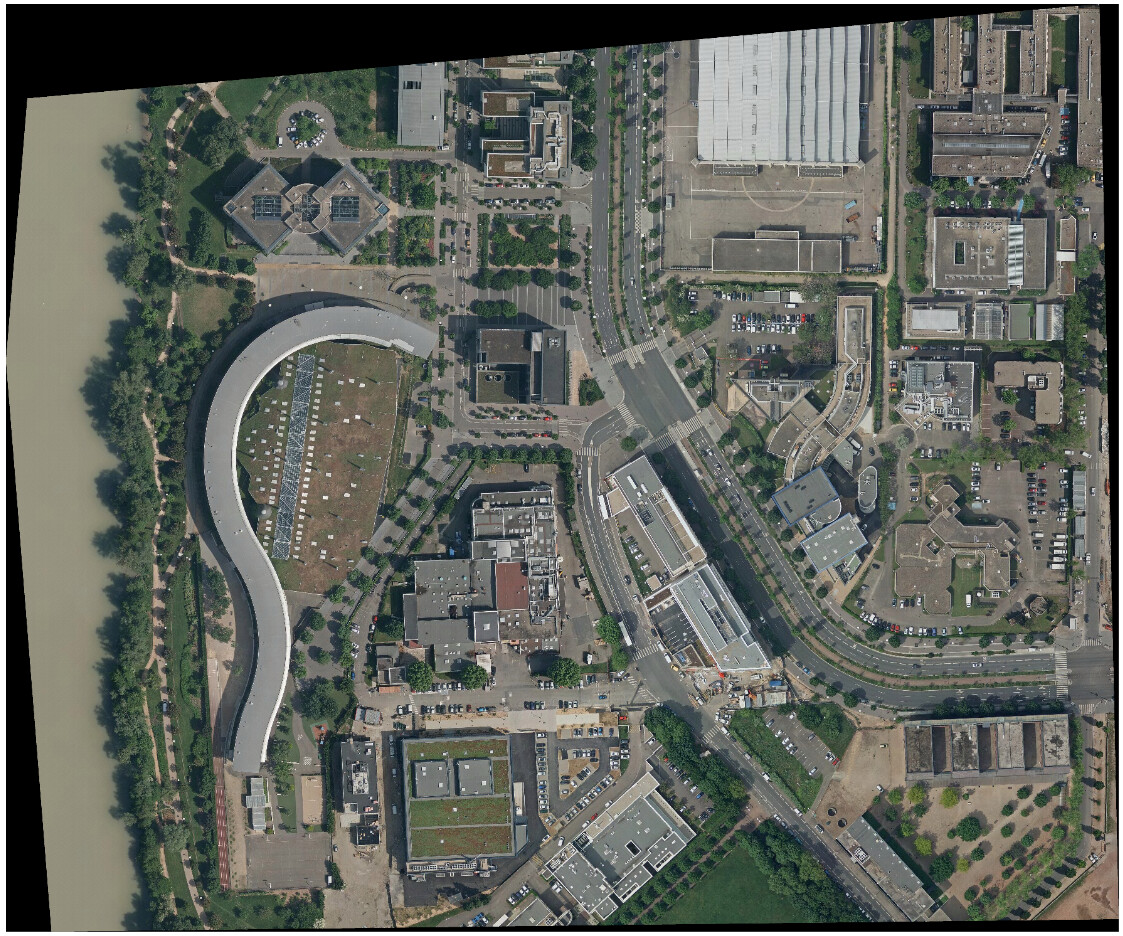
In order to make a realistic render, I would like to add a basemap below from a TIFF file.
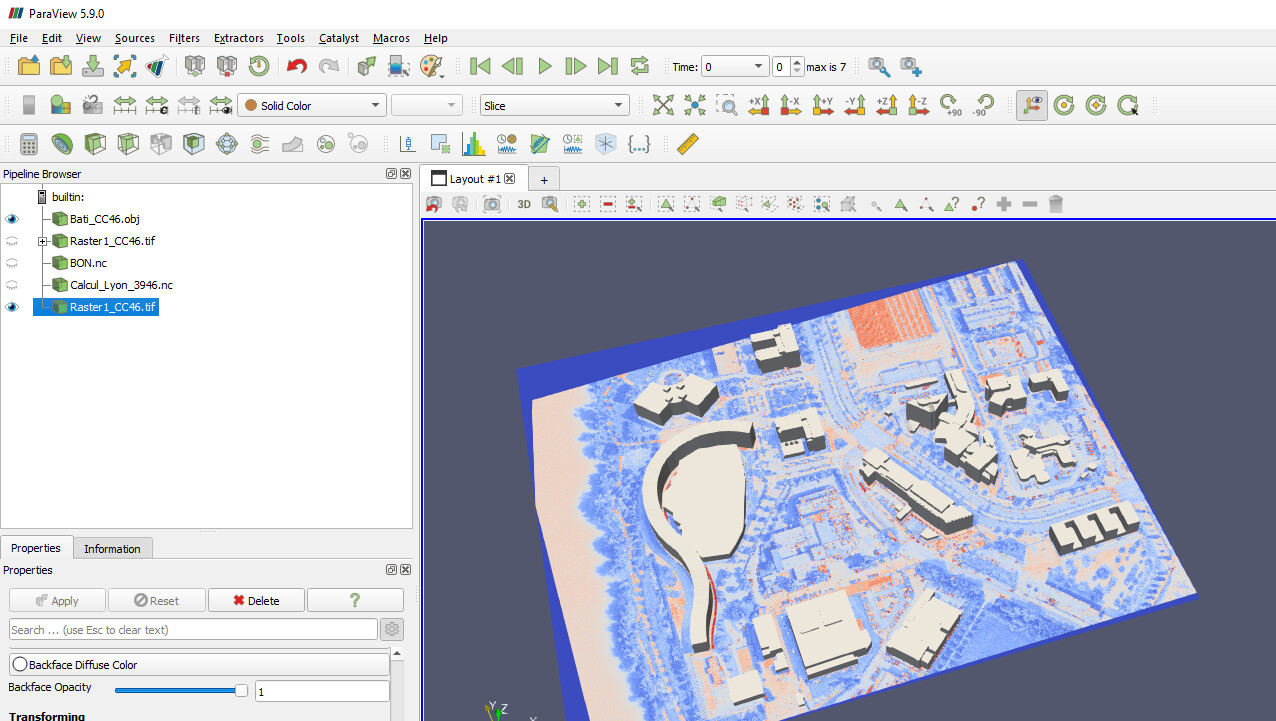
So far I only manage to make some “color legend” render like this :
I’ve seen the topic with the “File → Load Texture” but I don’t have this option.
I’ve also seen the N’Cube plugin but haven’t tried yet because I’m not admin of my PC ([GitHub - mobigroup/ParaView-plugins: ParaView plugins](https://github.com/mobigroup/ParaView-plugins))
Do you know if it’s possible to display the image as the initial image ? Thanks, Frank
---
### Author:  [@dcthomp](https://discourse.paraview.org/u/dcthomp)
#### Post date: [May 22, 2021, 9:38pm UTC](https://discourse.paraview.org/t/add-imagery-basemap/7279/2 "2021-05-22T21:38:47Z")
If I understand your issue, you will want to select your tiff image in the pipeline browser and then unclick the “Map Scalars” checkbox in the property inspector. That should treat the image components as RGB values instead of mapping them through a color lookup table (the default paraview red-white-blue colormap).
---
### Author:  [@frank\_forster](https://discourse.paraview.org/u/frank_forster)
#### Post date: [May 22, 2021, 11:17pm UTC](https://discourse.paraview.org/t/add-imagery-basemap/7279/3 "2021-05-22T23:17:36Z")
Thanks a lot,
I manage to export the texture in the GLTF with Blender but I had to do it manually :
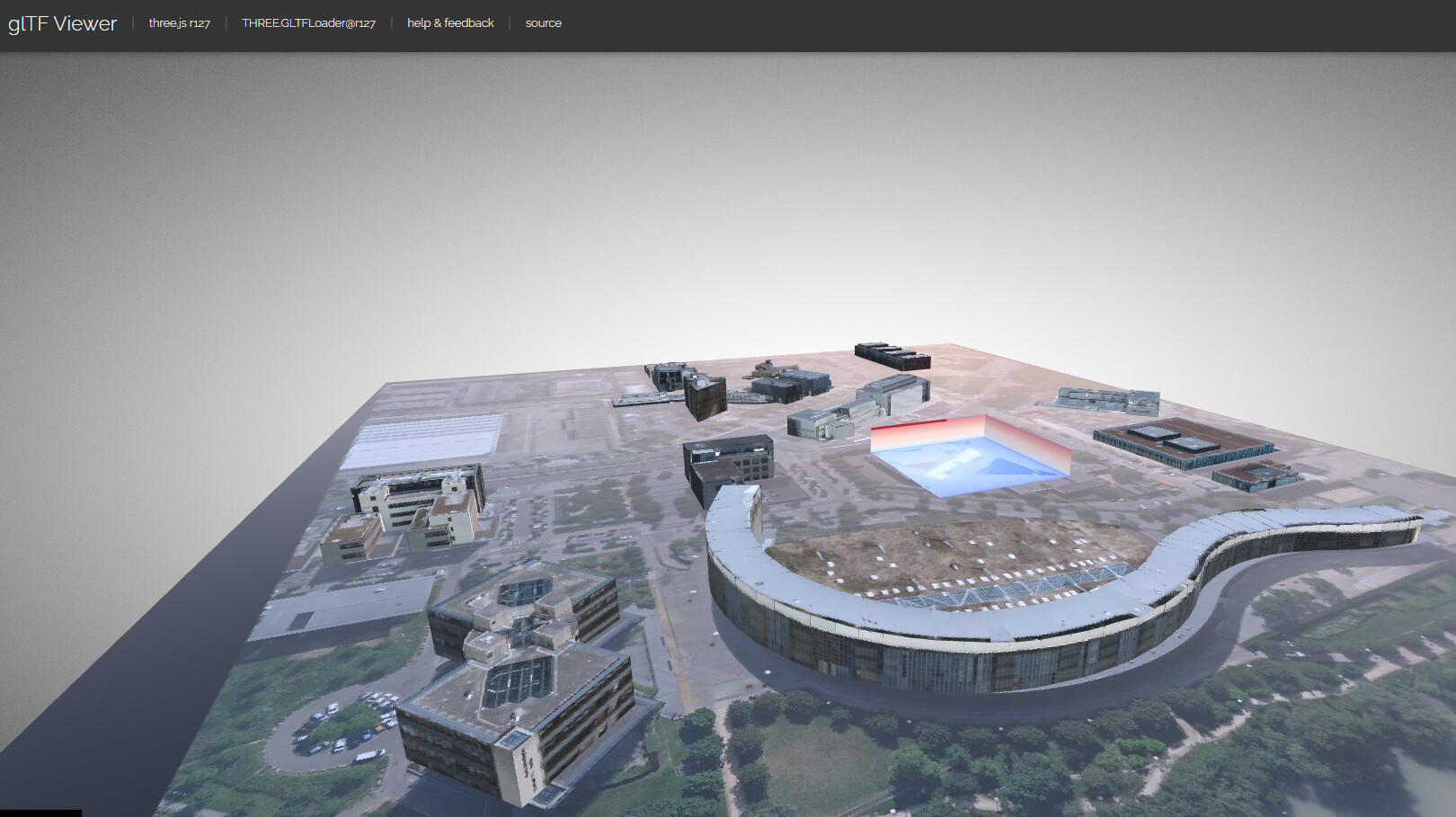
When I export the TIFF to GLTF with Paraview, the TIFF is not include in the GLTF, do you know why please ? Frank
---
### Author:  [@dcthomp](https://discourse.paraview.org/u/dcthomp)
#### Post date: [May 23, 2021, 2:24am UTC](https://discourse.paraview.org/t/add-imagery-basemap/7279/4 "2021-05-23T02:24:49Z")
I am not familiar with GLTF. Looking at the source:
[https://gitlab.kitware.com/vtk/vtk/-/blob/master/IO/Export/vtkGLTFExporter.h#L19-22](https://gitlab.kitware.com/vtk/vtk/-/blob/master/IO/Export/vtkGLTFExporter.h#L19-22)
it appears @martink wrote the exporter knowing it would only provide a subset of GLTF’s capabilities and a subset of what VTK/ParaView can do as well. You can file a feature request/bug report for this issue (or contribute a fix yourself), but without funding it is difficult to address a lot of requests – so don’t expect immediate results.
---
### Author:  [@mwestphal](https://discourse.paraview.org/u/mwestphal)
#### Post date: [May 24, 2021, 8:36am UTC](https://discourse.paraview.org/t/add-imagery-basemap/7279/5 "2021-05-24T08:36:00Z")
I have no issue exporting data with colors to glTF, either through map/unmapped scalars or event textures.
Can you share a dataset to reproduce the issue @frank_forster ?
---
### Author:  [@frank\_forster](https://discourse.paraview.org/u/frank_forster)
#### Post date: [May 24, 2021, 11:13am UTC](https://discourse.paraview.org/t/add-imagery-basemap/7279/6 "2021-05-24T11:13:48Z")
Hello Mathieu,
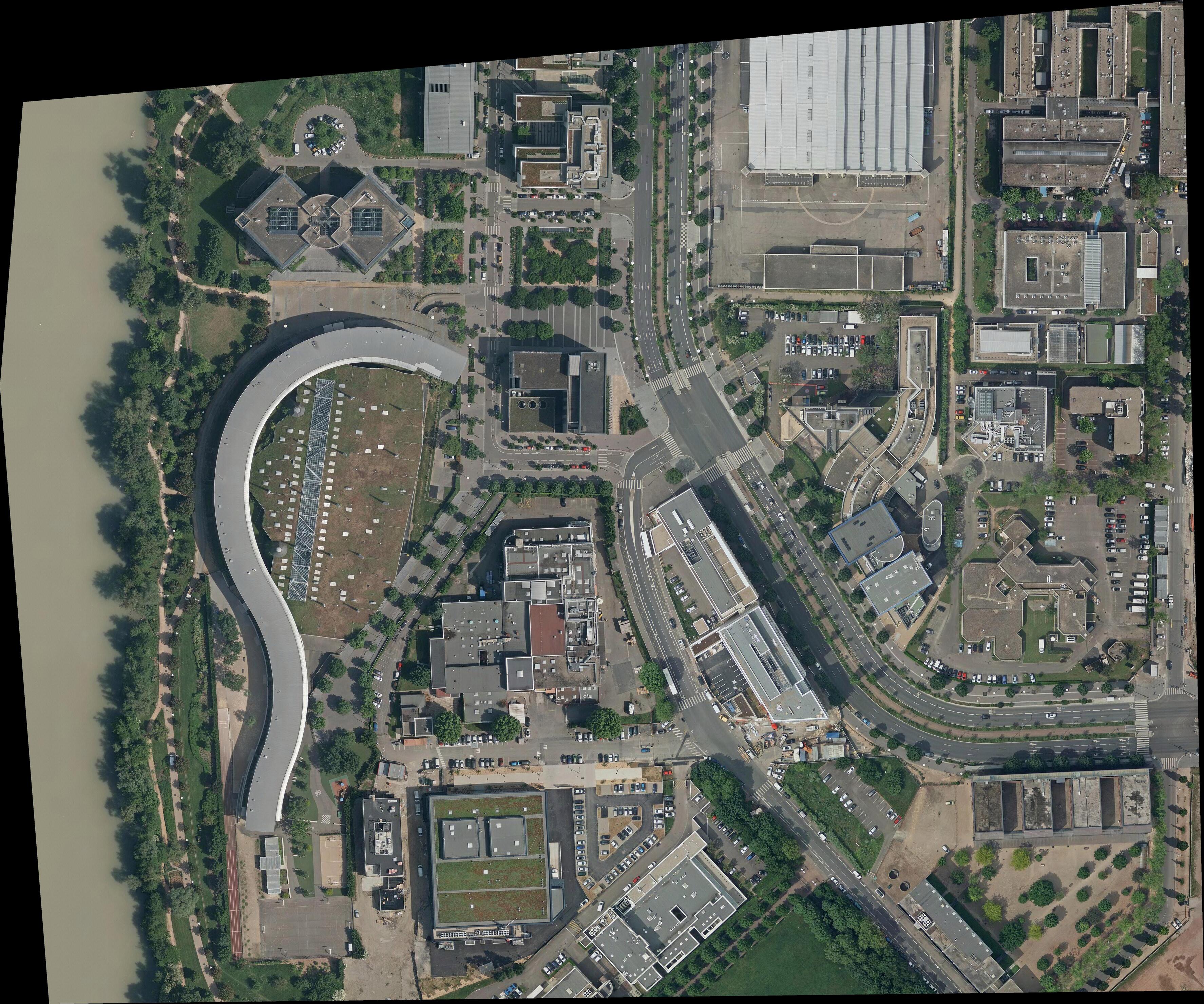
Please find a file that I can’t export to GLTF.

---
### Author:  [@mwestphal](https://discourse.paraview.org/u/mwestphal)
#### Post date: [May 24, 2021, 12:41pm UTC](https://discourse.paraview.org/t/add-imagery-basemap/7279/7 "2021-05-24T12:41:44Z")
It looks like exporting image data to glTF is not supported (yet). A easy work around is to convert it into a polydata first using AppendDataset filter.
---
### Author:  [@frank\_forster](https://discourse.paraview.org/u/frank_forster)
#### Post date: [May 24, 2021, 4:22pm UTC](https://discourse.paraview.org/t/add-imagery-basemap/7279/8 "2021-05-24T16:22:50Z")
Hi again Matthieu,
It works ! Thank you 🙂
FYI I noticed that the image orientation was not taken into account while exporting to GLTF so I had to move the building instead.