# Adjusting Volume/Surface Rendering After Threshold Filtering in ParaView
**URL:** https://discourse.paraview.org/t/adjusting-volume-surface-rendering-after-threshold-filtering-in-paraview/16784
**Category:** ParaView Support
**Tags:** vtk
**Created:** [June 6, 2025, 8:31am UTC](https://discourse.paraview.org/t/adjusting-volume-surface-rendering-after-threshold-filtering-in-paraview/16784 "2025-06-06T08:31:14Z")
**Posts on this page:** 7
**Page:** 1
### Author:  [@Qwenthur](https://discourse.paraview.org/u/Qwenthur)
#### Post date: [June 6, 2025, 8:31am UTC](https://discourse.paraview.org/t/adjusting-volume-surface-rendering-after-threshold-filtering-in-paraview/16784/1 "2025-06-06T08:31:14Z")
Hi all,
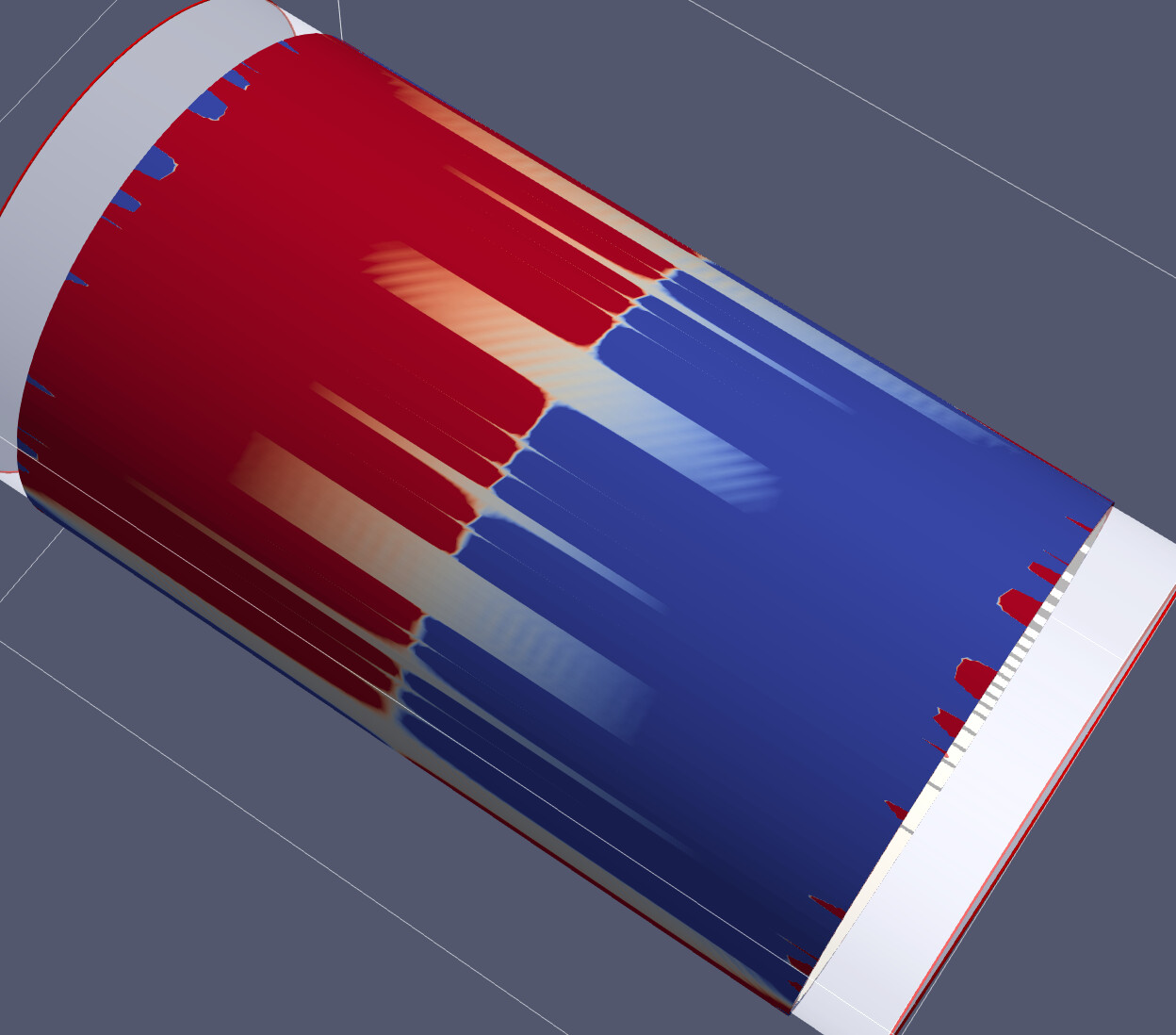
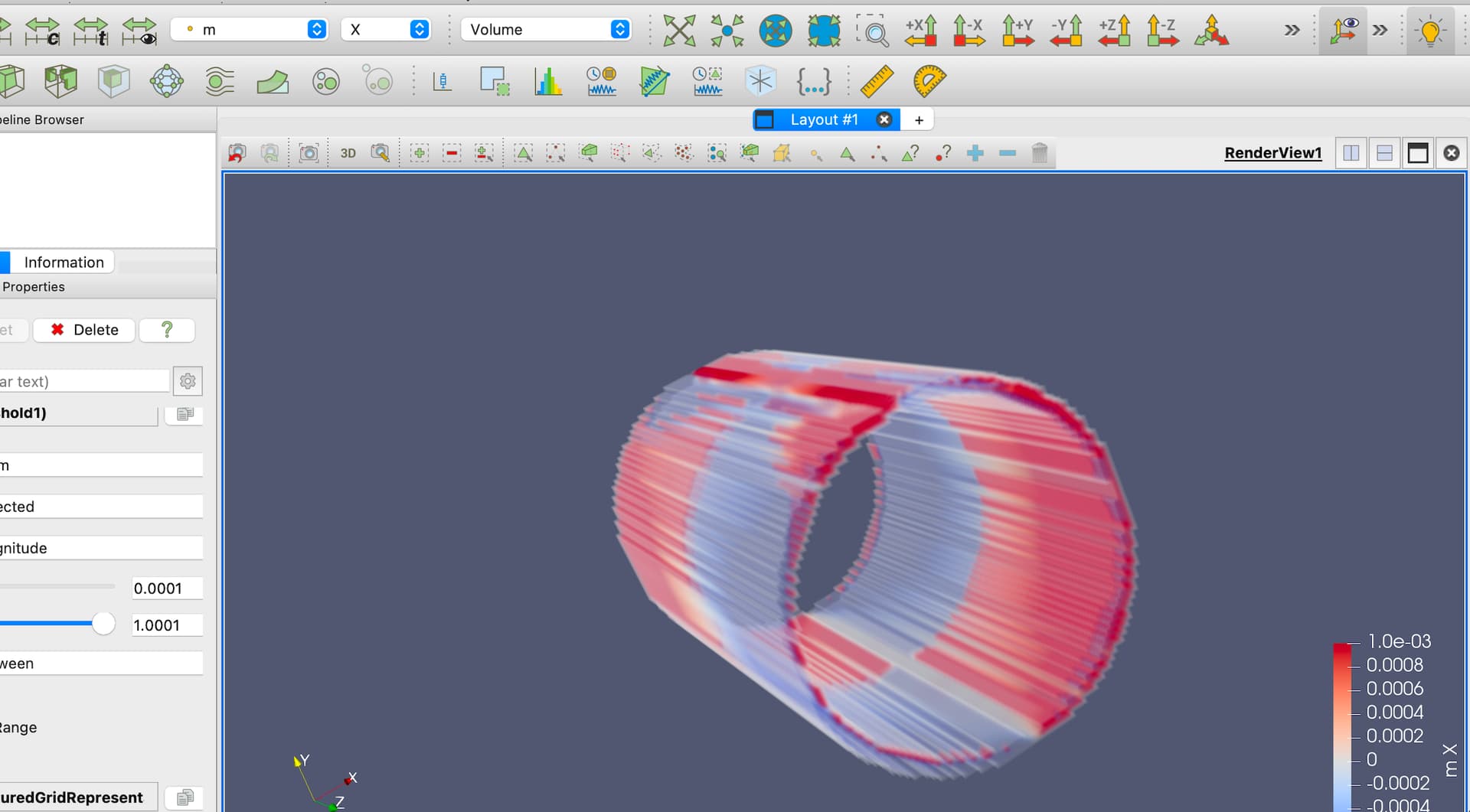
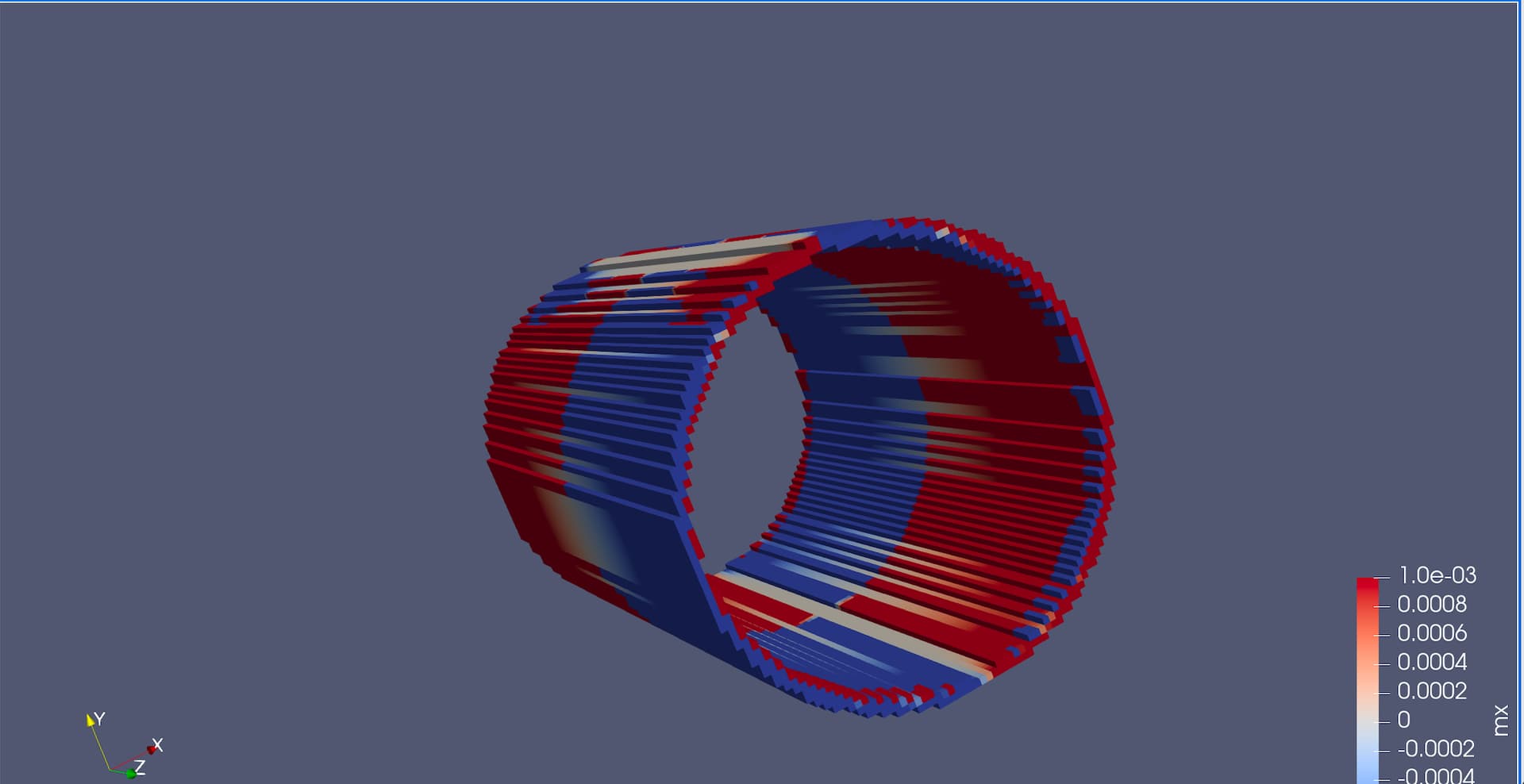
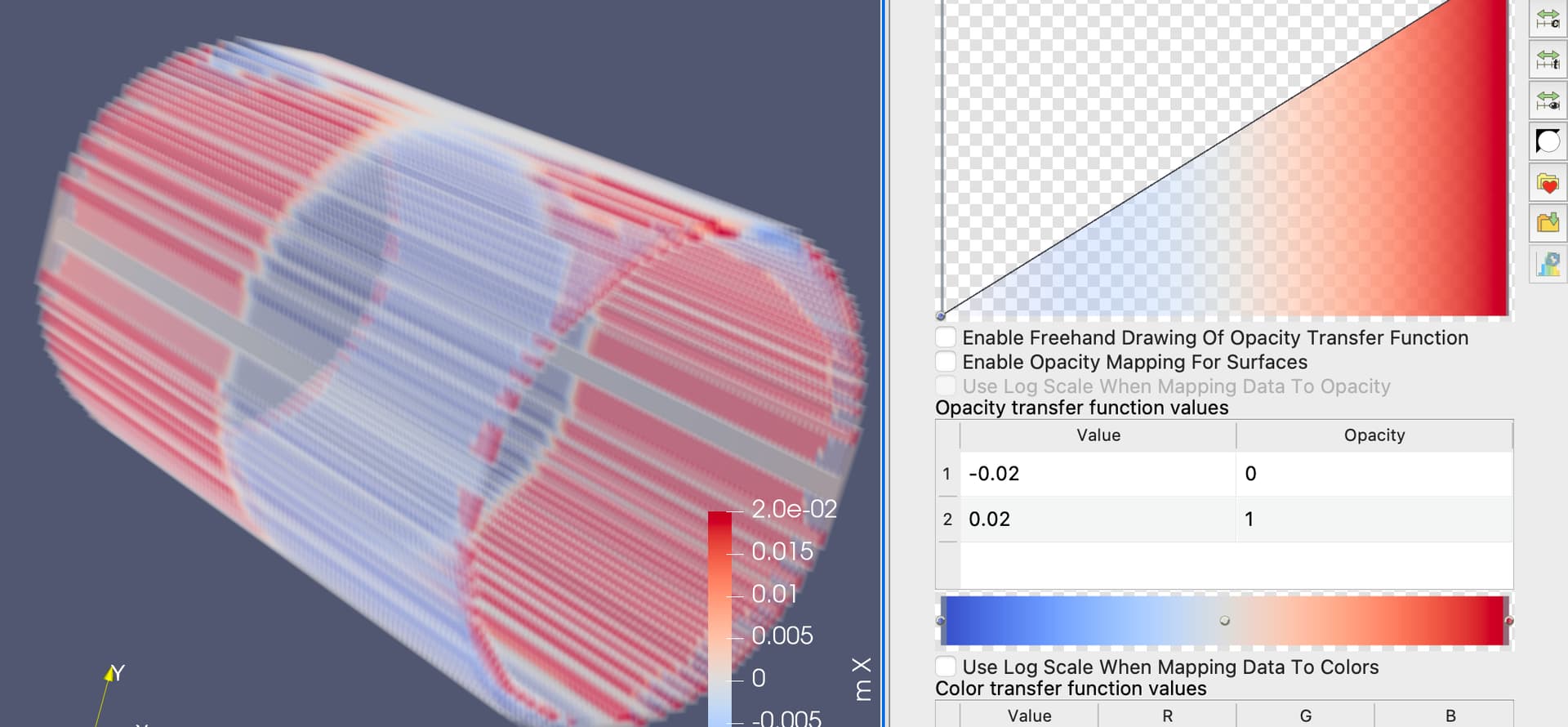
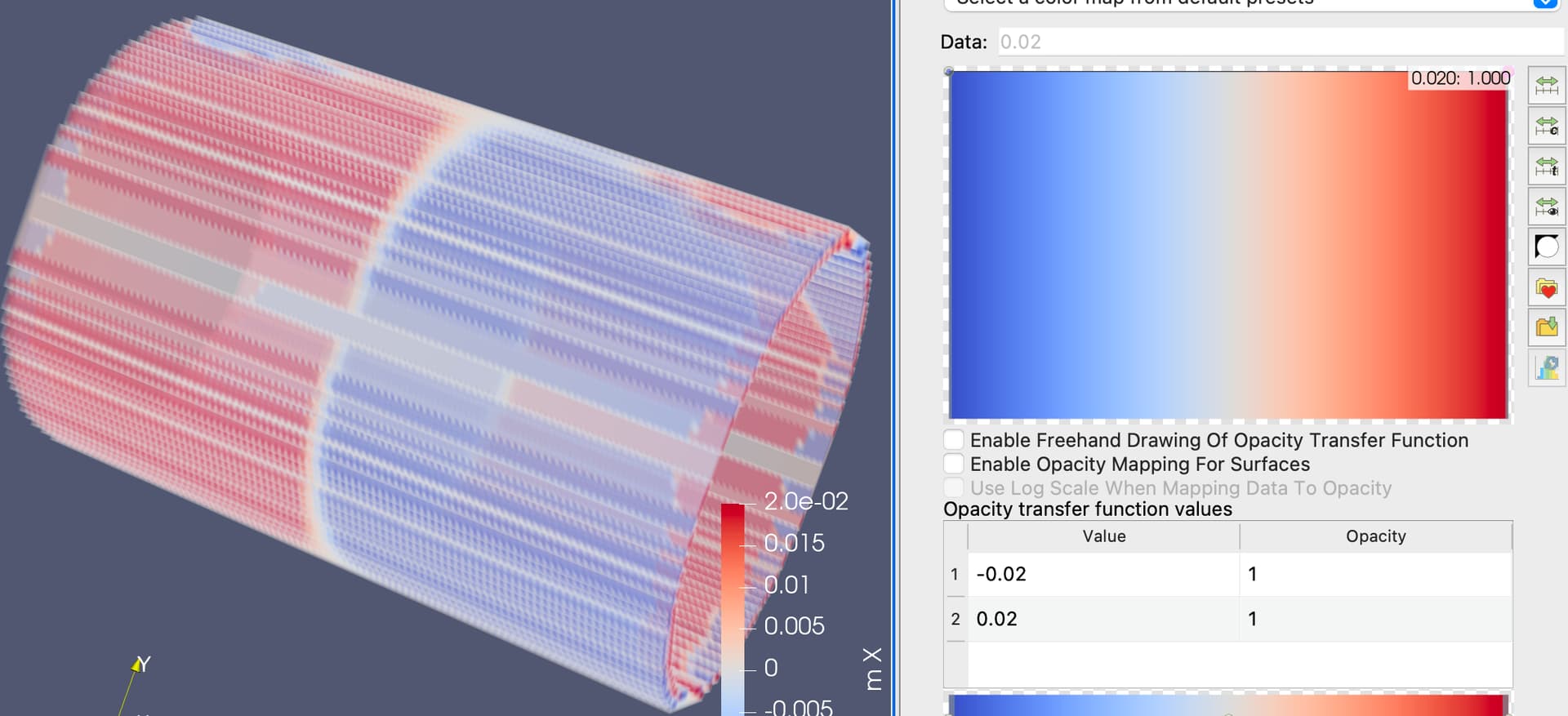
I used the Threshold filter to exclude cells where m = 0 in a .vtk file generated by mumax (which records magnetization states). However, when using volume rendering, the result always appears white and blurry (as shown in Figure 1). How can I adjust the settings to achieve a clearer visualization, similar to Figure 2?
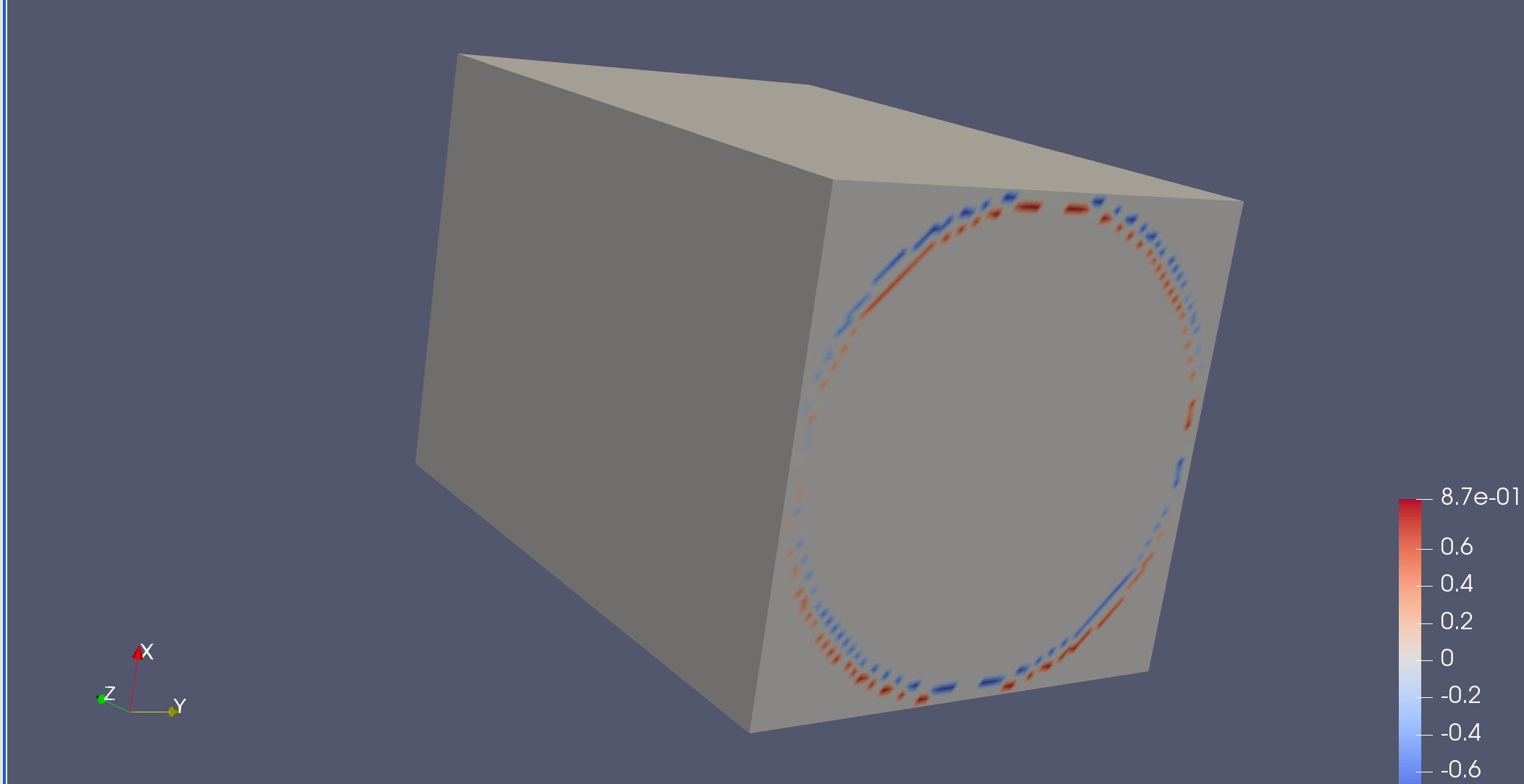
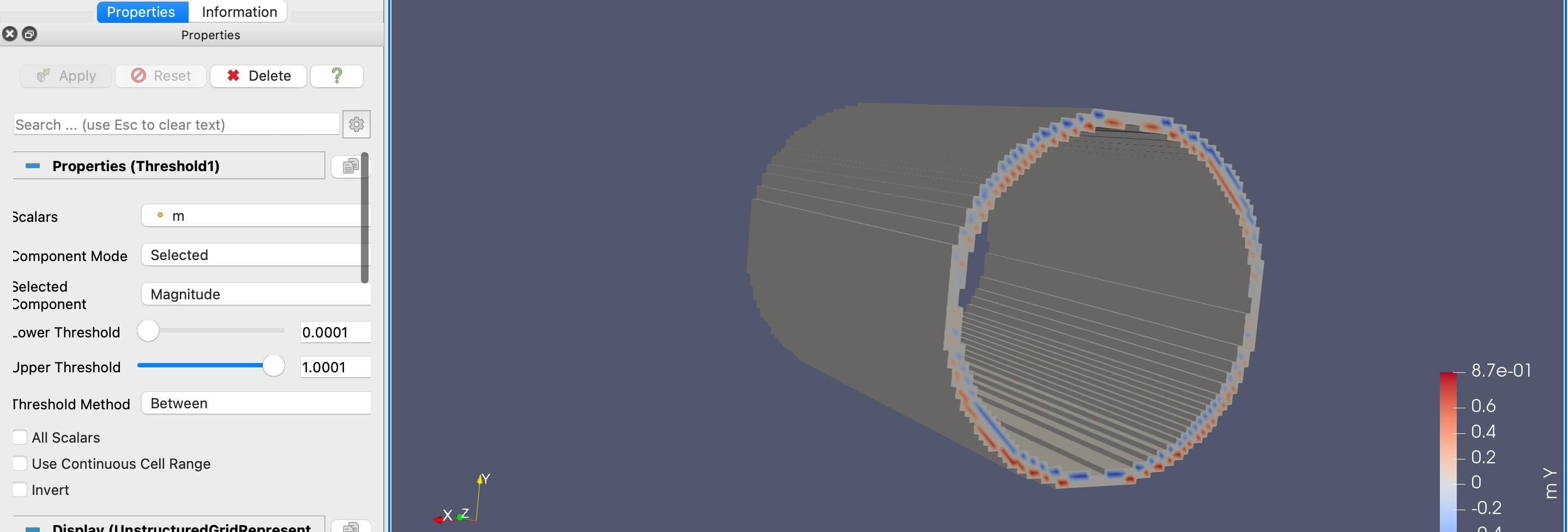
I also tried applying surface rendering to the geometry after Threshold filtering. However, possibly due to the fact that the filtered regions are inside the original geometry (as shown in Figure 3), there are no color representations of magnetization on the inner/outer surfaces of the cylinder (as shown in Figure 4). Can ParaView enable surface rendering on the surface of the new geometry generated after Threshold filtering?
Thanks for your assistance.
Best regards,
Qwenthur
---
### Author:  [@mwestphal](https://discourse.paraview.org/u/mwestphal)
#### Post date: [June 10, 2025, 7:18am UTC](https://discourse.paraview.org/t/adjusting-volume-surface-rendering-after-threshold-filtering-in-paraview/16784/2 "2025-06-10T07:18:45Z")
> [@Qwenthur](#):
>
> when using volume rendering, the result always appears white and blurry
This is the opacity, increase it ?
You can find the control in the color map editor.
---
### Author:  [@Qwenthur](https://discourse.paraview.org/u/Qwenthur)
#### Post date: [June 12, 2025, 8:28am UTC](https://discourse.paraview.org/t/adjusting-volume-surface-rendering-after-threshold-filtering-in-paraview/16784/3 "2025-06-12T08:28:25Z")
Thank you for the reply. I tried adjusting the opacity curve to 1, but the issue still persists — although slightly reduced. Is it possible that volume rendering inherently includes some level of transparency , making it impossible to achieve fully opaque visualization?
---
### Author:  [@mwestphal](https://discourse.paraview.org/u/mwestphal)
#### Post date: [June 12, 2025, 8:32am UTC](https://discourse.paraview.org/t/adjusting-volume-surface-rendering-after-threshold-filtering-in-paraview/16784/4 "2025-06-12T08:32:49Z")
Indeed, this is expected.
Why not extracting the surface you want instead of using volume ?
---
### Author:  [@Qwenthur](https://discourse.paraview.org/u/Qwenthur)
#### Post date: [June 12, 2025, 9:05am UTC](https://discourse.paraview.org/t/adjusting-volume-surface-rendering-after-threshold-filtering-in-paraview/16784/5 "2025-06-12T09:05:31Z")
Did you mean the clip?
---
### Author:  [@mwestphal](https://discourse.paraview.org/u/mwestphal)
#### Post date: [June 12, 2025, 9:40am UTC](https://discourse.paraview.org/t/adjusting-volume-surface-rendering-after-threshold-filtering-in-paraview/16784/6 "2025-06-12T09:40:36Z")
Cliping with scalars would be a possiblity yes
---
### Author:  [@Qwenthur](https://discourse.paraview.org/u/Qwenthur)
#### Post date: [June 12, 2025, 10:09am UTC](https://discourse.paraview.org/t/adjusting-volume-surface-rendering-after-threshold-filtering-in-paraview/16784/7 "2025-06-12T10:09:36Z")
It works,thank you. ❤