# Black Screen when trying to use Volume Representation
**URL:** https://discourse.paraview.org/t/black-screen-when-trying-to-use-volume-representation/3634
**Category:** ParaView Support
**Created:** [February 21, 2020, 8:20pm UTC](https://discourse.paraview.org/t/black-screen-when-trying-to-use-volume-representation/3634 "2020-02-21T20:20:10Z")
**Posts on this page:** 2
**Page:** 1
### Author:  [@pwyszkie](https://discourse.paraview.org/u/pwyszkie)
#### Post date: [February 21, 2020, 8:20pm UTC](https://discourse.paraview.org/t/black-screen-when-trying-to-use-volume-representation/3634/1 "2020-02-21T20:20:10Z")
Hello,
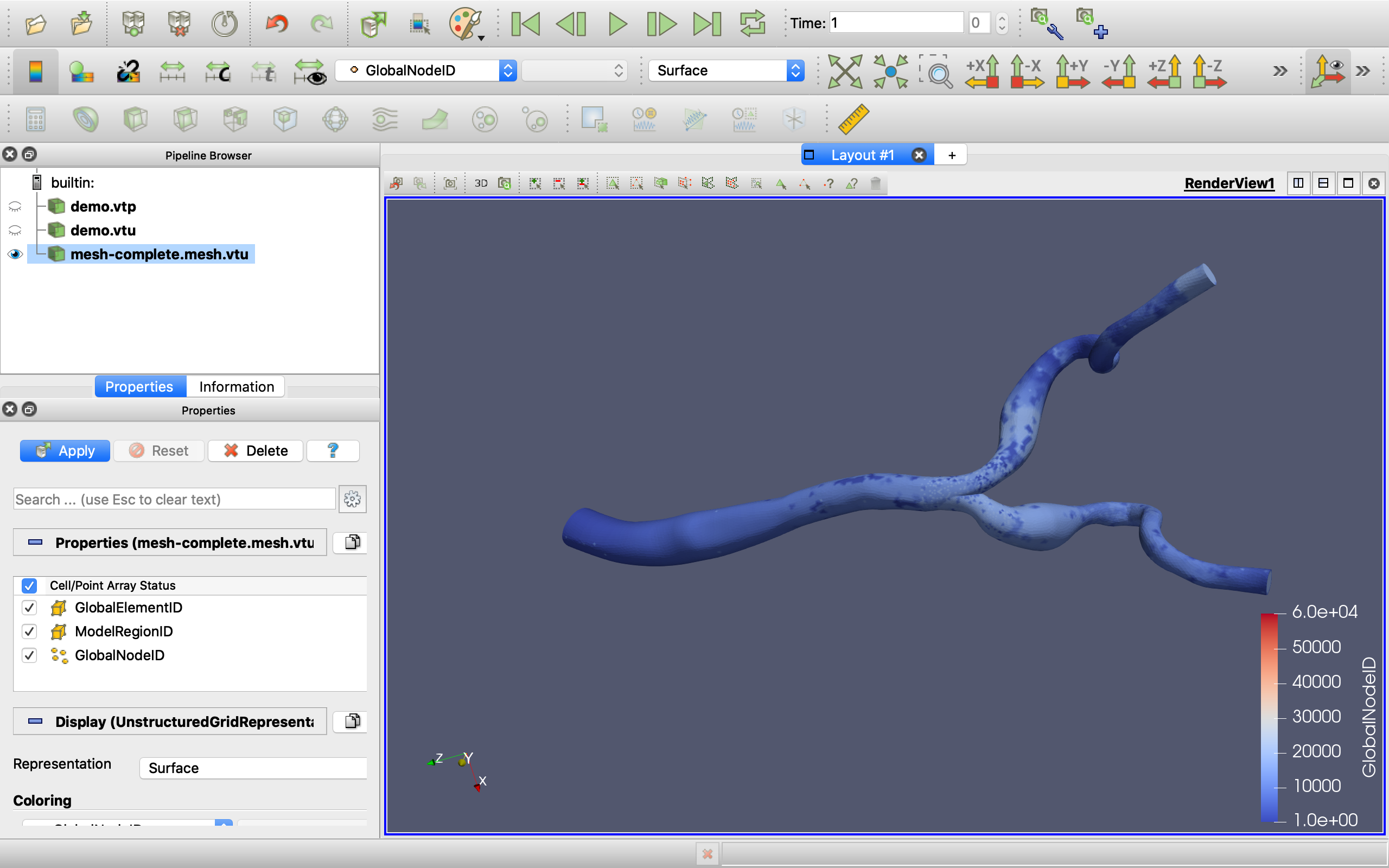
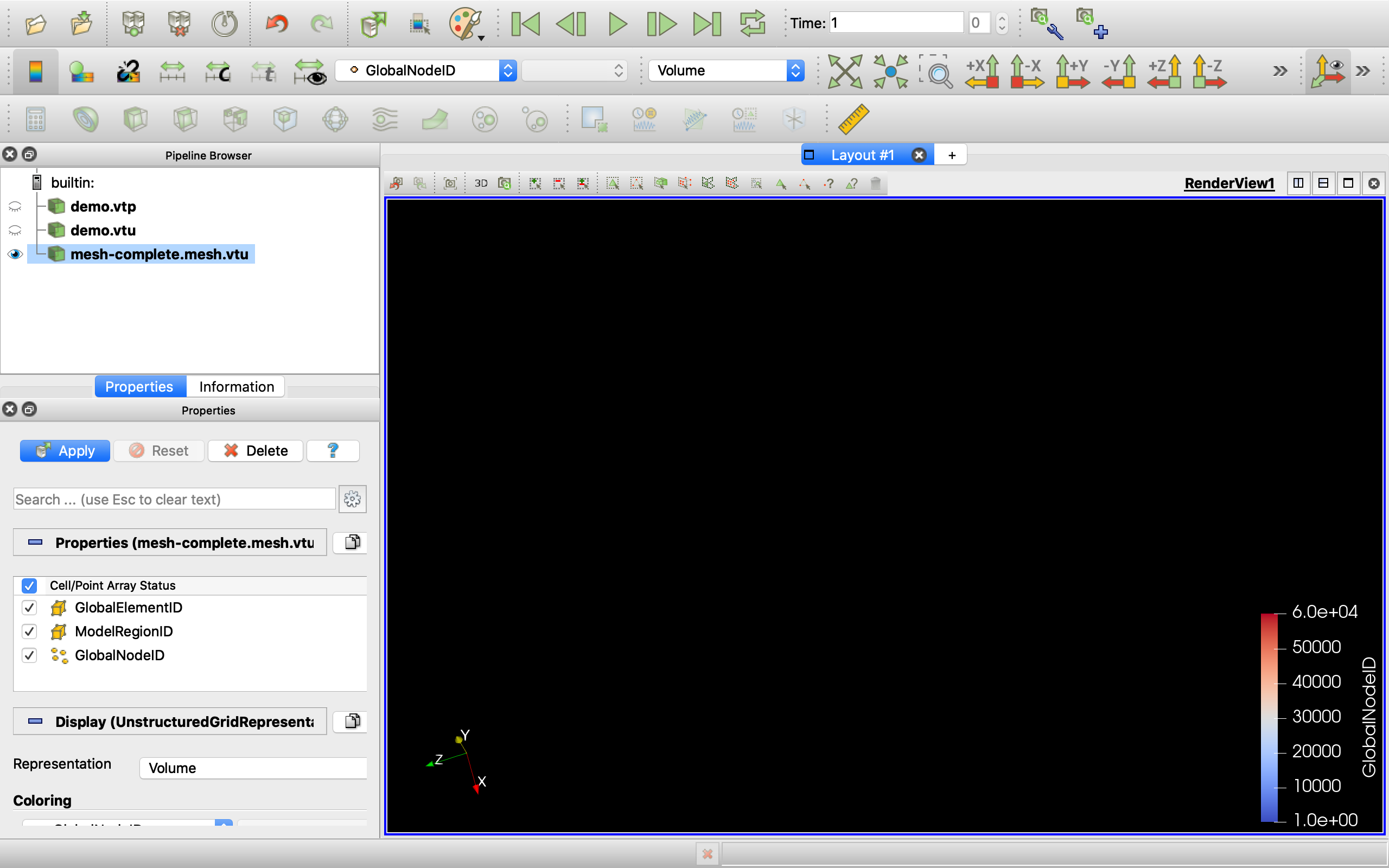
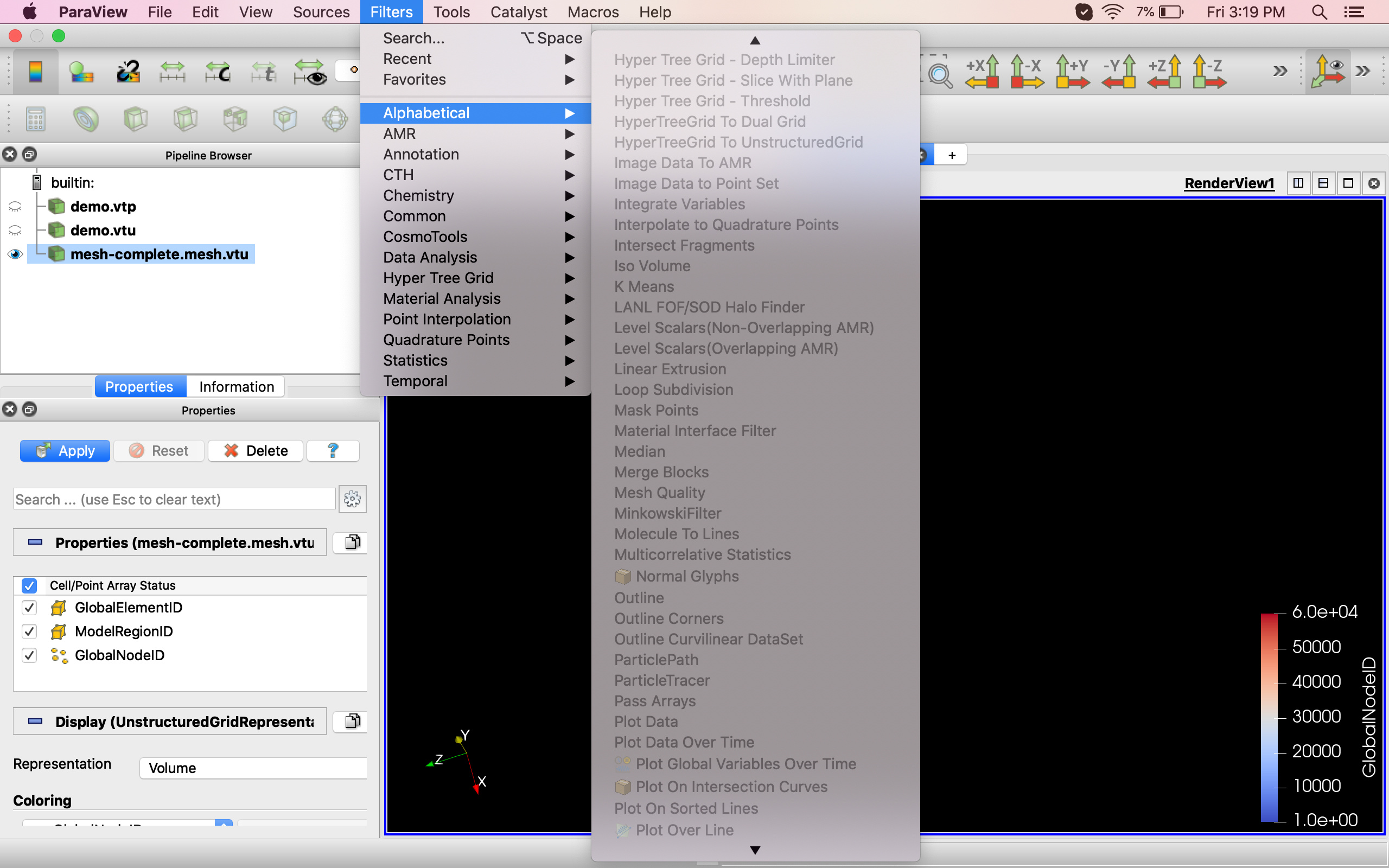
I am trying to view a .vtu file in Paraview. When using the Surface representation I can view it in the Render View but when changing to Volume the screen is black. I am using a mesh generated in SimVascular I wanted use the Mesh Quality Filter but it also doesn’t let me click it.
Please help!
---
### Author:  [@mwestphal](https://discourse.paraview.org/u/mwestphal)
#### Post date: [February 24, 2020, 2:54am UTC](https://discourse.paraview.org/t/black-screen-when-trying-to-use-volume-representation/3634/2 "2020-02-24T02:54:59Z")
press Apply to be able to use other filters.
@utkarsh.ayachit
Edit : Is your question about the blacks screen or the greyed out filter.