# Bounds&SetPosition
**URL:** https://discourse.paraview.org/t/bounds-setposition/16572
**Category:** ParaView Support
**Created:** [May 6, 2025, 7:18am UTC](https://discourse.paraview.org/t/bounds-setposition/16572 "2025-05-06T07:18:09Z")
**Posts on this page:** 14
**Page:** 1
### Author:  [@Silver](https://discourse.paraview.org/u/Silver)
#### Post date: [May 6, 2025, 7:18am UTC](https://discourse.paraview.org/t/bounds-setposition/16572/1 "2025-05-06T07:18:09Z")
Hi,
I met two issues here. My data (512x512x512 volume) is stored in .vti. My paraview version is 5.12.1, python 3.10
1. I tried to print the bounds by `print(reader.GetDataInformation().GetBounds())`. But sometimes I got (1, -1, 1, -1, 1, -1) sometimes I got (0, 511, 0, 511, 0, 511). Is it a bug?
2. When I changed camera position by doing `camera.SetPosition(1, 1, 1)` and `camera.SetPosition(2, 2, 2),` I got the same rendering.
Thank you for your help
---
### Author:  [@mwestphal](https://discourse.paraview.org/u/mwestphal)
#### Post date: [May 6, 2025, 9:28am UTC](https://discourse.paraview.org/t/bounds-setposition/16572/2 "2025-05-06T09:28:11Z")
> I tried to print the bounds by print(reader.GetDataInformation().GetBounds()). But sometimes I got (1, -1, 1, -1, 1, -1) sometimes I got (0, 511, 0, 511, 0, 511). Is it a bug?
Works fine here, did you show and render your data first ?
> When I changed camera position by doing `camera.SetPosition(1, 1, 1)` and `camera.SetPosition(2, 2, 2),` I got the same rendering.
Works fine here, did you render afert changing position ?
---
### Author:  [@Silver](https://discourse.paraview.org/u/Silver)
#### Post date: [May 6, 2025, 9:37am UTC](https://discourse.paraview.org/t/bounds-setposition/16572/3 "2025-05-06T09:37:02Z")
Hi,
> Works fine here, did you show and render your data first ?
> I did it by:
```auto
reader = OpenDataFile(".volume_path")
print(reader.GetDataInformation().GetBounds())
```
the rendering code was after it
> Works fine here, did you render afert changing position ?
yes
---
### Author:  [@mwestphal](https://discourse.paraview.org/u/mwestphal)
#### Post date: [May 6, 2025, 9:40am UTC](https://discourse.paraview.org/t/bounds-setposition/16572/4 "2025-05-06T09:40:52Z")
> [@Silver](#):
>
> the rendering code was after it
You need to at least update information before using GetDataInformation.
---
### Author:  [@Silver](https://discourse.paraview.org/u/Silver)
#### Post date: [May 6, 2025, 9:55am UTC](https://discourse.paraview.org/t/bounds-setposition/16572/5 "2025-05-06T09:55:45Z")
thanks, the first issue was solved, but the second remains there.
this is my full code:
```auto
reader = OpenDataFile("./volume_path.vti")
UpdatePipeline()
print(reader.GetDataInformation().GetBounds())
view = GetActiveViewOrCreate('RenderView')
bounds = reader.GetDataInformation().GetBounds()
center = [(bounds[0] + bounds[1]) / 2,
(bounds[2] + bounds[3]) / 2,
(bounds[4] + bounds[5]) / 2]
view.ViewSize = [800, 800]
SetViewProperties(
Background=[1.0, 1.0, 1.0],
UseColorPaletteForBackground=0,
)
view.AxesGrid.Visibility = 0
view.OrientationAxesVisibility = 0
view.CameraViewAngle = 1
display = GetDisplayProperties(reader, view=view)
display.Representation = 'Volume'
ColorBy(display, ('POINTS', 'Scalars_'))
cmap = GetColorTransferFunction('Scalars_')
cmap.ApplyPreset('Turbo', True)
cmap.RescaleTransferFunctionToDataRange(True)
opacity = GetOpacityTransferFunction('Scalars_')
gaussian_list = []
for i in range(256):
gaussian_list.append(i)
gaussian_list.append(gaussian(i, 200, 60, 0.05))
gaussian_list.append(0.5)
gaussian_list.append(0)
opacity.Points = gaussian_list
camera = view.GetActiveCamera()
camera.SetFocalPoint(center[0], center[1], center[2]) # The point the camera looks at
camera.SetViewUp(0, 1, 0) # Which direction is 'up'
camera.SetViewAngle(2)
angle_degrees = 60
angle_radians = math.radians(angle_degrees)
camera.SetPosition(center[0]+8, center[1]+8, center[2]+8)
Render()
filename = f"./ParaView/bin/render_test.png"
SaveScreenshot(filename, view, ImageResolution=view.ViewSize)
```
---
### Author:  [@mwestphal](https://discourse.paraview.org/u/mwestphal)
#### Post date: [May 6, 2025, 9:58am UTC](https://discourse.paraview.org/t/bounds-setposition/16572/6 "2025-05-06T09:58:50Z")
> [@Silver](#):
>
> `camera.SetPosition(center[0]+8, center[1]+8, center[2]+8)`
Try something wildly different and see if it has an effect
---
### Author:  [@Silver](https://discourse.paraview.org/u/Silver)
#### Post date: [May 6, 2025, 10:39am UTC](https://discourse.paraview.org/t/bounds-setposition/16572/7 "2025-05-06T10:39:22Z")
No, I still got the same rendering even when I increased it to `camera.SetPosition(center[0]+1000, center[1]+1000, center[2]+1000)`
---
### Author:  [@mwestphal](https://discourse.paraview.org/u/mwestphal)
#### Post date: [May 6, 2025, 10:44am UTC](https://discourse.paraview.org/t/bounds-setposition/16572/8 "2025-05-06T10:44:01Z")
This simple script does not reproduce the issue:
```auto
from paraview.simple import *
Wavelet()
Show()
Render()
cam=GetActiveCamera()
cam.SetPosition(1000, 1000, 1000)
SaveScreenshot("output.png")
```
Please try on your side.
---
### Author:  [@Silver](https://discourse.paraview.org/u/Silver)
#### Post date: [May 6, 2025, 11:22am UTC](https://discourse.paraview.org/t/bounds-setposition/16572/9 "2025-05-06T11:22:08Z")
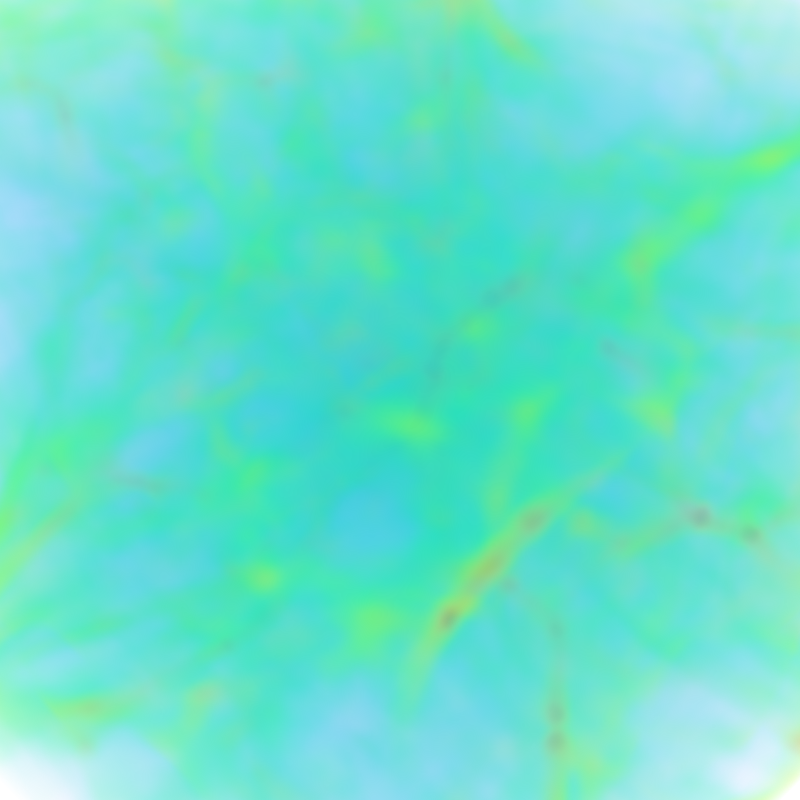
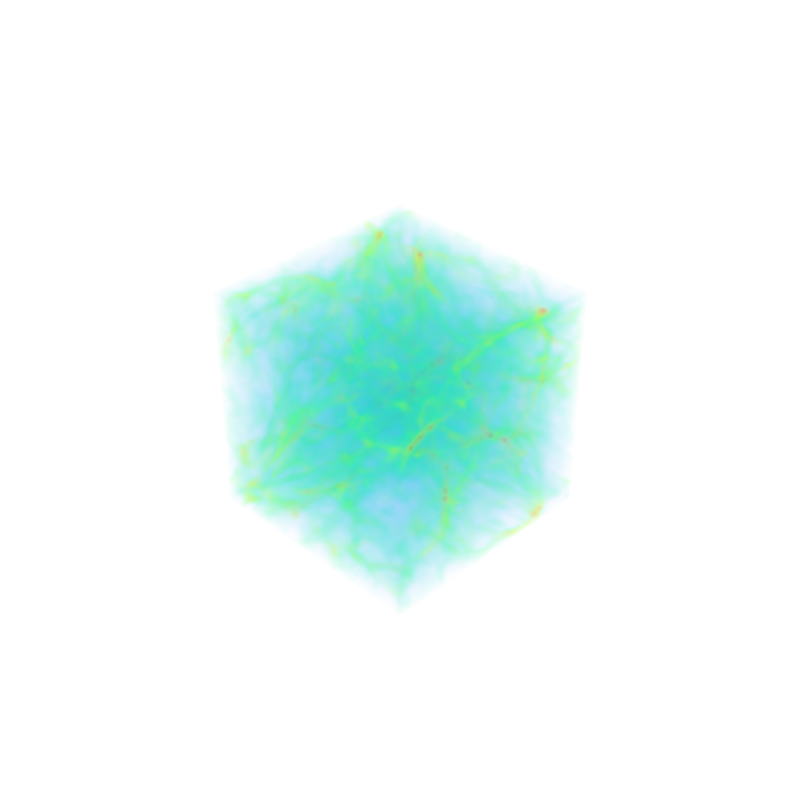
thank you. I think I solved the problem. But I observed another problem that my volume is [512, 512, 512] but when I did `camera.SetPosition(800, 800, 800)`, I only saw the zoomed-in part of the volume. here is my code:
```auto
reader = OpenDataFile("./volume_path.vti")
UpdatePipeline()
view = GetActiveViewOrCreate('RenderView')
bounds = reader.GetDataInformation().GetBounds()
SetViewProperties(
Background=[1.0, 1.0, 1.0],
UseColorPaletteForBackground=0,
)
view.AxesGrid.Visibility = 0
view.OrientationAxesVisibility = 0
#
display = GetDisplayProperties(reader, view=view)
display.Representation = 'Volume'
ColorBy(display, ('POINTS', 'Scalars_'))
cmap = GetColorTransferFunction('Scalars_')
cmap.ApplyPreset('Turbo', True)
cmap.RescaleTransferFunctionToDataRange(True)
opacity = GetOpacityTransferFunction('Scalars_')
gaussian_list = []
for i in range(256):
gaussian_list.append(i)
gaussian_list.append(gaussian(i, 200, 60, 0.05))
gaussian_list.append(0.5)
gaussian_list.append(0)
opacity.Points = gaussian_list
Show()
Render()
camera = GetActiveCamera()
camera.SetPosition(800, 800, 800)
filename = f"./ParaView/bin/render_test.png"
SaveScreenshot(filename, ImageResolution=[800, 800])
```
i attached rendered volume under `camera.SetPosition(800, 800, 800)` and `camera.SetPosition(2000, 2000, 2000)`
---
### Author:  [@mwestphal](https://discourse.paraview.org/u/mwestphal)
#### Post date: [May 13, 2025, 6:37am UTC](https://discourse.paraview.org/t/bounds-setposition/16572/10 "2025-05-13T06:37:35Z")
I dont see an error here, your volume is just big ?
---
### Author:  [@Silver](https://discourse.paraview.org/u/Silver)
#### Post date: [May 18, 2025, 2:01pm UTC](https://discourse.paraview.org/t/bounds-setposition/16572/11 "2025-05-18T14:01:14Z")
My volume is in 512x52x512, so when I set the camera position to (800, 800, 800) I should be able to see the whole volume. But in my case I only saw part of it, which seems like the camera is still inside the volume
---
### Author:  [@mwestphal](https://discourse.paraview.org/u/mwestphal)
#### Post date: [May 21, 2025, 9:39am UTC](https://discourse.paraview.org/t/bounds-setposition/16572/12 "2025-05-21T09:39:35Z")
That depends on the view angle of the camera. What happens if you call ResetCamera ?
---
### Author:  [@Silver](https://discourse.paraview.org/u/Silver)
#### Post date: [May 28, 2025, 7:09am UTC](https://discourse.paraview.org/t/bounds-setposition/16572/13 "2025-05-28T07:09:37Z")
no, I still saw part of the volume
this is my code snippet. maybe I was using it unproperly?
```auto
Show()
ResetCamera()
Render()
camera = GetActiveCamera()
camera.SetPosition(800, 800, 800)
filename = f"./render_test.png"
SaveScreenshot(filename, ImageResolution=[800, 800])
```
---
### Author:  [@Silver](https://discourse.paraview.org/u/Silver)
#### Post date: [June 2, 2025, 2:03pm UTC](https://discourse.paraview.org/t/bounds-setposition/16572/14 "2025-06-02T14:03:35Z")
Hi,
I addressed the problem by adjusting the `view.CameraViewAngle`. Thank you