# Color map issues with sequence of images
**URL:** https://discourse.paraview.org/t/color-map-issues-with-sequence-of-images/11556
**Category:** ParaView Support
**Created:** [March 3, 2023, 4:55am UTC](https://discourse.paraview.org/t/color-map-issues-with-sequence-of-images/11556 "2023-03-03T04:55:06Z")
**Posts on this page:** 5
**Page:** 1
### Author:  [@jdpellet](https://discourse.paraview.org/u/jdpellet)
#### Post date: [March 3, 2023, 4:55am UTC](https://discourse.paraview.org/t/color-map-issues-with-sequence-of-images/11556/1 "2023-03-03T04:55:06Z")
ParaView 5.10.1 seems to have some strange behavior when I try to visualize a sequence of rasters.
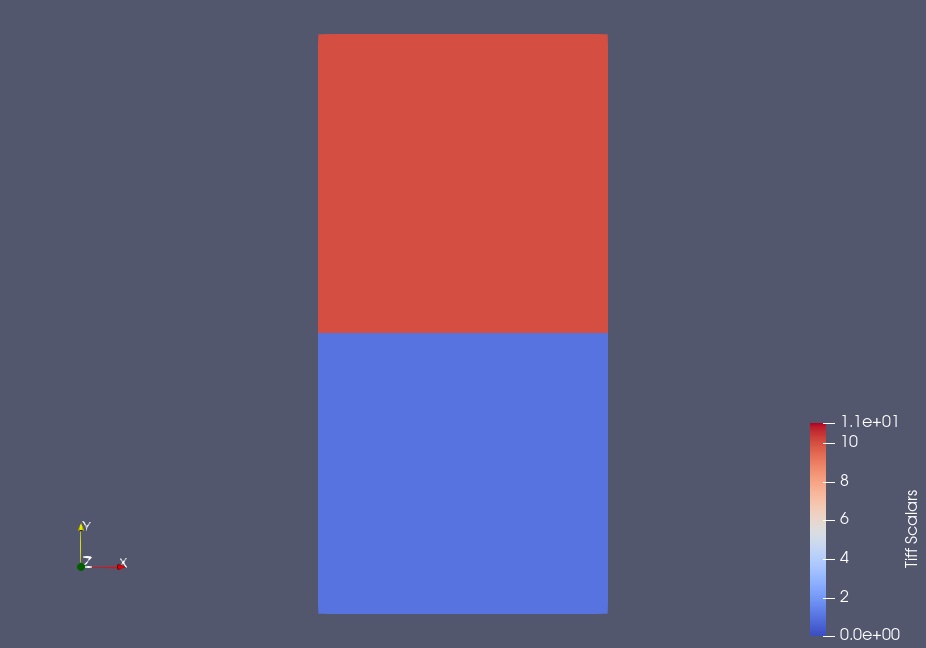
Here is the first raster loaded individually (results are as anticipated):
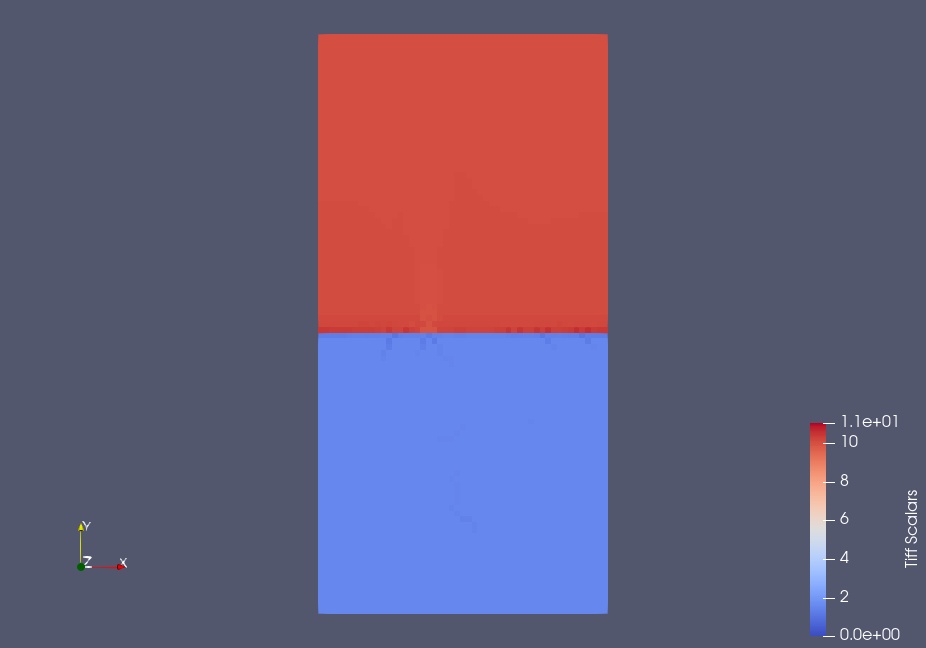
and the second loaded individually (slightly different from the first):
When I load the two rasters together as a sequence (for an animation), the first image appears the same as before but the second image is different:
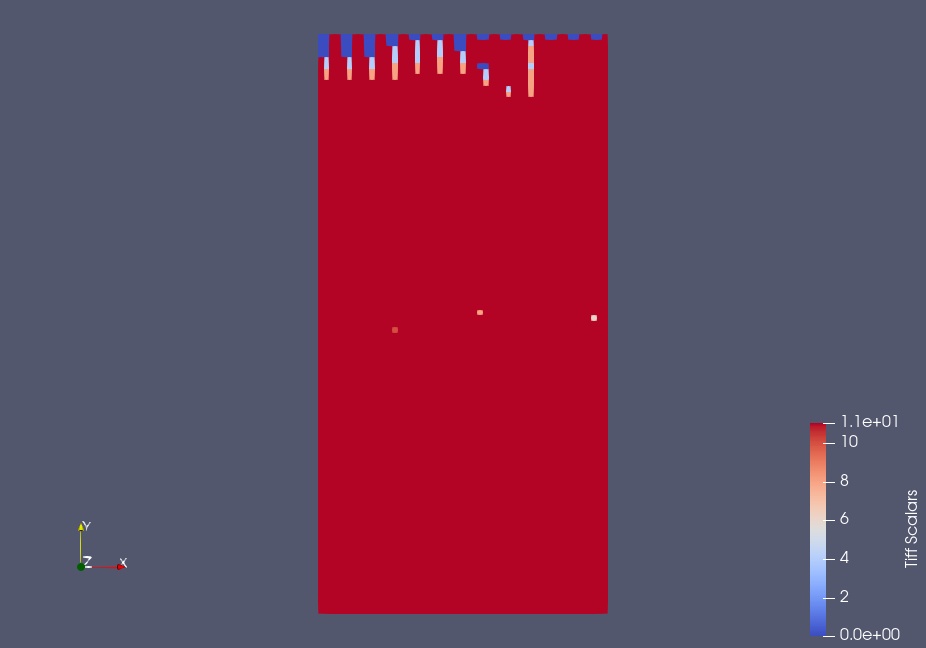
This seems to happen only when the data in the raster is highly bimodal (part of the image is close to one value and the rest is close to a different value).
---
### Author:  [@mwestphal](https://discourse.paraview.org/u/mwestphal)
#### Post date: [March 8, 2023, 12:13pm UTC](https://discourse.paraview.org/t/color-map-issues-with-sequence-of-images/11556/2 "2023-03-08T12:13:15Z")
Hi @jdpellet
Please share your data.
Best,
---
### Author:  [@jdpellet](https://discourse.paraview.org/u/jdpellet)
#### Post date: [March 8, 2023, 12:40pm UTC](https://discourse.paraview.org/t/color-map-issues-with-sequence-of-images/11556/3 "2023-03-08T12:40:58Z")
[soil\_1.tif](https://discourse.paraview.org/uploads/short-url/weuA83UzTLZ5yJ5FS0aqWqz2POt.tif) (5.3 KB)
[soil\_2.tif](https://discourse.paraview.org/uploads/short-url/rlvEcvhdCilJXBJyiohlYljF3f4.tif) (20.4 KB)
I didn’t save the exact same files but the two tif images above show the same issue. Here are the screenshots for these files loaded separately:

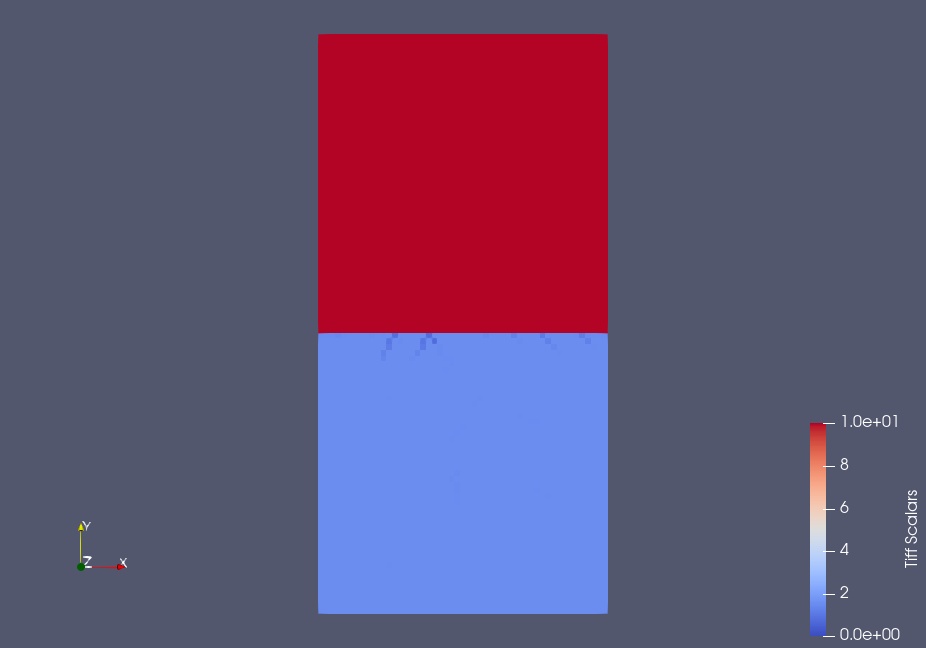
and then here is the screenshot of the second image with the images loaded together as a sequence using “open multiple files with the cntrl key”.
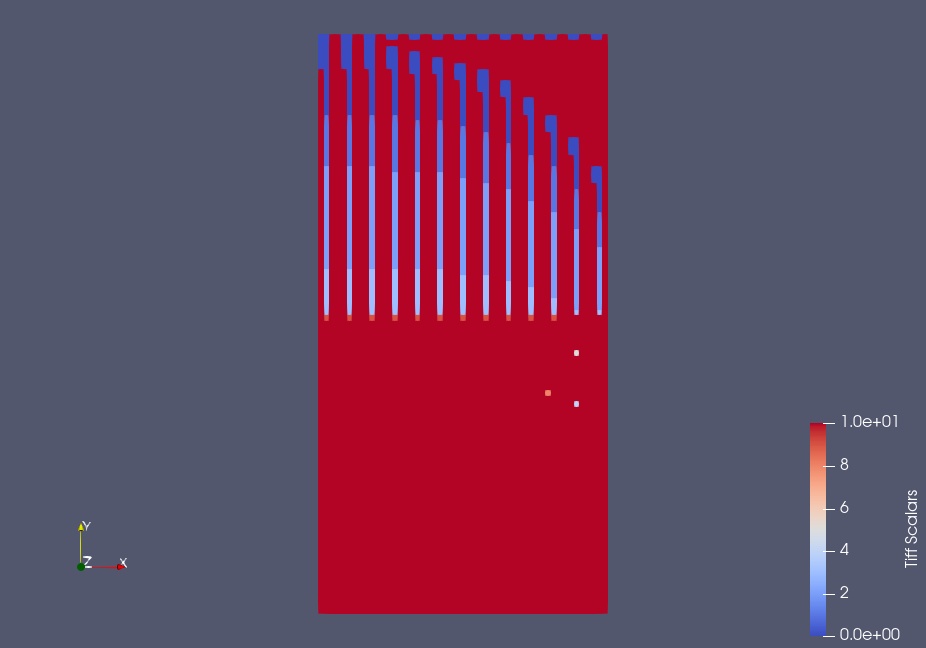
After I loaded the sequence I turned off “read as image stack” and then made them visible using default colors/settings.
---
### Author:  [@Kenneth\_Moreland](https://discourse.paraview.org/u/Kenneth_Moreland)
#### Post date: [March 8, 2023, 1:58pm UTC](https://discourse.paraview.org/t/color-map-issues-with-sequence-of-images/11556/4 "2023-03-08T13:58:46Z")
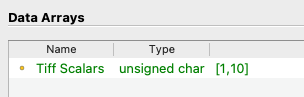
I think the problem is that your two tiff files are of different formats. If you load `soil_1.tif` independently, ParaView reports that the data are represented as 8-bit unsigned integer values in the `Information` panel.
If you load `soil_2.tif` independently, ParaView reports that the data are represented as 32-bit floating point values.
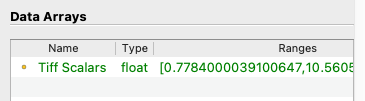
This explains why the file size of `soil_2.tif` is 4 times that of `soil_1.tif`.
Now the problem is that when you read the files as a stack, ParaView’s tiff reader (reasonably) assumes that the data format is consistent across all the files. So, it reads the first file and identifies the data as 8-bit unsigned integers. It then assumes the second file is the same and reads the 32-float values as 8-bit integers. The weird pattern you are seeing are the 4 bits of the IEEE floating point values.
---
### Author:  [@jdpellet](https://discourse.paraview.org/u/jdpellet)
#### Post date: [March 8, 2023, 2:07pm UTC](https://discourse.paraview.org/t/color-map-issues-with-sequence-of-images/11556/5 "2023-03-08T14:07:45Z")
Thank you. I used a batch gdal\_translate to convert the ascii xyz outputs from my mathematical model to geotiffs. I will seek out how to force gdal\_translate to produce 32-bit float for all files or try another converter. That should resolve.