# convert NIfti file (nii.gz) to (.vtk)file
**URL:** https://discourse.paraview.org/t/convert-nifti-file-nii-gz-to-vtk-file/2924
**Category:** ParaView Support
**Tags:** vtk
**Created:** [November 6, 2019, 5:32pm UTC](https://discourse.paraview.org/t/convert-nifti-file-nii-gz-to-vtk-file/2924 "2019-11-06T17:32:33Z")
**Posts on this page:** 4
**Page:** 1
### Author:  [@nour](https://discourse.paraview.org/u/nour)
#### Post date: [November 6, 2019, 5:32pm UTC](https://discourse.paraview.org/t/convert-nifti-file-nii-gz-to-vtk-file/2924/1 "2019-11-06T17:32:33Z")
I am working with MRI Nifti dataset and I would convert it to .vtk meshes file.
I installed the ITK-SNAP and 3cd converter.
but there is a problem
exemple : as you see in the picture 1 I couldn’t open the .vtk file ( I converted it with (c3d file.nii.gz -o file.vtk) also with itsknap (which i saved the image output as VTKfile)
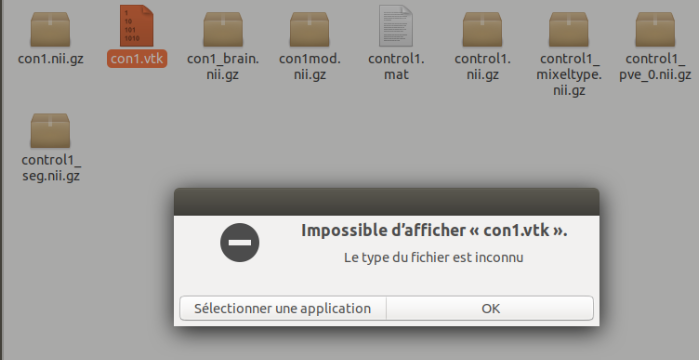 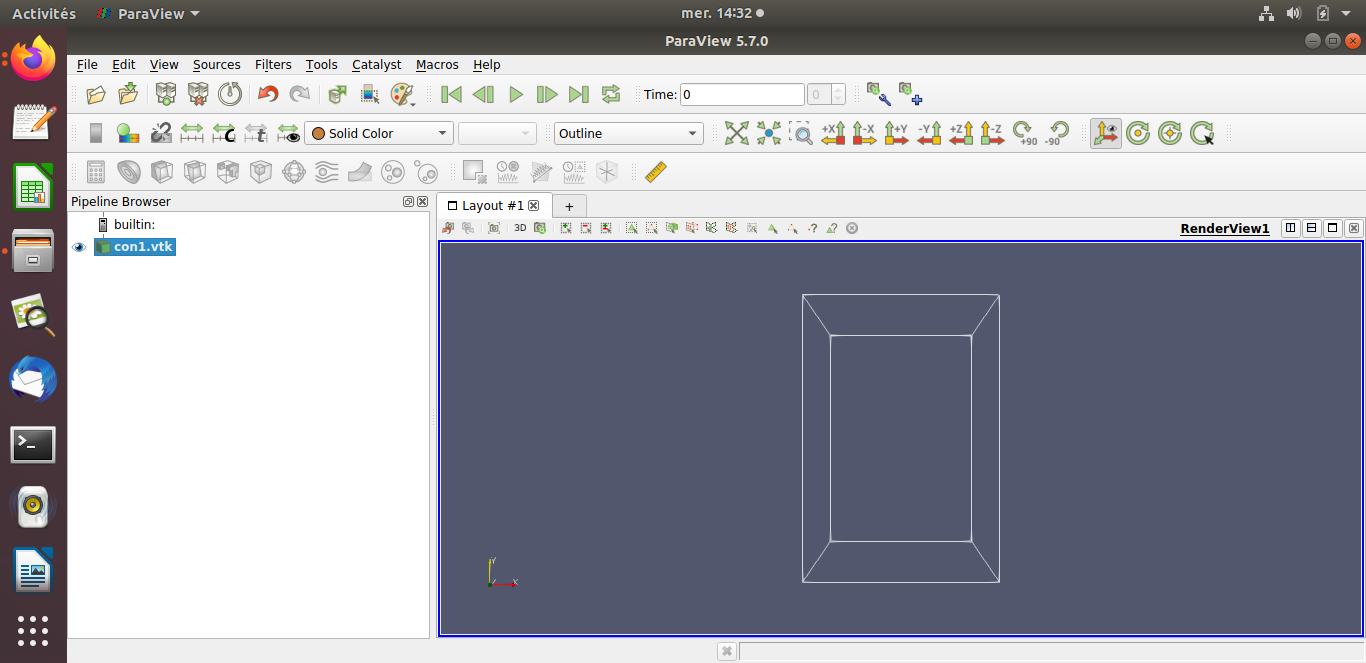
and if I want to show it with paraview I couldn’t see anything as you see in the picture 2
---
### Author:  [@aron.helser](https://discourse.paraview.org/u/aron.helser)
#### Post date: [November 6, 2019, 6:28pm UTC](https://discourse.paraview.org/t/convert-nifti-file-nii-gz-to-vtk-file/2924/2 "2019-11-06T18:28:52Z")
See that “Outline” dropdown right in the middle of your ParaView toolbars? What if you change it to “Surface” or “Surface with edges”?
-Aron
---
### Author:  [@nour](https://discourse.paraview.org/u/nour)
#### Post date: [November 6, 2019, 6:52pm UTC](https://discourse.paraview.org/t/convert-nifti-file-nii-gz-to-vtk-file/2924/3 "2019-11-06T18:52:07Z")
the same thing 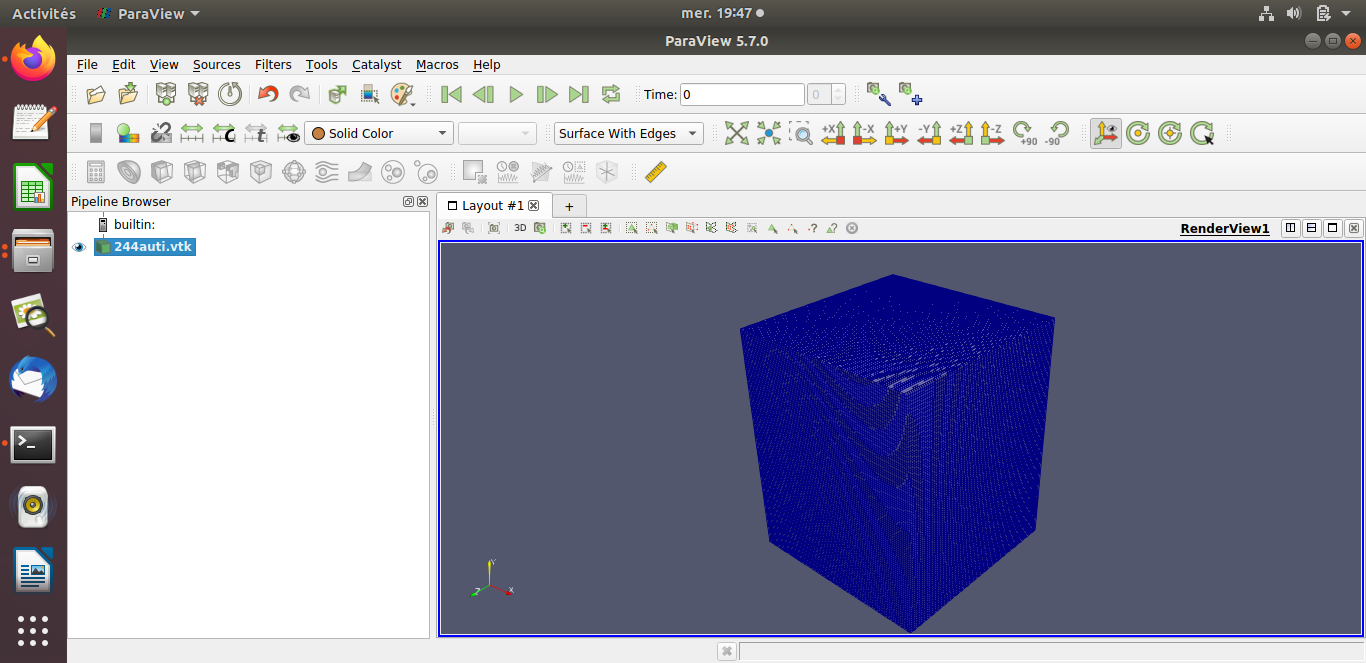
---
### Author:  [@aron.helser](https://discourse.paraview.org/u/aron.helser)
#### Post date: [November 6, 2019, 7:22pm UTC](https://discourse.paraview.org/t/convert-nifti-file-nii-gz-to-vtk-file/2924/4 "2019-11-06T19:22:41Z")
With that dropdown, you are changing how the data is displayed, the “representation”. It looks like you have successfully loaded a cube of data. Does “Volume” give you something more interesting? I suggest you look at the ParaView Guide for some hints on interacting with your data - using the “Clip” or “Threshold” filter, for example.
HTH,
Aron