# Different results in Paraview and CFDPost from same fluent data
**URL:** https://discourse.paraview.org/t/different-results-in-paraview-and-cfdpost-from-same-fluent-data/16293
**Category:** ParaView Support
**Created:** [March 11, 2025, 9:55am UTC](https://discourse.paraview.org/t/different-results-in-paraview-and-cfdpost-from-same-fluent-data/16293 "2025-03-11T09:55:35Z")
**Posts on this page:** 6
**Page:** 2
### Author:  [@scabo](https://discourse.paraview.org/u/scabo)
#### Post date: [March 11, 2025, 5:02pm UTC](https://discourse.paraview.org/t/different-results-in-paraview-and-cfdpost-from-same-fluent-data/16293/21 "2025-03-11T17:02:31Z")
it is showing a brown screen but not anything else
---
### Author:  [@scabo](https://discourse.paraview.org/u/scabo)
#### Post date: [March 11, 2025, 5:03pm UTC](https://discourse.paraview.org/t/different-results-in-paraview-and-cfdpost-from-same-fluent-data/16293/22 "2025-03-11T17:03:31Z")
also you have dynamic\_pressure as legend caption, i wanted axial velocity or velocity
---
### Author:  [@scabo](https://discourse.paraview.org/u/scabo)
#### Post date: [March 11, 2025, 6:58pm UTC](https://discourse.paraview.org/t/different-results-in-paraview-and-cfdpost-from-same-fluent-data/16293/23 "2025-03-11T18:58:13Z")
Actually i tried this but not working.
---
### Author:  [@scabo](https://discourse.paraview.org/u/scabo)
#### Post date: [March 12, 2025, 10:59am UTC](https://discourse.paraview.org/t/different-results-in-paraview-and-cfdpost-from-same-fluent-data/16293/24 "2025-03-12T10:59:22Z")
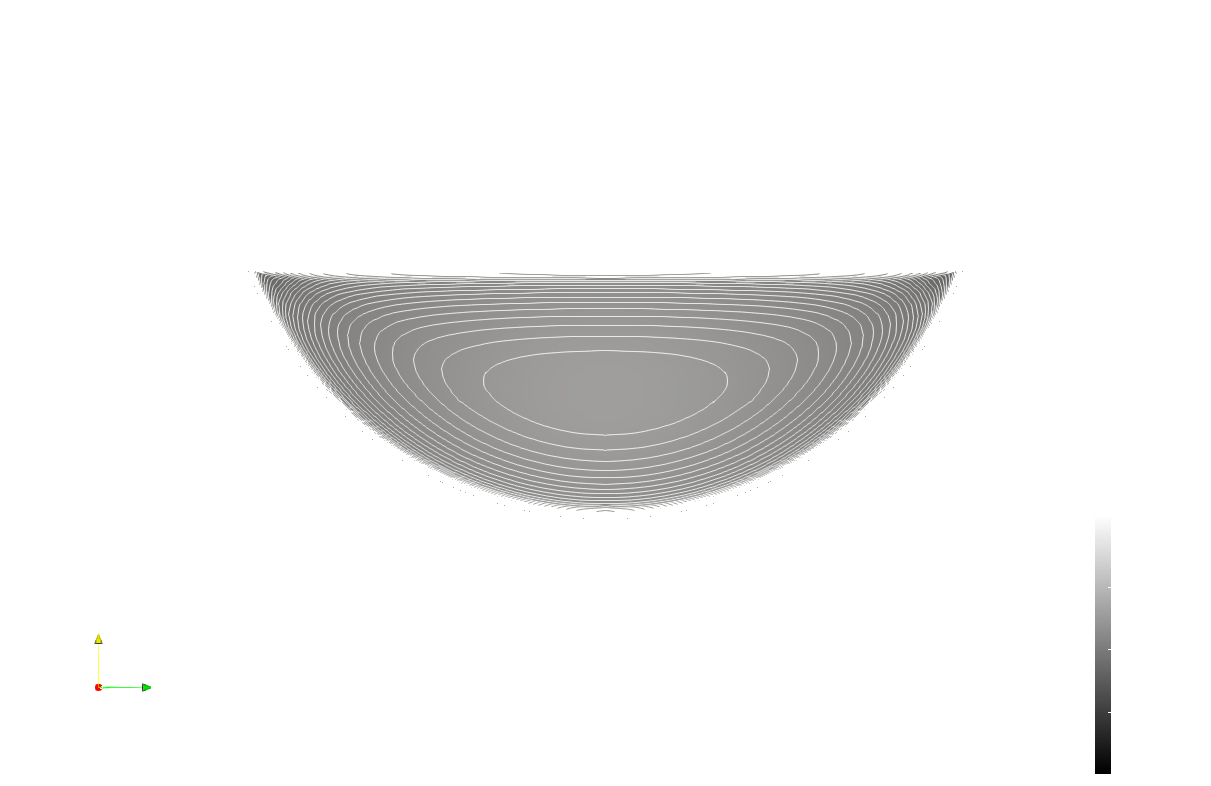
Hey i could do the attached figure, but i could not do like you showed? i tried the following steps. ANd also the state you attached is showing a brown screen only upon opening. Can you please let me know how to obtain the contour like yours…thanks
---
### Author:  [@mwestphal](https://discourse.paraview.org/u/mwestphal)
#### Post date: [March 12, 2025, 1:33pm UTC](https://discourse.paraview.org/t/different-results-in-paraview-and-cfdpost-from-same-fluent-data/16293/25 "2025-03-12T13:33:42Z")
- Open the color map editor
- In ColorDiscretization, set the number of table values to somthing that fits your contour resuslts.
---
### Author:  [@scabo](https://discourse.paraview.org/u/scabo)
#### Post date: [March 12, 2025, 4:00pm UTC](https://discourse.paraview.org/t/different-results-in-paraview-and-cfdpost-from-same-fluent-data/16293/26 "2025-03-12T16:00:23Z")
Thanks-that worked
[Previous page](https://discourse.paraview.org/t/different-results-in-paraview-and-cfdpost-from-same-fluent-data/16293.md?page=1)