# Efficient Way to Handle Animations with Time Series Data Stored in Named Folders
**URL:** https://discourse.paraview.org/t/efficient-way-to-handle-animations-with-time-series-data-stored-in-named-folders/14433
**Category:** ParaView Support
**Tags:** vtk
**Created:** [April 19, 2024, 12:27am UTC](https://discourse.paraview.org/t/efficient-way-to-handle-animations-with-time-series-data-stored-in-named-folders/14433 "2024-04-19T00:27:40Z")
**Posts on this page:** 2
**Page:** 1
### Author:  [@weber2585917537](https://discourse.paraview.org/u/weber2585917537)
#### Post date: [April 19, 2024, 12:27am UTC](https://discourse.paraview.org/t/efficient-way-to-handle-animations-with-time-series-data-stored-in-named-folders/14433/1 "2024-04-19T00:27:40Z")
Dear ParaView Community,
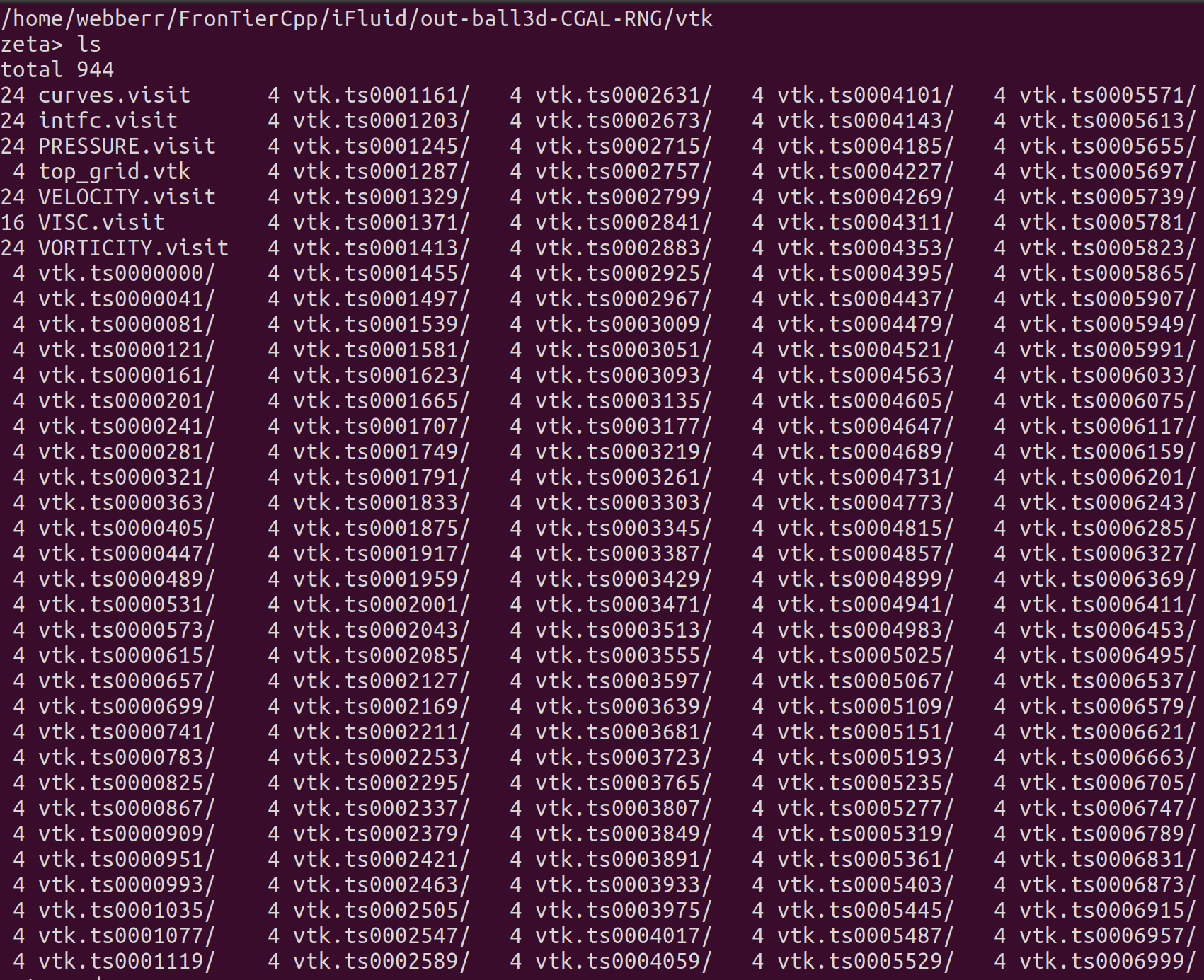
I am working with a dataset for animations where each time step is stored in its own folder, and I am struggling with the best way to manage and animate this data in ParaView.
The time steps stores in its own folders:
The vtk files inside the folders:

The content of the .visit files:
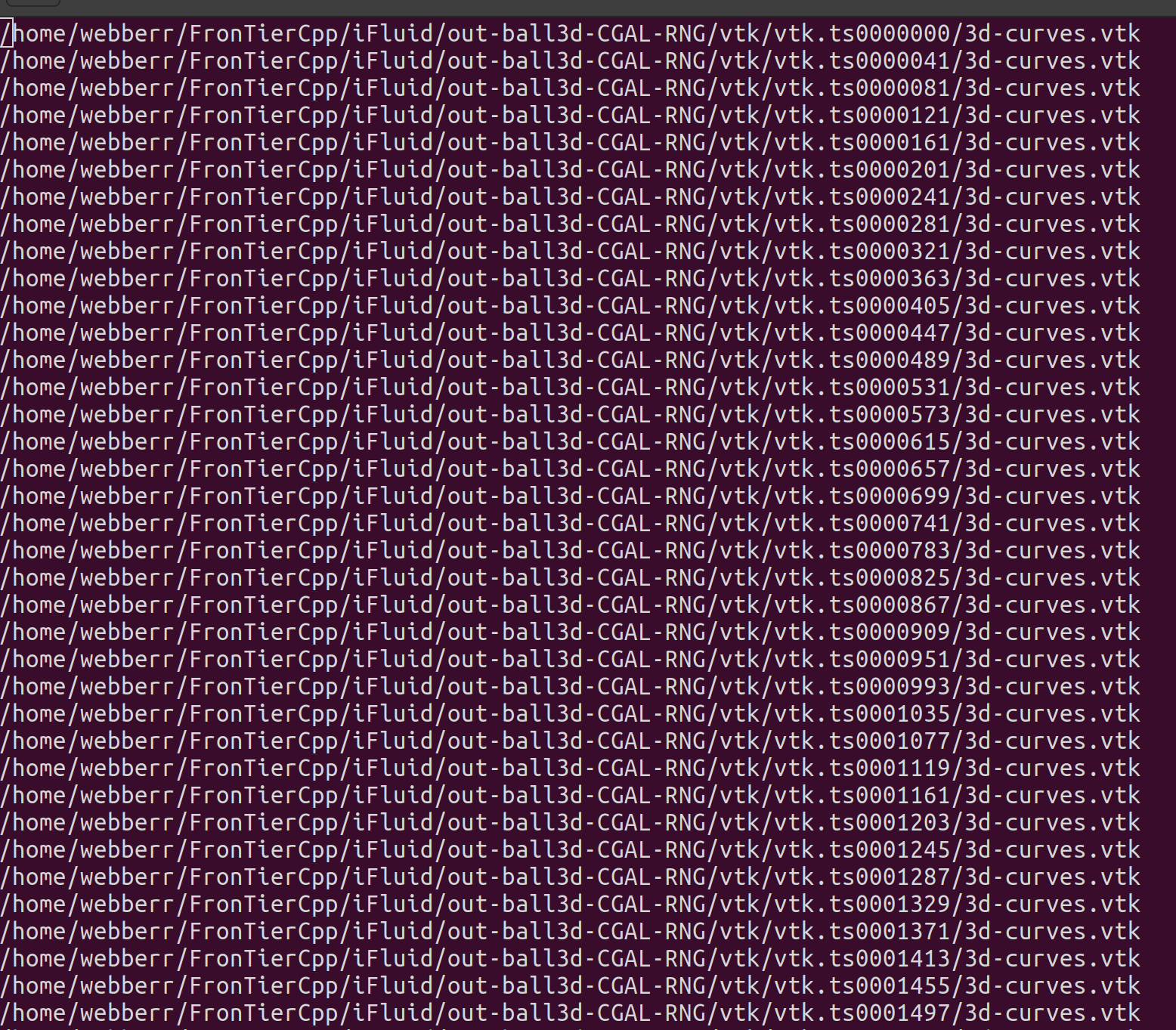
My current method involves manually copying and renaming files from their respective folders into a single directory to create a coherent time sequence for animation. For instance, I use the following command to rename and move vtk files:cp out03/vtk/vtk.ts0000000/3d-curves.vtk animation/3d\_curves\_ts0000000.vtk
However, as the dataset is extensive, this process is very time-consuming.
Is there a more efficient method to handle such datasets directly within ParaView, or perhaps a scripting solution that could automate the renaming and organizing of these files? Besides, I have no idea about what can the .visit file do. Any guidance or examples of scripts that could help automate this process would be greatly appreciated.
Thank you in advance!
---
### Author:  [@mwestphal](https://discourse.paraview.org/u/mwestphal)
#### Post date: [April 19, 2024, 7:39am UTC](https://discourse.paraview.org/t/efficient-way-to-handle-animations-with-time-series-data-stored-in-named-folders/14433/2 "2024-04-19T07:39:55Z")
Create a `.series` file instead.
> [@json vtr.series loading in Paraview 5.10](https://discourse.paraview.org/t/json-vtr-series-loading-in-paraview-5-10/10023):
>
> Dear Paraview community, I am trying to add the simulated time to a time series which would really make my animations more readable. I follow the JSON .vtr.series formatting, like so: { "file-series-version" : "1.0", "files": [ { "name" : "doab10.vtr", "time" : 60.0}, { "name" : "doab20.vtr", "time" : 55793.8978}, { "name" : "doab30.vtr", "time" : 98228.6093}, { "name" : "doab40.vtr", "time" : 154165.5208}, { "name" : "doab50.vtr", "time" : 199414.86…