# Enable AutoMPI in ParaView 5.11.2
**URL:** https://discourse.paraview.org/t/enable-autompi-in-paraview-5-11-2/13219
**Category:** ParaView Support
**Tags:** mpi
**Created:** [November 9, 2023, 12:24pm UTC](https://discourse.paraview.org/t/enable-autompi-in-paraview-5-11-2/13219 "2023-11-09T12:24:59Z")
**Posts on this page:** 10
**Page:** 1
### Author:  [@Roger1198](https://discourse.paraview.org/u/Roger1198)
#### Post date: [November 9, 2023, 12:24pm UTC](https://discourse.paraview.org/t/enable-autompi-in-paraview-5-11-2/13219/1 "2023-11-09T12:24:59Z")
I’ve downloaded ParaView-5.11.2-MPI-Windows-Python3.9-msvc2017-AMD64, and am trying to enable the “AutoMPI” option some of the earlier posts here had mentioned in order to run over multiple processors. I don’t find the option in this present version. Am I missing something? I’m new to ParaView, and would greatly appreciate your help with this query. Thanks!
---
### Author:  [@mwestphal](https://discourse.paraview.org/u/mwestphal)
#### Post date: [November 9, 2023, 12:27pm UTC](https://discourse.paraview.org/t/enable-autompi-in-paraview-5-11-2/13219/2 "2023-11-09T12:27:20Z")
Hi @Roger1198
AutoMPI has been deprecated and removed in ParaView 5.10 I believe.
Just run pvsevrer distributed manually instead.
`.\bin\mpiexec -np 4 .\bin\pvserver`
Then connect to it.
---
### Author:  [@Roger1198](https://discourse.paraview.org/u/Roger1198)
#### Post date: [November 9, 2023, 12:32pm UTC](https://discourse.paraview.org/t/enable-autompi-in-paraview-5-11-2/13219/3 "2023-11-09T12:32:20Z")
Hi, Mathieu. Thanks for the reply.
The command you’ve provided looks like something I’d have to type in an Ubuntu terminal. I’m running Win10. Is there another option for the above, or would you recommend re-installing ParaView on Ubuntu? Thanks
---
### Author:  [@mwestphal](https://discourse.paraview.org/u/mwestphal)
#### Post date: [November 9, 2023, 12:33pm UTC](https://discourse.paraview.org/t/enable-autompi-in-paraview-5-11-2/13219/4 "2023-11-09T12:33:48Z")
The command I provided should be run from a windows terminal.
---
### Author:  [@Roger1198](https://discourse.paraview.org/u/Roger1198)
#### Post date: [November 9, 2023, 12:47pm UTC](https://discourse.paraview.org/t/enable-autompi-in-paraview-5-11-2/13219/5 "2023-11-09T12:47:21Z")
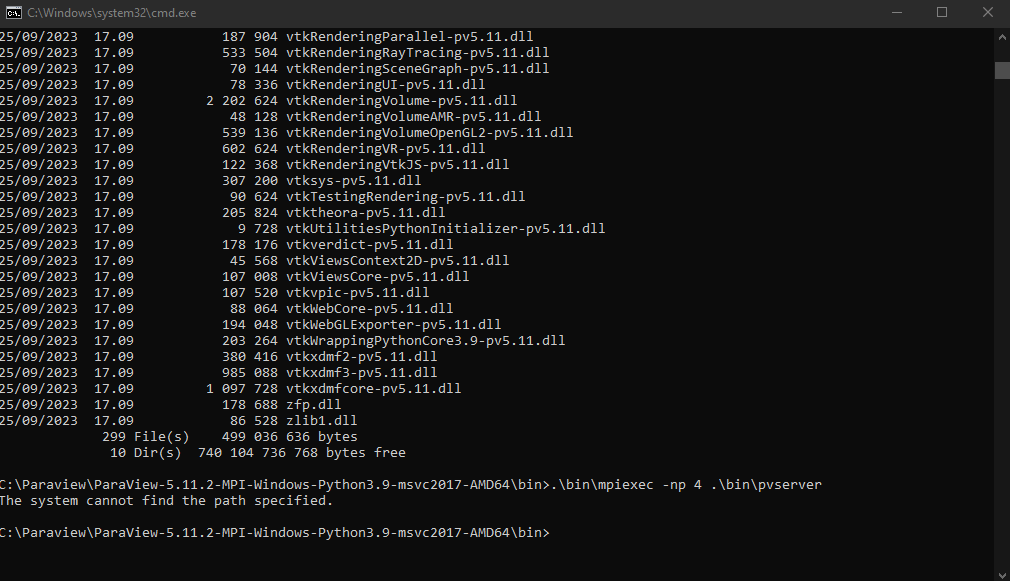
Tried the command from the bin folder, and I the following error message. Does it not recognize the command? I did install the latest version of MS-MPI.
---
### Author:  [@mwestphal](https://discourse.paraview.org/u/mwestphal)
#### Post date: [November 9, 2023, 12:49pm UTC](https://discourse.paraview.org/t/enable-autompi-in-paraview-5-11-2/13219/6 "2023-11-09T12:49:04Z")
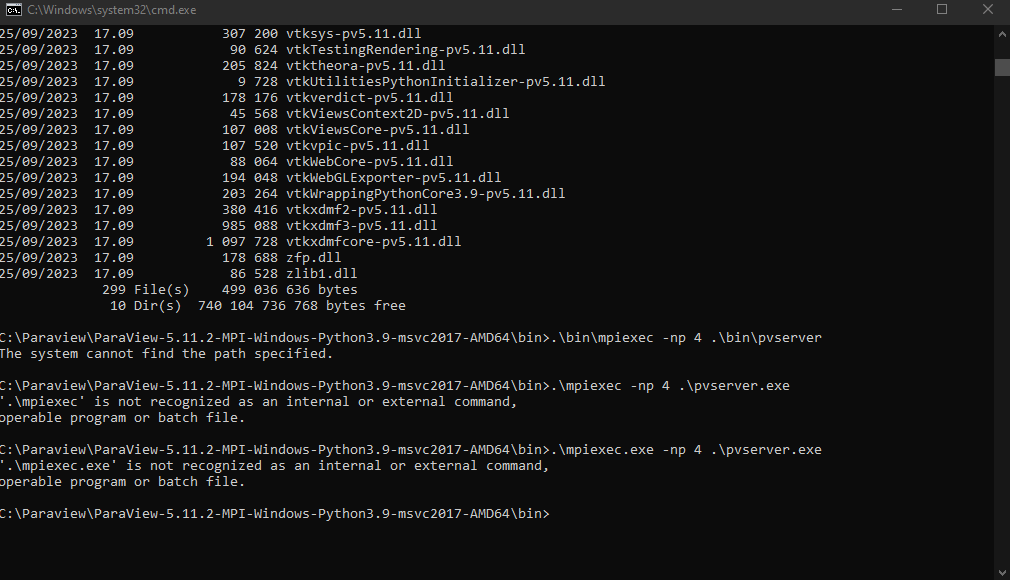
then it should be:
`.\mpiexec.exe -np 4 .\pvserver.exe`
---
### Author:  [@Roger1198](https://discourse.paraview.org/u/Roger1198)
#### Post date: [November 9, 2023, 12:51pm UTC](https://discourse.paraview.org/t/enable-autompi-in-paraview-5-11-2/13219/7 "2023-11-09T12:51:35Z")
Still no luck ☹
---
### Author:  [@mwestphal](https://discourse.paraview.org/u/mwestphal)
#### Post date: [November 9, 2023, 12:52pm UTC](https://discourse.paraview.org/t/enable-autompi-in-paraview-5-11-2/13219/8 "2023-11-09T12:52:44Z")
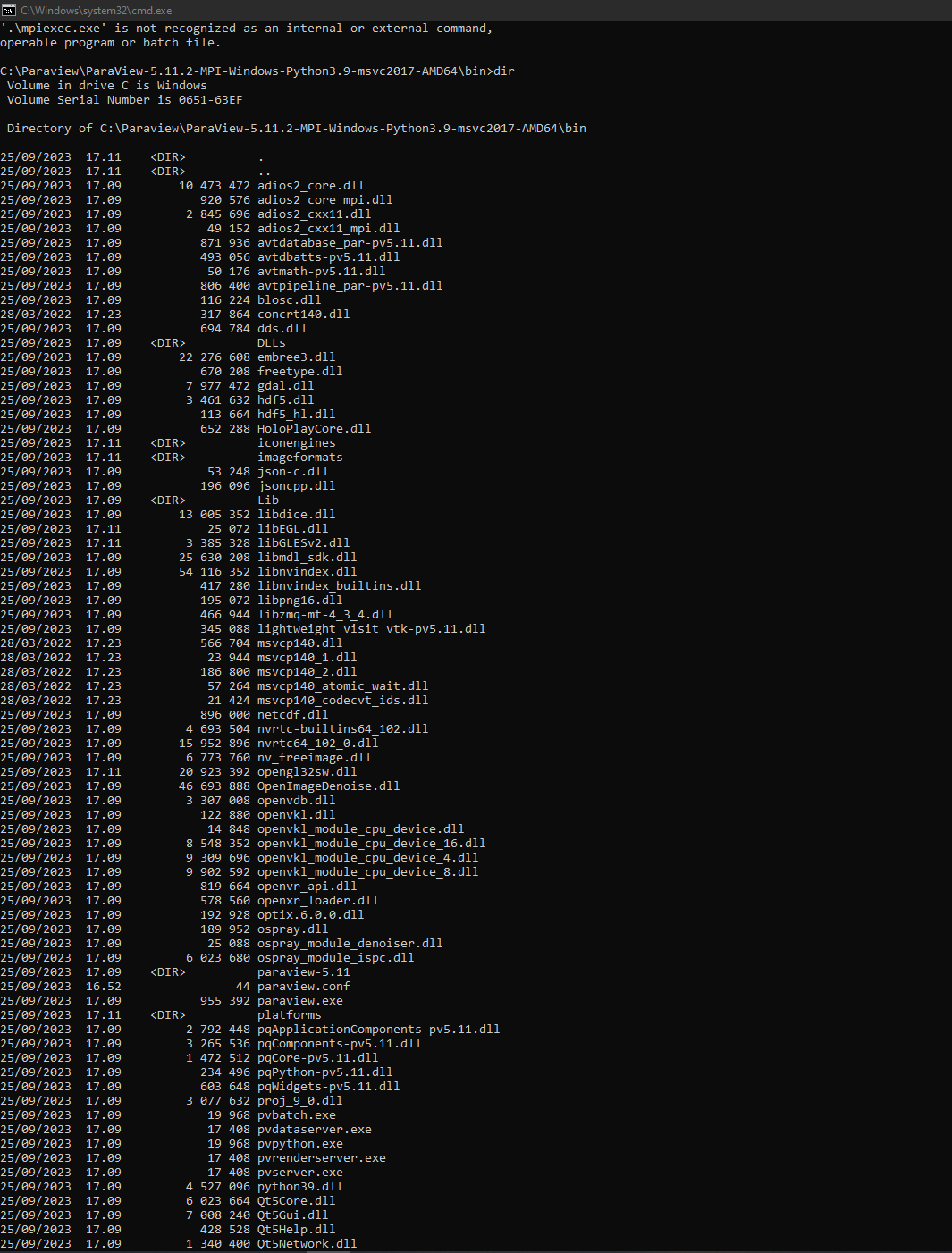
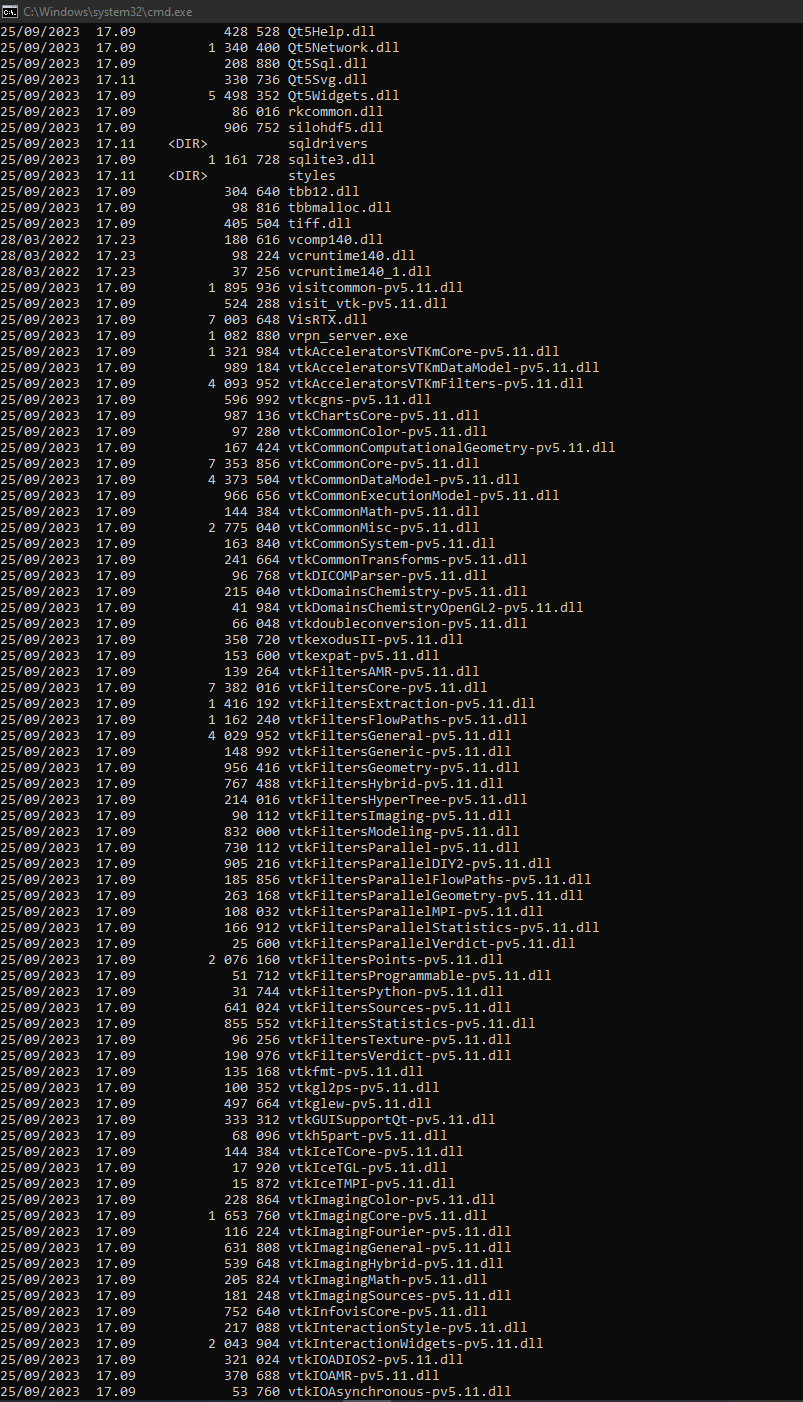
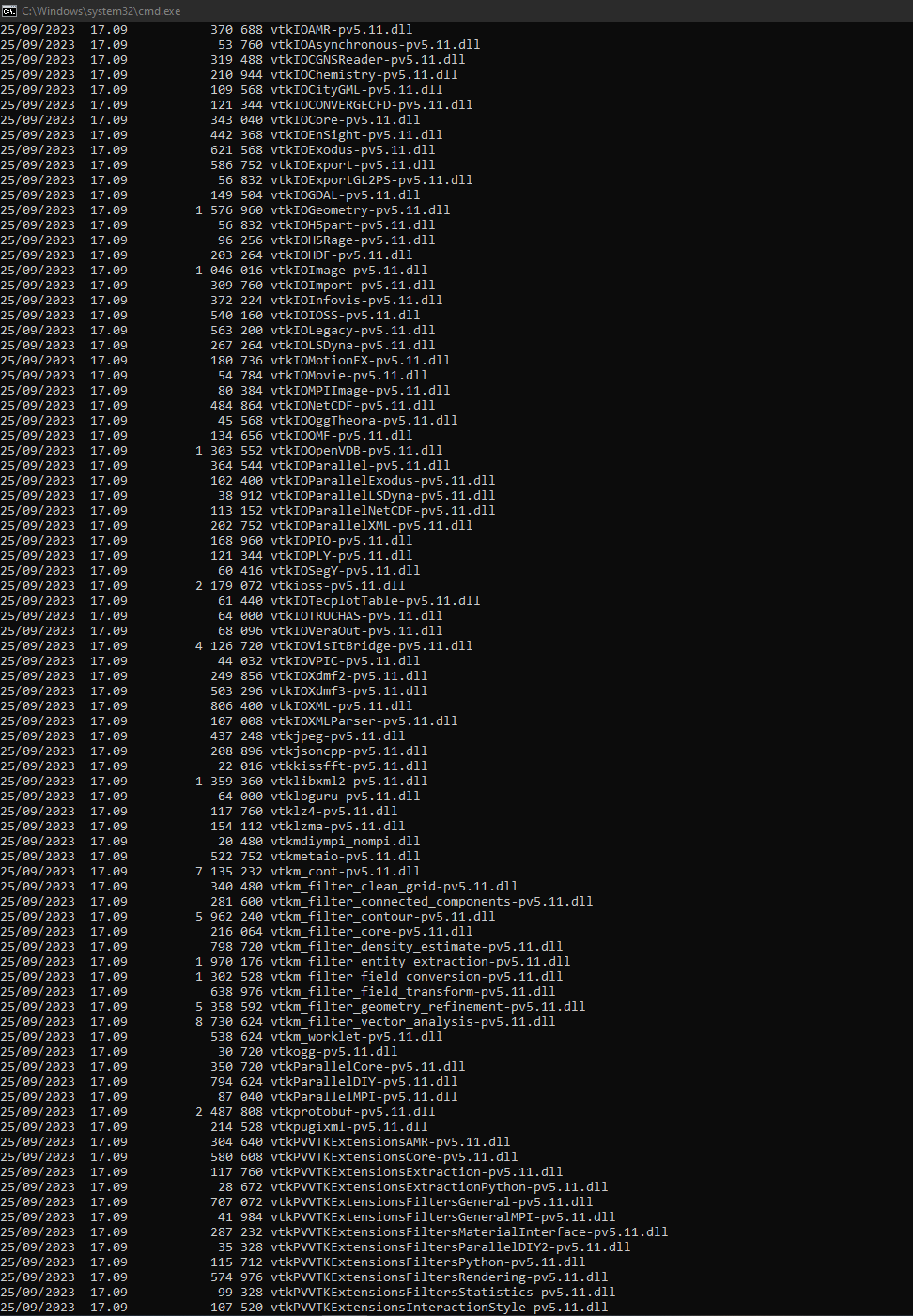
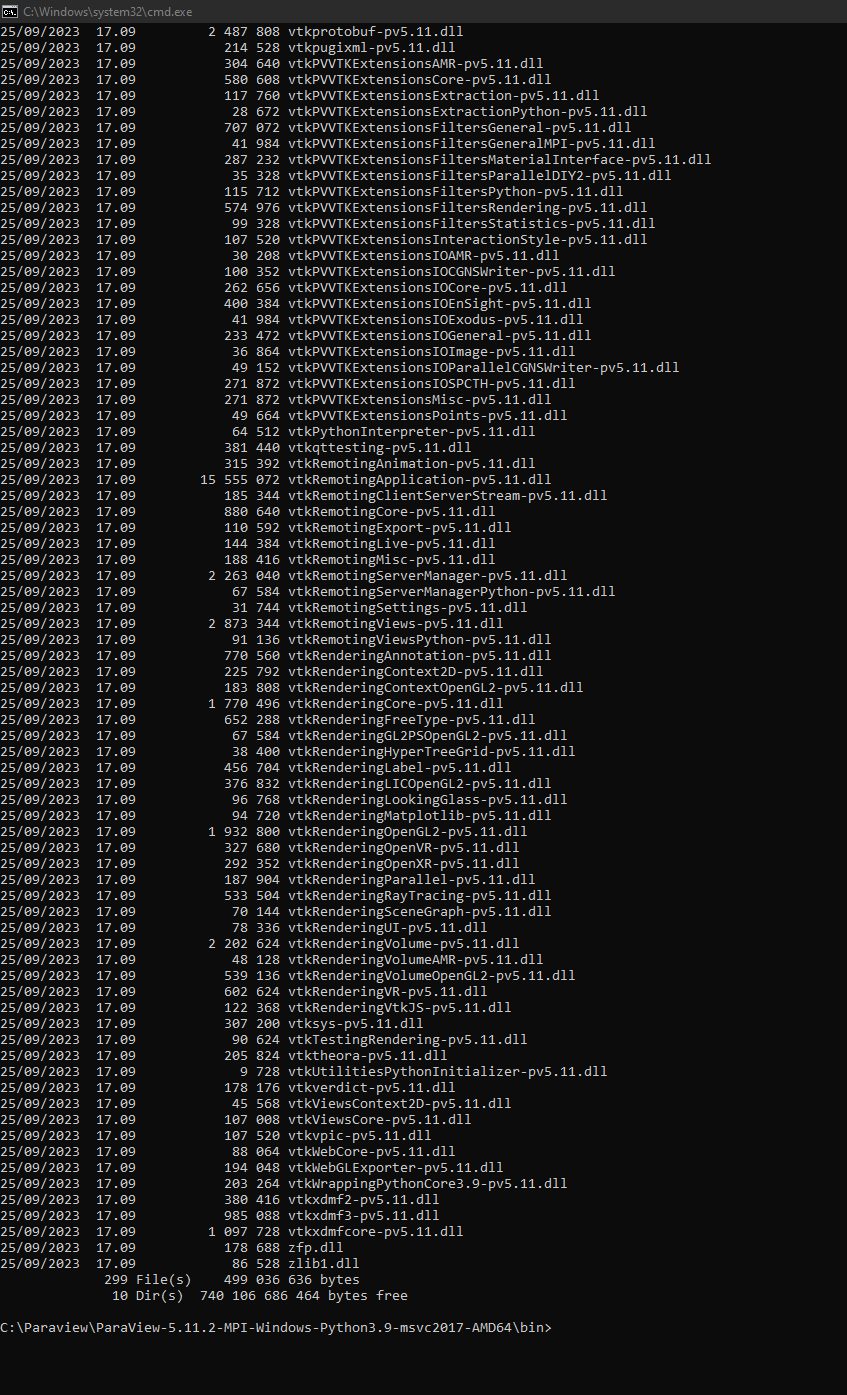
please type `dir` and share the complete result.
---
### Author:  [@Roger1198](https://discourse.paraview.org/u/Roger1198)
#### Post date: [November 9, 2023, 12:59pm UTC](https://discourse.paraview.org/t/enable-autompi-in-paraview-5-11-2/13219/9 "2023-11-09T12:59:56Z")
I’m presuming you want the contents of the directory? Here’s the terminal output in a sequence of screenshots:
---
### Author:  [@Roger1198](https://discourse.paraview.org/u/Roger1198)
#### Post date: [November 9, 2023, 1:16pm UTC](https://discourse.paraview.org/t/enable-autompi-in-paraview-5-11-2/13219/10 "2023-11-09T13:16:09Z")
Okay, I seem to have got it connected. Had to specify the full path of mpiexec.exe. I can now connect to the server. The change in post-processing speed is palpable!