# get the output image export of the object in scene
**URL:** https://discourse.paraview.org/t/get-the-output-image-export-of-the-object-in-scene/10384
**Category:** ParaView Support
**Created:** [September 22, 2022, 8:09am UTC](https://discourse.paraview.org/t/get-the-output-image-export-of-the-object-in-scene/10384 "2022-09-22T08:09:45Z")
**Posts on this page:** 9
**Page:** 1
### Author:  [@Pravin\_Poudel](https://discourse.paraview.org/u/Pravin_Poudel)
#### Post date: [September 22, 2022, 8:09am UTC](https://discourse.paraview.org/t/get-the-output-image-export-of-the-object-in-scene/10384/1 "2022-09-22T08:09:45Z")
this is my scene in one of the render view
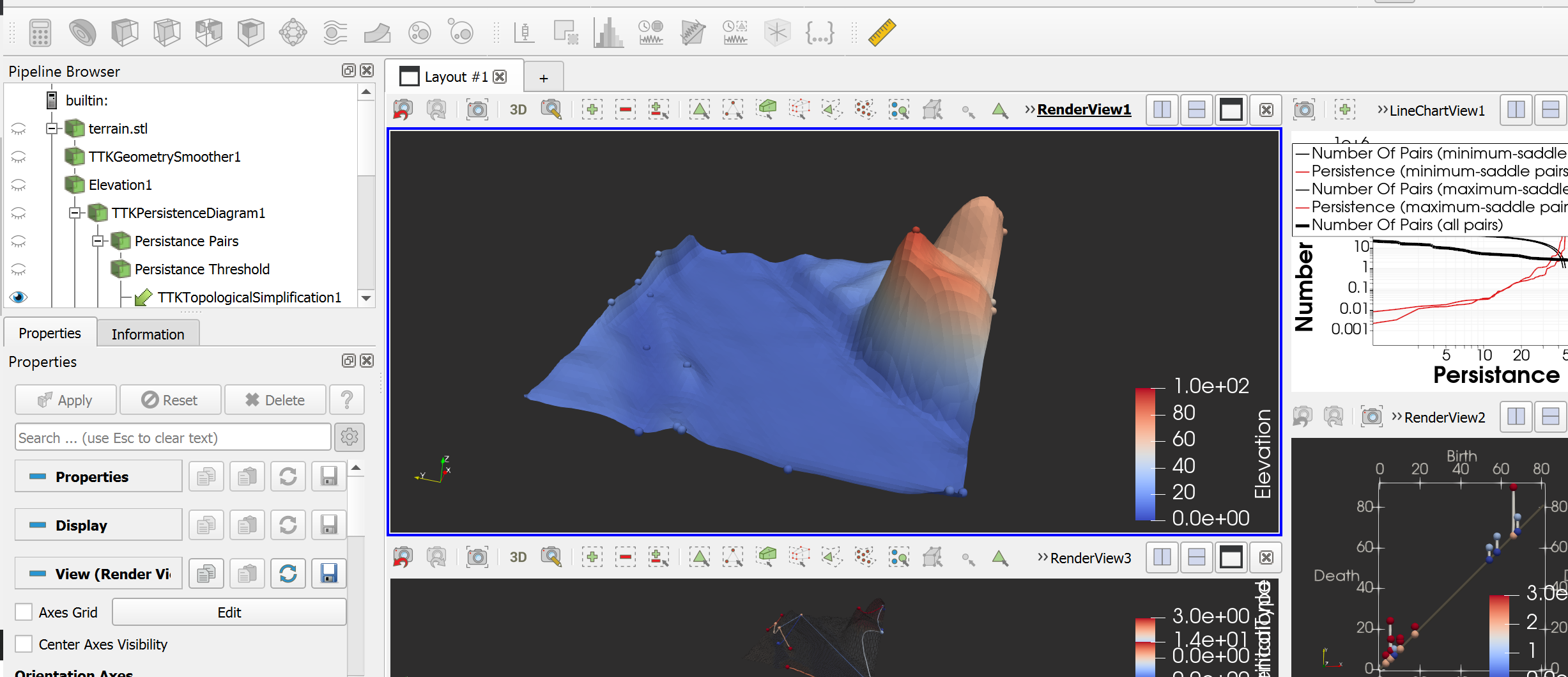
what i want to get is the output the terrain surface image only or terrain only image ( from the top view).
I can see there is screenshot button in the UI.
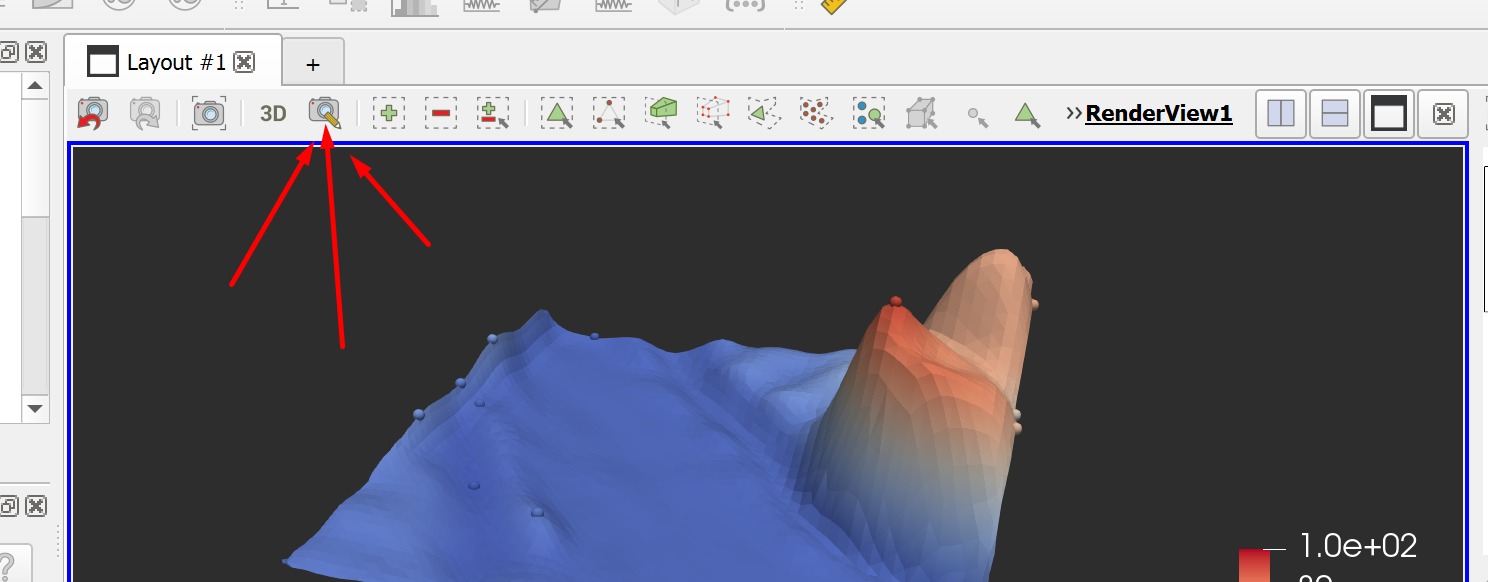
but this take screenshot of whole view not just the terrain mesh !!
is there anyway i can do that?
---
### Author:  [@mwestphal](https://discourse.paraview.org/u/mwestphal)
#### Post date: [September 22, 2022, 8:11am UTC](https://discourse.paraview.org/t/get-the-output-image-export-of-the-object-in-scene/10384/2 "2022-09-22T08:11:58Z")
This button is the edit camera button, not the screenshot button, which is two button on the left.
In any case, what do you mean by “just the terrain mesh” ?
---
### Author:  [@Pravin\_Poudel](https://discourse.paraview.org/u/Pravin_Poudel)
#### Post date: [September 22, 2022, 8:13am UTC](https://discourse.paraview.org/t/get-the-output-image-export-of-the-object-in-scene/10384/3 "2022-09-22T08:13:27Z")
ohh i am sorry, i pointed to wrong icon, yes camera icon which is at third is the one that i wanted to point out !!
---
### Author:  [@Pravin\_Poudel](https://discourse.paraview.org/u/Pravin_Poudel)
#### Post date: [September 22, 2022, 8:15am UTC](https://discourse.paraview.org/t/get-the-output-image-export-of-the-object-in-scene/10384/4 "2022-09-22T08:15:36Z")
i want to find the terrain output image after simplification and putting multiple image and i will use that texture to process that texture to process !!! like satellite image of the location, i want to get the texture of mesh which mean view of mesh from the top !!
---
### Author:  [@Pravin\_Poudel](https://discourse.paraview.org/u/Pravin_Poudel)
#### Post date: [September 22, 2022, 8:20am UTC](https://discourse.paraview.org/t/get-the-output-image-export-of-the-object-in-scene/10384/5 "2022-09-22T08:20:48Z")
i am sorry if i am not able to make it understandable or not
---
### Author:  [@Pravin\_Poudel](https://discourse.paraview.org/u/Pravin_Poudel)
#### Post date: [September 22, 2022, 8:22am UTC](https://discourse.paraview.org/t/get-the-output-image-export-of-the-object-in-scene/10384/6 "2022-09-22T08:22:13Z")
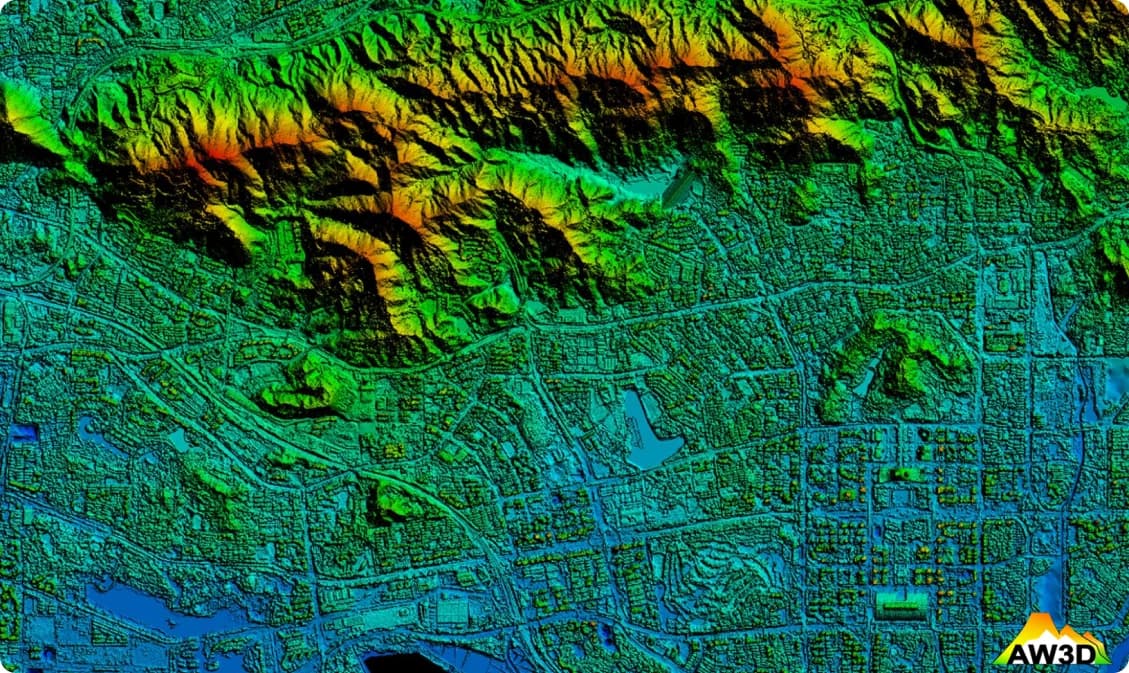
i want to extract like this image of the mesh.
---
### Author:  [@mwestphal](https://discourse.paraview.org/u/mwestphal)
#### Post date: [September 22, 2022, 8:47am UTC](https://discourse.paraview.org/t/get-the-output-image-export-of-the-object-in-scene/10384/7 "2022-09-22T08:47:49Z")
You need to position your camera where you want it, probably switch to 2D mode and then take a screenshot.
---
### Author:  [@Pravin\_Poudel](https://discourse.paraview.org/u/Pravin_Poudel)
#### Post date: [September 22, 2022, 8:49am UTC](https://discourse.paraview.org/t/get-the-output-image-export-of-the-object-in-scene/10384/8 "2022-09-22T08:49:58Z")
if i take a screenshot, it looks like i get screenshot of whole render view not just mesh !!
I need high resolution image ( i mean image of dimension same as dimension of the mesh) and the image that i get from screenshot looks like small image !!!
---
### Author:  [@mwestphal](https://discourse.paraview.org/u/mwestphal)
#### Post date: [September 22, 2022, 8:54am UTC](https://discourse.paraview.org/t/get-the-output-image-export-of-the-object-in-scene/10384/9 "2022-09-22T08:54:03Z")
Here is an example of doing what I said above:
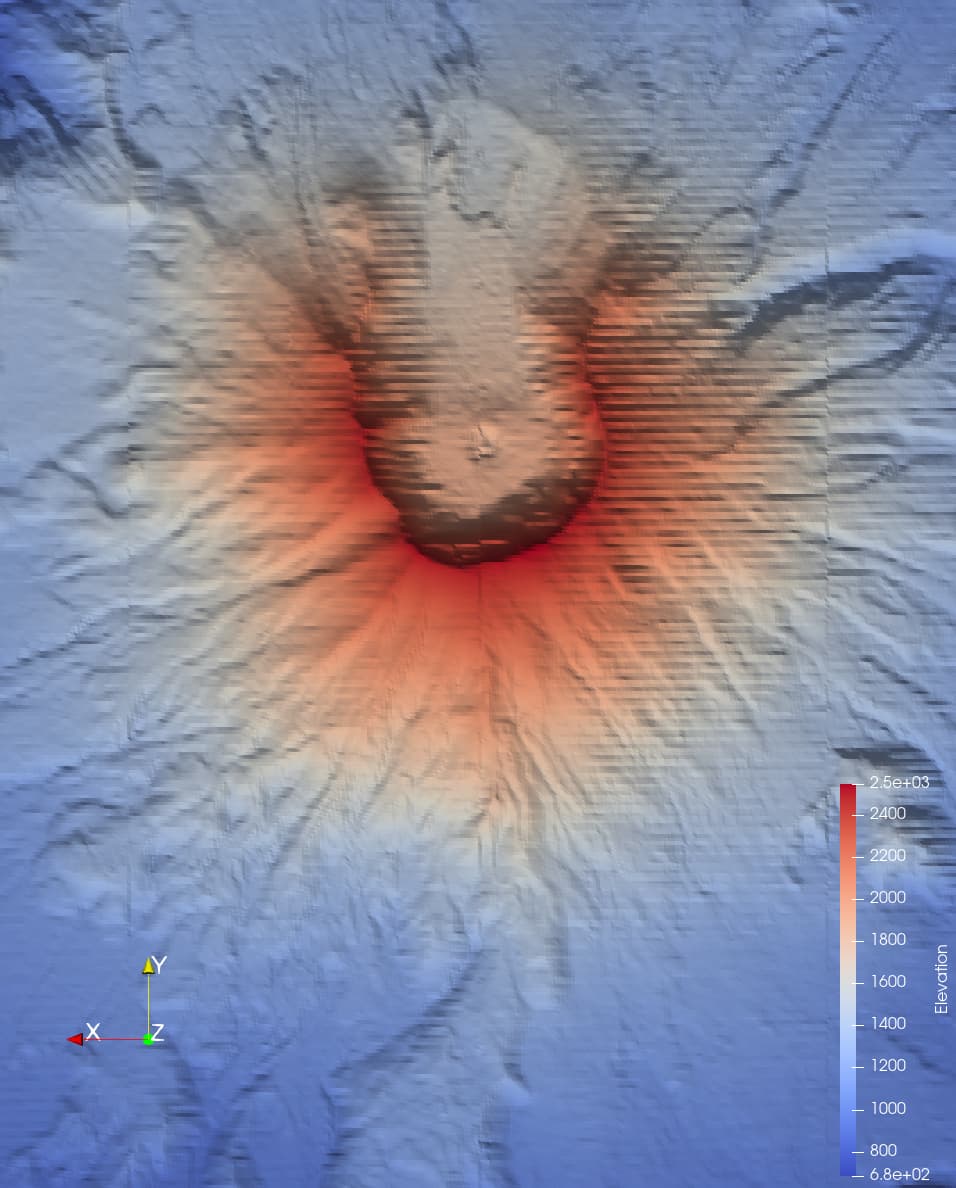
1. Switch to 2D mode
2. Position your camera so you see only your mesh and align the edges of the view with your mesh
3. Take a screenshot and increase resolution as you with