# How do I display geoTiff image correctly and display elevation
**URL:** https://discourse.paraview.org/t/how-do-i-display-geotiff-image-correctly-and-display-elevation/16014
**Category:** ParaView Support
**Created:** [January 22, 2025, 12:52am UTC](https://discourse.paraview.org/t/how-do-i-display-geotiff-image-correctly-and-display-elevation/16014 "2025-01-22T00:52:38Z")
**Posts on this page:** 5
**Page:** 1
### Author:  [@ANON1](https://discourse.paraview.org/u/ANON1)
#### Post date: [January 22, 2025, 12:52am UTC](https://discourse.paraview.org/t/how-do-i-display-geotiff-image-correctly-and-display-elevation/16014/1 "2025-01-22T00:52:38Z")
Hello,
I have this geoTIFF [image](https://github.com/user-attachments/files/18498071/output_hh.zip): which can be opened in Windows using the default image viewer without any issues.
I tried to open it in ParaView 5.13.2 with both GDAL Raster reader and TIFF series Reader but it does not look like the original image.
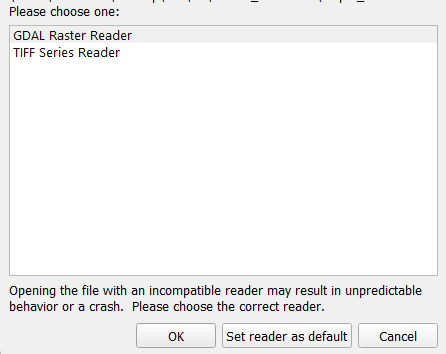
My goal is to open this image in ParaView and warp it elevation (using **Warp by Scalar** filter).
Any help is appreciated.
Thank you
---
### Author:  [@nicolas.vuaille](https://discourse.paraview.org/u/nicolas.vuaille)
#### Post date: [January 22, 2025, 8:23am UTC](https://discourse.paraview.org/t/how-do-i-display-geotiff-image-correctly-and-display-elevation/16014/2 "2025-01-22T08:23:58Z")
Hi,
I was able to open it with the GDAL raster Reader (PV 5.13.2):
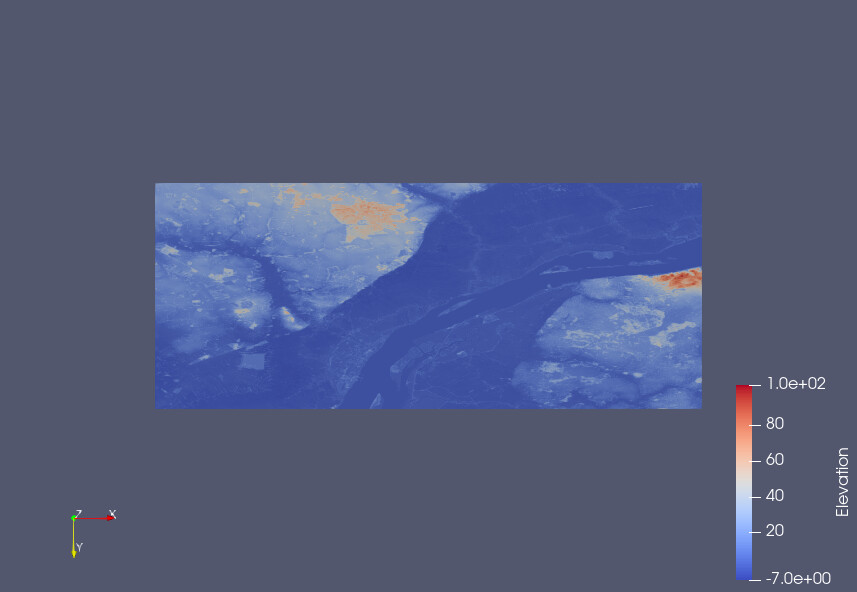
Note that you may need to rotate the camera to front the data instead of having just an (quite invisible) side.
---
### Author:  [@ANON1](https://discourse.paraview.org/u/ANON1)
#### Post date: [January 22, 2025, 9:36am UTC](https://discourse.paraview.org/t/how-do-i-display-geotiff-image-correctly-and-display-elevation/16014/3 "2025-01-22T09:36:57Z")
Hi @nicolas.vuaille,
Thank you for your reply. I tried to rotate the view using the mouse (in both 2D and 3D modes), used the views from the toolbar as well:

But the navigation is really weird. It seems that the image is appearing/disappearing continuously (I’ve never seen this before in ParaView).
How can I get the image to show up in the correct expected view?
Attached is a recording of the issue I’m encountering:
[Recording of ParaView](https://github.com/user-attachments/assets/76cb6c43-65ce-4c64-a9e1-edf922f8282c)
---
### Author:  [@nicolas.vuaille](https://discourse.paraview.org/u/nicolas.vuaille)
#### Post date: [January 22, 2025, 9:40am UTC](https://discourse.paraview.org/t/how-do-i-display-geotiff-image-correctly-and-display-elevation/16014/4 "2025-01-22T09:40:17Z")
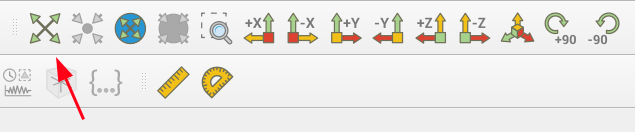
For this kind of issue, `Reset` the camera is often a good solution.
---
### Author:  [@ANON1](https://discourse.paraview.org/u/ANON1)
#### Post date: [January 22, 2025, 9:46am UTC](https://discourse.paraview.org/t/how-do-i-display-geotiff-image-correctly-and-display-elevation/16014/5 "2025-01-22T09:46:03Z")
Using “Reset Camera” button didn’t help.
I think the issue with the view is caused by the default “Slice” representation:

When I change the representation to “Surface” it works as expected!
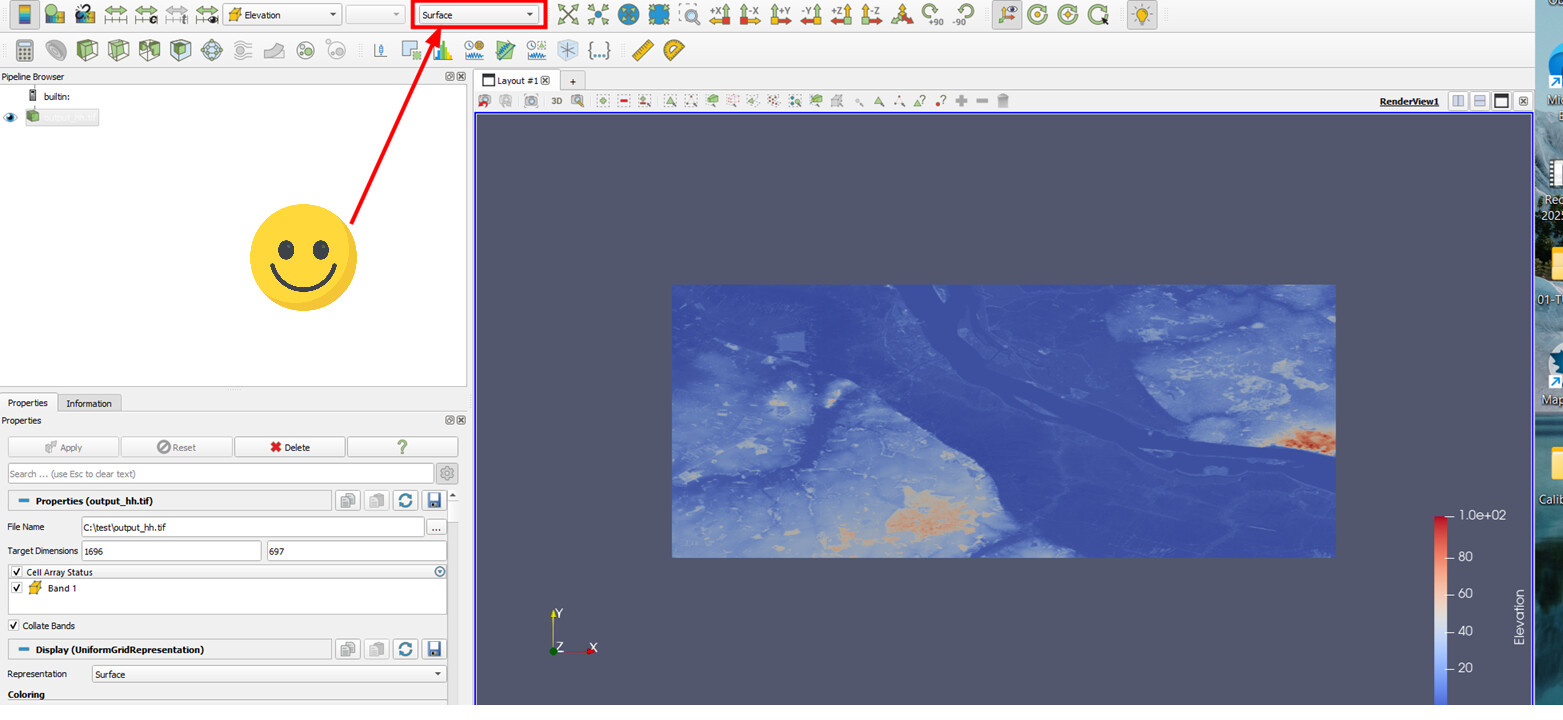
To get the **Warp by Scalar** filter to work, I had to apply the “Cell Data to Point Data” filter first.