# How to create streamlines animation as the NVIDIA Omniverse demo video
**URL:** https://discourse.paraview.org/t/how-to-create-streamlines-animation-as-the-nvidia-omniverse-demo-video/7899
**Category:** ParaView Support
**Created:** [September 1, 2021, 4:18am UTC](https://discourse.paraview.org/t/how-to-create-streamlines-animation-as-the-nvidia-omniverse-demo-video/7899 "2021-09-01T04:18:48Z")
**Posts on this page:** 12
**Page:** 1
### Author:  [@dipolarsight](https://discourse.paraview.org/u/dipolarsight)
#### Post date: [September 1, 2021, 4:18am UTC](https://discourse.paraview.org/t/how-to-create-streamlines-animation-as-the-nvidia-omniverse-demo-video/7899/1 "2021-09-01T04:18:48Z")
Hi, I recently saw a video which ParaView works with NVIDIA Omniverse and looks really great:
[https://www.youtube.com/watch?v=gTiqV3akBIE](https://www.youtube.com/watch?v=gTiqV3akBIE)
I’m interested in streamlines animation from 1:19 to 1:38 and have two questions:
1. I remember ParaView doesn’t support exporting streamlines animation as video, but seems it could be done by using NVIDIA Omniverse?
2. How to achieve this evenly spaced like streamlines animation? It’s done by using StreamLines or StreamTracer with some tricks to make it animated?
Thanks in advance.
---
### Author:  [@mwestphal](https://discourse.paraview.org/u/mwestphal)
#### Post date: [September 1, 2021, 7:38am UTC](https://discourse.paraview.org/t/how-to-create-streamlines-animation-as-the-nvidia-omniverse-demo-video/7899/2 "2021-09-01T07:38:50Z")
> [@dipolarsight](#):
>
> I remember ParaView doesn’t support exporting streamlines animation as video, but seems it could be done by using NVIDIA Omniverse?
Not true. You can export animation containing streamlines, eg: StreamTracer or ParticleTracer output.
You cannot export “StreamlineRepresentation” output as an animation if that is what you are reffering to, but this is within a plugin, not in default ParaView.
> How to achieve this evenly spaced like streamlines animation? It’s done by using StreamLines or StreamTracer with some tricks to make it animated?
Evenly Spaced Streamline 2D I suppose.
---
### Author:  [@dipolarsight](https://discourse.paraview.org/u/dipolarsight)
#### Post date: [September 1, 2021, 10:34am UTC](https://discourse.paraview.org/t/how-to-create-streamlines-animation-as-the-nvidia-omniverse-demo-video/7899/3 "2021-09-01T10:34:29Z")
Hi Mathieu,
Thank you for the reply.
> [@mwestphal](#):
>
> Not true. You can export animation containing streamlines, eg: StreamTracer or ParticleTracer output.
>
> You cannot export “StreamlineRepresentation” output as an animation if that is what you are reffering to, but this is within a plugin, not in default ParaView.
I’m reffering to StreamlineRepresentation.
I think I’ll try using NVIDIA Omniverse then, hope it will do the exporting job.
> [@](#):
>
> Evenly Spaced Streamline 2D I suppose.
Just tried using Evenly Spaced Streamline 2D and StreamTracerWithCustomSource, with latter one I can get image which is really close to the video:
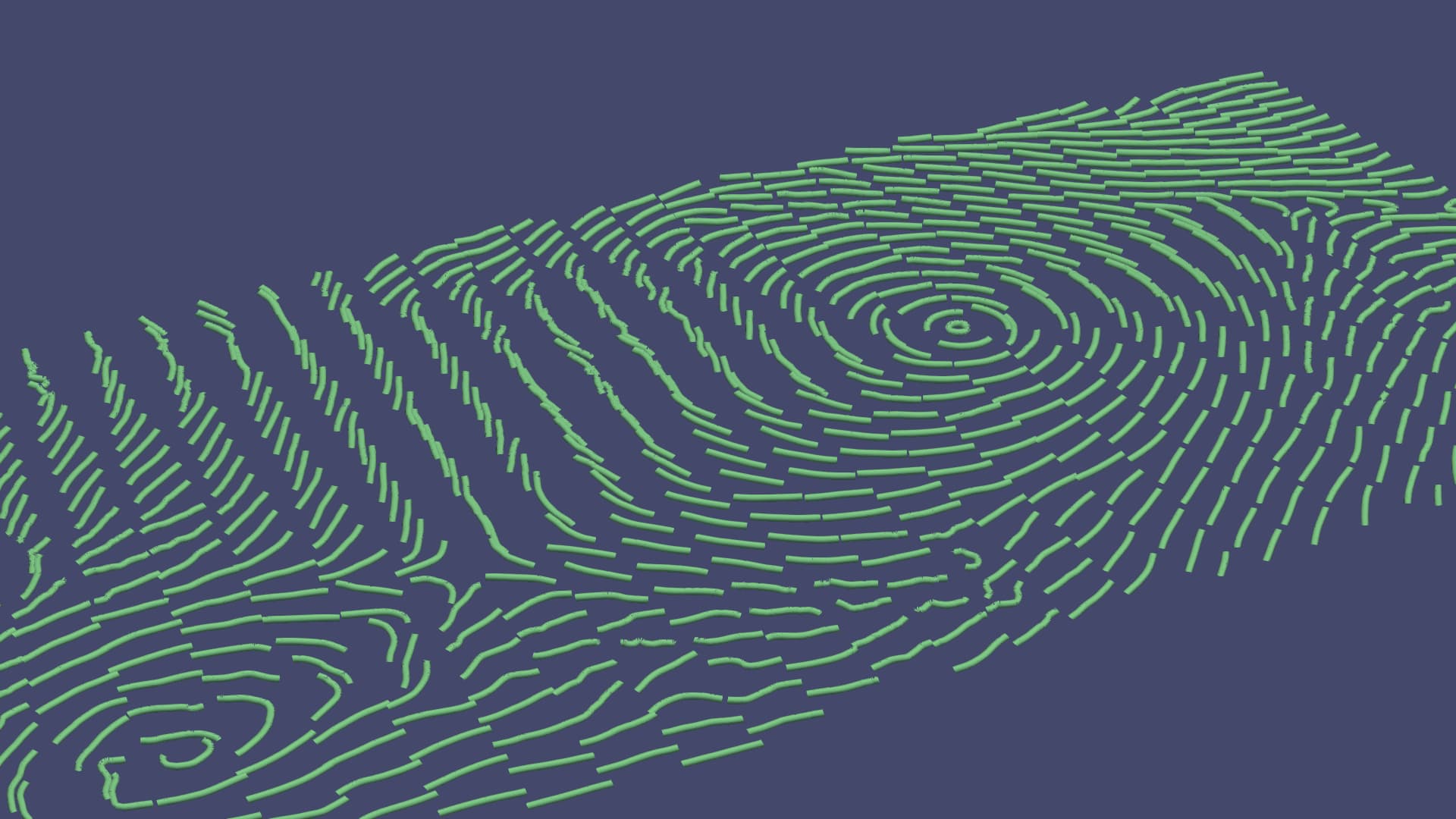
Wondering is there a way that I can make it animated like StreamlineRepresentation? (since StreamlineRepresentation cannot control lines’/seed points’ distribution)
---
### Author:  [@mwestphal](https://discourse.paraview.org/u/mwestphal)
#### Post date: [September 1, 2021, 11:24am UTC](https://discourse.paraview.org/t/how-to-create-streamlines-animation-as-the-nvidia-omniverse-demo-video/7899/4 "2021-09-01T11:24:09Z")
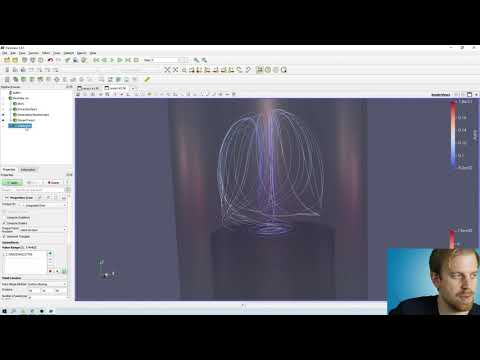
You need to use contour and glyphs with an animation as explained here:
> [@Streamline with Glyph in 3D animation](https://discourse.paraview.org/t/streamline-with-glyph-in-3d-animation/2565):
>
> Any one know how to create streamline with Gluyph animation in 3D from steady state OpenFoam run. Regards Alex Lee
[ ](https://www.youtube.com/watch?v=7WMaHXLK6No)
---
### Author:  [@Alexlee](https://discourse.paraview.org/u/Alexlee)
#### Post date: [September 2, 2021, 2:46am UTC](https://discourse.paraview.org/t/how-to-create-streamlines-animation-as-the-nvidia-omniverse-demo-video/7899/5 "2021-09-02T02:46:35Z")
Thanks Mathieu.
---
### Author:  [@dipolarsight](https://discourse.paraview.org/u/dipolarsight)
#### Post date: [September 3, 2021, 10:47am UTC](https://discourse.paraview.org/t/how-to-create-streamlines-animation-as-the-nvidia-omniverse-demo-video/7899/6 "2021-09-03T10:47:36Z")
Mathieu, thank you so much for the turoial video, especially the last part.
Now I’m able to make a video pretty similar to the video I mentioned above:
[/uploads/default/original/2X/6/6b5697414b66f63c152da44e404ea58a366093e2.mp4](https://discourse.paraview.org/uploads/default/original/2X/6/6b5697414b66f63c152da44e404ea58a366093e2.mp4)
But the particle path only disappears when it goes outside the dataset, and I also used “Force Reinjection every NSteps”, the video become messier with time.
Then I found ParticlePath has a property called “Termination Time” which I thought will be the solution(ParticleTracer and TemporalParticlesToPathlines don’t have property like this). But whenever I choose ParticlePath filter, select the input/seed source and hit apply, my timesteps become 0, making it unable to animate. Did I use it wrong? Thank you.
---
### Author:  [@mwestphal](https://discourse.paraview.org/u/mwestphal)
#### Post date: [September 3, 2021, 1:33pm UTC](https://discourse.paraview.org/t/how-to-create-streamlines-animation-as-the-nvidia-omniverse-demo-video/7899/7 "2021-09-03T13:33:34Z")
TerminationTime or MaximimNumberOfSteps should work.
---
### Author:  [@dipolarsight](https://discourse.paraview.org/u/dipolarsight)
#### Post date: [September 6, 2021, 4:09am UTC](https://discourse.paraview.org/t/how-to-create-streamlines-animation-as-the-nvidia-omniverse-demo-video/7899/8 "2021-09-06T04:09:42Z")
Are these properties or filters? Can’t find anywhere.
---
### Author:  [@mwestphal](https://discourse.paraview.org/u/mwestphal)
#### Post date: [September 6, 2021, 6:11am UTC](https://discourse.paraview.org/t/how-to-create-streamlines-animation-as-the-nvidia-omniverse-demo-video/7899/9 "2021-09-06T06:11:22Z")
Maximum Steps is a property of the EvenlySpacedStreamlines2D
---
### Author:  [@dipolarsight](https://discourse.paraview.org/u/dipolarsight)
#### Post date: [September 6, 2021, 10:14am UTC](https://discourse.paraview.org/t/how-to-create-streamlines-animation-as-the-nvidia-omniverse-demo-video/7899/10 "2021-09-06T10:14:28Z")
I used:
1. Mask Points
2. ParticleTracer
3. TemporalParticlesToPathlines
to make the animation I uploaded above, and EvenlySpacedStreamlines2D seems unable to do so.
For easier understand, here are my state file and data:
[https://drive.google.com/file/d/1szWj6MFLSmdySMqQv6Bi-URprl1gZM-s/view?usp=sharing](https://drive.google.com/file/d/1szWj6MFLSmdySMqQv6Bi-URprl1gZM-s/view?usp=sharing)
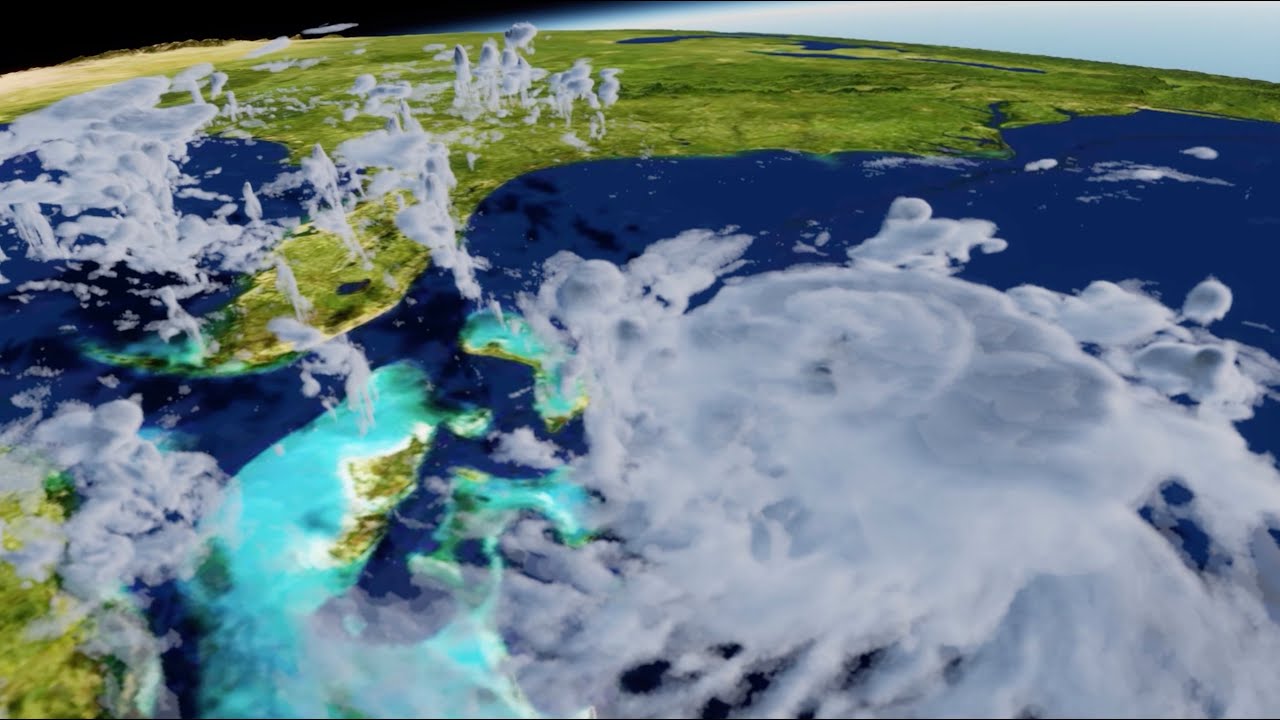
My goal is 1:29~1:38 in this video:
[ ](https://www.youtube.com/watch?v=gTiqV3akBIE)
---
### Author:  [@mwestphal](https://discourse.paraview.org/u/mwestphal)
#### Post date: [September 6, 2021, 11:03am UTC](https://discourse.paraview.org/t/how-to-create-streamlines-animation-as-the-nvidia-omniverse-demo-video/7899/11 "2021-09-06T11:03:03Z")
ParticleTracer has these options.
---
### Author:  [@dipolarsight](https://discourse.paraview.org/u/dipolarsight)
#### Post date: [September 7, 2021, 10:08am UTC](https://discourse.paraview.org/t/how-to-create-streamlines-animation-as-the-nvidia-omniverse-demo-video/7899/12 "2021-09-07T10:08:37Z")
Not seeing TerminationTime nor MaximimNumberOfSteps in ParticleTracer.
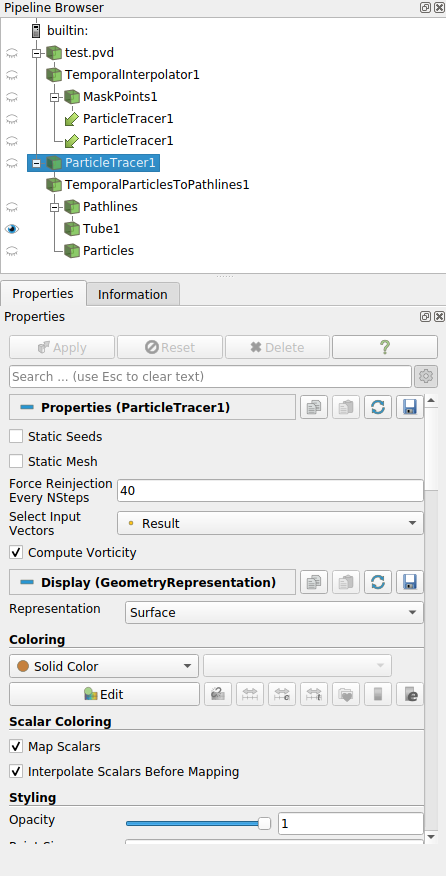
There’s Termination Time in ParticlePath, but that’s the filter I got problem with. Thank you in advance as always.