# How to extract the boundary surfaces from a Ensight .case file?
**URL:** https://discourse.paraview.org/t/how-to-extract-the-boundary-surfaces-from-a-ensight-case-file/14952
**Category:** ParaView Support
**Created:** [June 28, 2024, 1:26pm UTC](https://discourse.paraview.org/t/how-to-extract-the-boundary-surfaces-from-a-ensight-case-file/14952 "2024-06-28T13:26:54Z")
**Posts on this page:** 3
**Page:** 1
### Author:  [@Phil](https://discourse.paraview.org/u/Phil)
#### Post date: [June 28, 2024, 1:26pm UTC](https://discourse.paraview.org/t/how-to-extract-the-boundary-surfaces-from-a-ensight-case-file/14952/1 "2024-06-28T13:26:54Z")
Hi everyone,
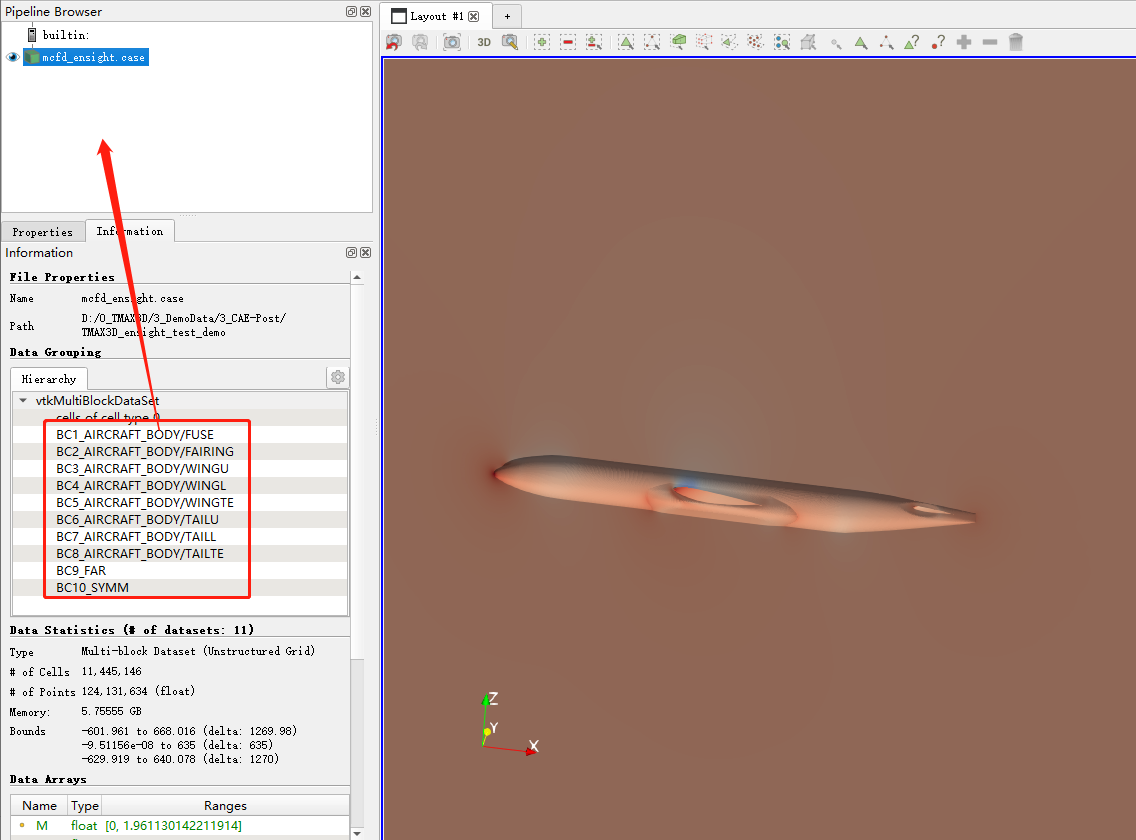
I am a PV newer and used to work with Ensight, they are so different from each other… I cannot even extract the boundary surfaces of Ensight files in PV. Many filters has been tried but useless. Is there anyone who can help me? Thanks in advance.
---
### Author:  [@mwestphal](https://discourse.paraview.org/u/mwestphal)
#### Post date: [June 28, 2024, 1:28pm UTC](https://discourse.paraview.org/t/how-to-extract-the-boundary-surfaces-from-a-ensight-case-file/14952/2 "2024-06-28T13:28:53Z")
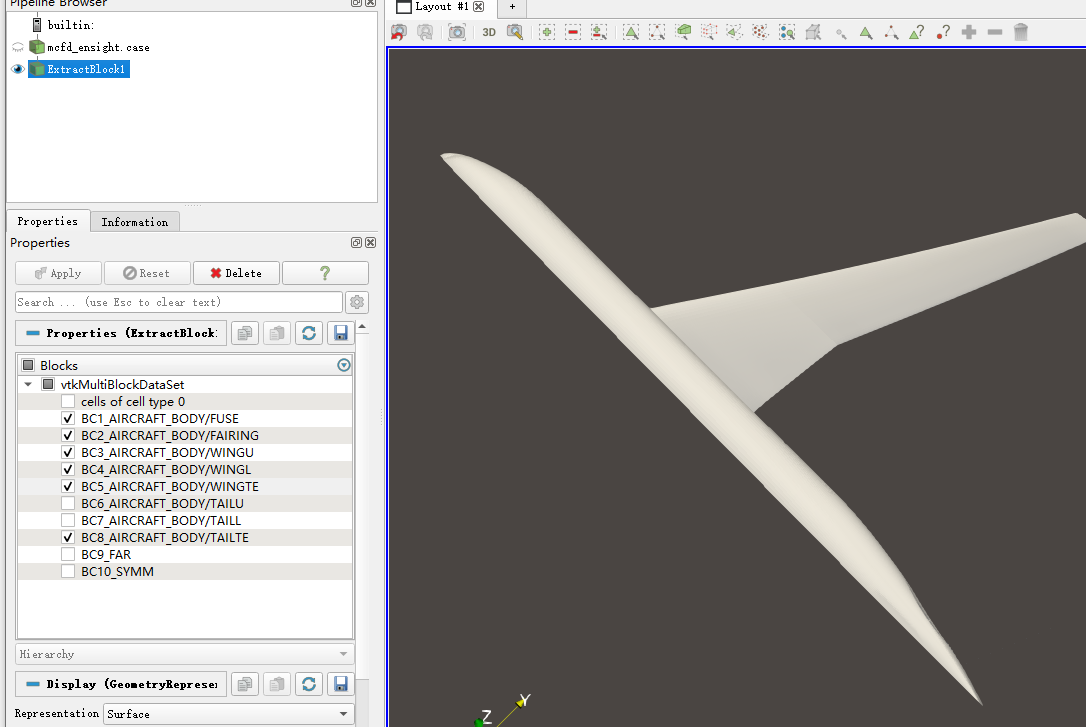
Use “ExtractBlock” filter.
---
### Author:  [@Phil](https://discourse.paraview.org/u/Phil)
#### Post date: [June 29, 2024, 1:59am UTC](https://discourse.paraview.org/t/how-to-extract-the-boundary-surfaces-from-a-ensight-case-file/14952/3 "2024-06-29T01:59:08Z")
It works, thank you so much…