# How to - paraview
**URL:** https://discourse.paraview.org/t/how-to-paraview/4215
**Category:** ParaView Support
**Created:** [April 29, 2020, 9:53am UTC](https://discourse.paraview.org/t/how-to-paraview/4215 "2020-04-29T09:53:13Z")
**Posts on this page:** 2
**Page:** 1
### Author:  [@Aliona](https://discourse.paraview.org/u/Aliona)
#### Post date: [April 29, 2020, 9:53am UTC](https://discourse.paraview.org/t/how-to-paraview/4215/1 "2020-04-29T09:53:13Z")
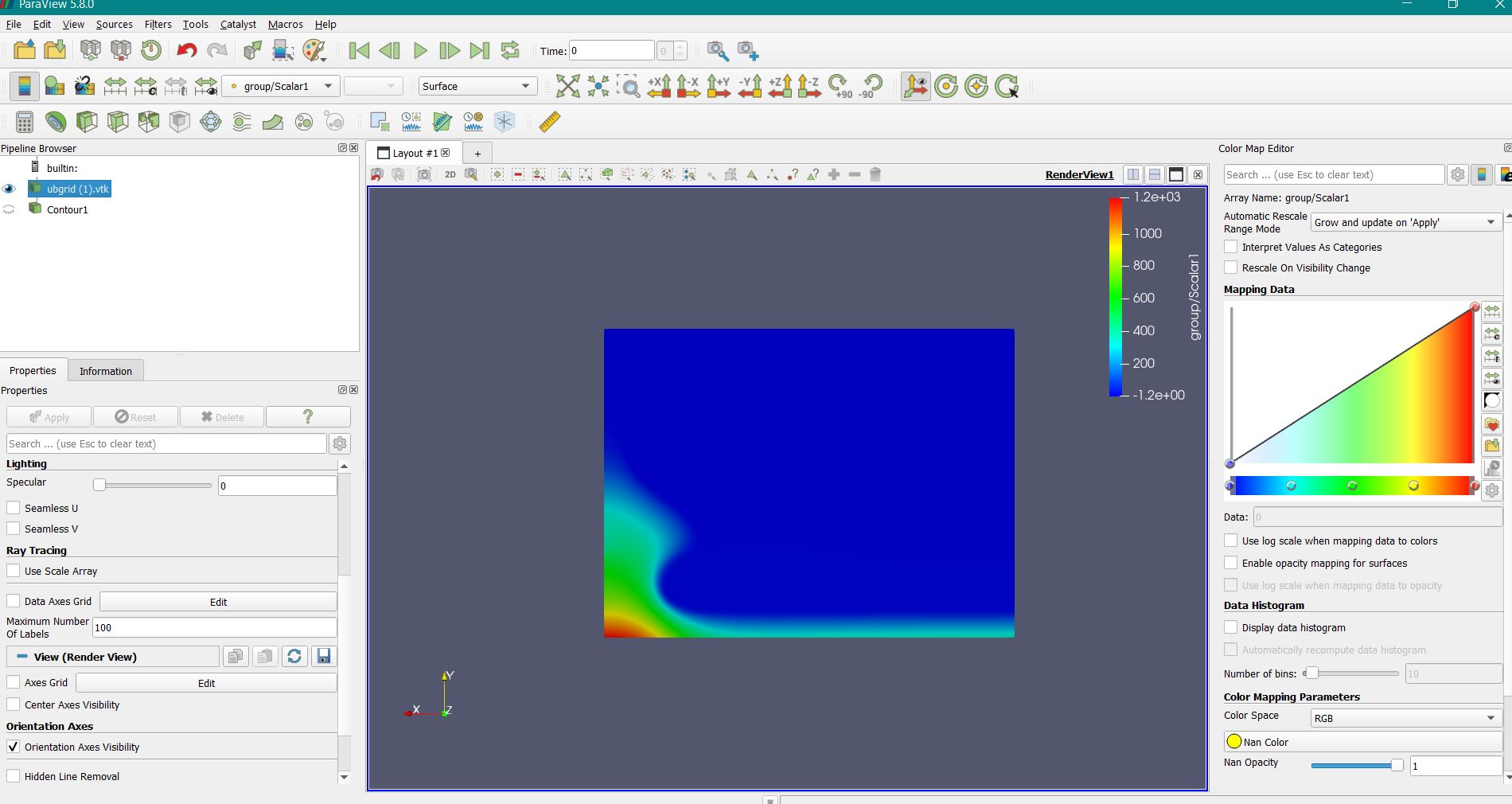
Hello, I’m a student and learning how to work with ParaView. Maybe there is someone who can help me with the task “Make a color pressure field with black insolines on a plane grid” I did a lot of research and nothing really helped me…
---
### Author:  [@Kenneth\_Moreland](https://discourse.paraview.org/u/Kenneth_Moreland)
#### Post date: [April 29, 2020, 5:13pm UTC](https://discourse.paraview.org/t/how-to-paraview/4215/2 "2020-04-29T17:13:23Z")
There are multiple ways to do this. Here is one.
1. Load your data in ParaView.
2. Add the `Contour` filter. Select the isovalues for the isolines that you want. `Apply`.
3. Change the color map color to `Solid Color`. This is done with that first combo box on the second toolbar. It contains the name of the scalar field you are coloring by. In your screenshot, it is labeled as `group/Scalar1`. Change that to say `Solid Color`.
4. Click the edit color button . When you are coloring by a solid color, it will give you a dialog box to select a color. Select black.