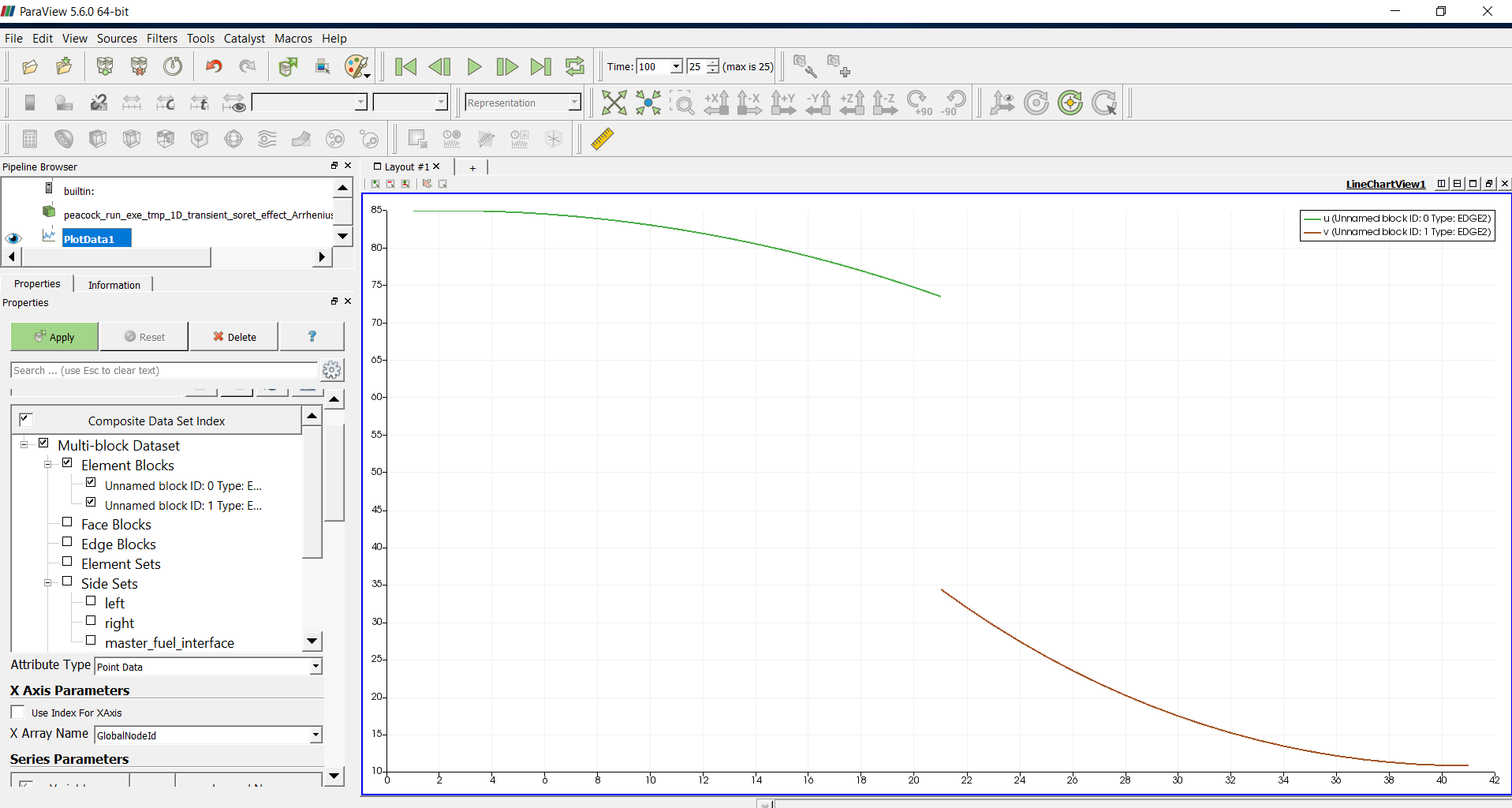
### Author:  [@Wesley](https://discourse.paraview.org/u/Wesley)
#### Post date: [July 18, 2018, 3:32am UTC](https://discourse.paraview.org/t/how-to-view-the-data-restrict-to-one-domain/334/1 "2018-07-18T03:32:21Z")
Hi all,
I am using PlotOverLine in ParaView to visualize my data from variable u and v. In my 1-D simulation u and v have some value through whole domain, but actually for my problem u is only valid in domain 1 (0\
### Author:  [@Wesley](https://discourse.paraview.org/u/Wesley)
#### Post date: [July 18, 2018, 5:48pm UTC](https://discourse.paraview.org/t/how-to-view-the-data-restrict-to-one-domain/334/2 "2018-07-18T17:48:41Z")
I have figured it out by setting the X Array Name from arc\_length to Points\_X
---
### Author:  [@Kenneth\_Moreland](https://discourse.paraview.org/u/Kenneth_Moreland)
#### Post date: [July 18, 2018, 10:04pm UTC](https://discourse.paraview.org/t/how-to-view-the-data-restrict-to-one-domain/334/3 "2018-07-18T22:04:47Z")
Wesley,
I’m glad you found a solution to your problem. I just wanted to note that it appears that any value outside of the valid domain appears to be set to 0. If possible, you might consider changing values outside of the valid domain to NaN. If your values were NaN, then the PlotOverLine would automatically remove them and not plot the erroneous values you are pointing out. It could also avoid other confusing issues and scaling problems that might arise.
---
### Author:  [@Wesley](https://discourse.paraview.org/u/Wesley)
#### Post date: [July 19, 2018, 1:02am UTC](https://discourse.paraview.org/t/how-to-view-the-data-restrict-to-one-domain/334/4 "2018-07-19T01:02:57Z")
Thanks Kenneth, I would consider that.
---
### Author:  [@Wesley](https://discourse.paraview.org/u/Wesley)
#### Post date: [April 3, 2019, 1:35pm UTC](https://discourse.paraview.org/t/how-to-view-the-data-restrict-to-one-domain/334/5 "2019-04-03T13:35:15Z")
It is wired. I was able to solve this long time ago. Today I meet this again, but “set the X Array Name from arc\_length to Points\_X” does not fix. Could someone help? I have attached the source file and the pictures.
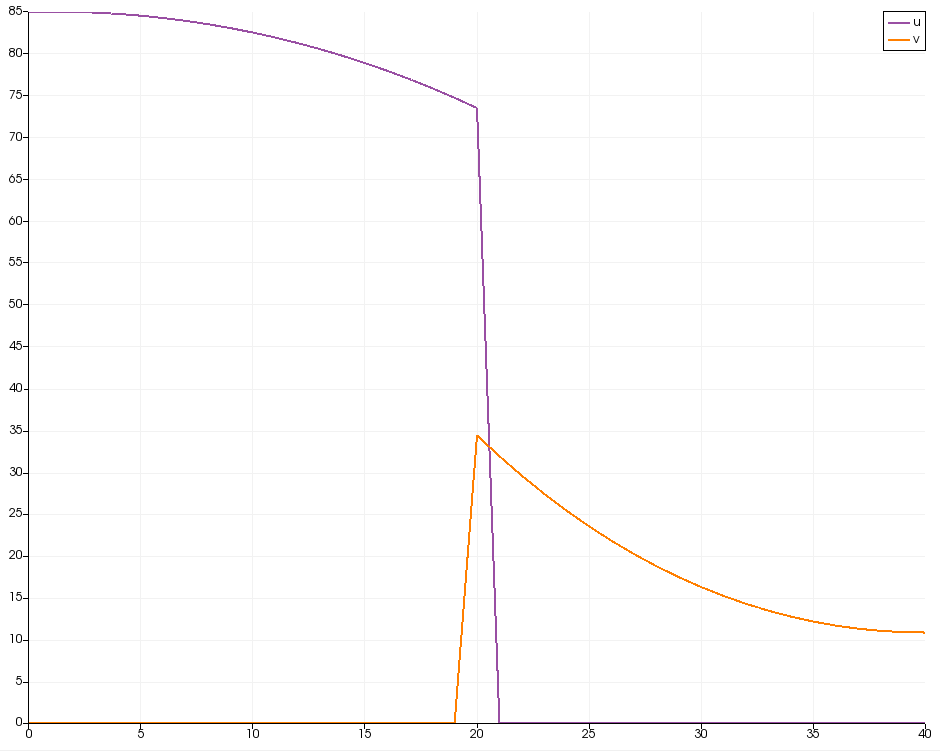 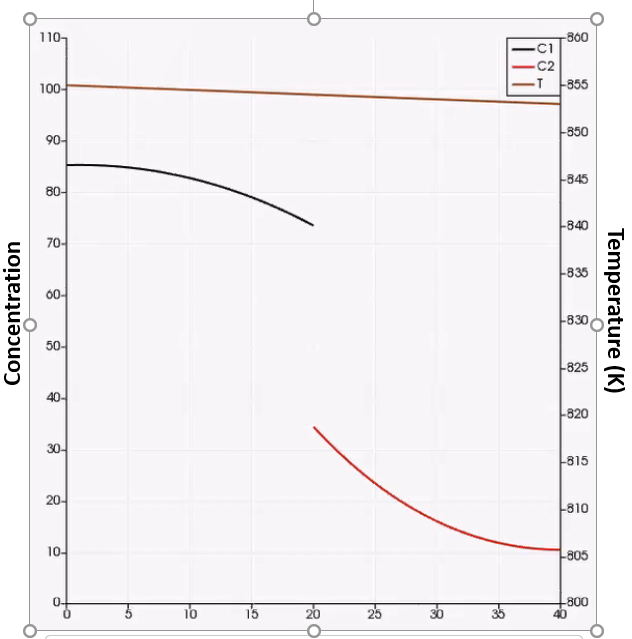 [peacock\_run\_exe\_tmp\_1D\_transient\_soret\_effect\_ArrheniusD\_out.e](https://discourse.paraview.org/uploads/default/original/2X/7/7cc8a7f9d40e179e69f4af0d8c67e08b8d8d6a51.e) (92.0 KB)
---
### Author:  [@Kenneth\_Moreland](https://discourse.paraview.org/u/Kenneth_Moreland)
#### Post date: [April 3, 2019, 2:20pm UTC](https://discourse.paraview.org/t/how-to-view-the-data-restrict-to-one-domain/334/6 "2019-04-03T14:20:44Z")
@utkarsh.ayachit, I’m going to shoot this over to you. I think the easiest thing to do in this case should be to replace the 0’s in the arrays with NaN’s, but I can’t find a straightforward way to do that.
---
### Author:  [@Wesley](https://discourse.paraview.org/u/Wesley)
#### Post date: [April 3, 2019, 2:41pm UTC](https://discourse.paraview.org/t/how-to-view-the-data-restrict-to-one-domain/334/7 "2019-04-03T14:41:23Z")
> [@Kenneth\_Moreland](#):
>
> NaN
This is the output result from the simulation, I haven’t found a way to put NaN rather than 0 in the variable.
---
### Author:  [@utkarsh.ayachit](https://discourse.paraview.org/u/utkarsh.ayachit)
#### Post date: [April 3, 2019, 3:05pm UTC](https://discourse.paraview.org/t/how-to-view-the-data-restrict-to-one-domain/334/8 "2019-04-03T15:05:34Z")
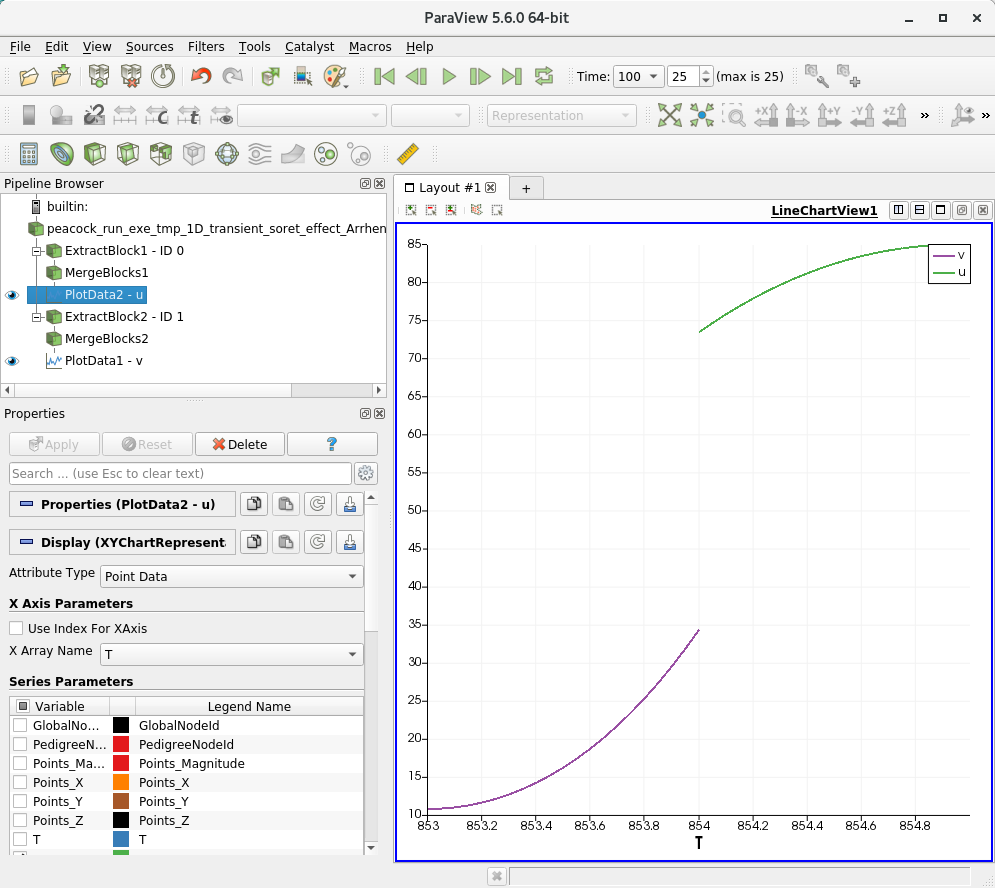
Attached is a [state-file.pvsm](https://discourse.paraview.org/uploads/default/original/2X/0/09060b60d03bfc4f7b4d827dd3cd70a02c5bf73b.pvsm) (95.2 KB) for ParaView 5.6.
Here’s what I get for the last timestep:
---
### Author:  [@utkarsh.ayachit](https://discourse.paraview.org/u/utkarsh.ayachit)
#### Post date: [April 3, 2019, 3:10pm UTC](https://discourse.paraview.org/t/how-to-view-the-data-restrict-to-one-domain/334/9 "2019-04-03T15:10:18Z")
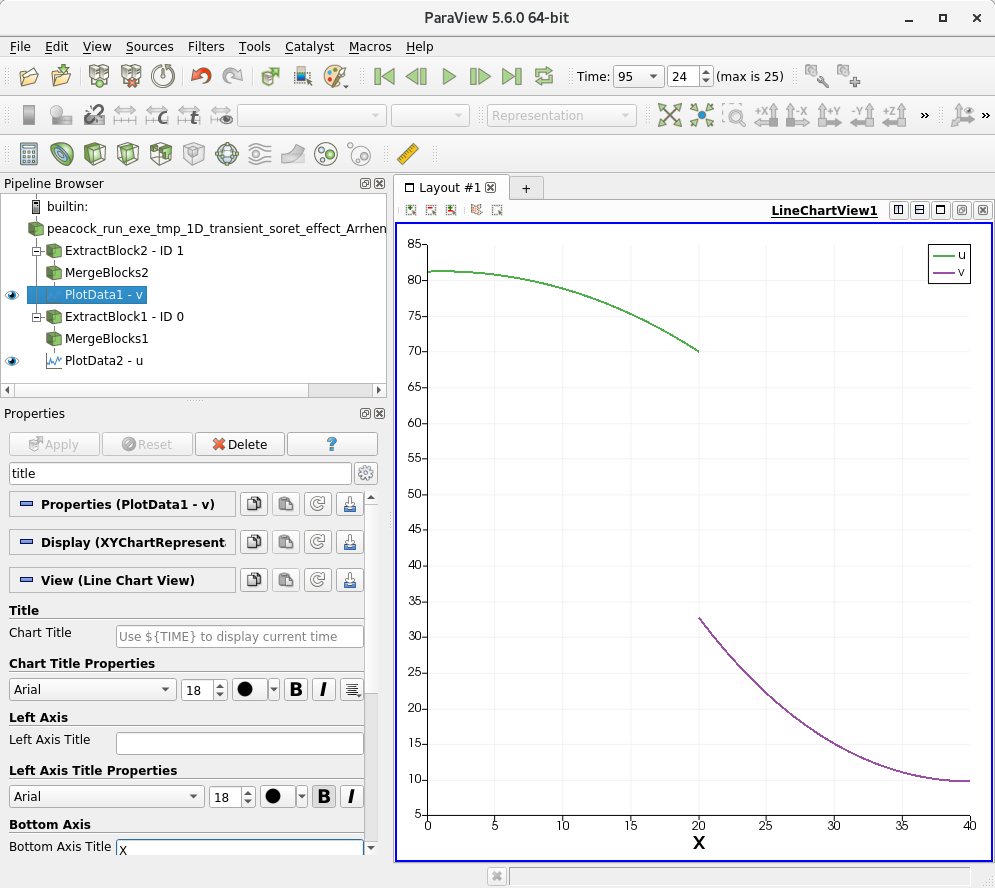
Here’s an updated version using **x coordinate** for X axis instead of **T**
[state-file-2.pvsm](https://discourse.paraview.org/uploads/default/original/2X/e/e41e7f7ff24e116e444dcc275dabb65d14db8131.pvsm) (97.4 KB)
---
### Author:  [@utkarsh.ayachit](https://discourse.paraview.org/u/utkarsh.ayachit)
#### Post date: [April 3, 2019, 3:48pm UTC](https://discourse.paraview.org/t/how-to-view-the-data-restrict-to-one-domain/334/10 "2019-04-03T15:48:51Z")
Attached a new state file, even simpler!
[state-file-3.pvsm](https://discourse.paraview.org/uploads/default/original/2X/8/8cd2f09a0803626192612cea734fc97fe575f8e9.pvsm) (95.0 KB)

---
### Author:  [@Wesley](https://discourse.paraview.org/u/Wesley)
#### Post date: [April 3, 2019, 4:29pm UTC](https://discourse.paraview.org/t/how-to-view-the-data-restrict-to-one-domain/334/11 "2019-04-03T16:29:43Z")
Thanks. I was using PlotOverLine filter, that cause the problem.
Now I use PlotData filter, and check all blocks, and uncheck Use Index For XAxis. Then I fix this.
Thanks for your instructions!