# line density with Surface LIC
**URL:** https://discourse.paraview.org/t/line-density-with-surface-lic/12047
**Category:** ParaView Support
**Created:** [May 8, 2023, 6:09pm UTC](https://discourse.paraview.org/t/line-density-with-surface-lic/12047 "2023-05-08T18:09:41Z")
**Posts on this page:** 2
**Page:** 1
### Author:  [@chtyler](https://discourse.paraview.org/u/chtyler)
#### Post date: [May 8, 2023, 6:09pm UTC](https://discourse.paraview.org/t/line-density-with-surface-lic/12047/1 "2023-05-08T18:09:41Z")
How does one control the line density with Surface LIC? Here is an example image.
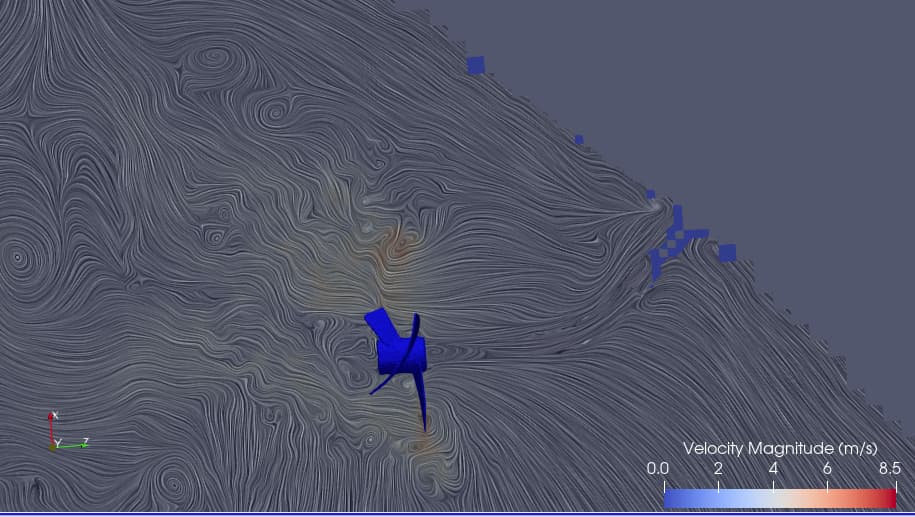
I’d like to increase the spacing between lines but cannot find any settings that control that. Please help.
Chjris Tyler
---
### Author:  [@utkarsh.ayachit](https://discourse.paraview.org/u/utkarsh.ayachit)
#### Post date: [May 8, 2023, 11:29pm UTC](https://discourse.paraview.org/t/line-density-with-surface-lic/12047/2 "2023-05-08T23:29:30Z")
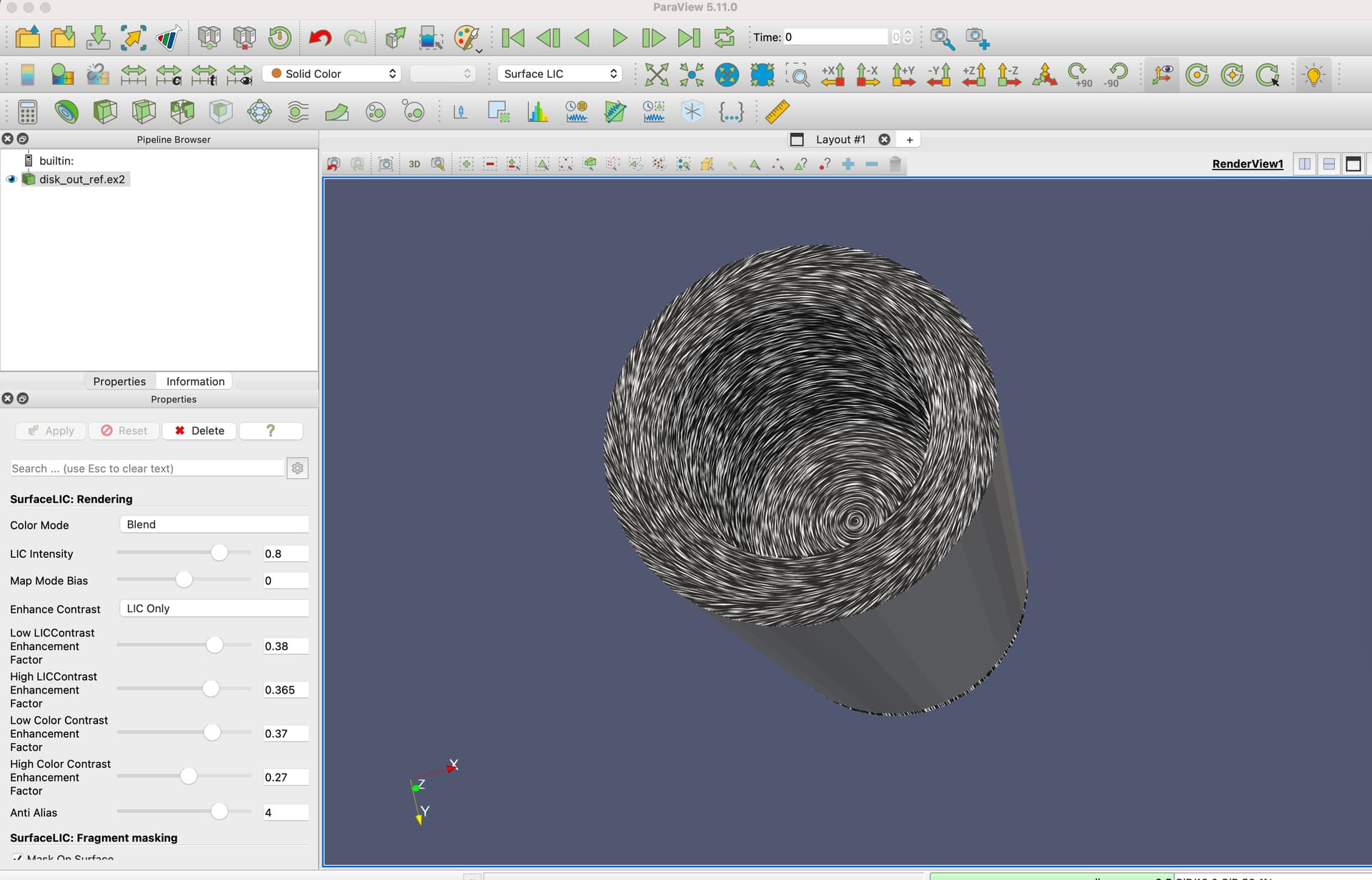
There’s no direct control for it, but try playing with the settings under “SurfaceLIC: Rendering” group. You may have to turn on “advanced” properties in the Properties panel to see them all. Here’s an example: