# Modifying Kitware/visualizer but resetCamera is not working...
**URL:** https://discourse.paraview.org/t/modifying-kitware-visualizer-but-resetcamera-is-not-working/6318
**Category:** Web Support
**Created:** [January 28, 2021, 2:52am UTC](https://discourse.paraview.org/t/modifying-kitware-visualizer-but-resetcamera-is-not-working/6318 "2021-01-28T02:52:33Z")
**Posts on this page:** 8
**Page:** 1
### Author:  [@lbs1163](https://discourse.paraview.org/u/lbs1163)
#### Post date: [January 28, 2021, 2:52am UTC](https://discourse.paraview.org/t/modifying-kitware-visualizer-but-resetcamera-is-not-working/6318/1 "2021-01-28T02:52:33Z")
Hello! I’m working on making single rendering view with paraview backend.
I successed with running python launcher included in Kitware/visualizer.
> **[Kitware/visualizer](https://github.com/Kitware/visualizer)**
>
> The ParaViewWeb Visualizer application which can be used standalone or as a component within another web context. - Kitware/visualizer
I changed the renderer of visualizer from **React/Renderers/VtkRenderer** to **NativeUI/Canvas/RemoteRenderer** due to more flexible compability.
I can call the methods in renderer object such as _getCamera_.
However, it seems that _resetCamera_ and _updateCamera_ are not working.
I can manipulate the camera with mouse interaction (drag).
I cannot find the reason why its not working because _getCamera_ is called exactly the same way that I did with _resetCamera_ and _updateCamera_.
Could you help me with this? ☹
Below is my code for resetting camera.
**window.renderer** is an object of **NativeUI/Canvas/RemoteRenderer** class and is set before it is called.
```
resetCamera() {
console.log(window.renderer);
console.log(parseInt(window.renderer.view));
console.log(network.getClient().ViewPort.getCamera(parseInt(window.renderer.view)));
console.log(network.getClient().ViewPort.resetCamera(parseInt(window.renderer.view)));
window.renderer.render();
}
```
---
### Author:  [@jourdain](https://discourse.paraview.org/u/jourdain)
#### Post date: [January 28, 2021, 3:26pm UTC](https://discourse.paraview.org/t/modifying-kitware-visualizer-but-resetcamera-is-not-working/6318/2 "2021-01-28T15:26:27Z")
Do you get an error in the console? Can you elaborate on `not working`? Do you get a response, an error, something else?
Also in term of rendering, we now use the RemoteView of vtk.js that is use in that [project as an example](https://github.com/Kitware/web-project-templates/tree/master/vue-vtkjs-pvw-template) which is similar to `NativeUI/Canvas/RemoteRenderer` but more modern.
---
### Author:  [@lbs1163](https://discourse.paraview.org/u/lbs1163)
#### Post date: [January 29, 2021, 1:12am UTC](https://discourse.paraview.org/t/modifying-kitware-visualizer-but-resetcamera-is-not-working/6318/3 "2021-01-29T01:12:12Z")
Returned value from _getCamera_ is a fulfilled Promise object with camera information such as focal, position, and up vectors. I also checked whether this camera information changes when I manipulate view with mouse and it worked well.
However, returned value from _resetCamera_ is a fulfilled Promise object with value “317”, which is the id number of my view. I think the communication through the websocket works fine but _resetCamera_ doesn’t reset the camera of the view and the view remains the same as before. Do I need to call another method in JS code to apply the change of the camera view in paraview server?
I’m currently working on code that is already implemented with older version of paraviewweb so I think changing the renderer would take so much time ☹
---
### Author:  [@jourdain](https://discourse.paraview.org/u/jourdain)
#### Post date: [January 29, 2021, 2:22am UTC](https://discourse.paraview.org/t/modifying-kitware-visualizer-but-resetcamera-is-not-working/6318/4 "2021-01-29T02:22:18Z")
Based on what you are saying everything seems to be working as expected.
Is the view not refreshing? Or the center of rotation is not what you expect? What is the part of the reset camera that does not work?
---
### Author:  [@lbs1163](https://discourse.paraview.org/u/lbs1163)
#### Post date: [January 29, 2021, 2:29am UTC](https://discourse.paraview.org/t/modifying-kitware-visualizer-but-resetcamera-is-not-working/6318/5 "2021-01-29T02:29:44Z")
I think I might be misunderstanding something here…
Doesn’t _resetCaemra_ change the angle of view?
I expected that _resetCamera_ rotate the camera to the default orientation which is set when the connection established.
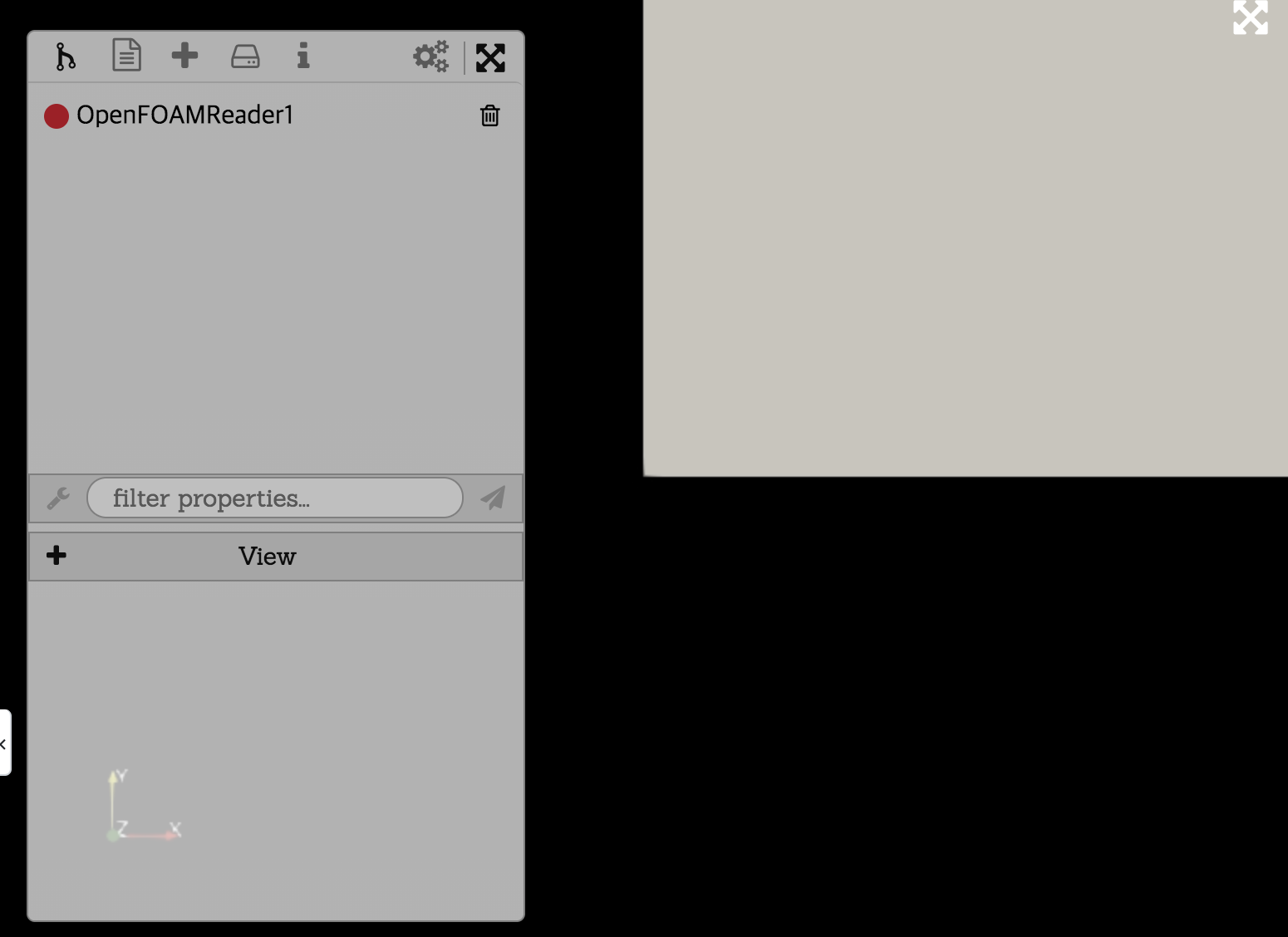
This is the camera position when the connection is established and I want to reset the camera like this.
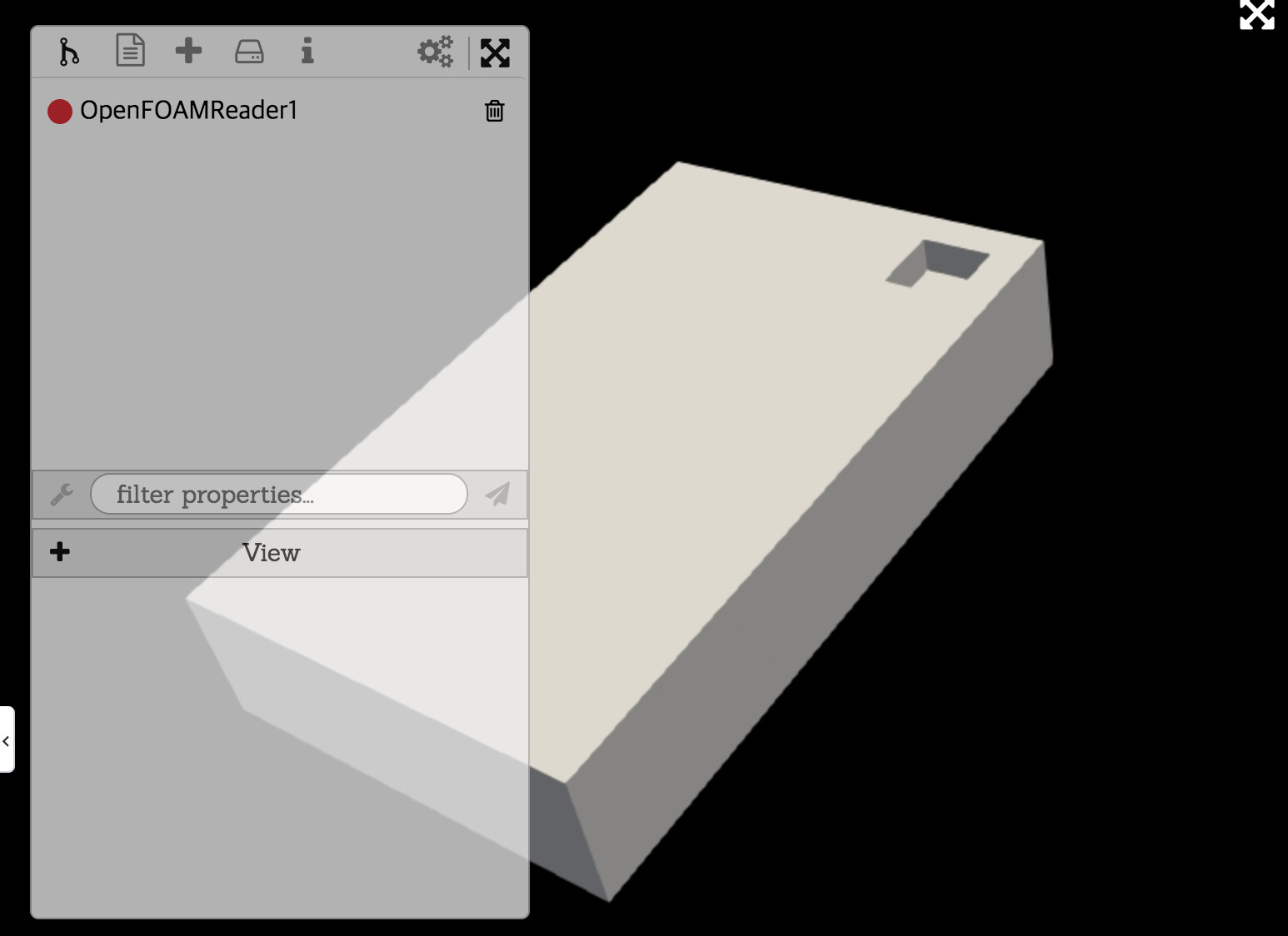
After manipulating the camera like above and call the _resetCamera_, camera doesn’t change and remains the same like the above.
---
### Author:  [@jourdain](https://discourse.paraview.org/u/jourdain)
#### Post date: [January 29, 2021, 3:05pm UTC](https://discourse.paraview.org/t/modifying-kitware-visualizer-but-resetcamera-is-not-working/6318/6 "2021-01-29T15:05:57Z")
The behavior that you are seeing is expected and meant to be like it is.
ResetCamera aims to ensure the object best fit in the viewport while keeping its current orientation.
To see the reset camera change the view, you will have to pan or zoom.
---
### Author:  [@lbs1163](https://discourse.paraview.org/u/lbs1163)
#### Post date: [February 1, 2021, 6:53am UTC](https://discourse.paraview.org/t/modifying-kitware-visualizer-but-resetcamera-is-not-working/6318/7 "2021-02-01T06:53:51Z")
I misunderstood the function.
Is there any documentation about available actions for Kitware/visualizer client or paraviewweb?
I look through visualizer website documentation and paraviewweb documentation but still couldn’t find it.
Thanks for your kind replies! It surely helped me a lot 🙂
---
### Author:  [@jourdain](https://discourse.paraview.org/u/jourdain)
#### Post date: [February 1, 2021, 4:12pm UTC](https://discourse.paraview.org/t/modifying-kitware-visualizer-but-resetcamera-is-not-working/6318/8 "2021-02-01T16:12:42Z")
You should look at ParaView and its tutorial. Visualizer is just a front-end to ParaView that is web based.