# Non linear extrusion?
**URL:** https://discourse.paraview.org/t/non-linear-extrusion/9876
**Category:** ParaView Support
**Created:** [June 22, 2022, 8:56am UTC](https://discourse.paraview.org/t/non-linear-extrusion/9876 "2022-06-22T08:56:08Z")
**Posts on this page:** 4
**Page:** 1
### Author:  [@Iban\_H](https://discourse.paraview.org/u/Iban_H)
#### Post date: [June 22, 2022, 8:56am UTC](https://discourse.paraview.org/t/non-linear-extrusion/9876/1 "2022-06-22T08:56:08Z")
Hi,
I have a bathymetric CSV dataset that I managed to transform into a nice surface thanks to community answers here [No difference between surface and points representations](https://discourse.paraview.org/t/no-difference-between-surface-and-points-representations/9801)
But I now have another problem. I want to have some sort of non linear extrusion that will fill the void created by warp by scalar, something like this :
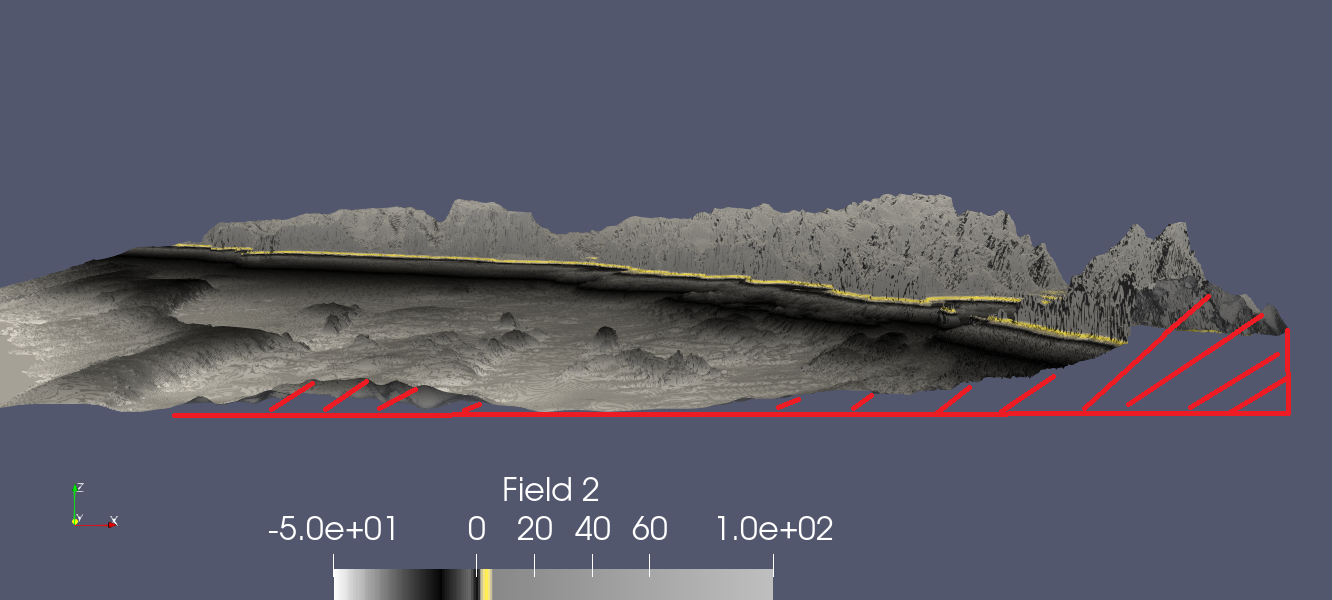
I’ve seen the use of the calculator to extrude, by I really don’t understand this filter to extrude surfaces like here [Extrude a land surface based on topography — Visualization 1.0 documentation](https://visualisation.gitlab-pages.dkrz.de/documentation/Paraview/Filters/calculator-topography/index.html).
Here again, I wanted to copy what has been done here [How to make 2D data look like more realistic in 3D view?](https://discourse.paraview.org/t/how-to-make-2d-data-look-like-more-realistic-in-3d-view/1976)
I’ve used the linear extrusion, it is quite nice for water, but has two major problems:
I either have a reflect when I’m putting just enough water, or when I avoid by making the water far below seabed, it is just too unrealistic when side viewing.

My filters for the moment:
Bathy.CSV
Tabletopoints
Point dataset interpolator applied on a plane source the same size of bathy (14500x13000, precision of 4000x3500)
Warp by scalar
Smooth if I want a better looking plane, not necessary for testing
I’m pretty sure the answer is with the calculator filter but I can’t figure out how.
Thanks ! 🙂
Bathy data : [Microsoft OneDrive - Access files anywhere. Create docs with free Office Online.](https://1drv.ms/f/s!AicfrurOxkTrgS8FTmpVsXKtfExi)
---
### Author:  [@Kenichiro-Yoshimi](https://discourse.paraview.org/u/Kenichiro-Yoshimi)
#### Post date: [June 25, 2022, 9:28am UTC](https://discourse.paraview.org/t/non-linear-extrusion/9876/2 "2022-06-25T09:28:36Z")
Hi,
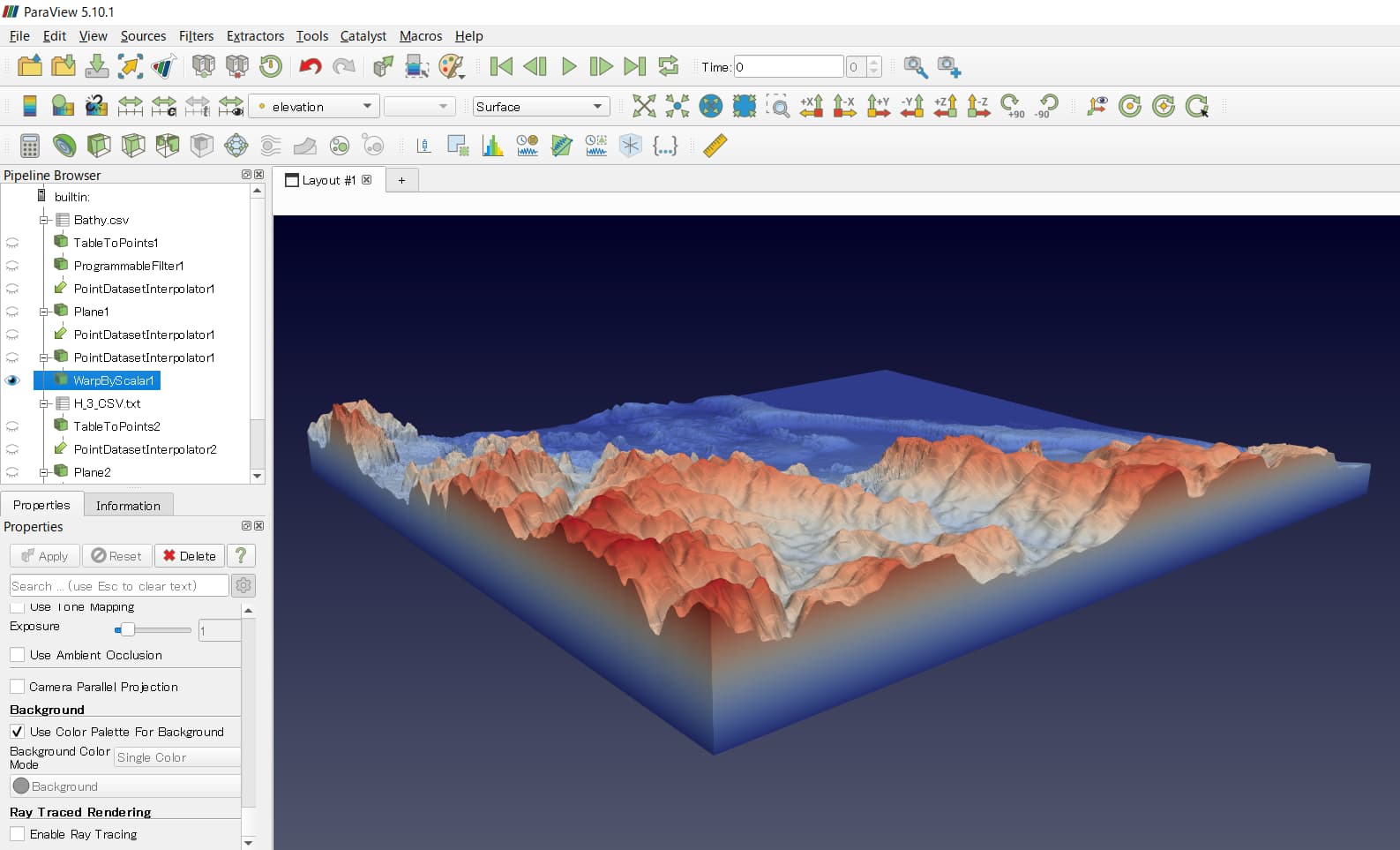
If you replace the elevations at the points in Bathy.csv that form the boundary with the minimum elevation, you can create sides when you apply **Warp By Scalar**. To do this, you may want to use the following **Programmable** filter for **TableToPoints** for Bathy.csv.
```python
import numpy as np
from vtk.util.numpy_support import vtk_to_numpy, numpy_to_vtk
input0 = inputs[0]
bounds = input0.GetBounds()
print(f'bounds: {bounds}')
field2 = input0.GetPointData().GetArray('Field 2')
min_elev = field2.GetRange()[0]
points = vtk_to_numpy(output.GetPoints())
print(len(points))
num_pnts = len(points)
elevation = np.full(num_pnts, min_elev)
for id, (x, y, z) in enumerate(points):
if (x <= bounds[0] or x >= bounds[1] or
y <= bounds[2] or y >= bounds[3]):
continue
elevation[id] = field2.GetTuple1(id)
output.PointData.append(elevation, 'elevation')
```
This allows the result of the **Warp By Scalar** filter to have sidewall surfaces.
I also tried `Ray Traced Rendering` on the water surface (H\_3\_CSV.txt). This would avoid the problem of reflections at the bottom.
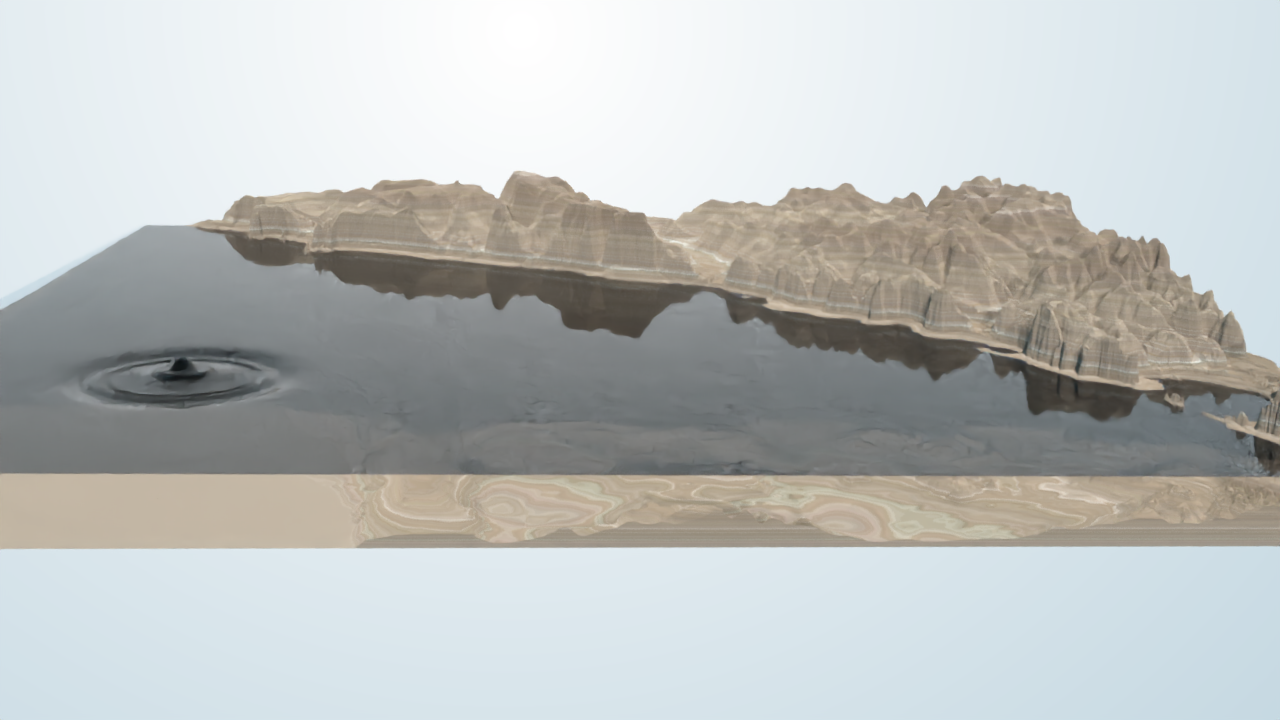
I am attaching the STATE file I used, just in case.
[ray\_tracing\_bathy.pvsm](https://discourse.paraview.org/uploads/short-url/qnsH4vW720CxomIoDkL1uVaHbQr.pvsm) (866.1 KB)
---
### Author:  [@Iban\_H](https://discourse.paraview.org/u/Iban_H)
#### Post date: [June 27, 2022, 8:56am UTC](https://discourse.paraview.org/t/non-linear-extrusion/9876/3 "2022-06-27T08:56:57Z")
Hi Kyoshimi,
First, thanks a lot! That was exactly what I was looking for. Your topography color map looks really nice. Is this a color map you created?
I loaded the state file, but I got an error when I enabled the Ray Tracing. I have four of them :
Generic Warning: In C:\bbd\ecd3383f\build\superbuild\paraview\src\VTK\Rendering\RayTracing\vtkOSPRayMaterialHelpers.cxx, line 283
Warning: unrecognized material “”, using a default OBJMaterial
The Ray Tracing does not make the reflection disappear though. It wasn’t really a reflection, but just the consequence of the use of Linear Extrusion. The free surface is going up, thus the bottom of the extrusion does the same. I modified just a little your programmable filter by modifying the minimum value to an arbitrary one (The bottom of the seabed here) and it now looks exactly how I first imagined it ! Without the reflection.
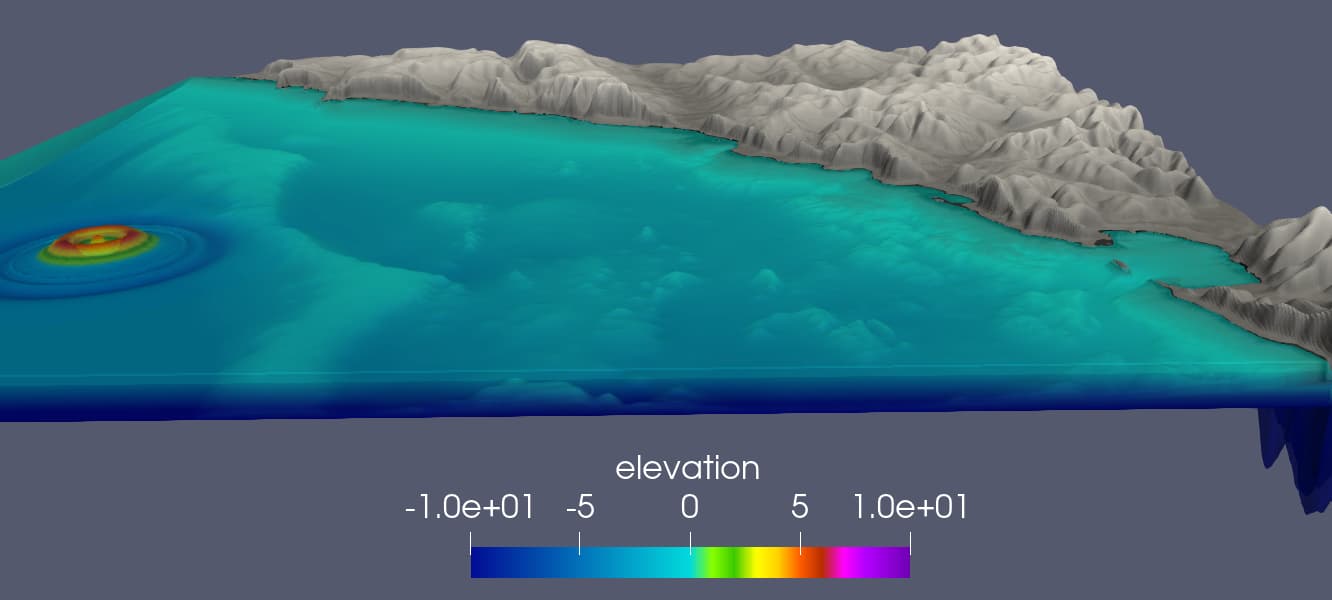
But I don’t know how to automate it, as I’m using the limit of different sources, and that I also want to use different scale factors for bathy and free surface, to make the wave variations more visible. But that’s not a big deal, It is easy and quick to change the minimum value.
What color is your water? Grey with an low opacity?
Those programmable filter seems to be really flexible, I might try to learn how to use them. I’ve been using Paraview only for less than a month.
Happily,
Iban
---
### Author:  [@Kenichiro-Yoshimi](https://discourse.paraview.org/u/Kenichiro-Yoshimi)
#### Post date: [June 27, 2022, 1:47pm UTC](https://discourse.paraview.org/t/non-linear-extrusion/9876/4 "2022-06-27T13:47:58Z")
Hi,
It appears that your version of ParaView is out of date. With the latest ParaView, you can use a large number of path tracer materials for more realistic rendering.