# Paraivew on M1 Chip
**URL:** https://discourse.paraview.org/t/paraivew-on-m1-chip/11534
**Category:** ParaView Support
**Created:** [February 28, 2023, 7:01pm UTC](https://discourse.paraview.org/t/paraivew-on-m1-chip/11534 "2023-02-28T19:01:39Z")
**Posts on this page:** 5
**Page:** 1
### Author:  [@ahandeep\_manna](https://discourse.paraview.org/u/ahandeep_manna)
#### Post date: [February 28, 2023, 7:01pm UTC](https://discourse.paraview.org/t/paraivew-on-m1-chip/11534/1 "2023-02-28T19:01:39Z")
Hi,
I’m using Paraview 5.10.0 on my Mac Book pro with the M1 chip. This version seems to function , however erraticaly where regular interval it cannot open an files although the UI seems to run. Can anyone help me regarding this ?
P.S: Is there a version of paraview which has/ is being developed for better functioning on the M1/2 chips?
---
### Author:  [@ben.boeckel](https://discourse.paraview.org/u/ben.boeckel)
#### Post date: [February 28, 2023, 7:50pm UTC](https://discourse.paraview.org/t/paraivew-on-m1-chip/11534/2 "2023-02-28T19:50:29Z")
ParaView 5.10 has macOS arm64 builds. Can you be more specific about what steps are involved to trigger the problem you’re seeing?
---
### Author:  [@wascott](https://discourse.paraview.org/u/wascott)
#### Post date: [February 28, 2023, 7:56pm UTC](https://discourse.paraview.org/t/paraivew-on-m1-chip/11534/3 "2023-02-28T19:56:26Z")
Welcome to the ParaView community ahandeep!
Ben and ahandeep, There were issues with older ParaView M1 (ARM) builds. ParaView 5.11.0 is working correctly on M1/ARM. You may want to download the latest, and then reply here with whatever issues you find.
Alternatively, the x86 builds (again, use 5.11.0) work well. There is some significant start up latency the first time as the Mac processes the binary, probably running it through rosetta.
Alan
---
### Author:  [@ahandeep\_manna](https://discourse.paraview.org/u/ahandeep_manna)
#### Post date: [March 16, 2023, 9:12am UTC](https://discourse.paraview.org/t/paraivew-on-m1-chip/11534/4 "2023-03-16T09:12:46Z")
Hi All,
Thank you for your replies. But the problem still persists.
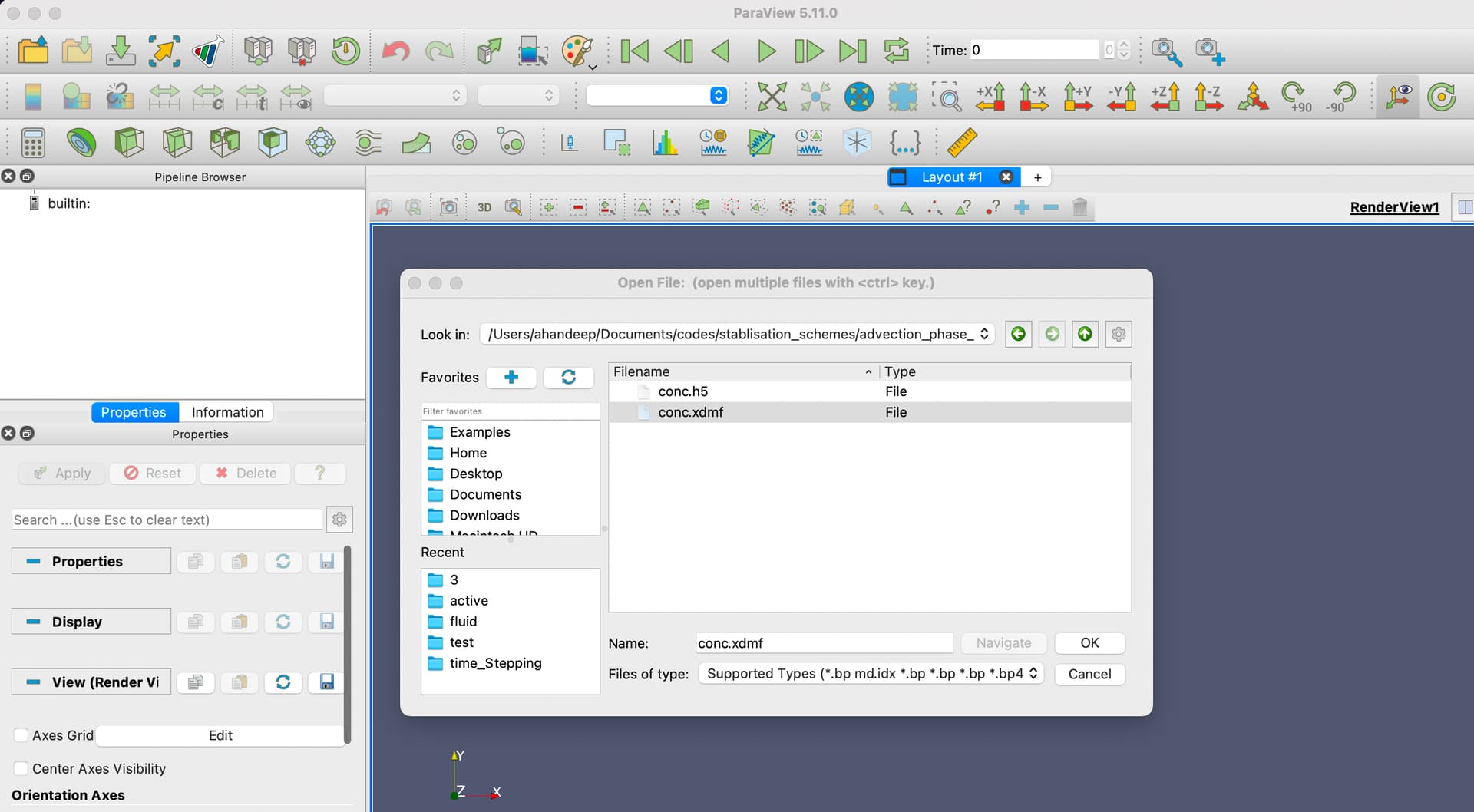
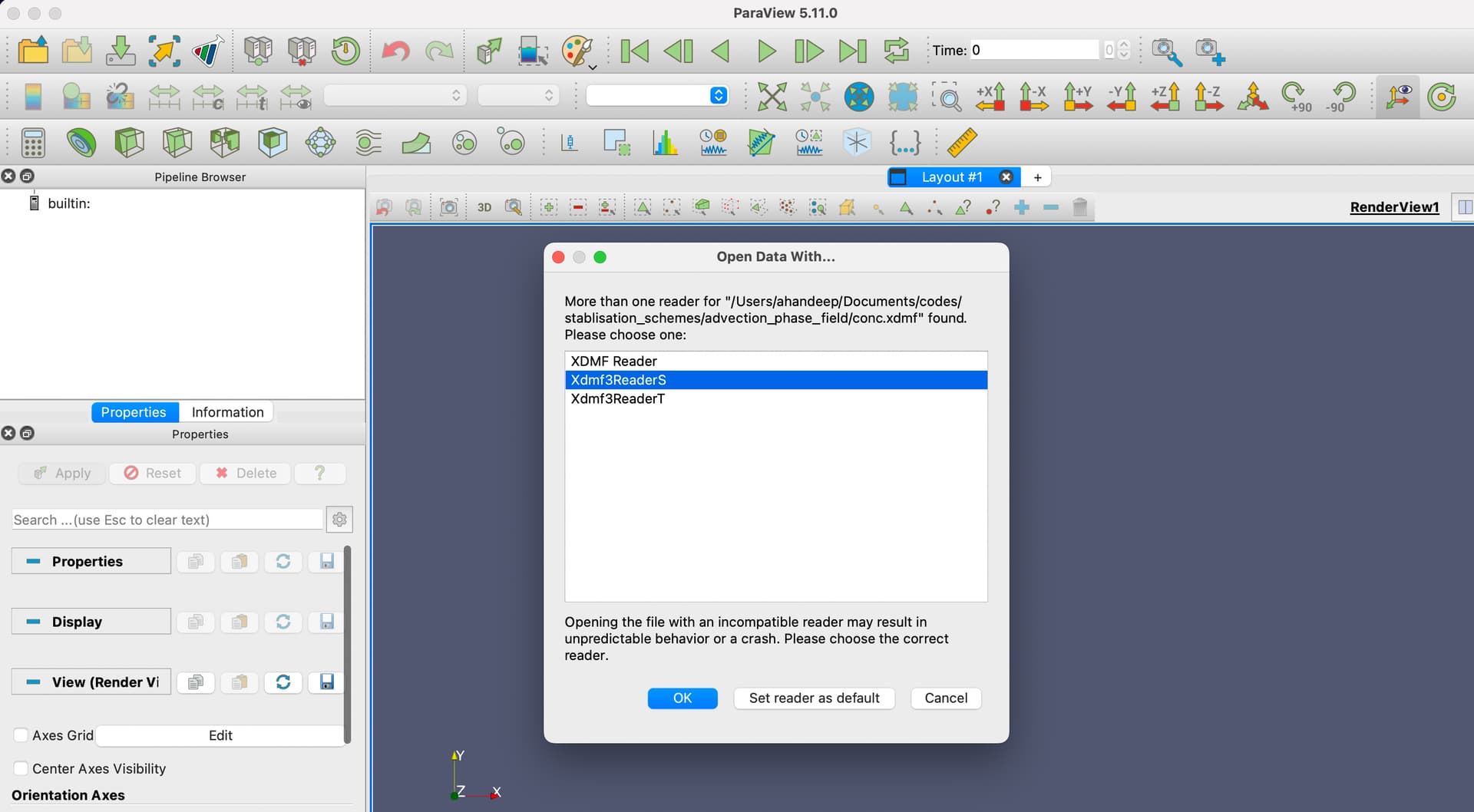
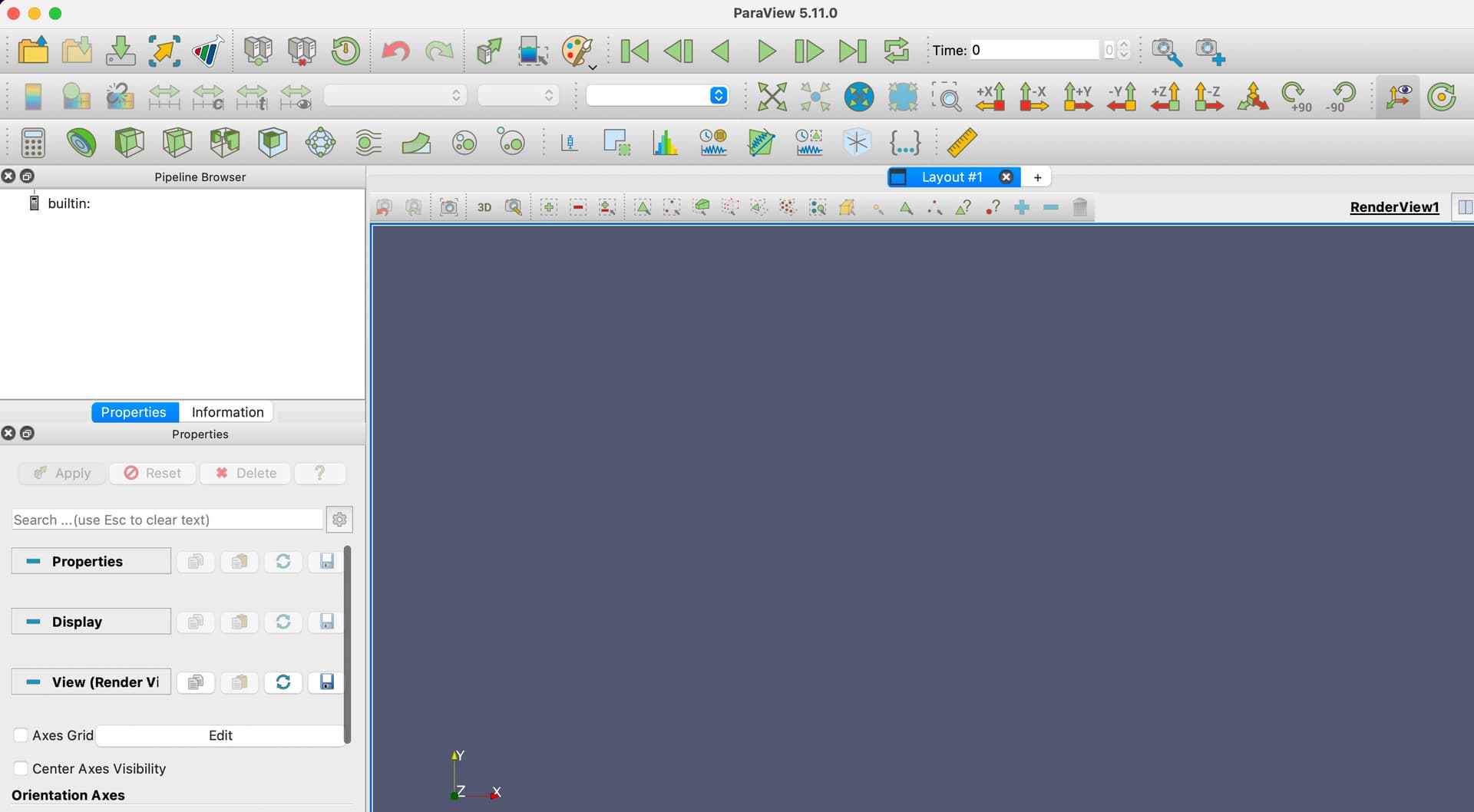
I have uploaded a screen shot of the problem. Whenever i try to open a xdmf file it just doesn’t open it. I checked it for other file types like .vtu,.pvd as well and it shows the same problem.
best,
Ahan
---
### Author:  [@ben.boeckel](https://discourse.paraview.org/u/ben.boeckel)
#### Post date: [April 24, 2023, 1:43am UTC](https://discourse.paraview.org/t/paraivew-on-m1-chip/11534/5 "2023-04-24T01:43:28Z")
Can you share your XDMF file? It could be that the reader has assumptions that don’t hold for non-Intel architectures in some cases.