# ParaView 6.0.1. crashes when using Optix pathtracing
**URL:** https://discourse.paraview.org/t/paraview-6-0-1-crashes-when-using-optix-pathtracing/17250
**Category:** ParaView Support
**Created:** [October 18, 2025, 5:48pm UTC](https://discourse.paraview.org/t/paraview-6-0-1-crashes-when-using-optix-pathtracing/17250 "2025-10-18T17:48:08Z")
**Posts on this page:** 12
**Page:** 1
### Author:  [@Captain\_Convergence](https://discourse.paraview.org/u/Captain_Convergence)
#### Post date: [October 18, 2025, 5:48pm UTC](https://discourse.paraview.org/t/paraview-6-0-1-crashes-when-using-optix-pathtracing/17250/1 "2025-10-18T17:48:09Z")
Dear support,
I am working on my linux laptop where I have a NVIDIA Quadro RTX 4000 Mobile GPU with the driver nvidia-driver-555. I have downloaded ParaView 6.0.1. and I run it without compiling it (as I have always been doing). However when I activate the Optix pathtracing, ParaView shuts down and shows this error:
`VisRTX 0.1.6, using devices:`
`0: Quadro RTX 4000 with Max-Q Design (Total: 8.2 GB, Available: 8.0 GB)`
`( 32.441s) [paraview] FrameBuffer.h:79 ERR| VISRTX Error: Could not get color texture.`
`( 32.443s) [paraview] FrameBuffer.h:92 ERR| VISRTX Error: Could not get depth texture.`
`( 32.543s) [paraview] FrameBuffer.h:79 ERR| VISRTX Error: Could not get color texture.`
`( 32.543s) [paraview] FrameBuffer.h:92 ERR| VISRTX Error: Could not get depth texture.`
`( 37.782s) [paraview] FrameBuffer.h:79 ERR| VISRTX Error: Could not get color texture.`
`( 37.782s) [paraview] FrameBuffer.h:92 ERR| VISRTX Error: Could not get depth texture.`
`( 43.500s) [paraview] vtkPVRenderView.cxx:3710 WARN| vtkPVRenderView (0x207f6b70): You must enable streaming in Edit->Settings/Preferences for iterative refinement.`
`( 43.581s) [paraview] FrameBuffer.h:79 ERR| VISRTX Error: Could not get color texture.`
`( 43.581s) [paraview] FrameBuffer.h:92 ERR| VISRTX Error: Could not get depth texture.`
`( 45.172s) [paraview] FrameBuffer.h:79 ERR| VISRTX Error: Could not get color texture.`
`( 45.172s) [paraview] FrameBuffer.h:92 ERR| VISRTX Error: Could not get depth texture.`
`( 46.592s) [paraview] FrameBuffer.h:79 ERR| VISRTX Error: Could not get color texture.`
`( 46.592s) [paraview] FrameBuffer.h:92 ERR| VISRTX Error: Could not get depth texture.`
`( 50.781s) [paraview] FrameBuffer.h:79 ERR| VISRTX Error: Could not get color texture.`
`( 50.781s) [paraview] FrameBuffer.h:92 ERR| VISRTX Error: Could not get depth texture.`
`( 52.750s) [paraview] FrameBuffer.h:79 ERR| VISRTX Error: Could not get color texture.`
`( 52.750s) [paraview] FrameBuffer.h:92 ERR| VISRTX Error: Could not get depth texture.`
`terminate called after throwing an instance of ‘optix::Exception’`
`what(): Already mapped (Details: Function “RTresult bufferMap(RTbuffer, unsigned int, unsigned int, void*, void**)” caught exception: Buffer is already mapped)`
`error: exception occurred: Subprocess aborted`
Would it be possible to have any guidance on this subject? Than you in advance for your time!
---
### Author:  [@mwestphal](https://discourse.paraview.org/u/mwestphal)
#### Post date: [October 20, 2025, 7:31am UTC](https://discourse.paraview.org/t/paraview-6-0-1-crashes-when-using-optix-pathtracing/17250/2 "2025-10-20T07:31:02Z")
Just tested with my `NVIDIA GeForce RTX 2080` on Linux, it works great.
---
### Author:  [@Captain\_Convergence](https://discourse.paraview.org/u/Captain_Convergence)
#### Post date: [October 20, 2025, 4:41pm UTC](https://discourse.paraview.org/t/paraview-6-0-1-crashes-when-using-optix-pathtracing/17250/3 "2025-10-20T16:41:14Z")
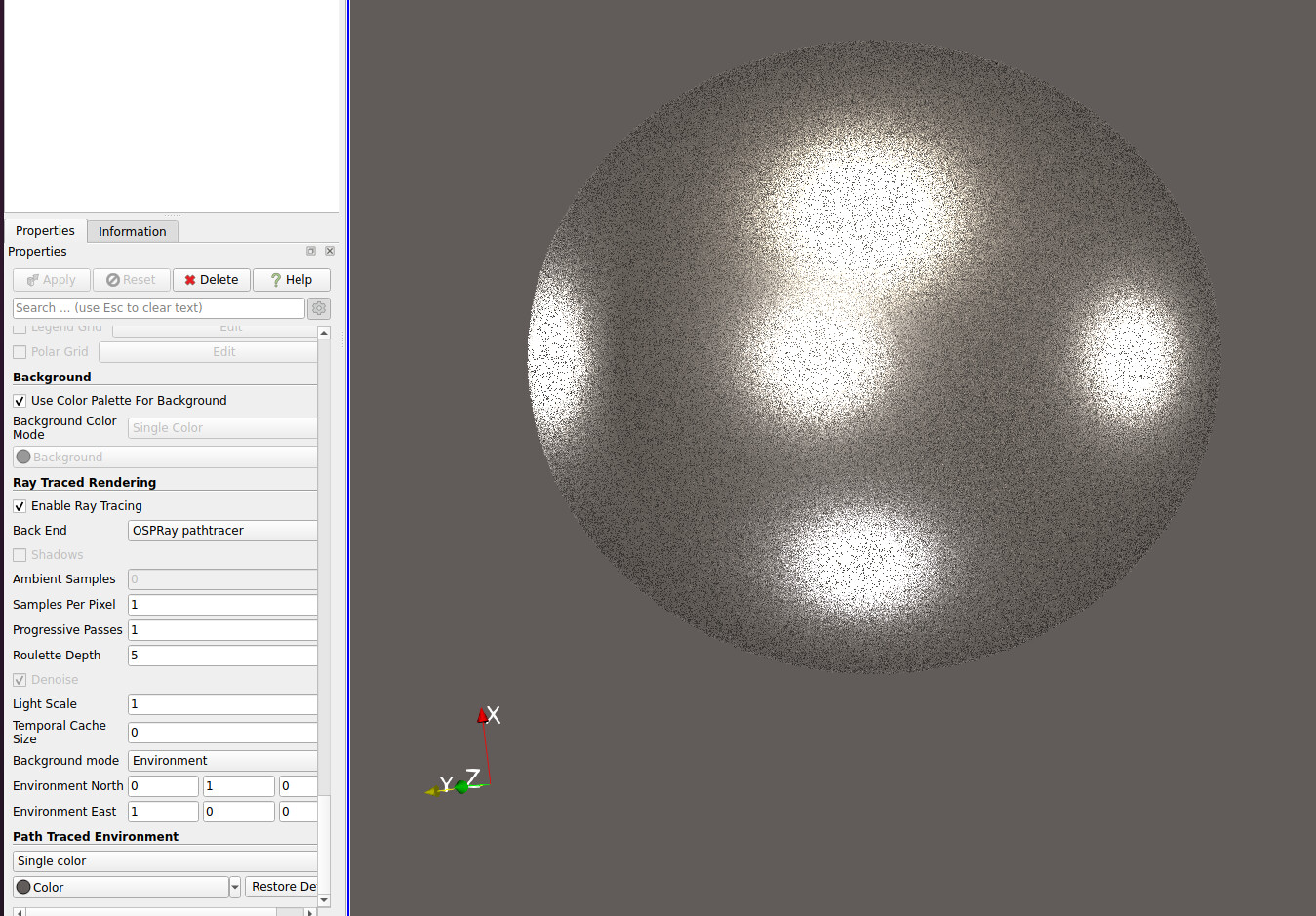
With the OSPray pathtracer it works fine, here I have an sphere with 1 sample per pixel
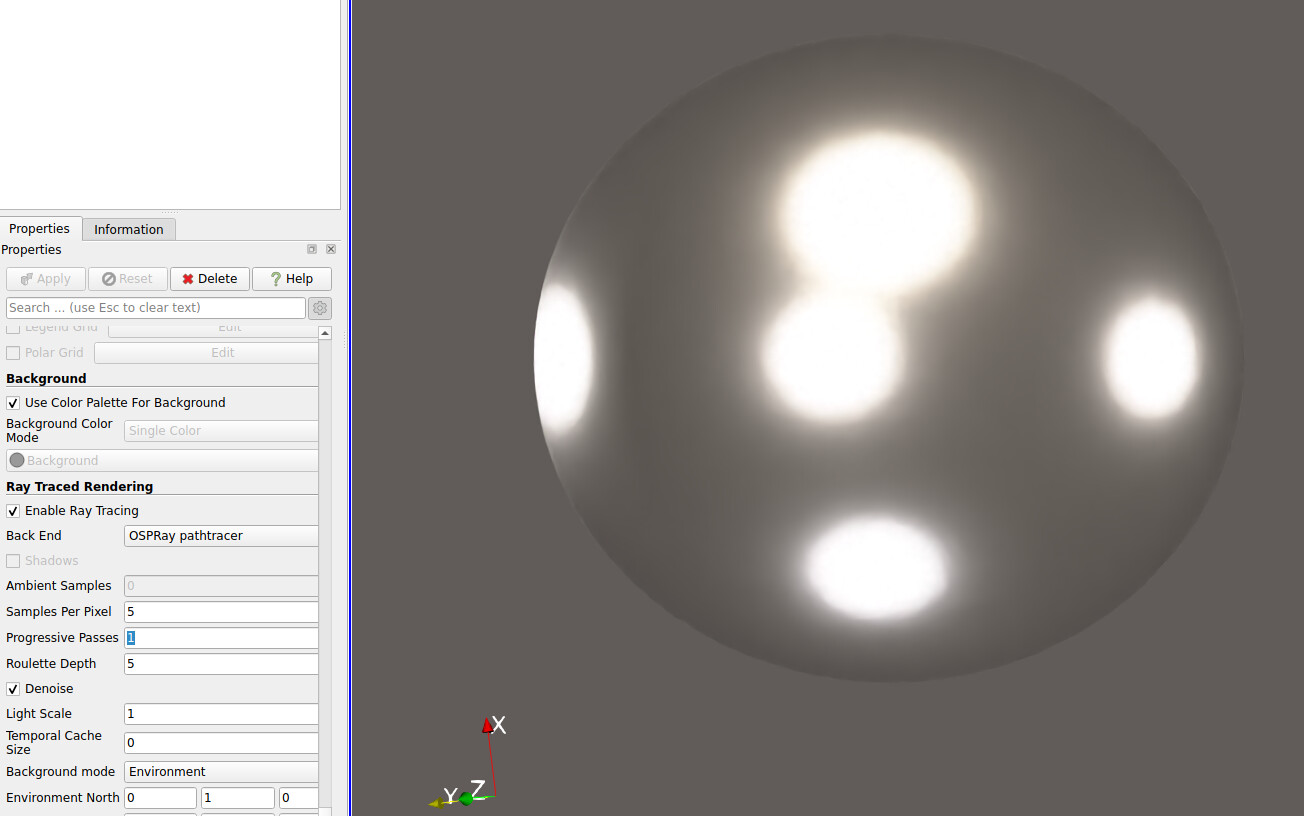
And here 5 samples per pixel
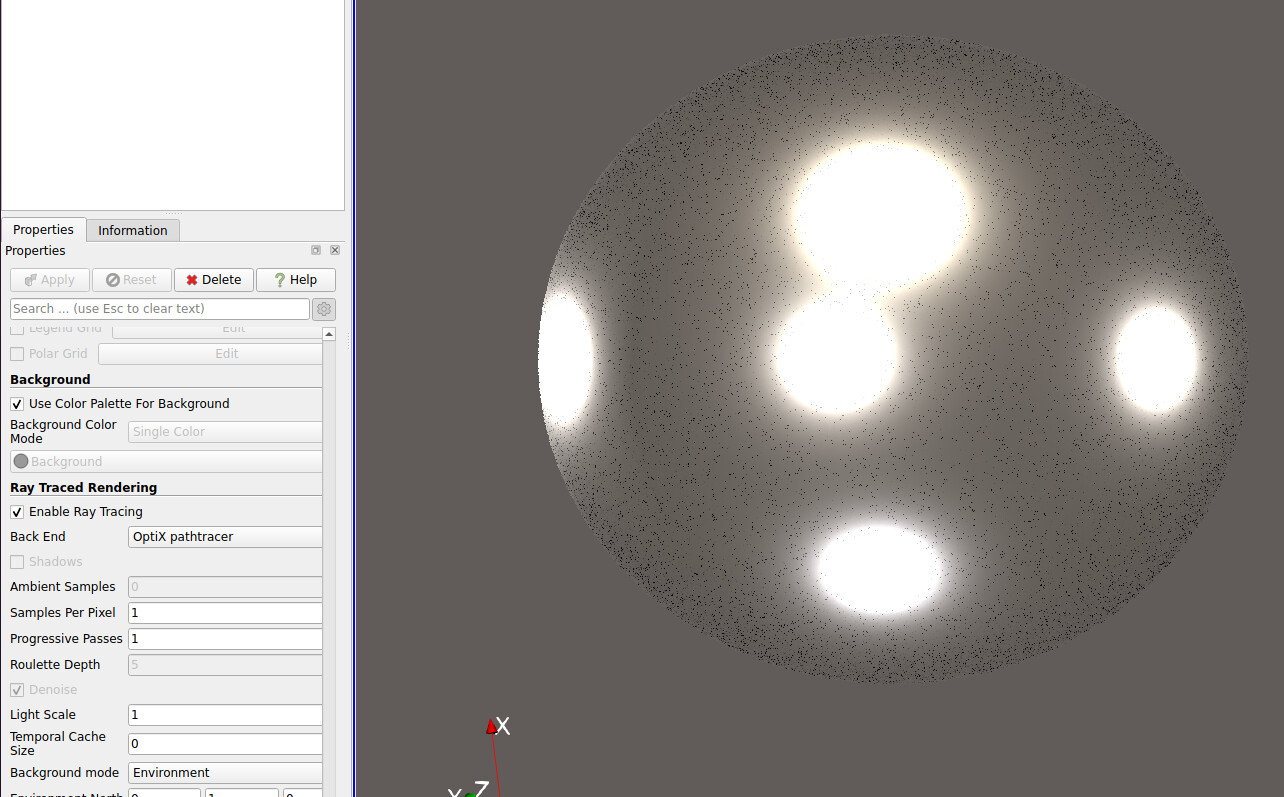
However with the Optix pathtracer, it works fine with 1-2 samples per pixel but if I increase it beyond 3 samples to increase the quality, it crashes with the error mentioned above.
Are there any extra controls that could be useful to improve the rendering quality without adding samples per pixel?
---
### Author:  [@mwestphal](https://discourse.paraview.org/u/mwestphal)
#### Post date: [October 21, 2025, 8:09am UTC](https://discourse.paraview.org/t/paraview-6-0-1-crashes-when-using-optix-pathtracing/17250/4 "2025-10-21T08:09:41Z")
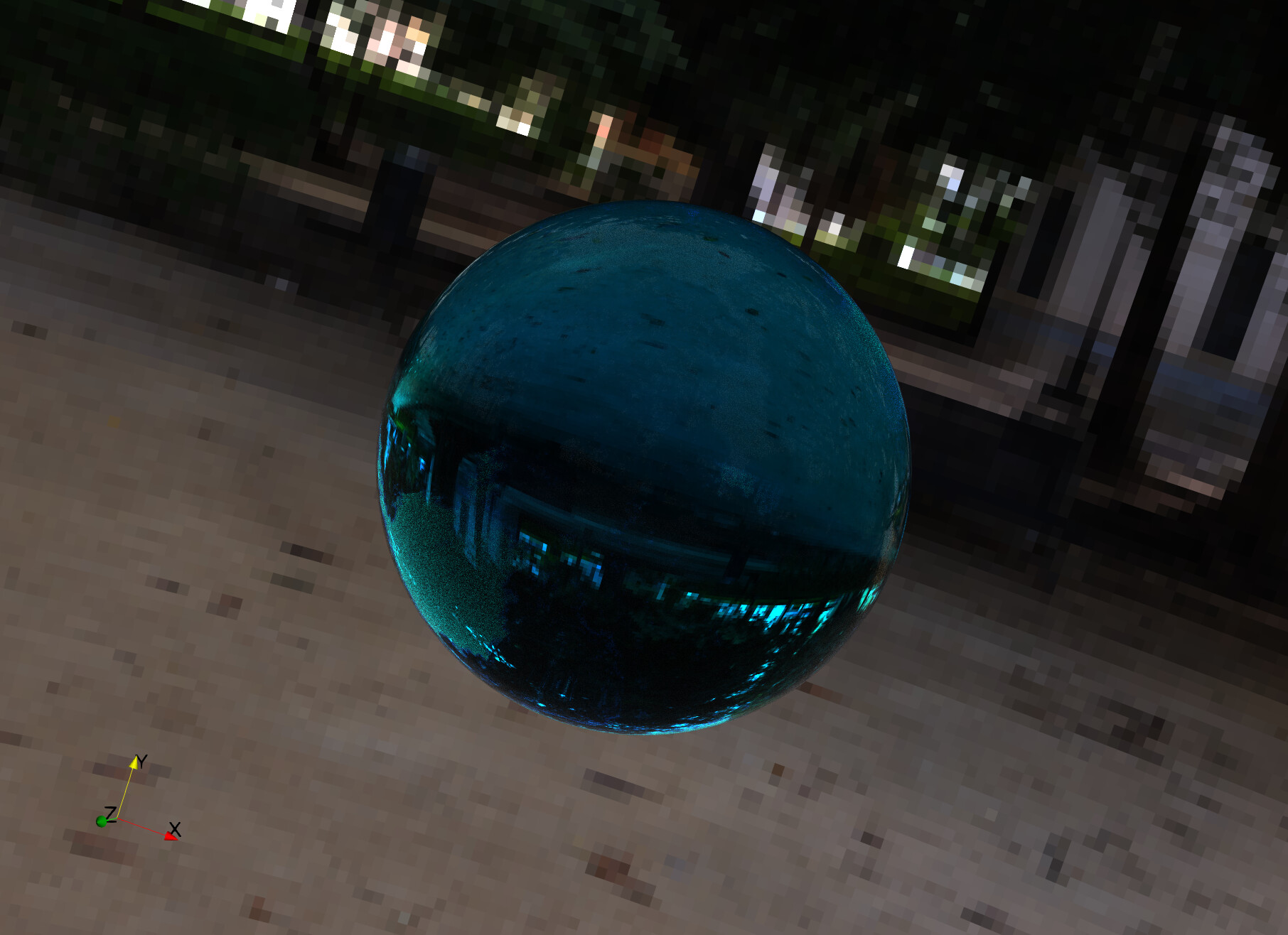
Unable to reproduce, works fine here (40 samples, denoise, material, env lighting):
---
### Author:  [@Captain\_Convergence](https://discourse.paraview.org/u/Captain_Convergence)
#### Post date: [October 21, 2025, 6:48pm UTC](https://discourse.paraview.org/t/paraview-6-0-1-crashes-when-using-optix-pathtracing/17250/5 "2025-10-21T18:48:04Z")
Would it be possible to record a .py so I can have the same exact set up? I am very puzzled that it doesn’t work the same way if the only modifications were samples, denoise, material and env lighting ☹
---
### Author:  [@mwestphal](https://discourse.paraview.org/u/mwestphal)
#### Post date: [October 22, 2025, 9:10am UTC](https://discourse.paraview.org/t/paraview-6-0-1-crashes-when-using-optix-pathtracing/17250/6 "2025-10-22T09:10:10Z")
Here it is:
[optix.py](https://discourse.paraview.org/uploads/short-url/tIey9sifq9GUsqEJju9eh7yFhu7.py) (4.1 KB)
TBH you may also want to clean your settings.
---
### Author:  [@Captain\_Convergence](https://discourse.paraview.org/u/Captain_Convergence)
#### Post date: [October 22, 2025, 4:51pm UTC](https://discourse.paraview.org/t/paraview-6-0-1-crashes-when-using-optix-pathtracing/17250/7 "2025-10-22T16:51:27Z")
Now it works! Thanks a lot 🙂
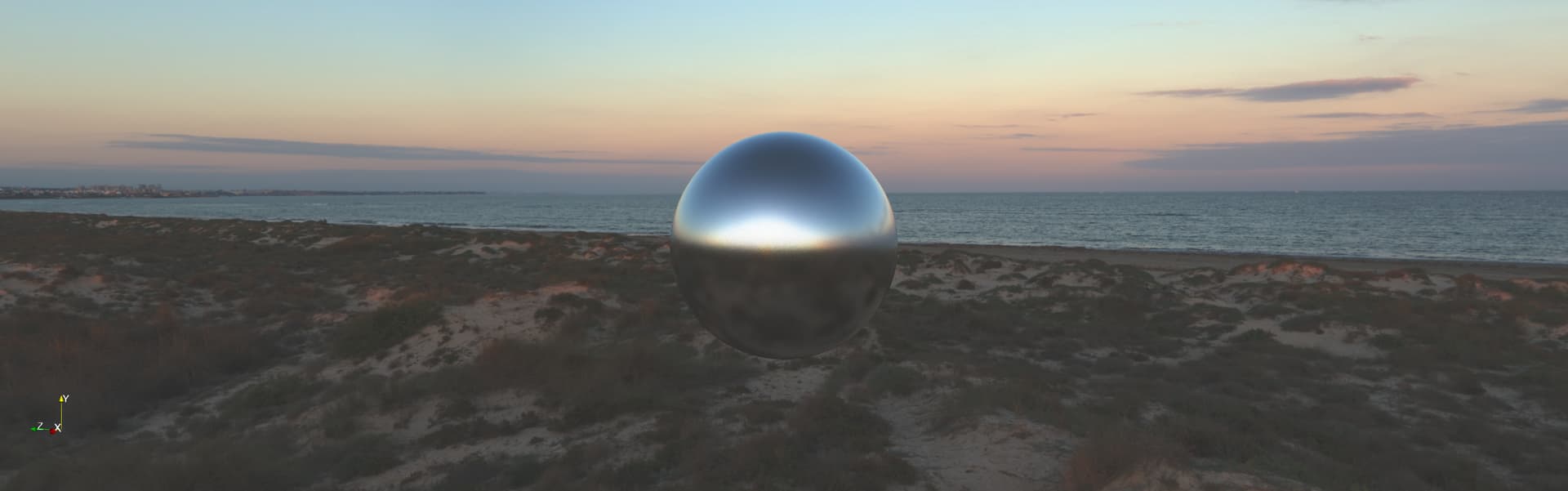
I wasn’t using the following settings:
```auto
paraview.compatibility.major = 6
paraview.compatibility.minor = 0
renderView1.CameraFocalDisk = 1
```
However I am quite surprised that these have a major effect on the graphics when using OptiX… I’ll keep looking into this since I am brand new to reallistic renderings 🙂
Thanks a lot for the support and any guide/tutorials/information on the topic would be very appreciated!
---
### Author:  [@mwestphal](https://discourse.paraview.org/u/mwestphal)
#### Post date: [October 23, 2025, 7:30am UTC](https://discourse.paraview.org/t/paraview-6-0-1-crashes-when-using-optix-pathtracing/17250/8 "2025-10-23T07:30:45Z")
This should not have any impact, can you share a script to reproduce your issue ?
---
### Author:  [@Captain\_Convergence](https://discourse.paraview.org/u/Captain_Convergence)
#### Post date: [October 25, 2025, 3:19pm UTC](https://discourse.paraview.org/t/paraview-6-0-1-crashes-when-using-optix-pathtracing/17250/9 "2025-10-25T15:19:53Z")
Well false alarm, works in my workstation with windows where I have a GPU without ray tracing but it crashes when using my linux laptop with my RTX GPT. I leave here a reproducer which crashes for me if i set renderView1.SamplesPerPixel = 40
[reproducer.py](https://discourse.paraview.org/uploads/short-url/2WtQ6K6VGyjT52t1EssCxPIh6P6.py) (12.5 KB)
---
### Author:  [@mwestphal](https://discourse.paraview.org/u/mwestphal)
#### Post date: [October 27, 2025, 7:55am UTC](https://discourse.paraview.org/t/paraview-6-0-1-crashes-when-using-optix-pathtracing/17250/10 "2025-10-27T07:55:59Z")
> [@Captain\_Convergence](#):
>
> RTX GPT.
What is that ?
---
### Author:  [@Captain\_Convergence](https://discourse.paraview.org/u/Captain_Convergence)
#### Post date: [October 27, 2025, 8:43am UTC](https://discourse.paraview.org/t/paraview-6-0-1-crashes-when-using-optix-pathtracing/17250/11 "2025-10-27T08:43:03Z")
RTX GPU, I meant GPU with hardware accelerated ray tracing, sorry
---
### Author:  [@mwestphal](https://discourse.paraview.org/u/mwestphal)
#### Post date: [October 27, 2025, 8:49am UTC](https://discourse.paraview.org/t/paraview-6-0-1-crashes-when-using-optix-pathtracing/17250/12 "2025-10-27T08:49:30Z")
Please share exact model and driver version as well as OS version.