# Paraview for Windows 10 with Nvidia quadro 2000M
**URL:** https://discourse.paraview.org/t/paraview-for-windows-10-with-nvidia-quadro-2000m/3480
**Category:** ParaView Support
**Created:** [February 1, 2020, 6:11pm UTC](https://discourse.paraview.org/t/paraview-for-windows-10-with-nvidia-quadro-2000m/3480 "2020-02-01T18:11:08Z")
**Posts on this page:** 20
**Page:** 1
### Author:  [@seghir](https://discourse.paraview.org/u/seghir)
#### Post date: [February 1, 2020, 6:11pm UTC](https://discourse.paraview.org/t/paraview-for-windows-10-with-nvidia-quadro-2000m/3480/1 "2020-02-01T18:11:08Z")
Hi
I’m new paraview user. I installed the latest version 5.8 on windows 10 with nividia quadro 2000M graphic card. When executed with GPU, it launches and allow to open a vtk file but it displays nothing in graphic window. I tried older versions, reinstalled and updated drivers but nothing changed.
Thank you for your help
---
### Author:  [@GregVernon](https://discourse.paraview.org/u/GregVernon)
#### Post date: [February 1, 2020, 8:06pm UTC](https://discourse.paraview.org/t/paraview-for-windows-10-with-nvidia-quadro-2000m/3480/2 "2020-02-01T20:06:57Z")
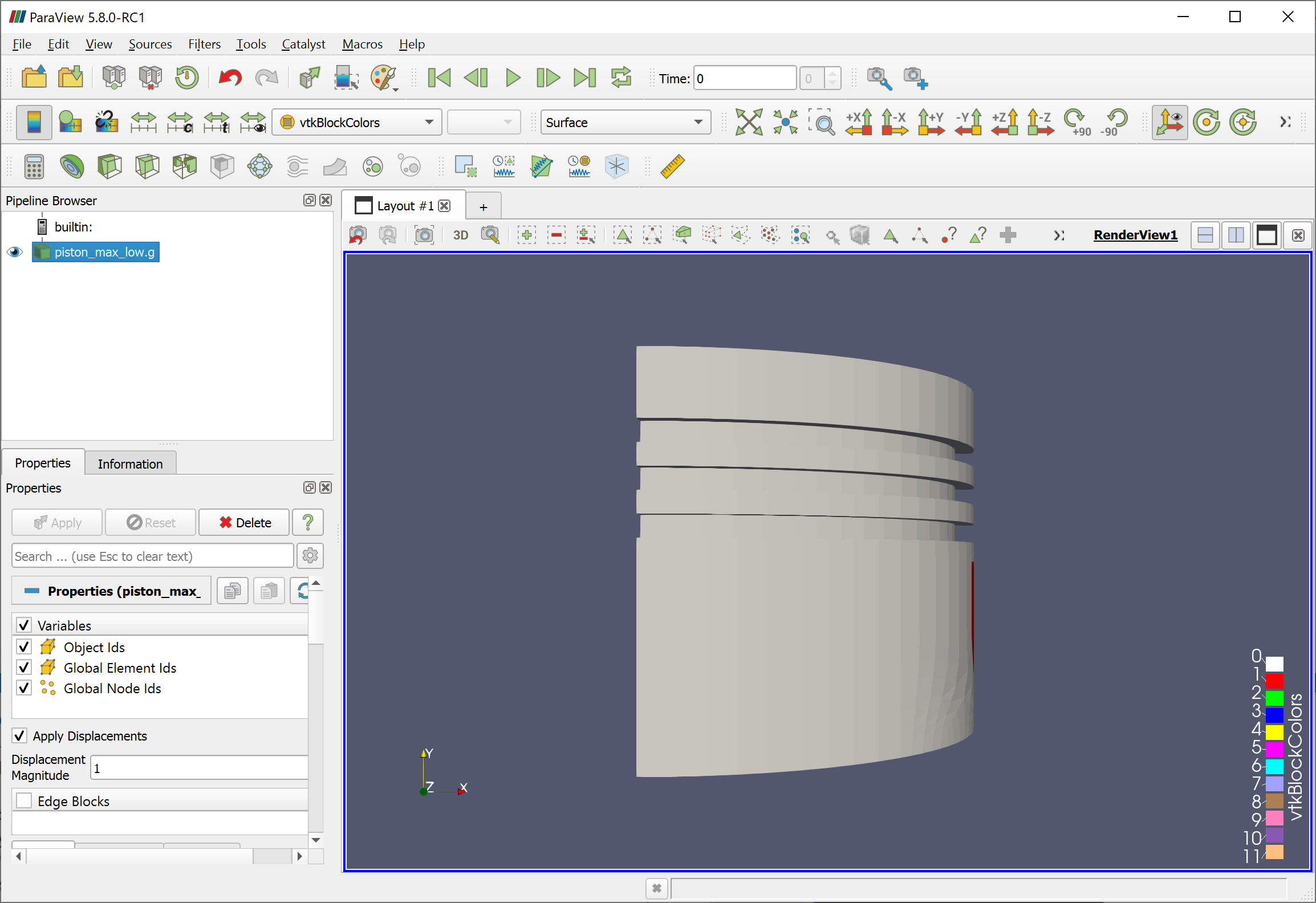
Since you’re a self described “new paraview user”, and didn’t give much detail, I’ll ask the following:
**Did you click “Apply” after opening the file?**
See the green “Apply” button in lower left of the below image? Click it.
Before

After
---
### Author:  [@seghir](https://discourse.paraview.org/u/seghir)
#### Post date: [February 1, 2020, 8:54pm UTC](https://discourse.paraview.org/t/paraview-for-windows-10-with-nvidia-quadro-2000m/3480/3 "2020-02-01T20:54:03Z")
Thanks for your reply.
I have a second PC with windows7 and Nvidia GeForce GT620M where I use (for a couple of weeks now) Paraview to post-process results of OpenFOAM and DualSphysics simulations.
I use 2 versions of paraview which work fine. One under BlueCFD (linux like environement) and the second is under windows. In this win7 machine, all V5 paraview versions are working well.
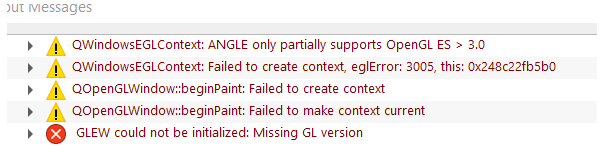
This is the displayed errors when Paraview is launched with CPU option
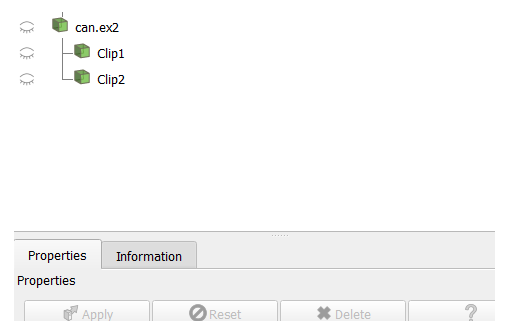
and this is what is displayed when it launched with GPU
---
### Author:  [@GregVernon](https://discourse.paraview.org/u/GregVernon)
#### Post date: [February 1, 2020, 10:14pm UTC](https://discourse.paraview.org/t/paraview-for-windows-10-with-nvidia-quadro-2000m/3480/4 "2020-02-01T22:14:23Z")
See the responses to this recent question as they _may_ be relevant. Especially read the last few responses about specifying the graphics card manually for ParaView. If that doesn’t work there’s not much more advice I can give - you may have to wait on someone from Kitware to get back to you.
> [@paraview visualization distorted after apply](https://discourse.paraview.org/t/paraview-visualization-distorted-after-apply/3248):
>
> Hello. I just installed paraview 5.7.0 on my new laptop and im facing an issue i didnt face in my other computer. Im running a standard damBreak case and i want to visualize the results. However, when i apply the foam case, the toolbars get all distorted and i can’t manage to correctly see the results. The following 2 images display the paraview results and toolbars before and after clicking on apply. Does this ever happened to anyone? Thank you for your time.
---
### Author:  [@seghir](https://discourse.paraview.org/u/seghir)
#### Post date: [February 2, 2020, 10:03pm UTC](https://discourse.paraview.org/t/paraview-for-windows-10-with-nvidia-quadro-2000m/3480/5 "2020-02-02T22:03:35Z")
Thank you very much Greg Vernon
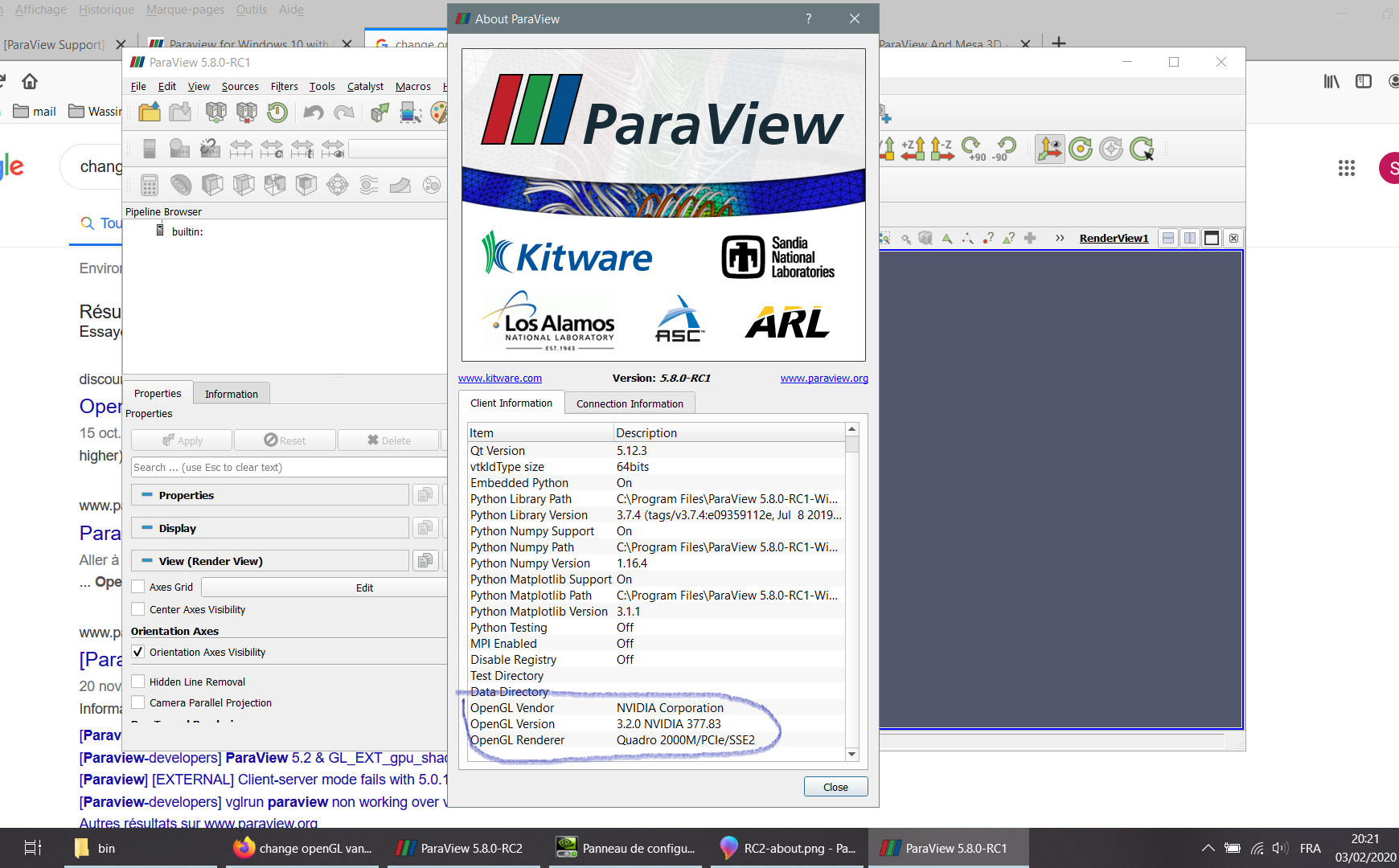
Finally my problem is fixed by installing paraview 5.8RC1. I don’t know why 5.8RC2 is not compatible with Nvidia Quadro
---
### Author:  [@mwestphal](https://discourse.paraview.org/u/mwestphal)
#### Post date: [February 3, 2020, 2:55am UTC](https://discourse.paraview.org/t/paraview-for-windows-10-with-nvidia-quadro-2000m/3480/6 "2020-02-03T02:55:29Z")
@cory.quammen @utkarsh.ayachit : Should we check RC2 on a windows + quadro setup ?
---
### Author:  [@cory.quammen](https://discourse.paraview.org/u/cory.quammen)
#### Post date: [February 3, 2020, 2:02pm UTC](https://discourse.paraview.org/t/paraview-for-windows-10-with-nvidia-quadro-2000m/3480/7 "2020-02-03T14:02:59Z")
I’m confused - all your data sources are marked as not visible in the image of the _Pipeline Browser_ when using the GPU. You shouldn’t see anything in the render view. Make those visible and you will see objects rendered. If that is not the case, please include a screenshot of the entire application window.
I have a Quadro M4000 (NVIDIA driver version 431.70) on which I test all Windows release candidates. I haven’t seen this problem with any of the four Windows binary packages of 5.8.0-RC2.
---
### Author:  [@seghir](https://discourse.paraview.org/u/seghir)
#### Post date: [February 3, 2020, 5:57pm UTC](https://discourse.paraview.org/t/paraview-for-windows-10-with-nvidia-quadro-2000m/3480/8 "2020-02-03T17:57:10Z")
Thanks Cory
I couldn’t make them visible. They become disabled as I click on one of the icons. My Graphic Card is Quadro 2000M with driver version 377.83
Here are the screenshots :
---
### Author:  [@seghir](https://discourse.paraview.org/u/seghir)
#### Post date: [February 3, 2020, 6:06pm UTC](https://discourse.paraview.org/t/paraview-for-windows-10-with-nvidia-quadro-2000m/3480/9 "2020-02-03T18:06:31Z")
Version 5.8 RC1 : The objects are well rendered
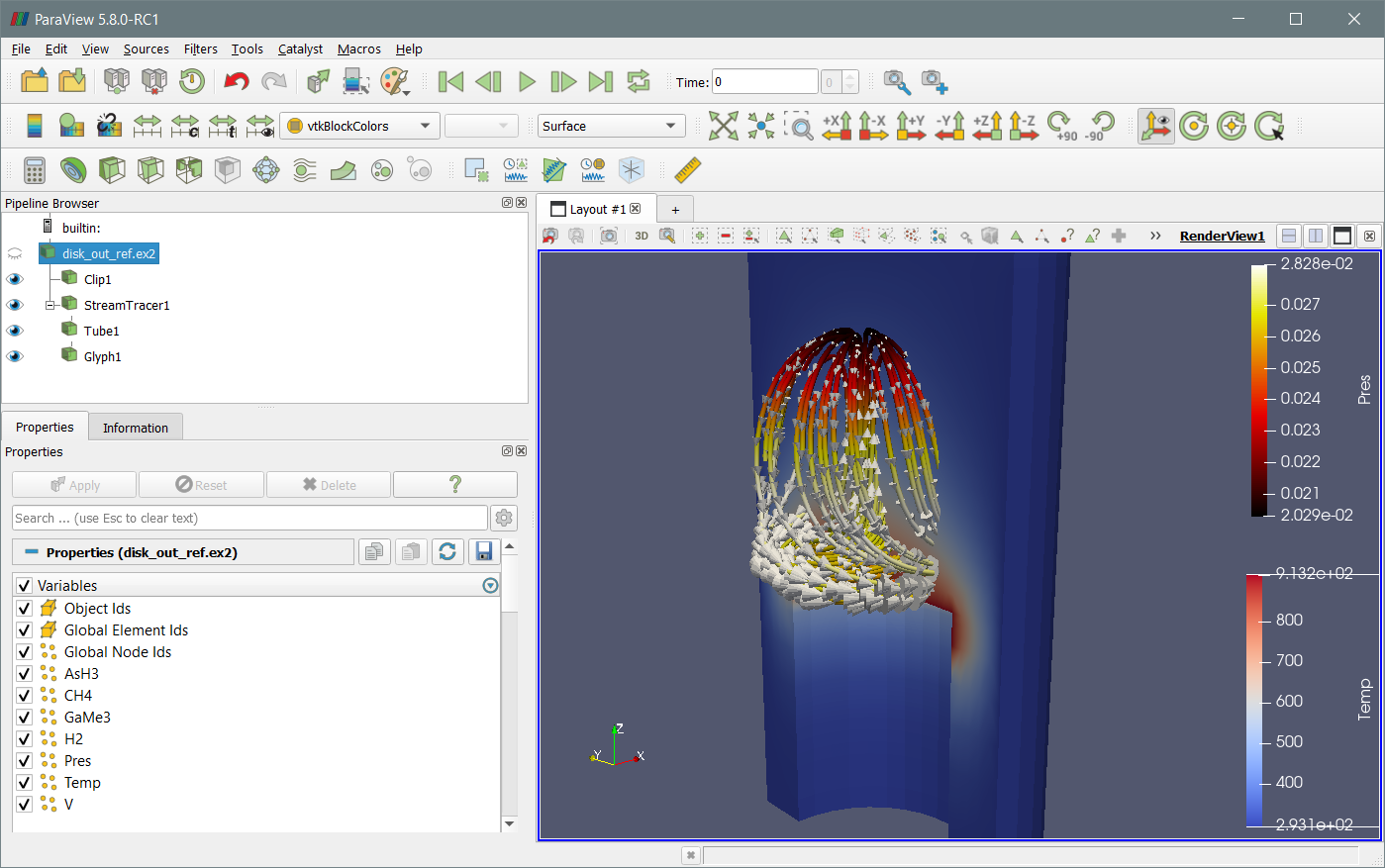
Version 5.8 RC2 : Its opens an example but no rendering
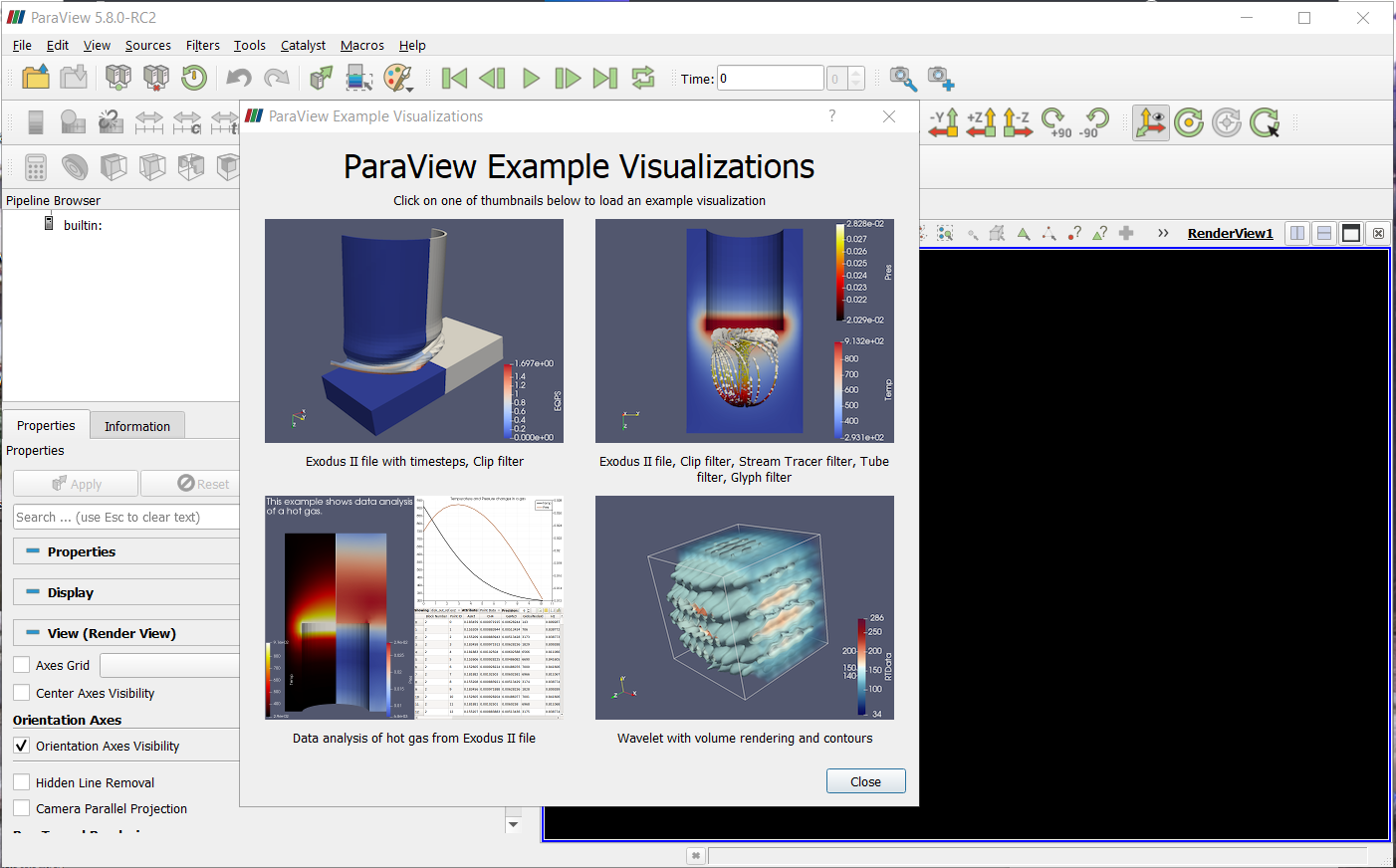
Opening the example gives a black screen
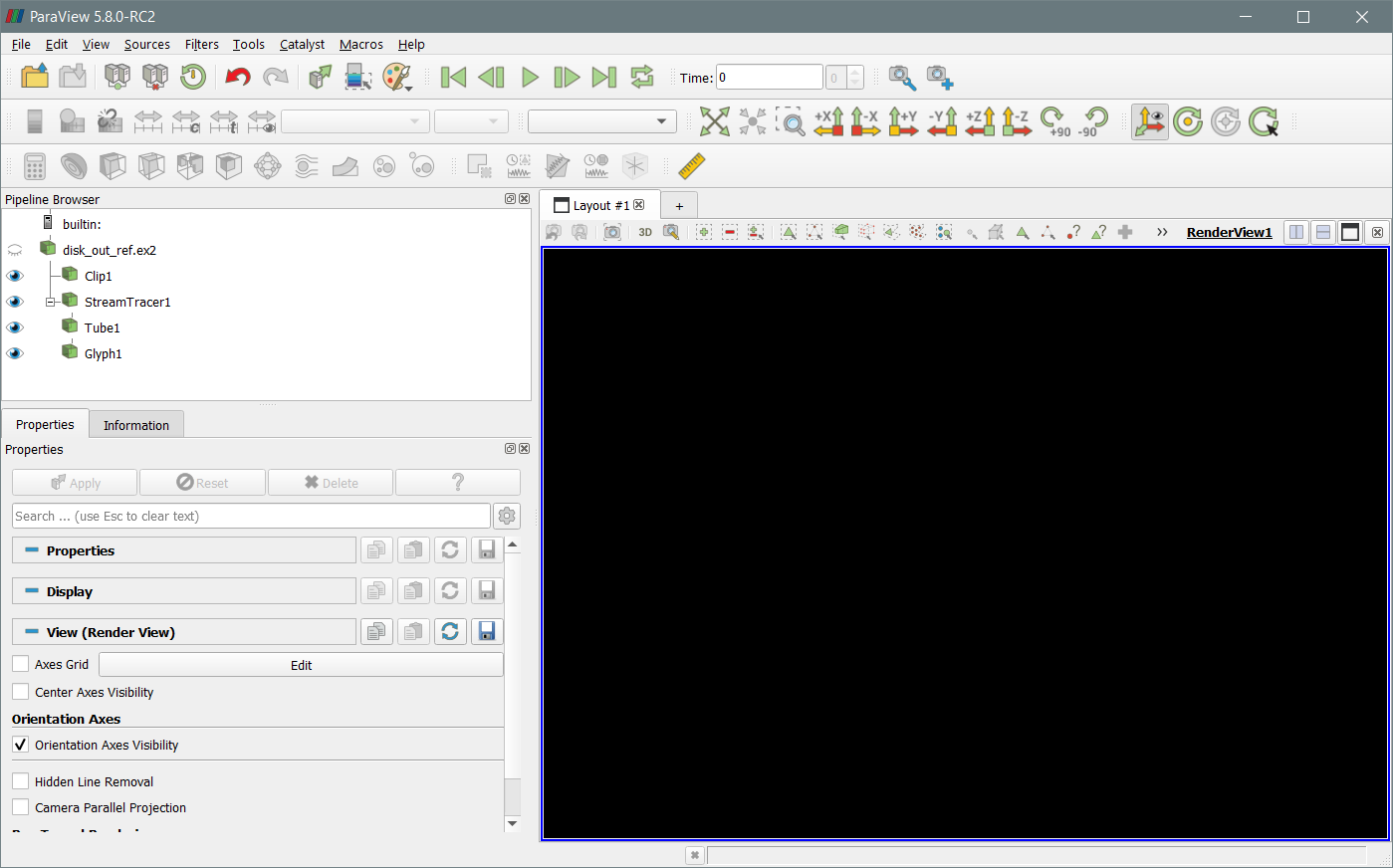
Trying to enable item : It freezes the program, displays the background, then it a crashes and close the window
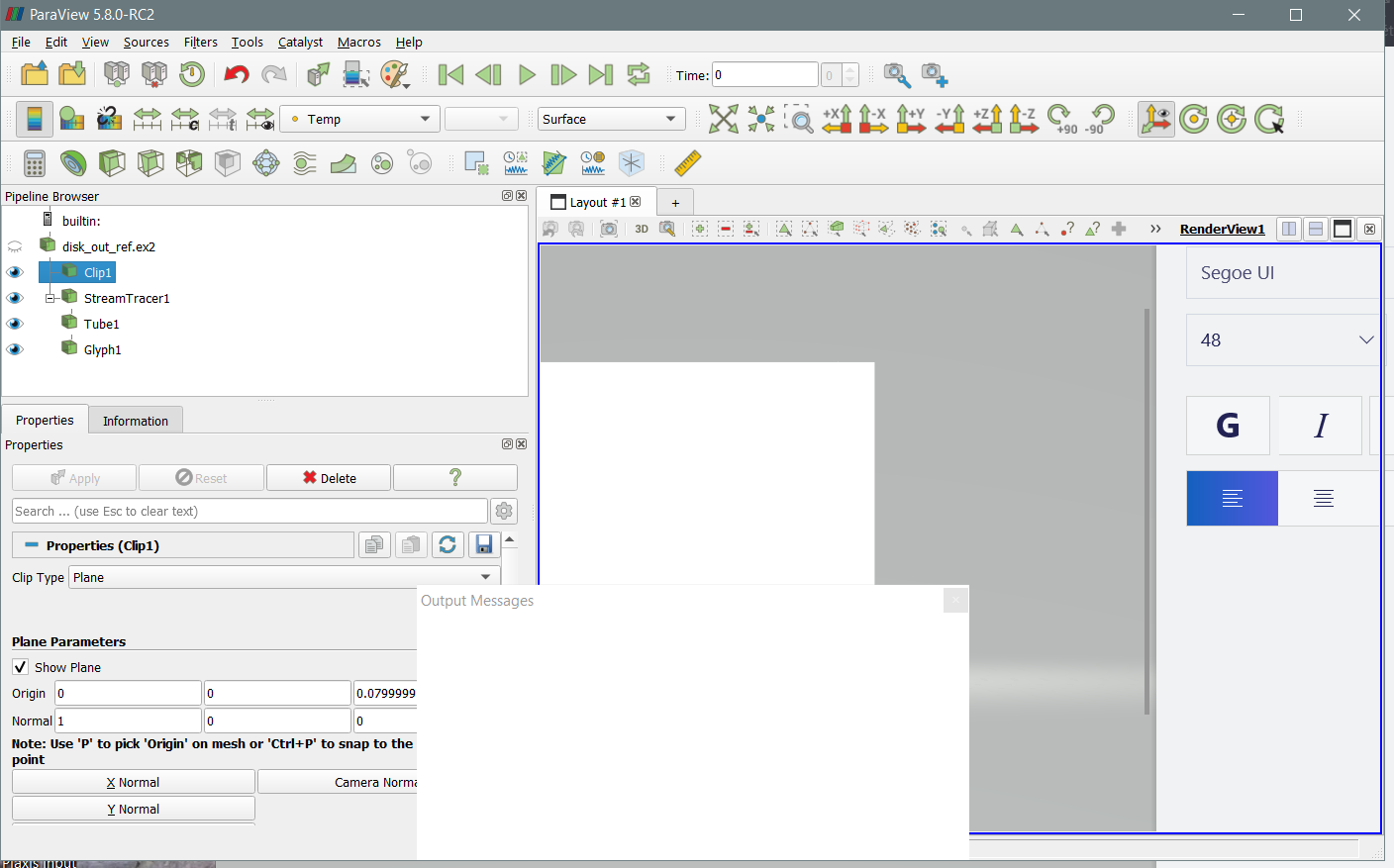
I have No idea !!
---
### Author:  [@wascott](https://discourse.paraview.org/u/wascott)
#### Post date: [February 3, 2020, 6:19pm UTC](https://discourse.paraview.org/t/paraview-for-windows-10-with-nvidia-quadro-2000m/3480/10 "2020-02-03T18:19:01Z")
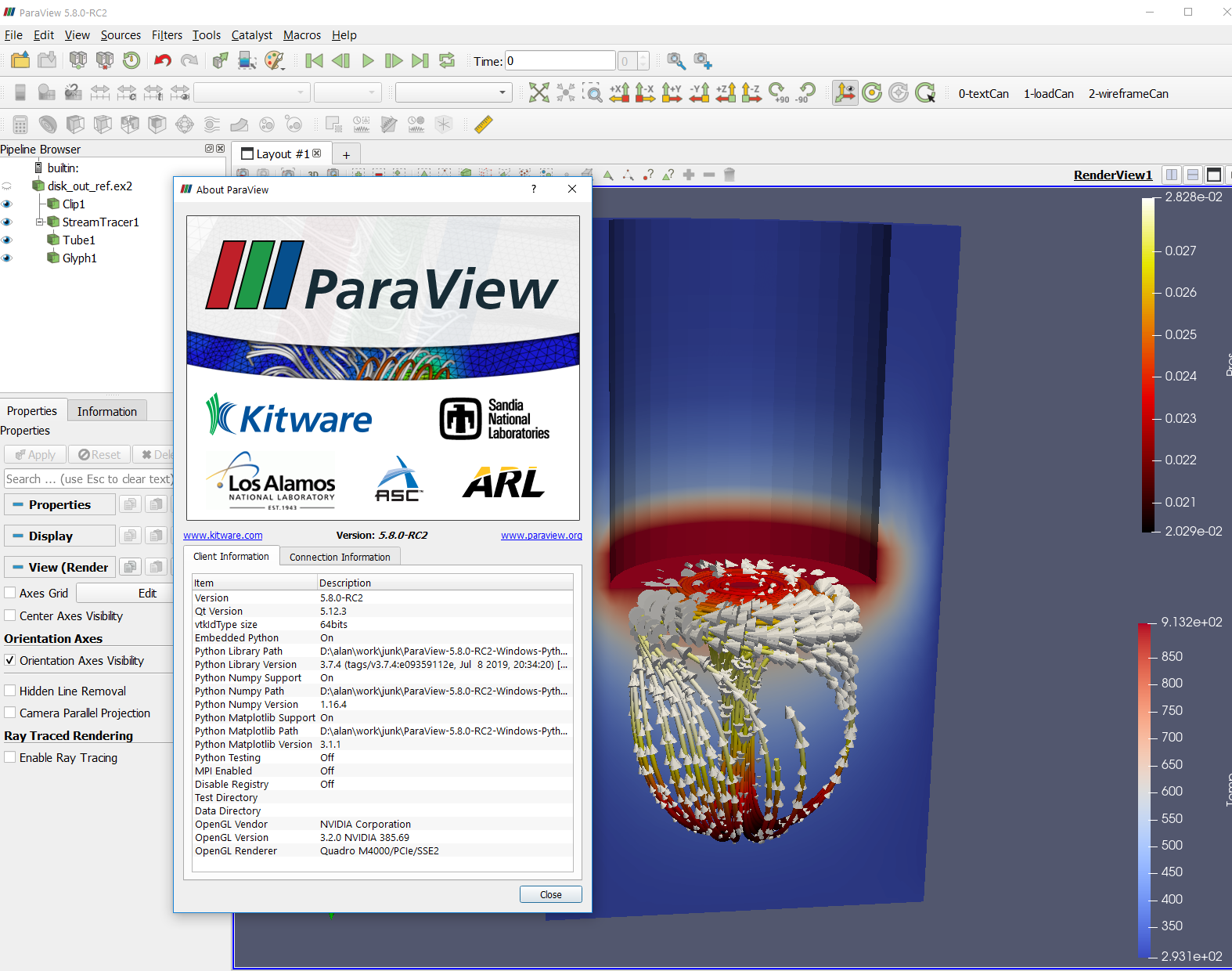
@seghir @cory.quammen RC2, Windows, works for me.
---
### Author:  [@cory.quammen](https://discourse.paraview.org/u/cory.quammen)
#### Post date: [February 3, 2020, 6:20pm UTC](https://discourse.paraview.org/t/paraview-for-windows-10-with-nvidia-quadro-2000m/3480/11 "2020-02-03T18:20:17Z")
@segir, thanks for the screenshots. Let’s see what graphics implementation ParaView is using.
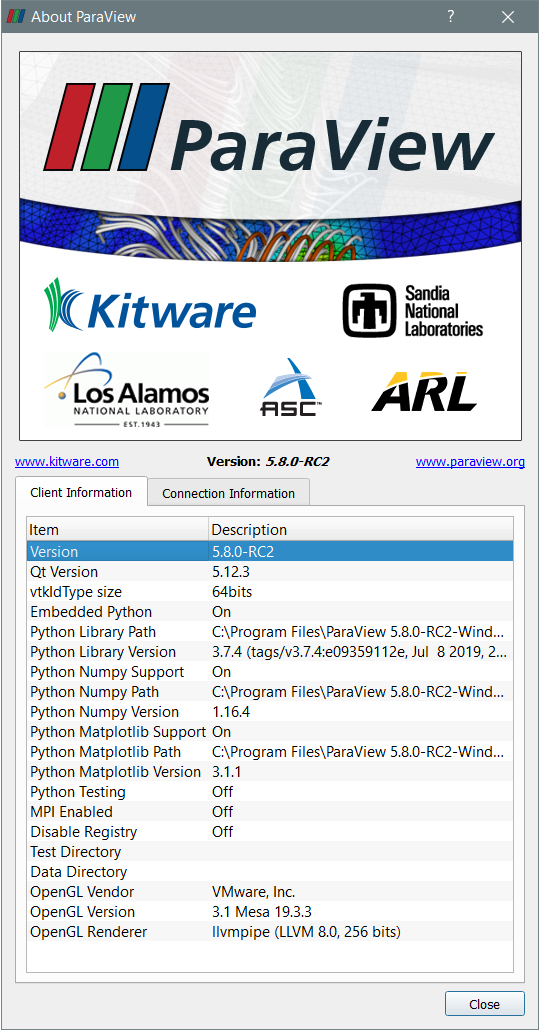
Could you screenshot the “About ParaView” dialog after starting up 5.8.0-RC2 (Help menu, About ParaView)?
---
### Author:  [@seghir](https://discourse.paraview.org/u/seghir)
#### Post date: [February 3, 2020, 7:18pm UTC](https://discourse.paraview.org/t/paraview-for-windows-10-with-nvidia-quadro-2000m/3480/12 "2020-02-03T19:18:00Z")
@cory.quammen
Here is the “About” popup
@wascott
what window version
---
### Author:  [@cory.quammen](https://discourse.paraview.org/u/cory.quammen)
#### Post date: [February 3, 2020, 7:22pm UTC](https://discourse.paraview.org/t/paraview-for-windows-10-with-nvidia-quadro-2000m/3480/13 "2020-02-03T19:22:58Z")
It looks like are running in a VMWare virtual machine. Are you able to run ParaView 5.8.0-RC1 in that same environment?
---
### Author:  [@seghir](https://discourse.paraview.org/u/seghir)
#### Post date: [February 3, 2020, 7:28pm UTC](https://discourse.paraview.org/t/paraview-for-windows-10-with-nvidia-quadro-2000m/3480/14 "2020-02-03T19:28:01Z")
It is running under windows 10.
RC1 is detecting Nvidia !!! How to change this in RC2?
---
### Author:  [@seghir](https://discourse.paraview.org/u/seghir)
#### Post date: [February 3, 2020, 8:07pm UTC](https://discourse.paraview.org/t/paraview-for-windows-10-with-nvidia-quadro-2000m/3480/15 "2020-02-03T20:07:53Z")
Problem fixed after uninstalling RC2 , cleaning, and then re-installing !!!
I steel don’t know what was it ??
Lot of Thanks for all

---
### Author:  [@cory.quammen](https://discourse.paraview.org/u/cory.quammen)
#### Post date: [February 3, 2020, 8:11pm UTC](https://discourse.paraview.org/t/paraview-for-windows-10-with-nvidia-quadro-2000m/3480/16 "2020-02-03T20:11:20Z")
Hmm, that is strange that it took an uninstall and reinstall, but I’m glad it is working now.
---
### Author:  [@wascott](https://discourse.paraview.org/u/wascott)
#### Post date: [February 3, 2020, 8:14pm UTC](https://discourse.paraview.org/t/paraview-for-windows-10-with-nvidia-quadro-2000m/3480/17 "2020-02-03T20:14:50Z")
Does an uninstall remove configuration files?
---
### Author:  [@seghir](https://discourse.paraview.org/u/seghir)
#### Post date: [February 3, 2020, 8:19pm UTC](https://discourse.paraview.org/t/paraview-for-windows-10-with-nvidia-quadro-2000m/3480/18 "2020-02-03T20:19:53Z")
unfortunately there are still some concerns in the rendering, and it crushed after some manipulations.
I have to use RC1

---
### Author:  [@cory.quammen](https://discourse.paraview.org/u/cory.quammen)
#### Post date: [February 3, 2020, 8:37pm UTC](https://discourse.paraview.org/t/paraview-for-windows-10-with-nvidia-quadro-2000m/3480/19 "2020-02-03T20:37:13Z")
The cross-hatching appearance is just [z-fighting](https://en.wikipedia.org/wiki/Z-fighting) which is what you get when you show two nearly exactly overlapping surfaces.
If you get to a state where you can consistently reproduce a crash, please let us know how you did so.
---
### Author:  [@mwestphal](https://discourse.paraview.org/u/mwestphal)
#### Post date: [February 4, 2020, 3:35am UTC](https://discourse.paraview.org/t/paraview-for-windows-10-with-nvidia-quadro-2000m/3480/20 "2020-02-04T03:35:13Z")
@cory.quammen : VMWare in the about dialog only means that he is using mesa. You will get the same results when running `paraview-mesa paraview`
@seghir : You GPU driver was somehow not detected and ParaView was falling back to mesa, which was failing to render for some reason.
About your crash, please provide steps to reproduce.
[Next page](https://discourse.paraview.org/t/paraview-for-windows-10-with-nvidia-quadro-2000m/3480.md?page=2)