# ParaView vs Tecplot Gouraud shading
**URL:** https://discourse.paraview.org/t/paraview-vs-tecplot-gouraud-shading/3511
**Category:** ParaView Support
**Created:** [February 5, 2020, 9:53pm UTC](https://discourse.paraview.org/t/paraview-vs-tecplot-gouraud-shading/3511 "2020-02-05T21:53:02Z")
**Posts on this page:** 3
**Page:** 1
### Author:  [@yanb](https://discourse.paraview.org/u/yanb)
#### Post date: [February 5, 2020, 9:53pm UTC](https://discourse.paraview.org/t/paraview-vs-tecplot-gouraud-shading/3511/1 "2020-02-05T21:53:02Z")
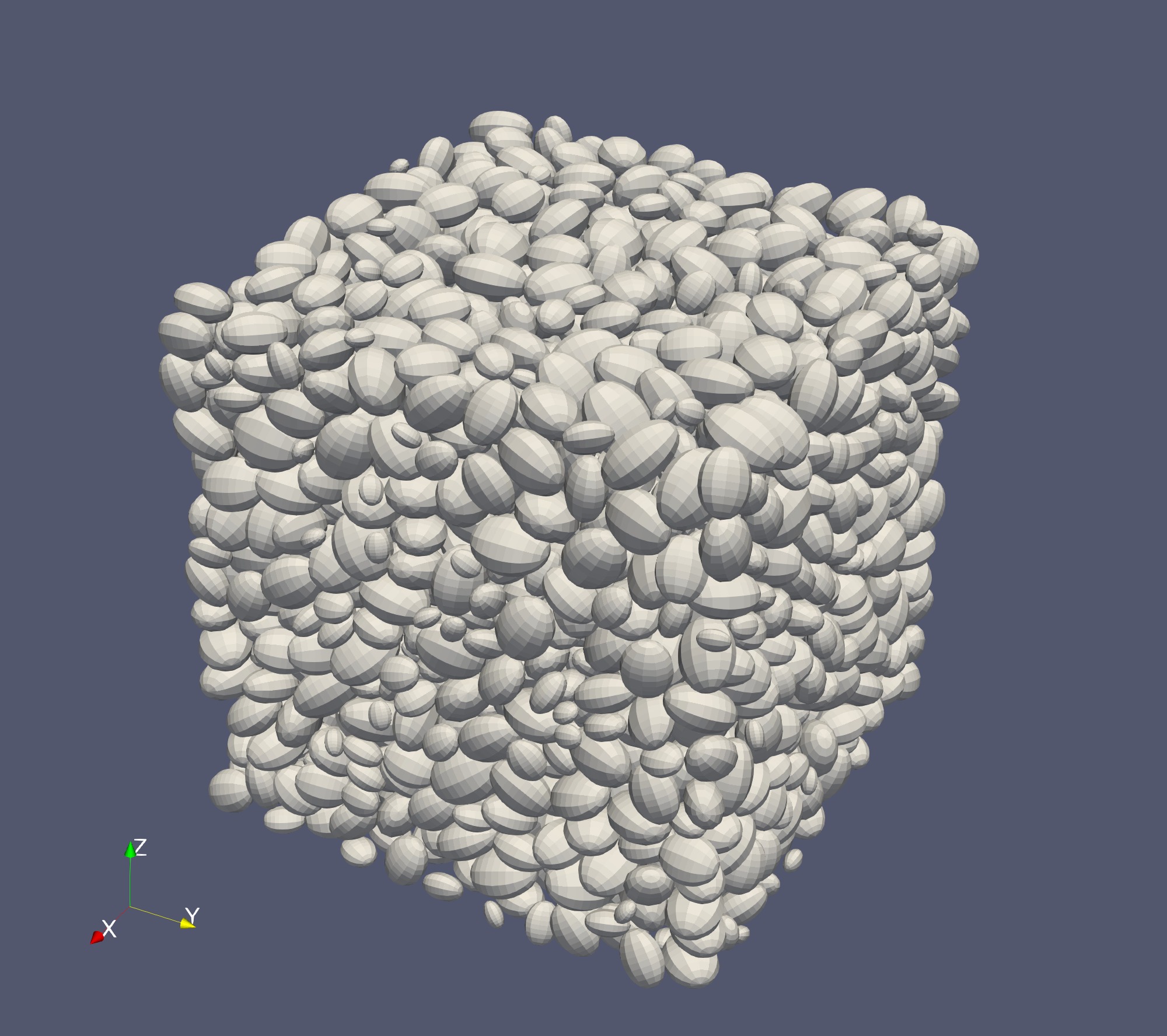
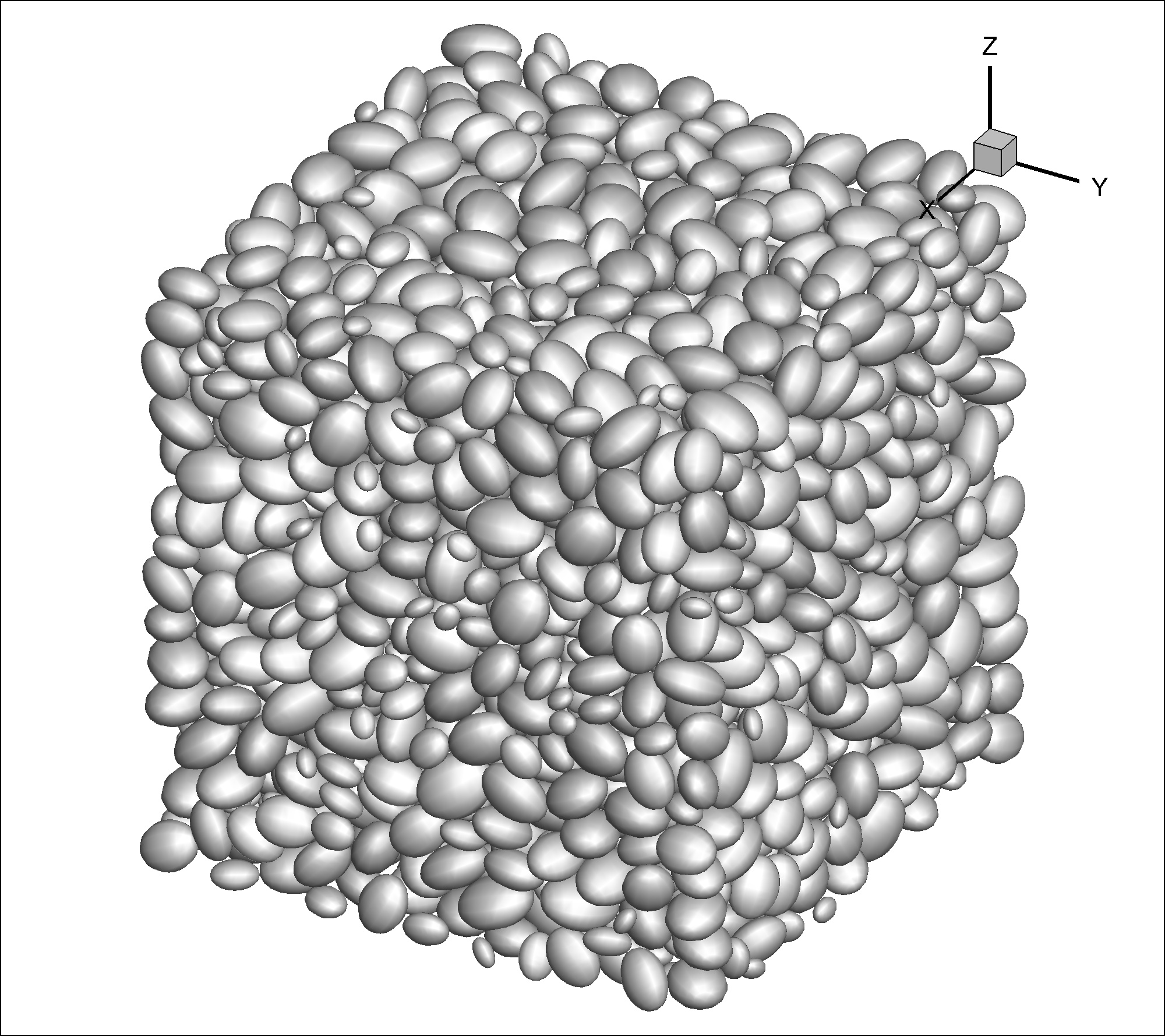
I found the ParaView Gouraud shading shows different effect from the Tecplot Gouraud. See attached two images: above is Paraview, below is Tecplot. The surface of each particle is plotted by FEM quadrilateral elements.
In addition, selecting “flat” or “Gouraud” does not make a difference in Paraview.
How can I make ParaView display smooth surfaces like Tecplot?
Thanks,
Beichuan Yan
---
### Author:  [@wascott](https://discourse.paraview.org/u/wascott)
#### Post date: [February 5, 2020, 10:10pm UTC](https://discourse.paraview.org/t/paraview-vs-tecplot-gouraud-shading/3511/2 "2020-02-05T22:10:26Z")
Welcome to the ParaView community, Yanb!!
My guess is that there are two things going on. For performance reasons, ParaView does not calculate surface normals for the lighting equations. Use the Generate Surface Normals filter. You may need to run the Extract Surface filter first, in order to get a surface for the normals.
Second is that your second image has specular turned on. Paraview has it off by default, since a reflection (which looks white) looks like the middle range of our color map. Turn it on by changing Properties Tab/ Lighting/ Specular to a non zero value.
---
### Author:  [@yanb](https://discourse.paraview.org/u/yanb)
#### Post date: [February 5, 2020, 10:38pm UTC](https://discourse.paraview.org/t/paraview-vs-tecplot-gouraud-shading/3511/3 "2020-02-05T22:38:03Z")
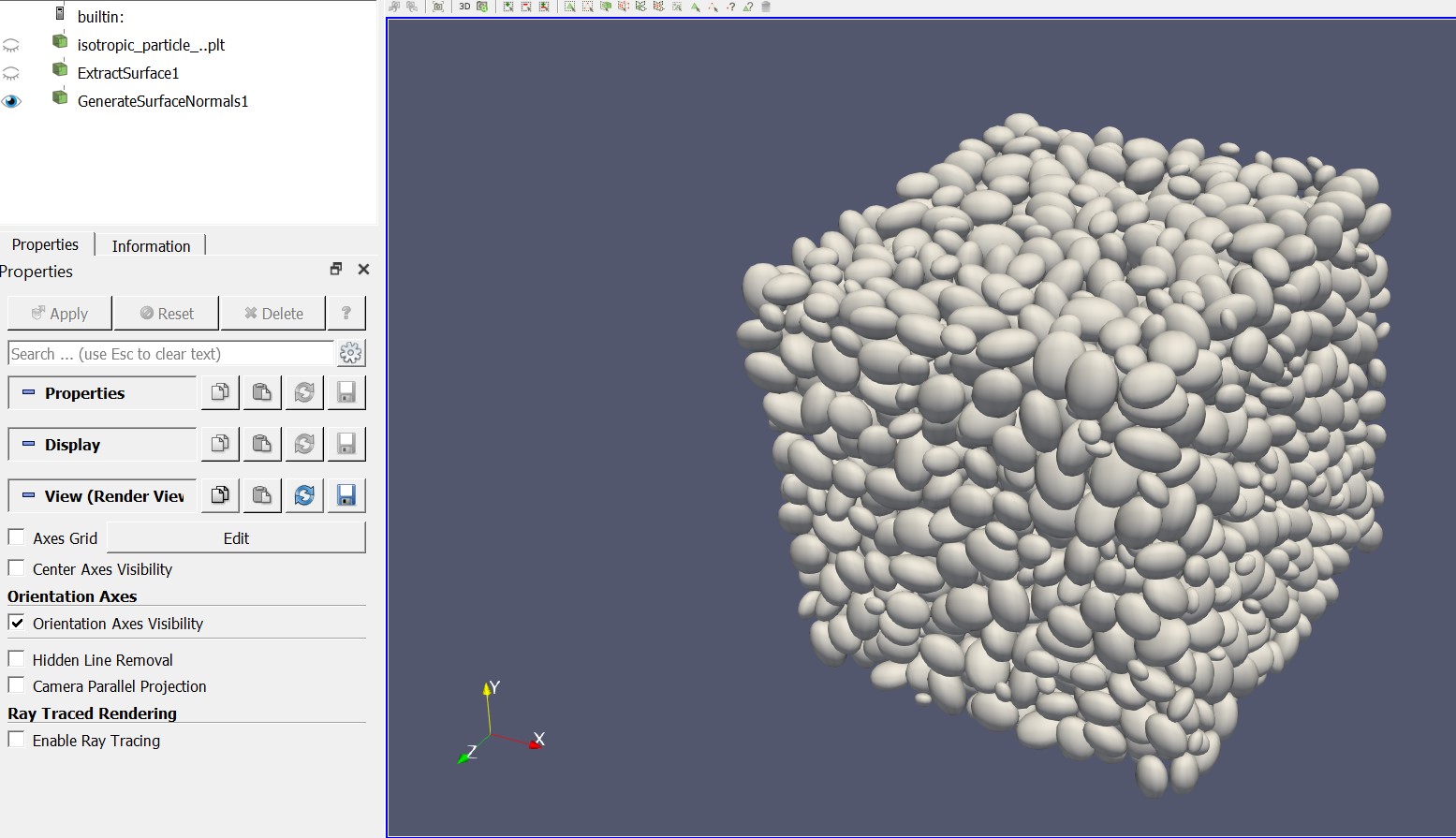
Thank you so much for your quick suggestion. It works well! Extract Surface filter first, and then the Generate Surface Normals filter.
The Lighting/ Specular also works.
Best,
Beichuan