cmake -DCMAKE\_PREFIX\_PATH=#ParaViewBuildPath# #exampleSourcePath#
> make
It is built succesfully.
In order to run the example, I also needed to set:
> export CATALYST\_IMPLEMENTATION\_PATHS=“#ParaviewBuildPath#/lib/catalyst”
> export CATALYST\_IMPLEMENTATION\_NAME=paraview
I then open ParaView and connect it to catalyst, also setting in to pause on the first iteration,
and run the example with:
> ./bin/CxxFullExampleV2 catalyst2\_pipeline.py
ParaView connects to catalyst successfully:
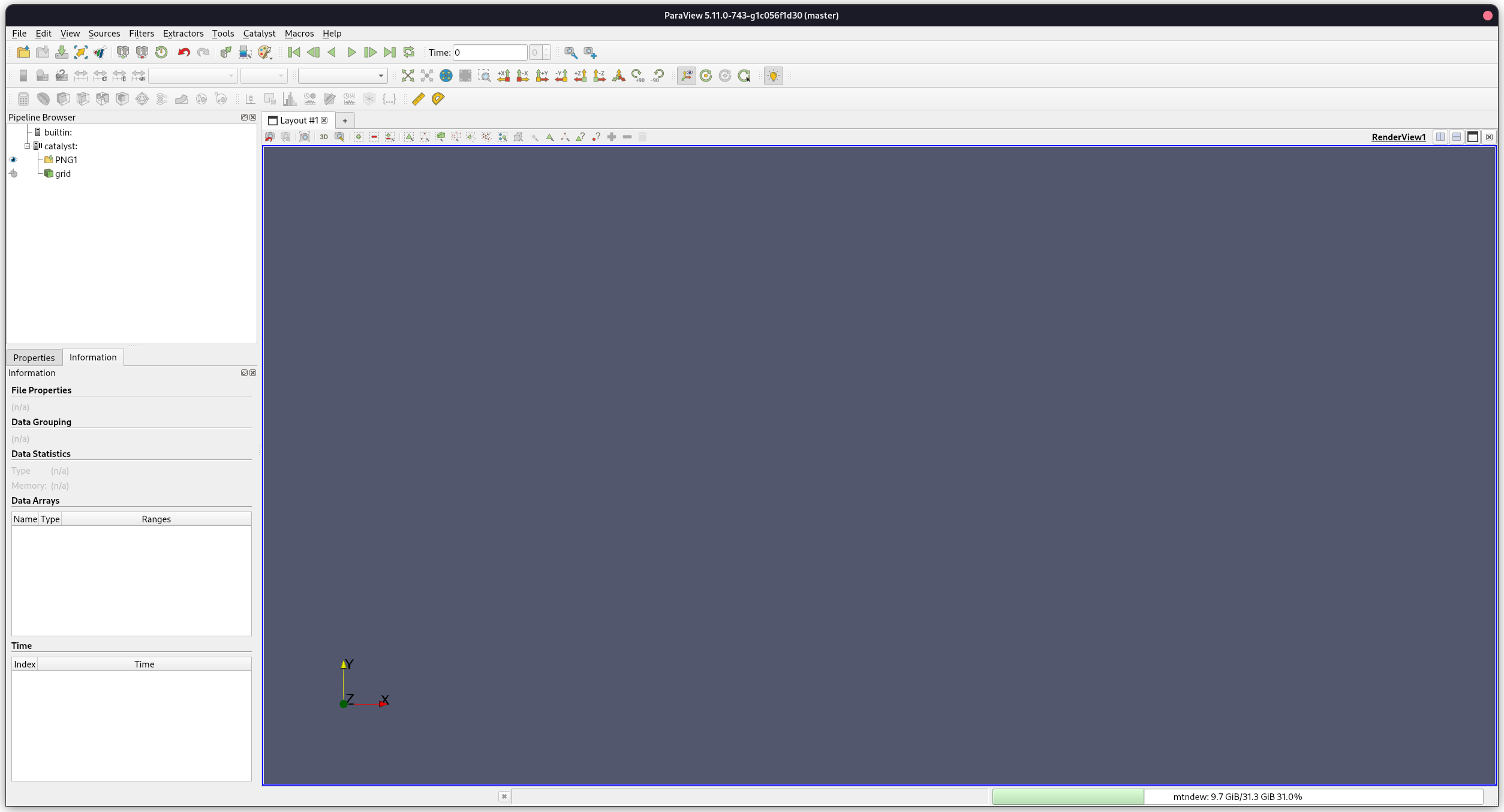
The simulation also pauses on the first iteration, with a warning:
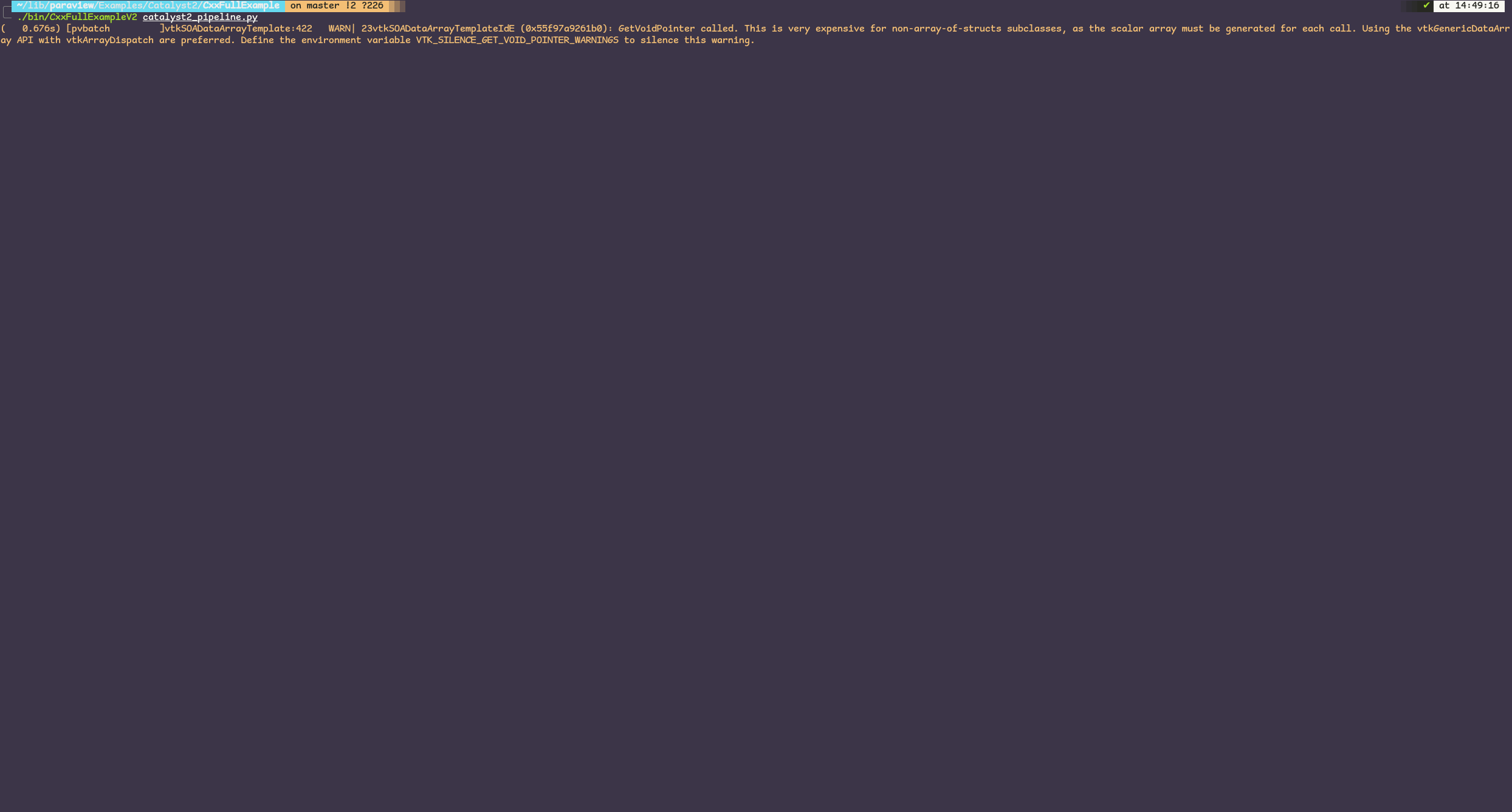
The warning reads:
> GetVoidPointer called. This is very expensive for non-array-of-structs subclasses, as the scalar array must be generated for each call. Using the vtkGenericDataArray API with vtkArrayDispatch are preferred. Define the environment variable VTK\_SILENCE\_GET\_VOID\_POINTER\_WARNINGS to silence this warning.
To continue, I just extract the grid and choose to see the velocity contour:

**Here is where the problems start**
When I go to Catalyst/Continue, the ParaView window just freezes until the end of the simulation.
I cannot do or change anything:
- The solution does not update as the example iterates
- I am not able to change the view in any way, the window is frozen
- In addition, Catalyst/Set Breakpoint does not seem to do anything, no matter what I set as a breakpoint the simulation iterates until the end and then stops

When I click “OK”, the view updates to the final values and Catalyst closes:
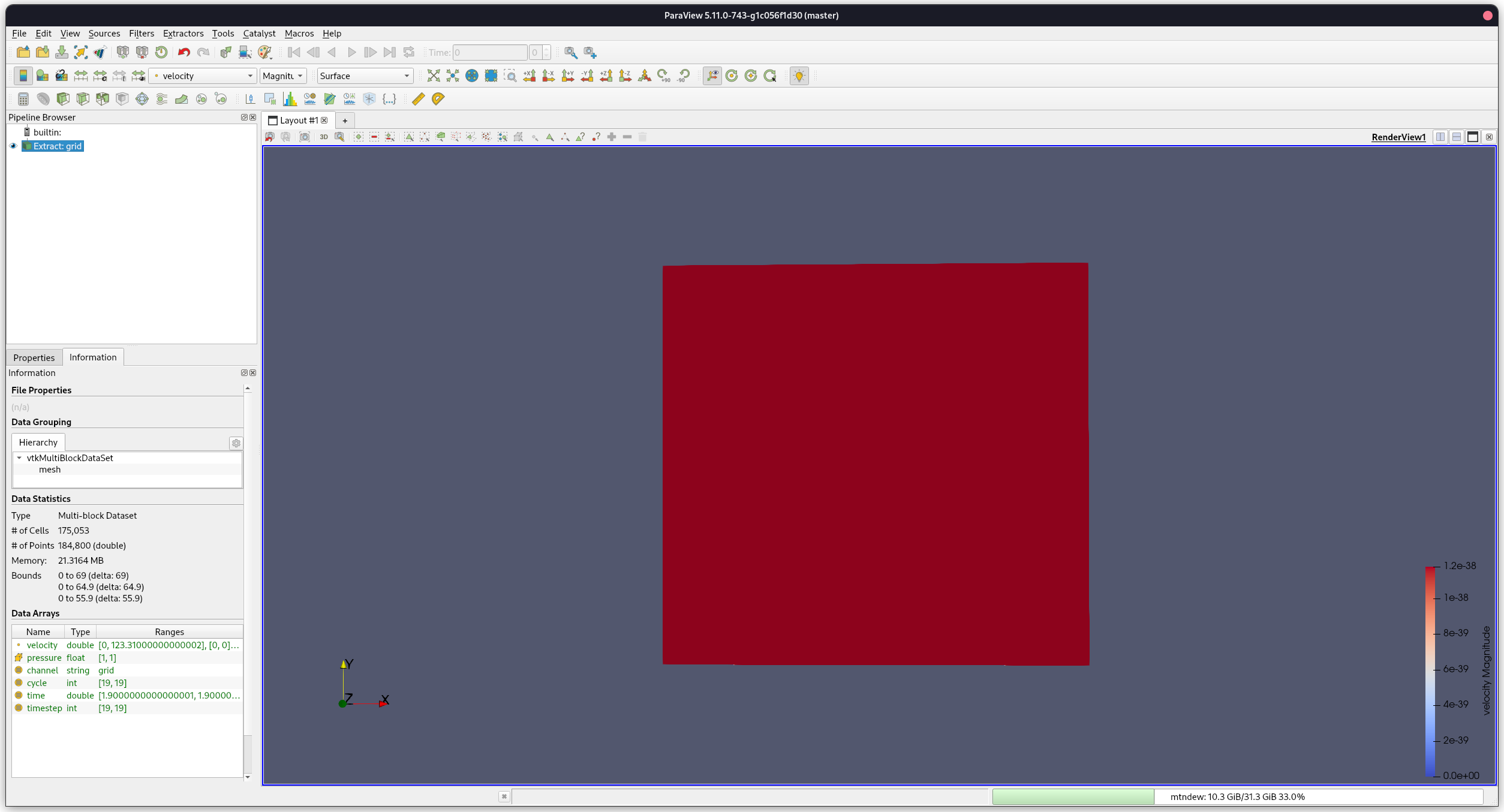
Is there anything I am missing here?
The Catalyst legacy examples work just fine.
Is there anything else I need to do for Catalyst2?
---
### Author:  [@mwestphal](https://discourse.paraview.org/u/mwestphal)
#### Post date: [February 14, 2023, 1:04pm UTC](https://discourse.paraview.org/t/problems-with-catalyst2-and-paraview-live-visualization/11401/2 "2023-02-14T13:04:52Z")
@Lucas_Givord @Francois_Mazen @nicolas.vuaille
---
### Author:  [@Lucas\_Givord](https://discourse.paraview.org/u/Lucas_Givord)
#### Post date: [February 14, 2023, 2:27pm UTC](https://discourse.paraview.org/t/problems-with-catalyst2-and-paraview-live-visualization/11401/3 "2023-02-14T14:27:42Z")
Hello @SadBoySquad,
I quickly tested the same example with Catalyt2 and I have exactly like you.
Regarding the freeze issue, it would seem that it is due to the fact that the simulation is faster than the visualization pipeline, by consequent paraview has still not finished treating the step 1 that it already receives data for step2 and so on until the end of the simulation. To confirm that, I simply add a `time.sleep(1)` in the `catalyst_execute` in the `catalyst_pipeline.py` and I can have an interactive pipeline.
For the breakpoint issue, if you’re interested I opened last month an issue about it [https://gitlab.kitware.com/paraview/paraview/-/issues/21735](https://gitlab.kitware.com/paraview/paraview/-/issues/21735) 🙂
---
### Author:  [@SadBoySquad](https://discourse.paraview.org/u/SadBoySquad)
#### Post date: [February 14, 2023, 2:56pm UTC](https://discourse.paraview.org/t/problems-with-catalyst2-and-paraview-live-visualization/11401/4 "2023-02-14T14:56:14Z")
@Lucas_Givord
So, it seems that that breakpoint thing is indeed a bug…
Regarding the addition of `time.sleep(1)`, where exactly do you add it?
Are you utilizing the original `catalyst_pipeline.py` that is present in the repository, or are you using the modified `catalyst2_pipeline.py` mentioned in the guide written by @nicolas.vuaille?
On one hand, `catalyst2_pipeline.py` does not contain any definitions for `catalyst_execute`. So I assume you are using the original `catalyst_pipeline.py`.
However, if I add `time.sleep(1)` inside the definition, I get the following error:
> module.catalyst\_execute(info)
> File “/home/sadboysquad/lib/paraview/Examples/Catalyst2/CxxFullExample/catalyst\_pipeline.py”, line 18, in catalyst\_execute
> time.sleep(1)
> NameError: name ‘time’ is not defined
Perhaps you are also importing something additional?
---
### Author:  [@Lucas\_Givord](https://discourse.paraview.org/u/Lucas_Givord)
#### Post date: [February 14, 2023, 3:00pm UTC](https://discourse.paraview.org/t/problems-with-catalyst2-and-paraview-live-visualization/11401/5 "2023-02-14T15:00:44Z")
Yes I use the original pipeline and I also added `import time` to be able to call `sleep`
---
### Author:  [@SadBoySquad](https://discourse.paraview.org/u/SadBoySquad)
#### Post date: [February 14, 2023, 5:11pm UTC](https://discourse.paraview.org/t/problems-with-catalyst2-and-paraview-live-visualization/11401/6 "2023-02-14T17:11:05Z")
@Lucas_Givord
Thank you for the quick fix!
It indeed does work!
I guess you are right, the influx of data from the example code is too much for ParaView to be able to handle and render before receiving new data.
I have a couple more questions regarding Catalyst2.
When I run the Catalyst2 enabled example and go to ParaView, the `grid` filter in the pipeline has the correct attributes (Cells, Points, etc):
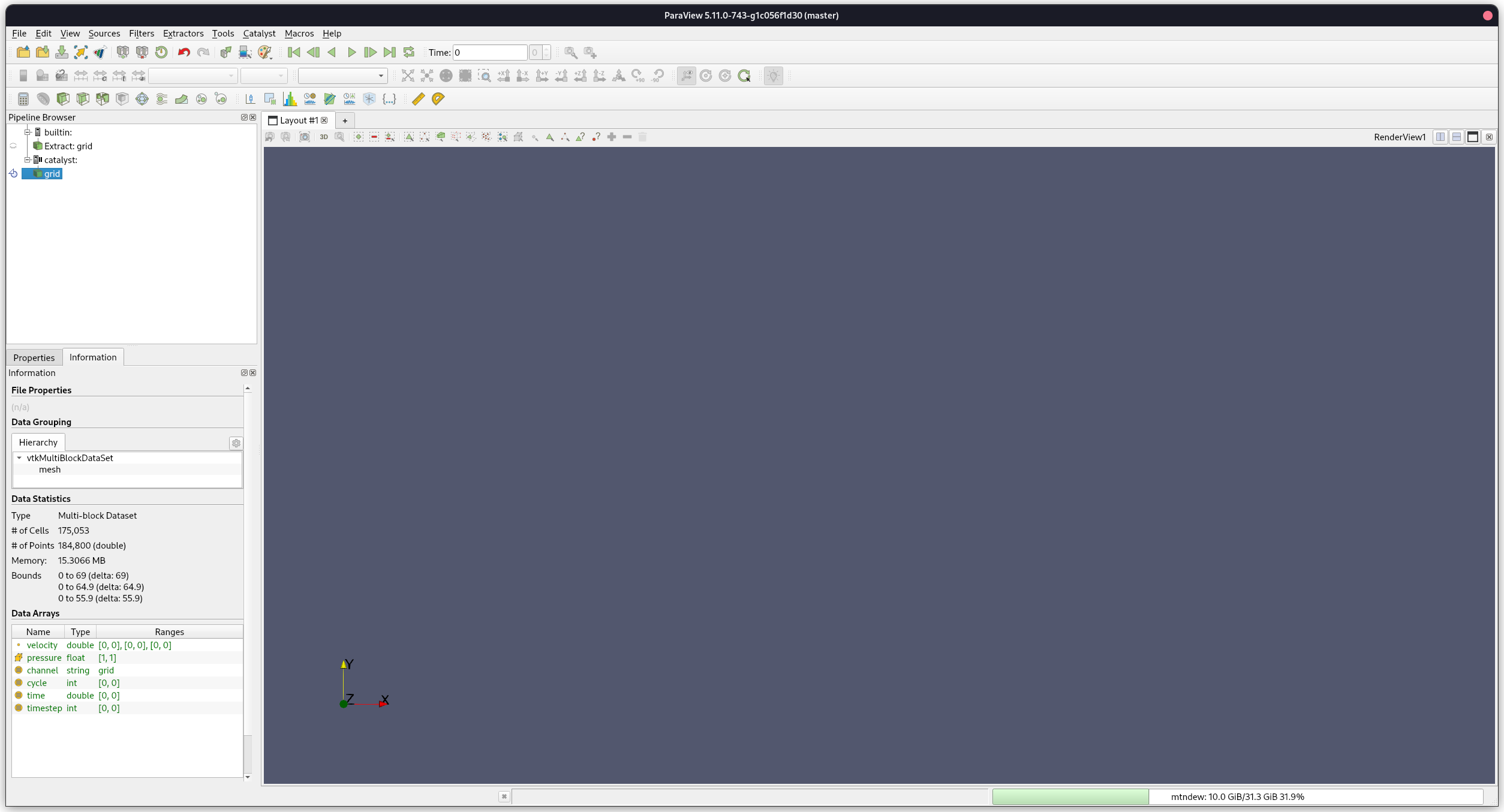
If I try to create a Slice inside the catalyst pipeline, the slice is not created.
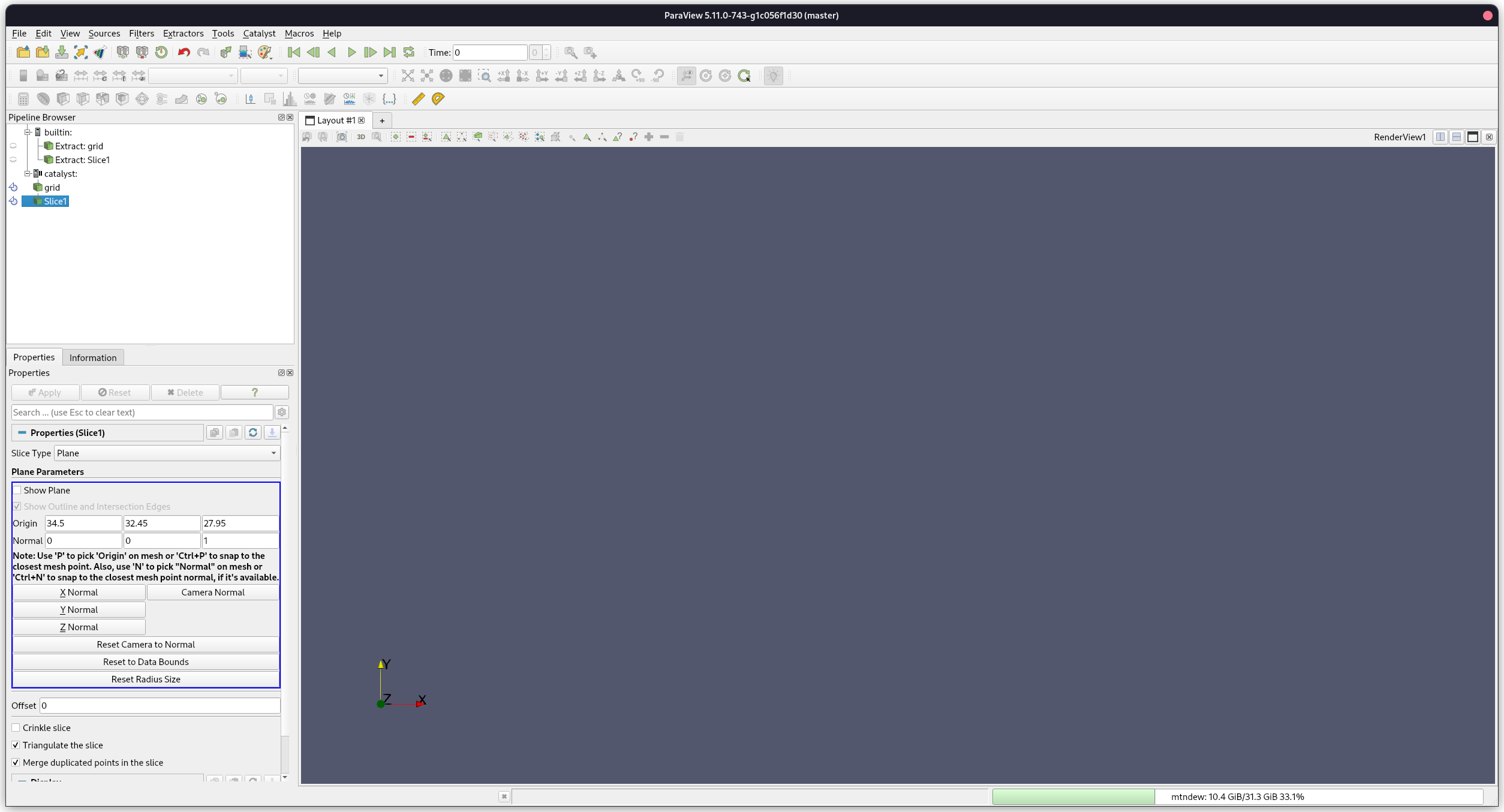
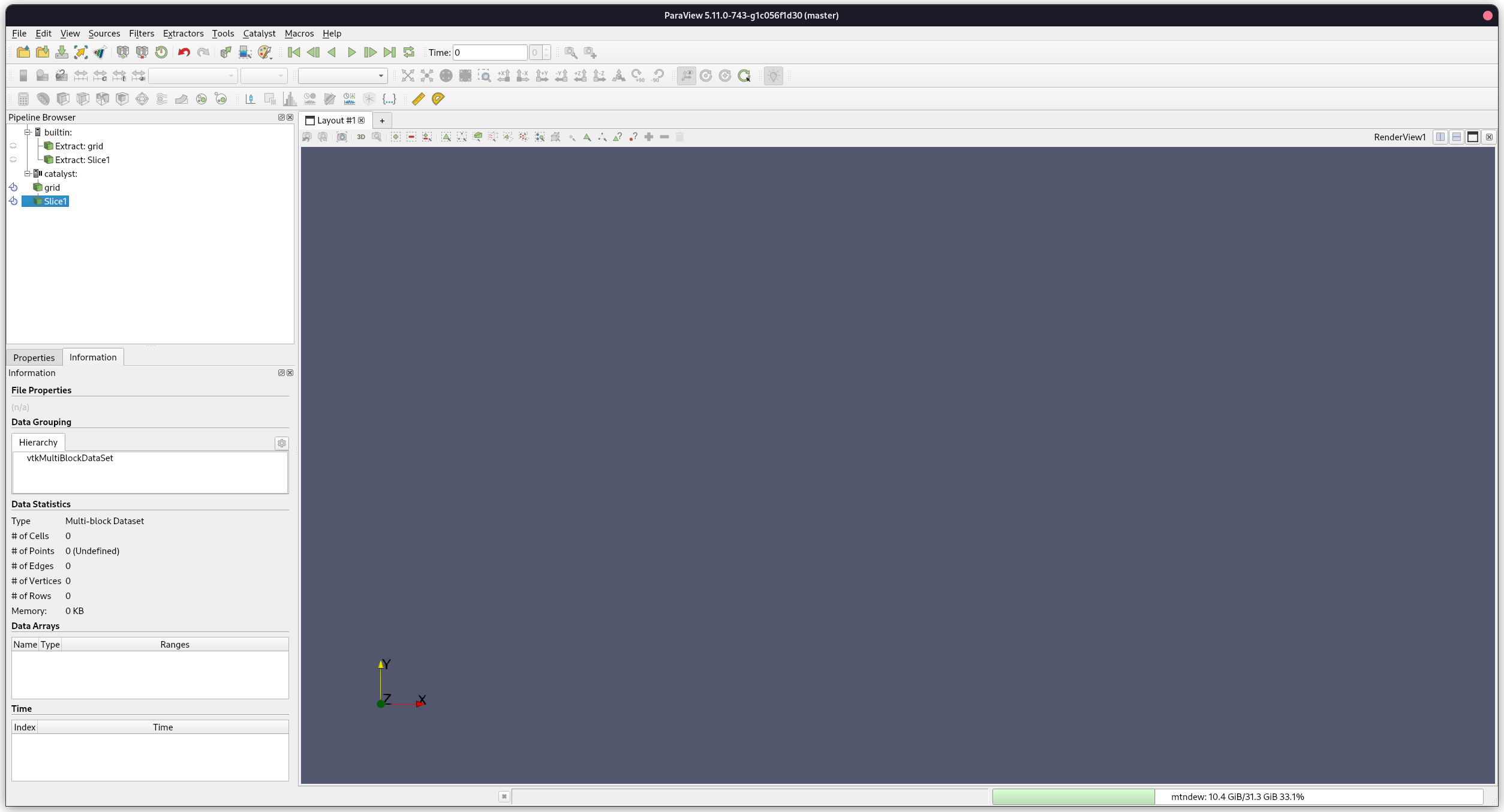
As you can see, it has zero Cells/Points etc.
I have to **extract** the grid and **then** create the slice:
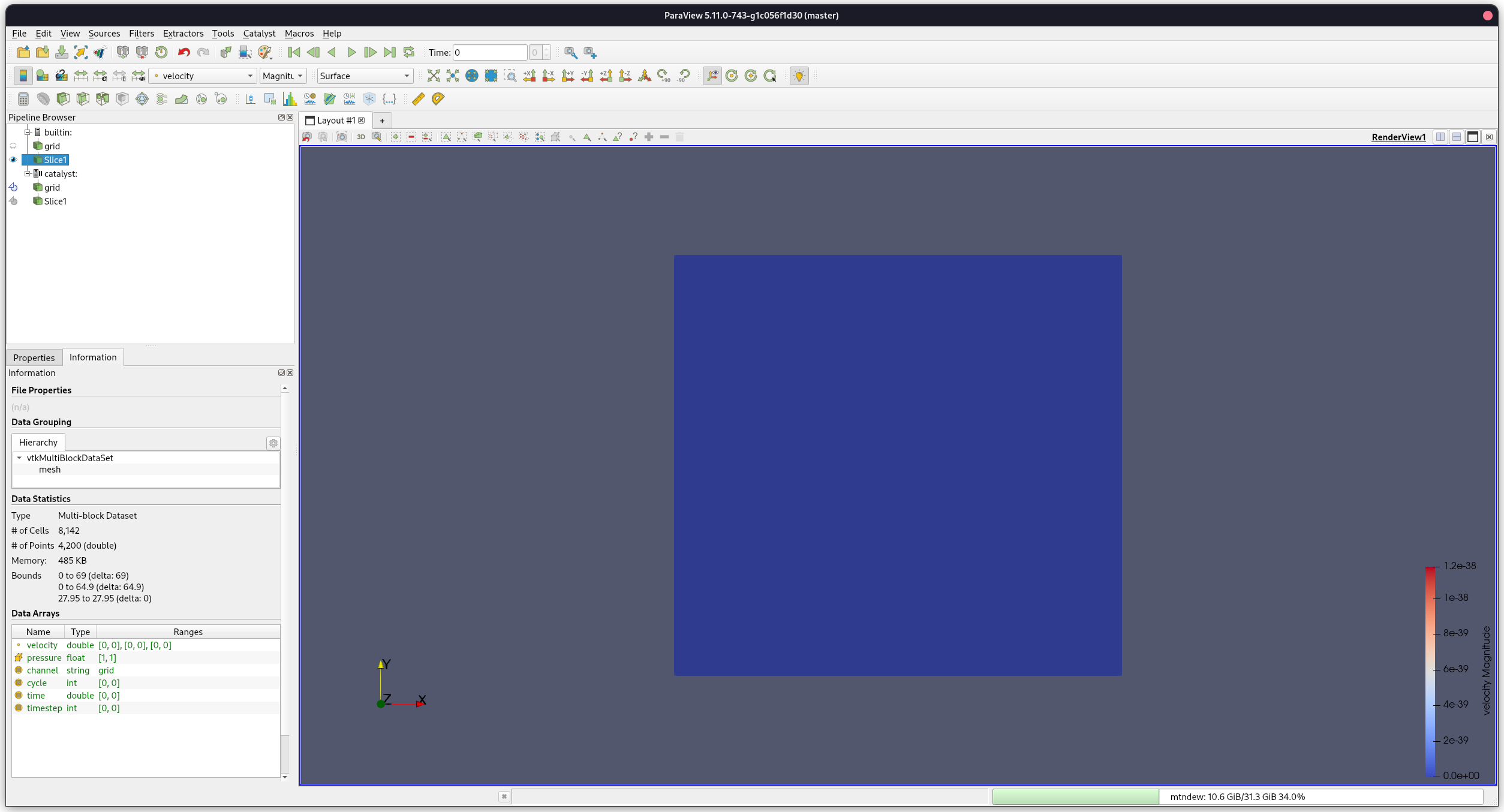
However, when running Catalyst Legacy examples I am able to add slices, calculators etc inside the catalyst pipeline, without needing to extract the grid first.
Moreover, how would I go about adding a slice, or any other filter for that matter, in `catalyst_pipeline.py`?
If I add:
> Slice1 = Slice( guiName=“Slice1”, Crinkleslice=0, SliceOffsetValues=[0.0], Triangulatetheslice=1, SliceType=“Plane” )
> Slice1.SliceType.Offset = 0.0
> Slice1.SliceType.Origin = [34.5, 32.45, 27.95]
> Slice1.SliceType.Normal = [1.0, 0.0, 0.0]
The catalyst pipeline contains a slice filter, but it is again empty.
Is there a way to alter the state via the python script, or do I need to have dummy data to create a new state from scratch?