# pvw-visualizer: wrong aspect ratio
**URL:** https://discourse.paraview.org/t/pvw-visualizer-wrong-aspect-ratio/1404
**Category:** Web Support
**Created:** [March 6, 2019, 2:36pm UTC](https://discourse.paraview.org/t/pvw-visualizer-wrong-aspect-ratio/1404 "2019-03-06T14:36:07Z")
**Posts on this page:** 2
**Page:** 1
### Author:  [@chris](https://discourse.paraview.org/u/chris)
#### Post date: [March 6, 2019, 2:36pm UTC](https://discourse.paraview.org/t/pvw-visualizer-wrong-aspect-ratio/1404/1 "2019-03-06T14:36:07Z")
Hello,
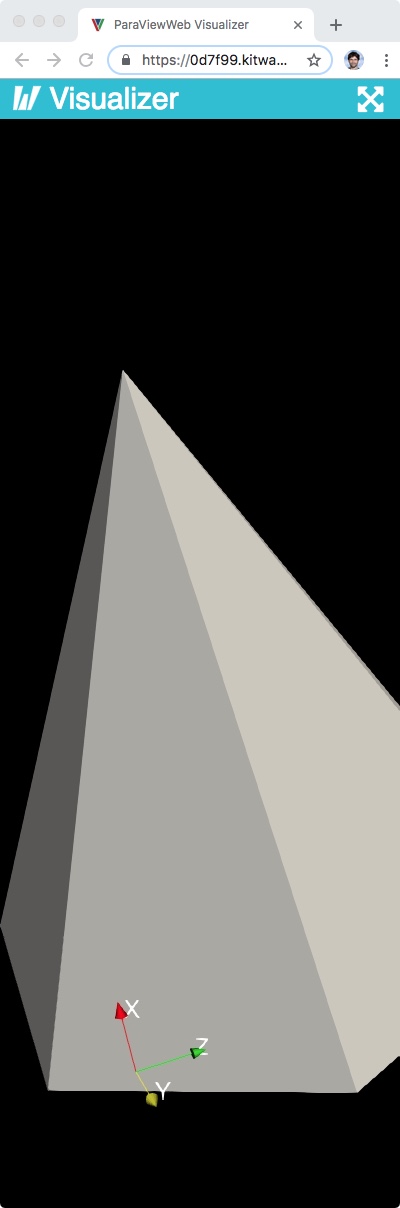
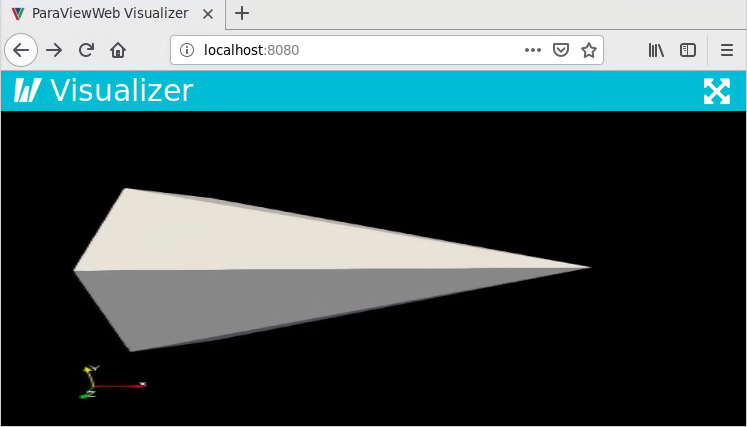
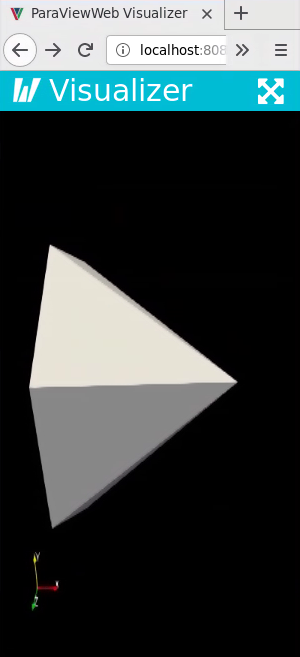
has it ever been noticed that the pvw-visualizer web application renders stretched geometry if the viewport isn’t quadratic? As shown below, opening the app in a window of large width and small height shows a very thin cone. The same cone in a window of large height and small width is very fat. Also notice the wrong aspect ratio of the axes.
Is there anything we can do to fix this?
Thank you
Chris
---
### Author:  [@jourdain](https://discourse.paraview.org/u/jourdain)
#### Post date: [March 6, 2019, 4:05pm UTC](https://discourse.paraview.org/t/pvw-visualizer-wrong-aspect-ratio/1404/2 "2019-03-06T16:05:08Z")
Interact with the view. We are just missing a render call when the window resize. But if you interact the application will catch up.