# Removing background when exporting .svg images
**URL:** https://discourse.paraview.org/t/removing-background-when-exporting-svg-images/5312
**Category:** ParaView Support
**Created:** [September 10, 2020, 7:56am UTC](https://discourse.paraview.org/t/removing-background-when-exporting-svg-images/5312 "2020-09-10T07:56:44Z")
**Posts on this page:** 5
**Page:** 1
### Author:  [@TimJim](https://discourse.paraview.org/u/TimJim)
#### Post date: [September 10, 2020, 7:56am UTC](https://discourse.paraview.org/t/removing-background-when-exporting-svg-images/5312/1 "2020-09-10T07:56:44Z")
Hi,
I am trying to remove the background from my .svg images. I’m fairly certain after checking the OP of [this question](https://discourse.paraview.org/t/removing-background-when-exporting-png-eps-or-svg/880) again, that it is actually related!
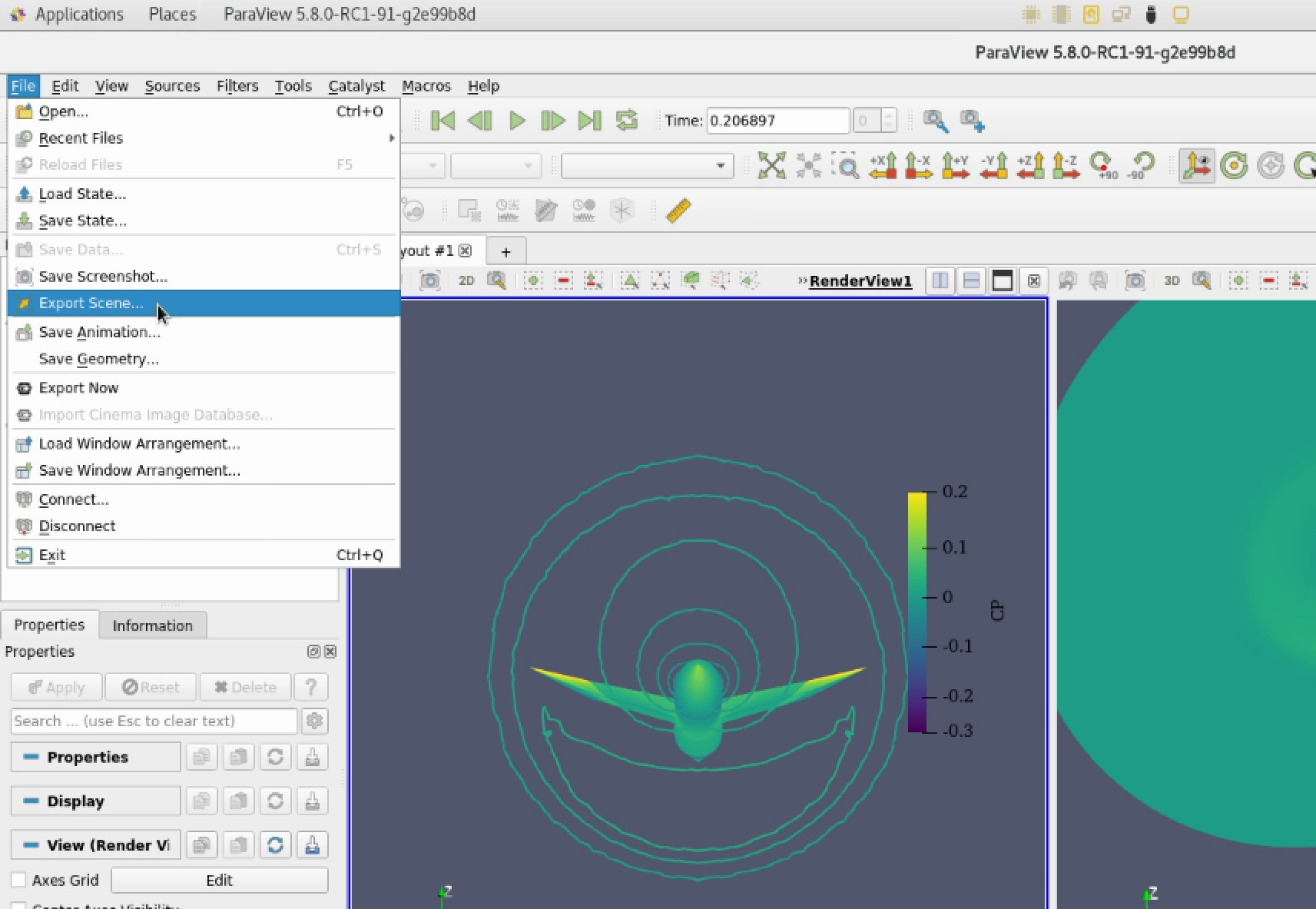
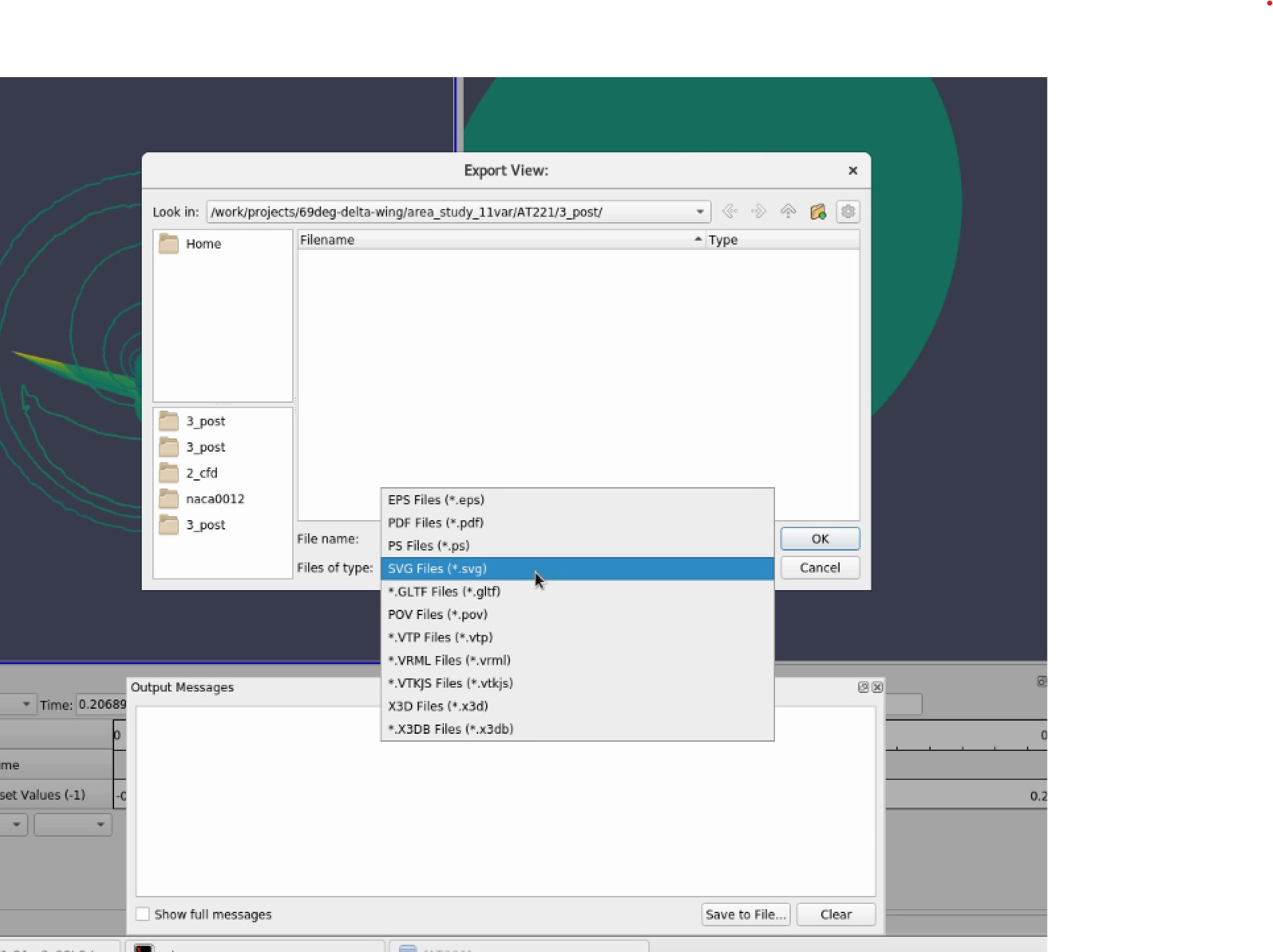
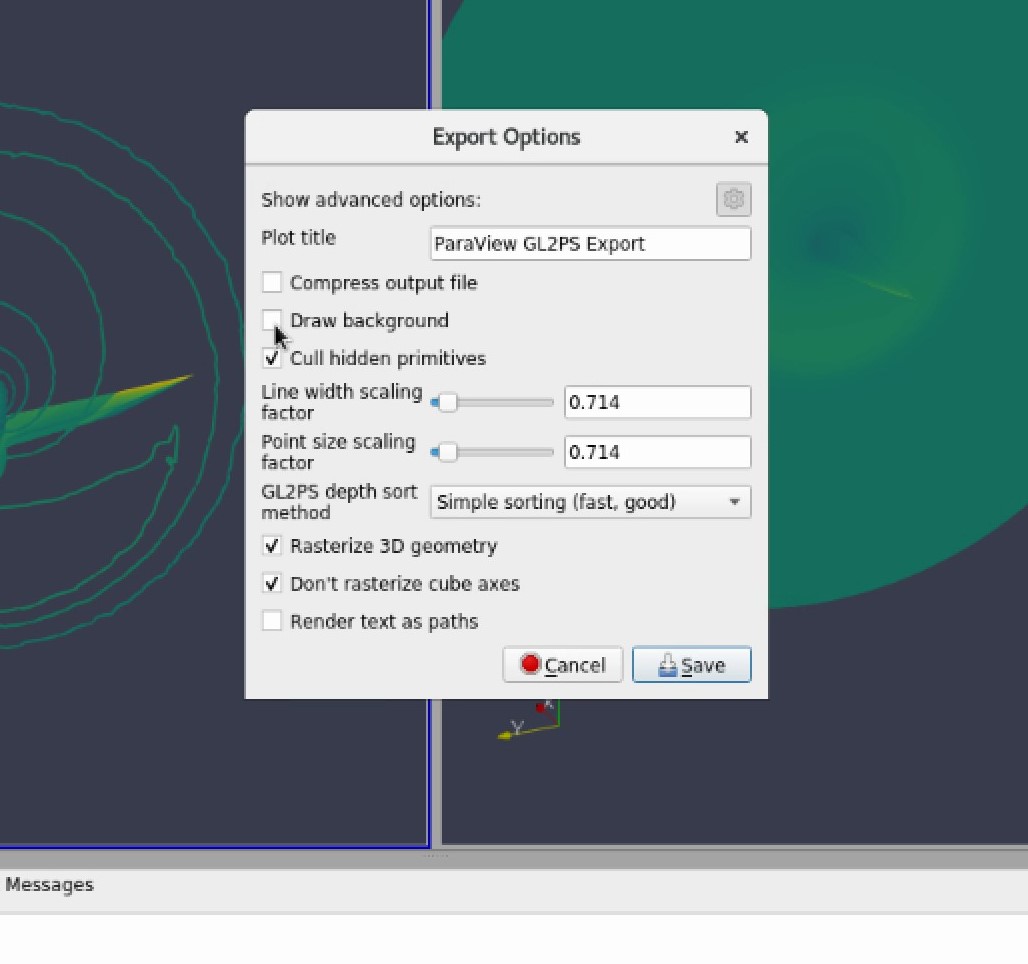
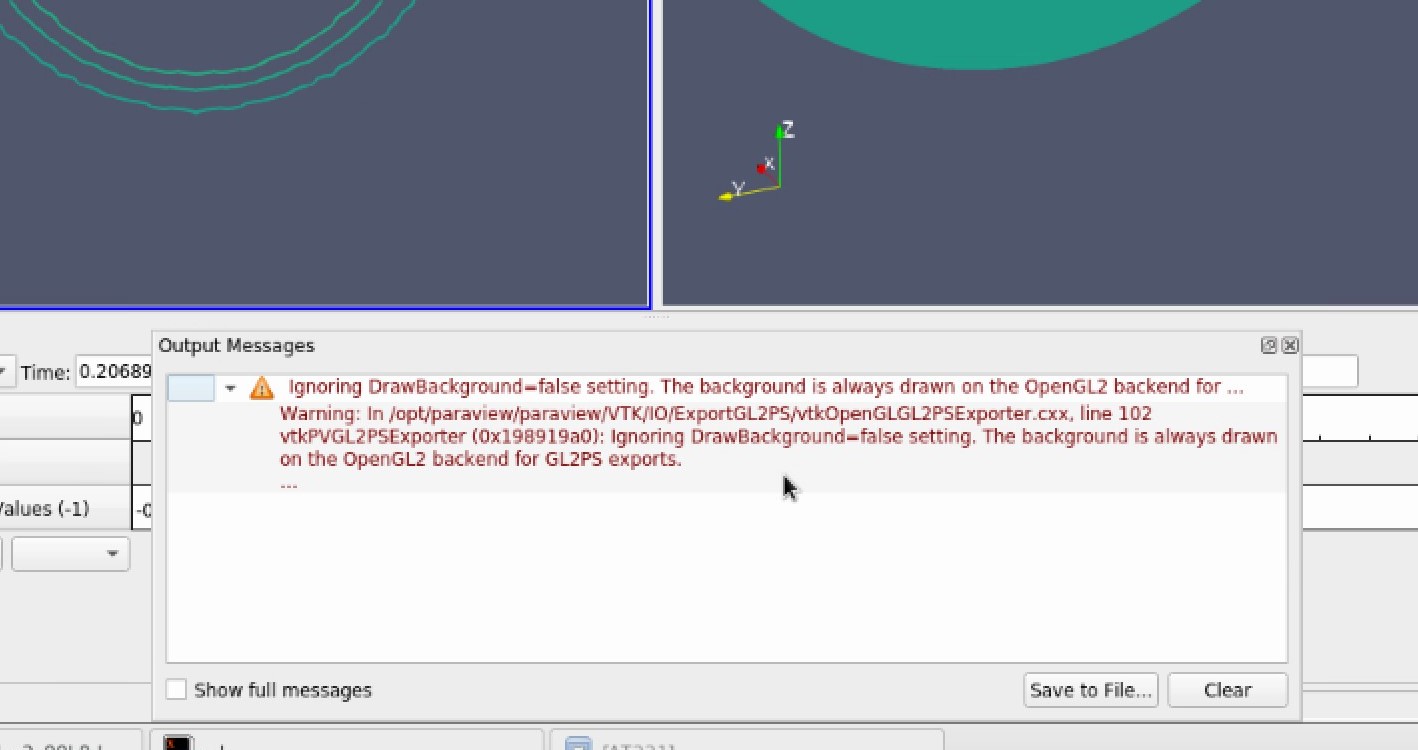
I’m using File --\> Export Scene to bring up a save file dialogue window (which in v5.8.0 seems to still have .svg export capabilities). On typing in a filename, the next popup gives the option to uncheck ‘Draw background’ but on clicking Save, I get the following error:
```auto
( 308.467s) [paraview]vtkOpenGLGL2PSExporter.:102 WARN| vtkPVGL2PSExporter (0x198919a0): Ignoring DrawBackground=false setting. The background is always drawn on the OpenGL2 backend for GL2PS exports.
```
I’ve attached some screenshots of the process and error.
Is there another way to export svg images with transparent backgrounds? It doesn’t seem to be available under File --\> Save Screenshot, which I think @mwestphal might have been referring to regarding an inability to. save svg files.
Many thanks and kind regards.
---
### Author:  [@mwestphal](https://discourse.paraview.org/u/mwestphal)
#### Post date: [September 15, 2020, 2:20pm UTC](https://discourse.paraview.org/t/removing-background-when-exporting-svg-images/5312/2 "2020-09-15T14:20:47Z")
You are right, this used to be possible but it is not anymore.
If you save as a .png you should be able to save with a transparent background.
---
### Author:  [@TimJim](https://discourse.paraview.org/u/TimJim)
#### Post date: [September 17, 2020, 7:20am UTC](https://discourse.paraview.org/t/removing-background-when-exporting-svg-images/5312/3 "2020-09-17T07:20:19Z")
Thanks for your reply. Is svg support being abandoned?
---
### Author:  [@mwestphal](https://discourse.paraview.org/u/mwestphal)
#### Post date: [September 17, 2020, 7:34am UTC](https://discourse.paraview.org/t/removing-background-when-exporting-svg-images/5312/4 "2020-09-17T07:34:33Z")
not directly, but .svg support was reduced for different OpenGL related reasons. It will stay like this.
---
### Author:  [@TimJim](https://discourse.paraview.org/u/TimJim)
#### Post date: [September 17, 2020, 8:46am UTC](https://discourse.paraview.org/t/removing-background-when-exporting-svg-images/5312/5 "2020-09-17T08:46:13Z")
I see. Shame that there’s no vector graphics support but it imagine it’s a lot of formats to stay on top of! Thank for the clarification.