# Render Geotiff meshs
**URL:** https://discourse.paraview.org/t/render-geotiff-meshs/13343
**Category:** ParaView Support
**Created:** [November 25, 2023, 5:33pm UTC](https://discourse.paraview.org/t/render-geotiff-meshs/13343 "2023-11-25T17:33:14Z")
**Posts on this page:** 5
**Page:** 1
### Author:  [@Felipe\_MTR](https://discourse.paraview.org/u/Felipe_MTR)
#### Post date: [November 25, 2023, 5:33pm UTC](https://discourse.paraview.org/t/render-geotiff-meshs/13343/1 "2023-11-25T17:33:14Z")
Hi! I’m just getting into Paraview. I’m an Hydraulic Civil Engineer and usually work modeling hydrogeological scenarios. I have a raster-grid with values (Geotif file worked to open in Paraview). This info is also Georeferenced:
- I opened the geotiff in preview.
- Paraview recognize the coordinates correctly
- Paraview recognize the value in each cell correctly (Elevation value) and can show it in a map of colors. Here a picture:
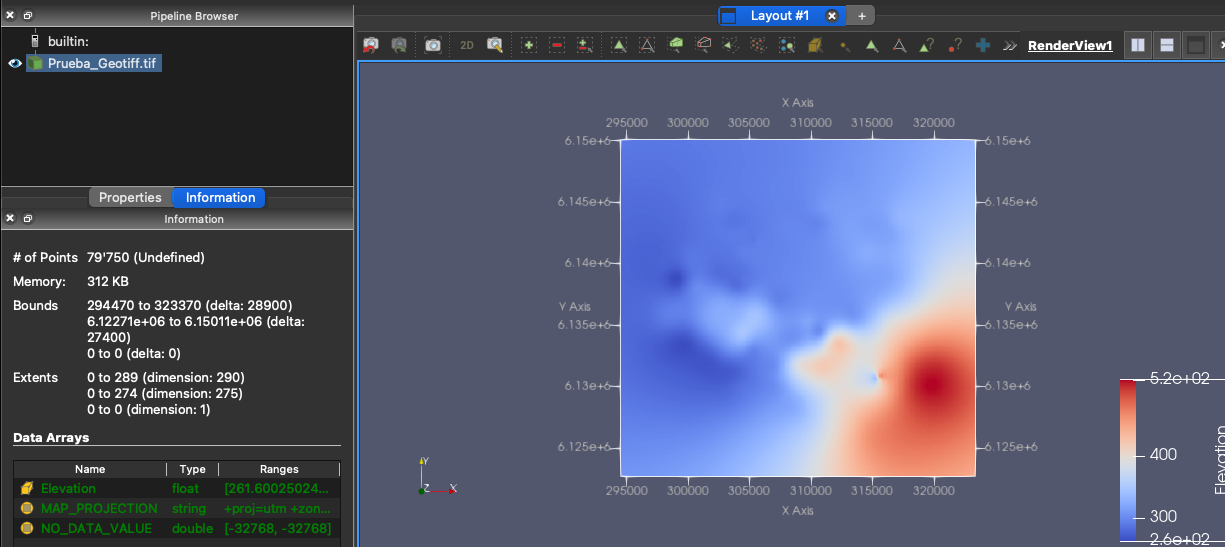
I would like to see this values either as a surface or as a volume (where the top is the surface value). I read some topics that talk about Warp By Scalar or Vector, but when I try to use it from the Filter Menu, it shows not selectable (inactive).
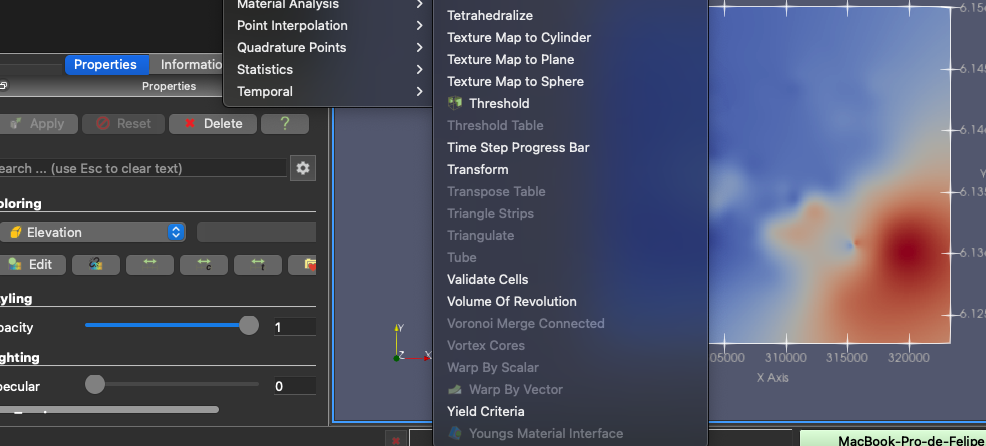
Also I tried a less resolution grid and still does not work
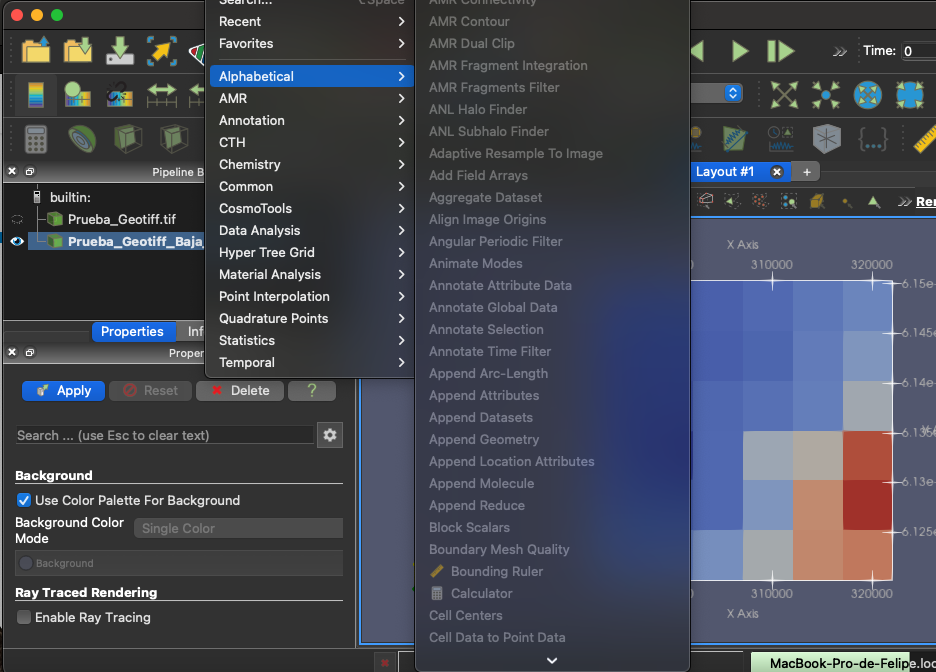
Please any help. Thanks!
---
### Author:  [@Francois\_Mazen](https://discourse.paraview.org/u/Francois_Mazen)
#### Post date: [November 27, 2023, 8:03am UTC](https://discourse.paraview.org/t/render-geotiff-meshs/13343/2 "2023-11-27T08:03:28Z")
HI @Felipe_MTR
To use the warp by scalar you should apply the “Cell Data to Point Data” filter first.
---
### Author:  [@Felipe\_MTR](https://discourse.paraview.org/u/Felipe_MTR)
#### Post date: [November 27, 2023, 7:19pm UTC](https://discourse.paraview.org/t/render-geotiff-meshs/13343/3 "2023-11-27T19:19:52Z")
Thanks that worked! here is the same plane now with a Z dimension added.
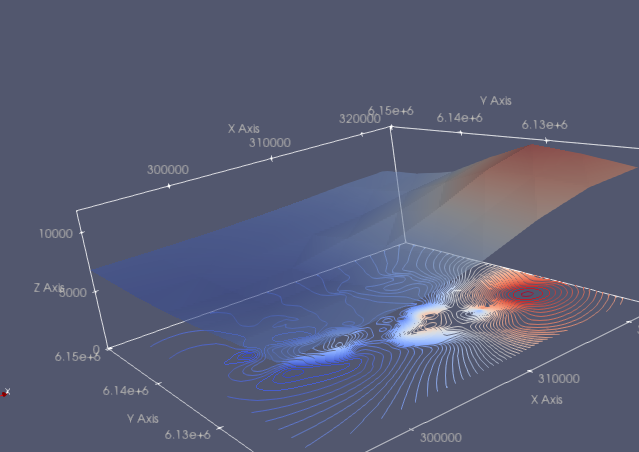
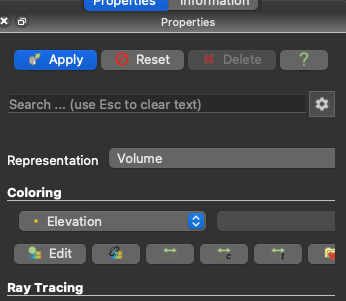
How I could add volume below that surface? Tried to put “Volume” on the Representation tab
but got this error:
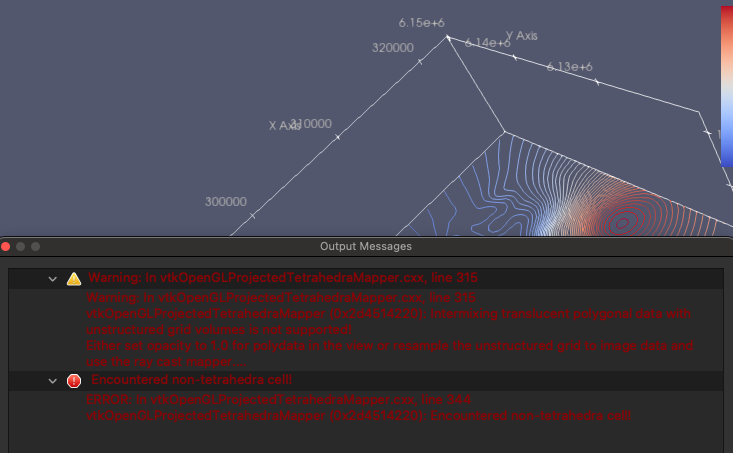
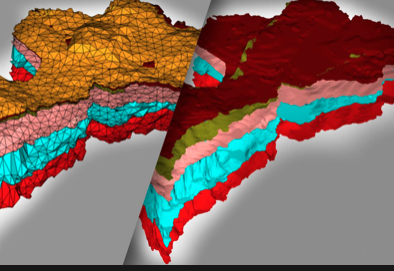
Maybe there is another way? I´m trying to get volume below each cell in the grid as something like this or similar; So I than can do “volume clips” across a section of the volume. Here an example of what im trying
Thanks!
---
### Author:  [@Francois\_Mazen](https://discourse.paraview.org/u/Francois_Mazen)
#### Post date: [November 28, 2023, 8:34am UTC](https://discourse.paraview.org/t/render-geotiff-meshs/13343/4 "2023-11-28T08:34:10Z")
Hi,
not sure that it will match your expectation, but I would try to apply “Extract Surface” filter, then apply “Linear Extrusion” or “Linear Cell Extrusion”. It should create a volume below your surface.
Best,
---
### Author:  [@Felipe\_MTR](https://discourse.paraview.org/u/Felipe_MTR)
#### Post date: [December 5, 2023, 5:15pm UTC](https://discourse.paraview.org/t/render-geotiff-meshs/13343/5 "2023-12-05T17:15:13Z")
Hi Thanks!
it’s a big improvement. But when i do a clip within the “volume”, its like an empty box. I used “Linear Extrusion” because “Linear Cell Extrusion” is deactivated maybe that’s the reason. Can´t make it activated
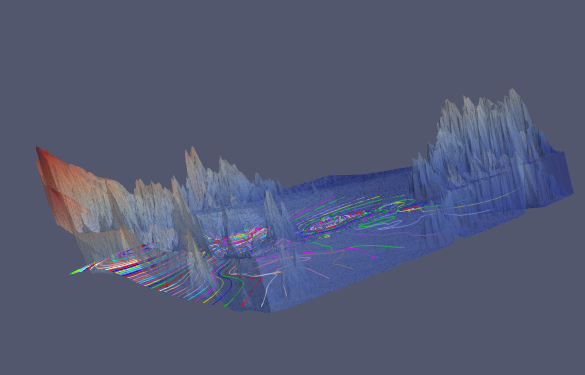
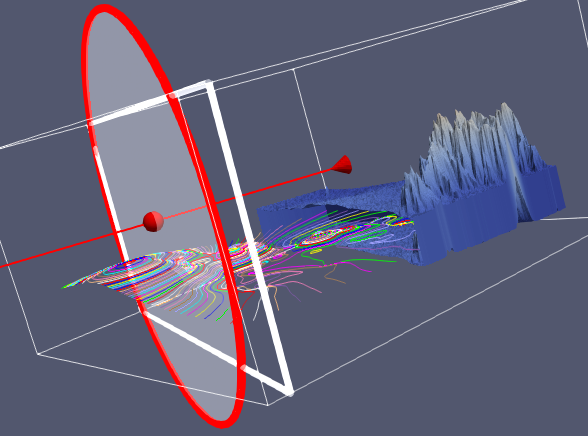
Thanks for your help. And please any suggestions con how to add volume within.