# Rendering stereo images with the OptX pathtracer
**URL:** https://discourse.paraview.org/t/rendering-stereo-images-with-the-optx-pathtracer/10444
**Category:** ParaView Support
**Created:** [October 4, 2022, 11:08am UTC](https://discourse.paraview.org/t/rendering-stereo-images-with-the-optx-pathtracer/10444 "2022-10-04T11:08:56Z")
**Posts on this page:** 3
**Page:** 1
### Author:  [@FifteenOUC](https://discourse.paraview.org/u/FifteenOUC)
#### Post date: [October 4, 2022, 11:08am UTC](https://discourse.paraview.org/t/rendering-stereo-images-with-the-optx-pathtracer/10444/1 "2022-10-04T11:08:56Z")
Hi Community,
When I rendered stereo images, I ran into a problem.
In ray tracing mode with the OptX pathtracer, the correct stereo images can only be obtained when the camera position is on the y-axis.
When a camera is located at the point [10, 0, 0], the image of left eye becomes larger, while the image of right eye becomes smaller.
Could anyone give me some advice on how to solve this problem?
Thanks!
* * *
OS: Win 10
ParaView Version: 5.11.0-RC1
---
### Author:  [@steve\_r](https://discourse.paraview.org/u/steve_r)
#### Post date: [October 21, 2022, 2:40pm UTC](https://discourse.paraview.org/t/rendering-stereo-images-with-the-optx-pathtracer/10444/2 "2022-10-21T14:40:17Z")
I was trying to reproduce by using “Screenshot → Stereo”, but couldn’t get consistent results with an arbitrary camera when I switched ray-tracing renderers, they all produced different results. Might be a problem in ParaView rather then in OptiX. Does it work if you use any other ray-tracing engine beyond OptiX?
---
### Author:  [@FifteenOUC](https://discourse.paraview.org/u/FifteenOUC)
#### Post date: [October 21, 2022, 3:10pm UTC](https://discourse.paraview.org/t/rendering-stereo-images-with-the-optx-pathtracer/10444/3 "2022-10-21T15:10:04Z")
Thank you very much for your attention to this issue.
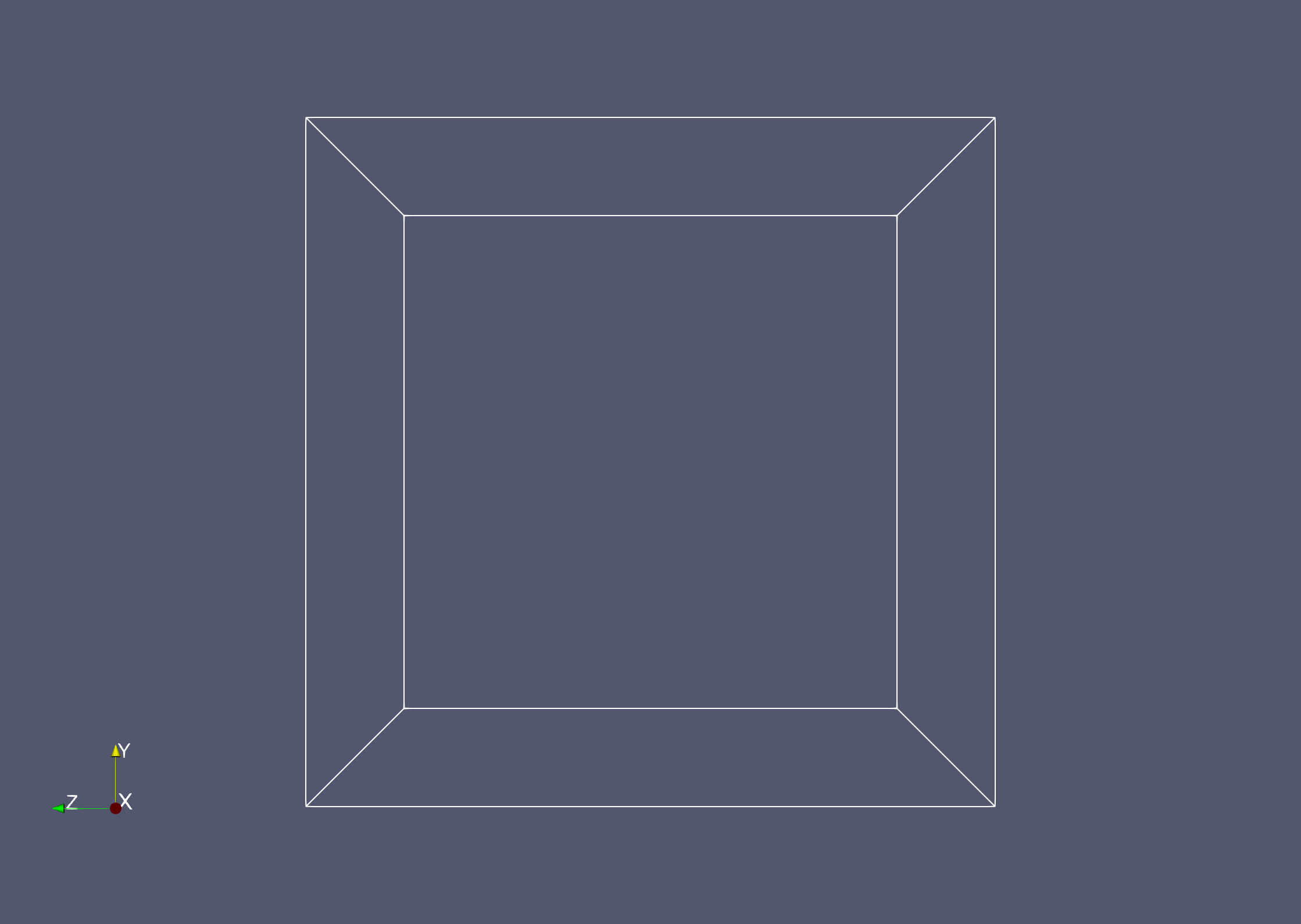
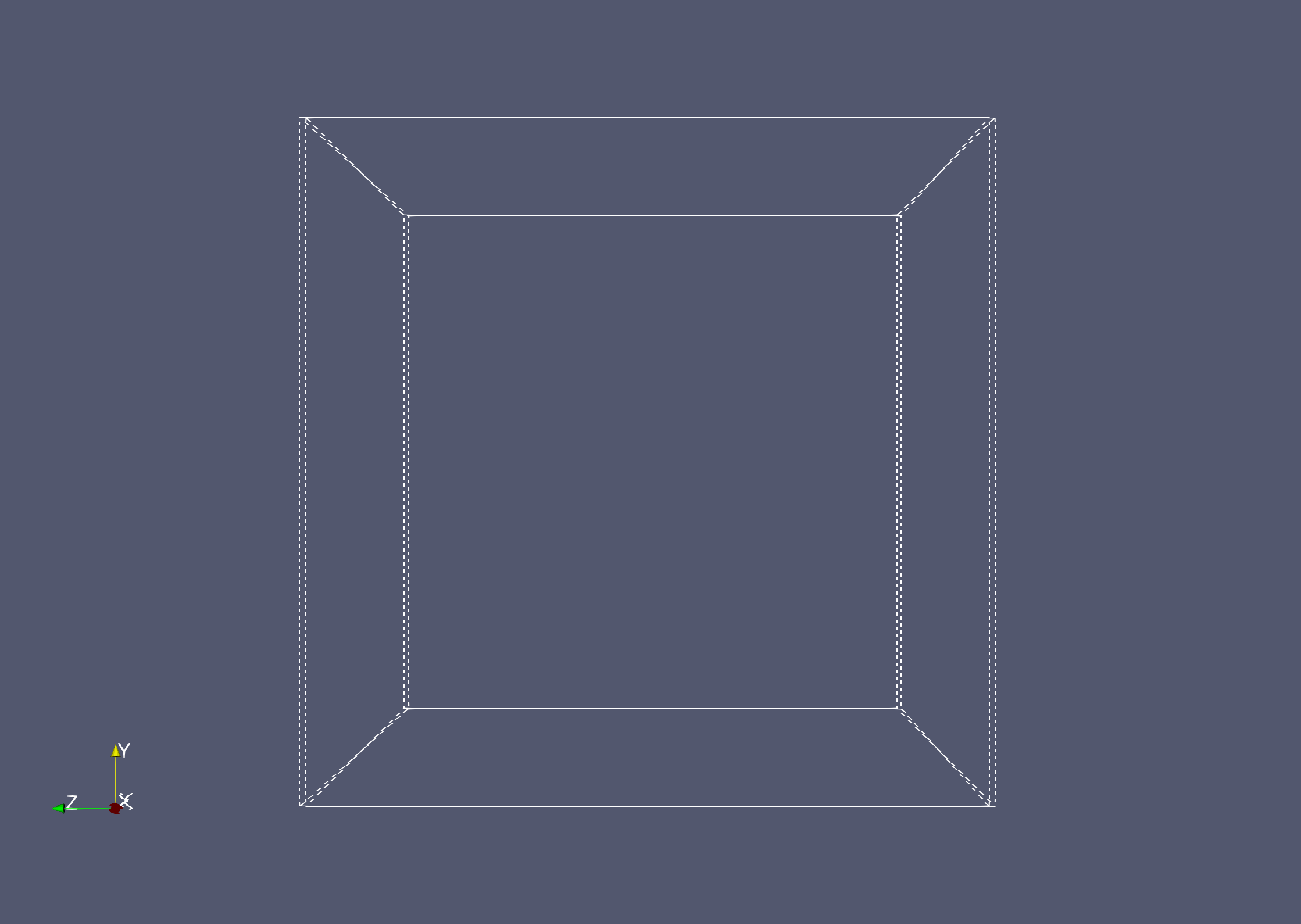
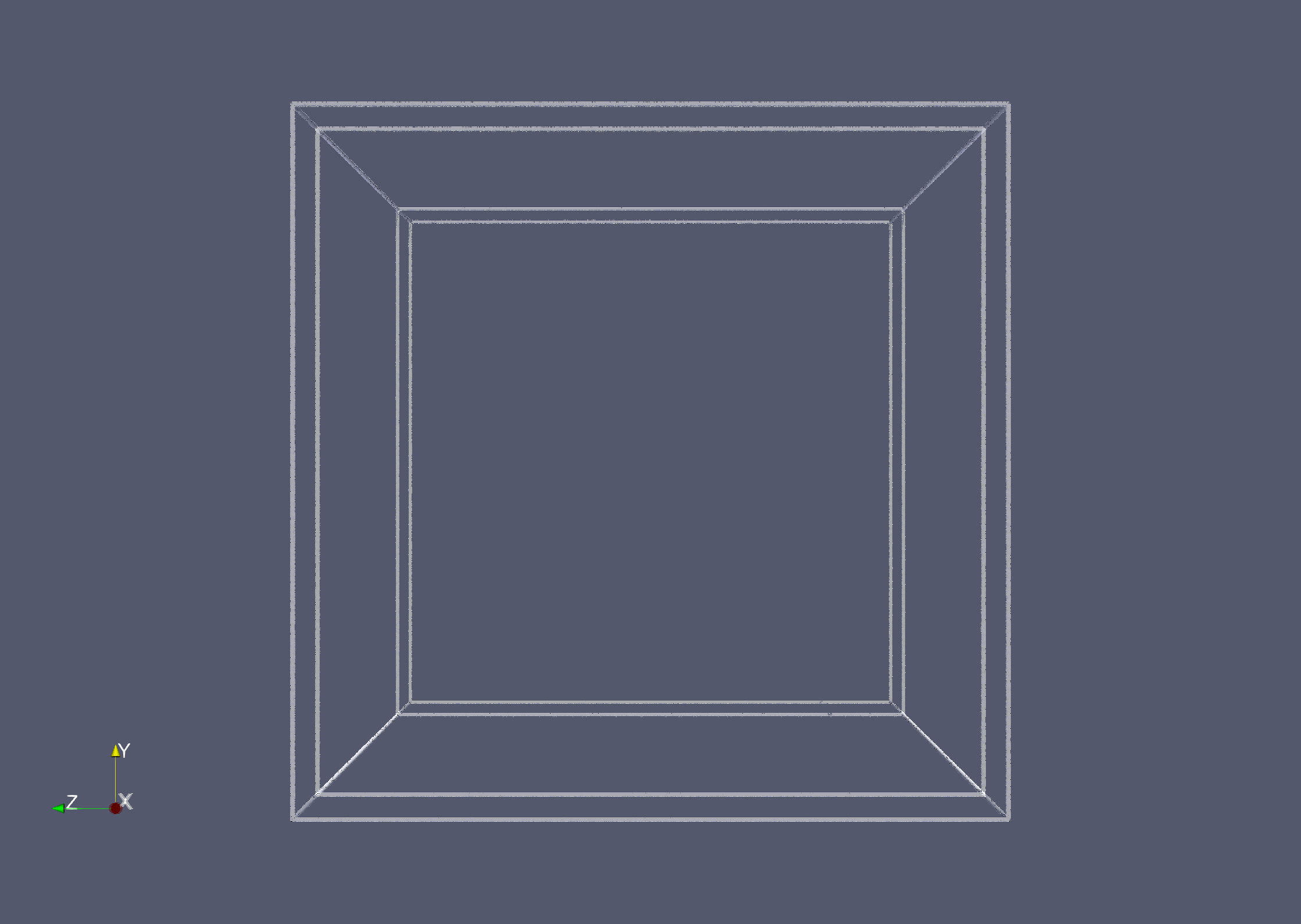
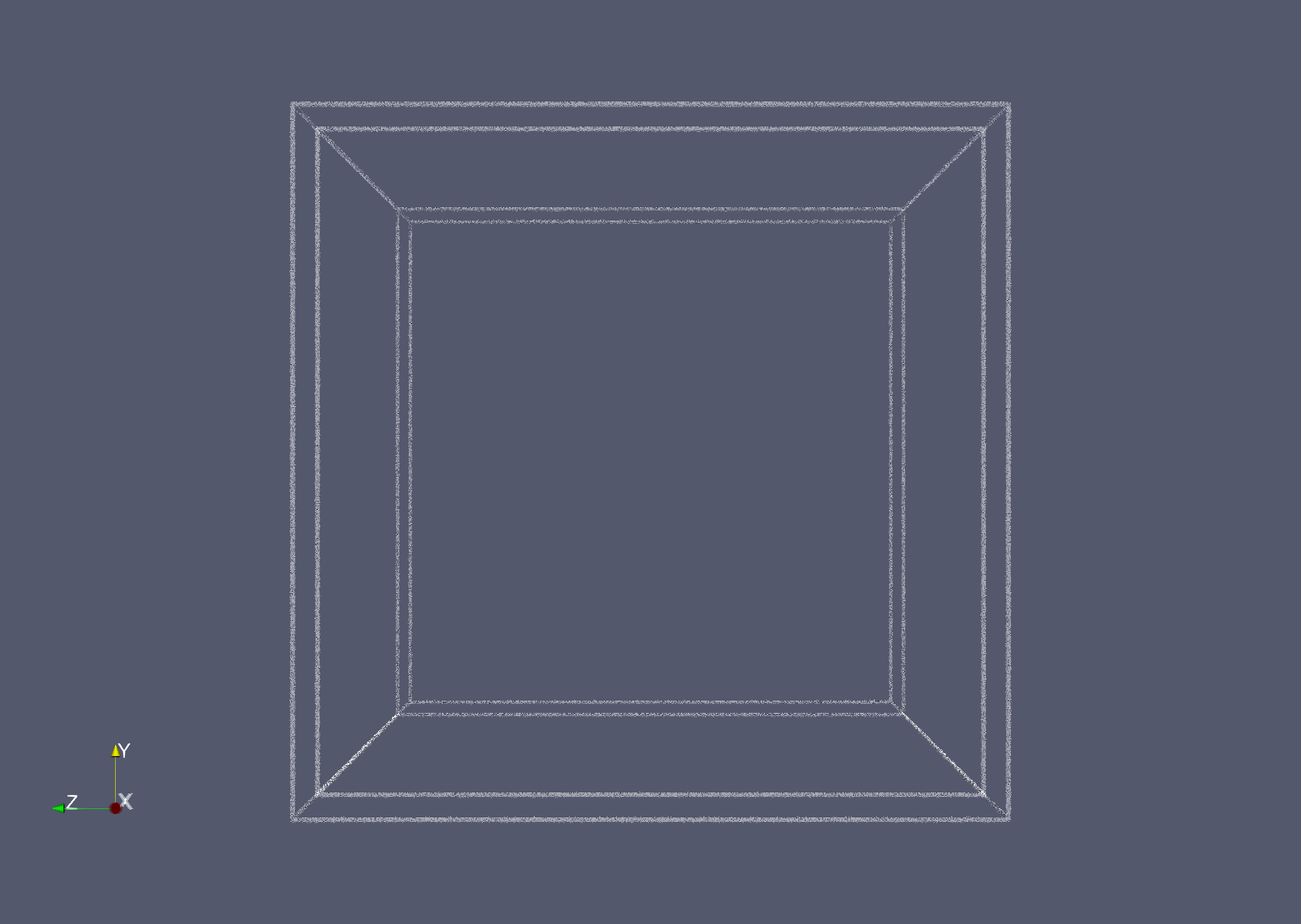
According to your prompts, I have just conducted a series of tests. In ray tracing mode, all of the stereo screenshots are abnormal. However, if the ray tracing mode is turned off, the screenshot looks correct.
Is there any way to solve this problem?
* * *
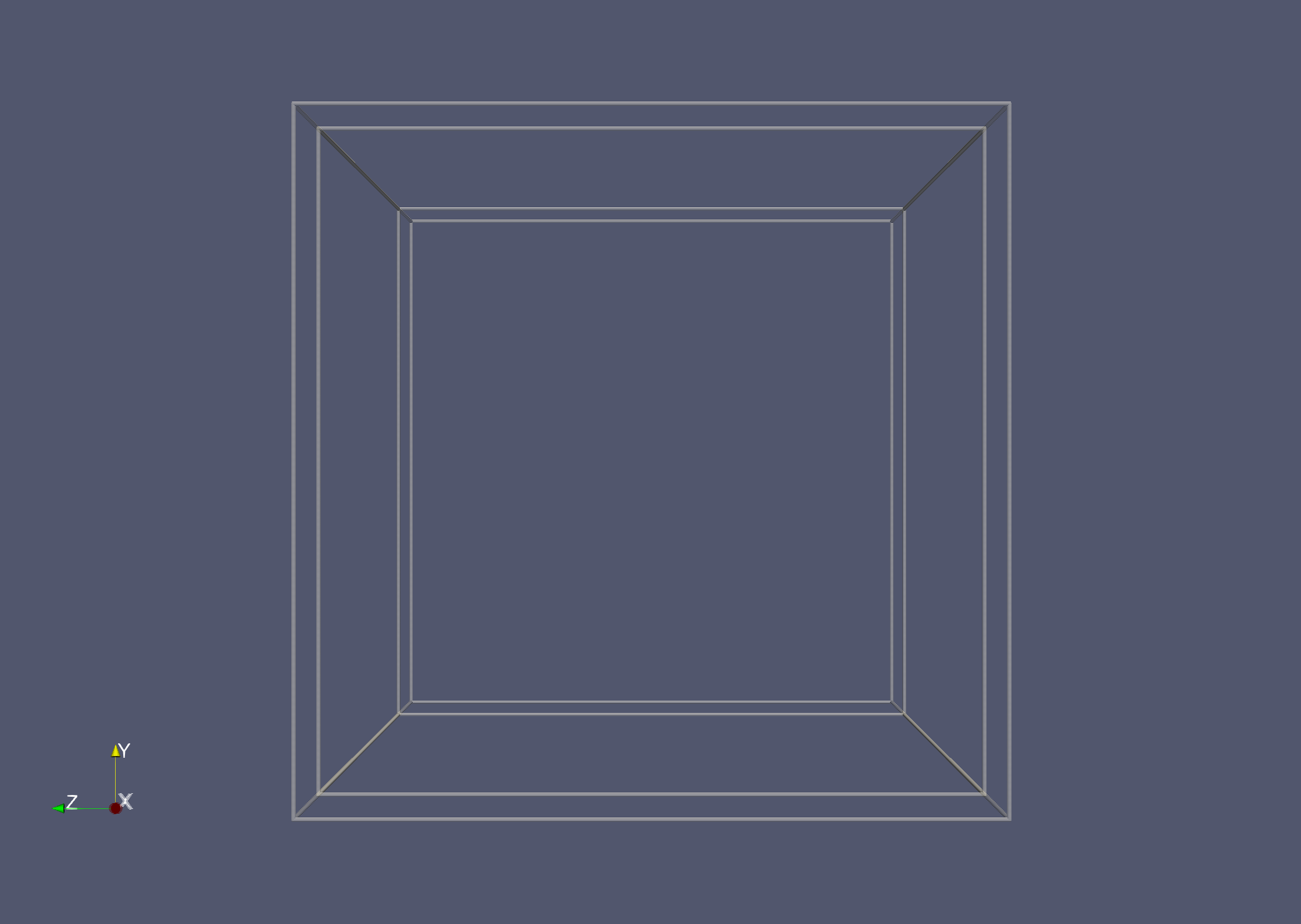
My test scene is: Box (1x1x1,wireframe), Camera Position (3,0,0)
My save method is: “Screenshot → Stereo == lnterlaced”
The test results are as follows: