# Run Paraview in PYQT5 widget python
**URL:** https://discourse.paraview.org/t/run-paraview-in-pyqt5-widget-python/8243
**Category:** ParaView Support
**Tags:** python
**Created:** [October 23, 2021, 12:46am UTC](https://discourse.paraview.org/t/run-paraview-in-pyqt5-widget-python/8243 "2021-10-23T00:46:05Z")
**Posts on this page:** 2
**Page:** 1
### Author:  [@Ali\_Rahnama](https://discourse.paraview.org/u/Ali_Rahnama)
#### Post date: [October 23, 2021, 12:46am UTC](https://discourse.paraview.org/t/run-paraview-in-pyqt5-widget-python/8243/1 "2021-10-23T00:46:05Z")
Hi,
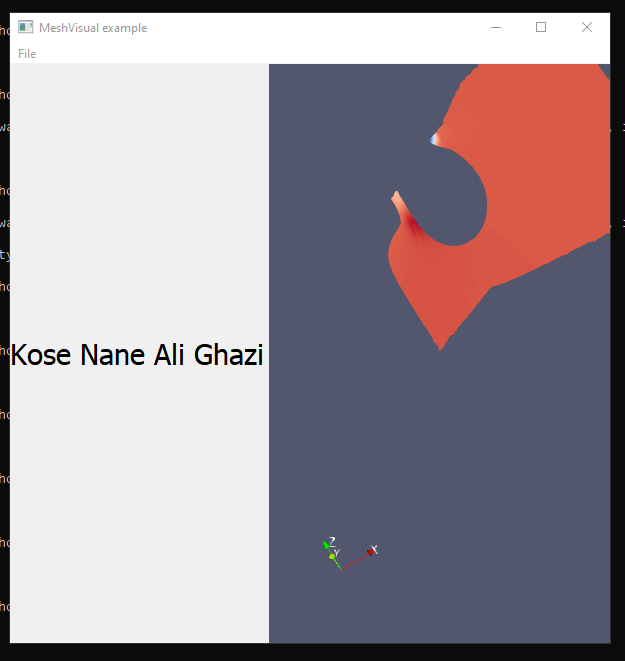
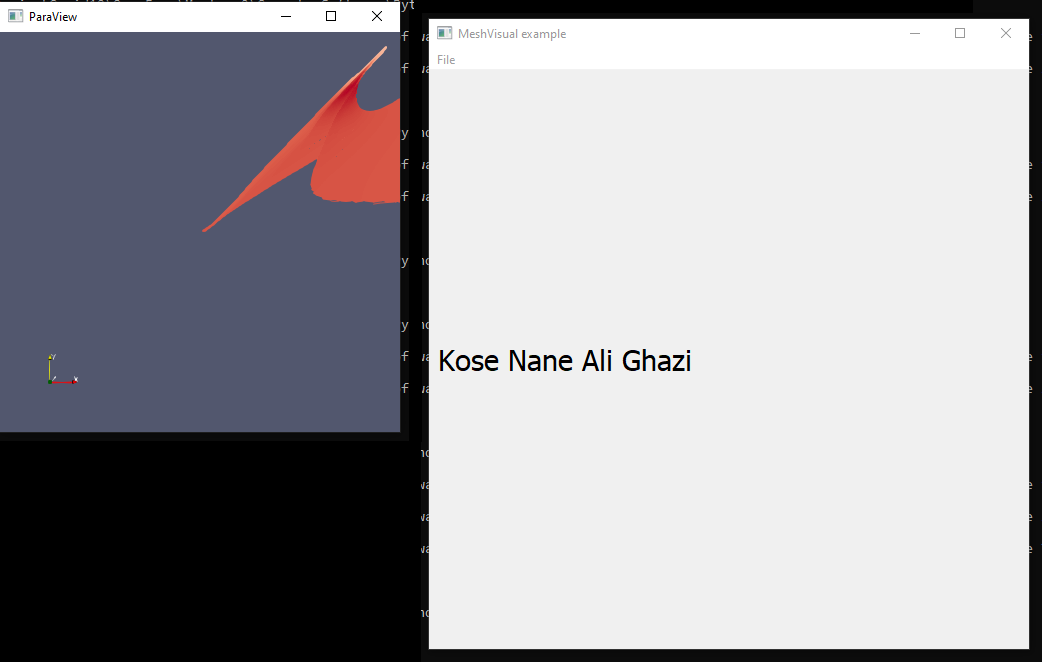
I wrote a code for a gui with pyqt, I want to show the results in a widget. But the paraview code opens its own separate window.
For example:
#------------------------
from paraview.simple import \*
Sphere()
Show()
Render()
#------------------------
opens a new window and shows the sphere in it.
How can I tell it to open it in a canvas in my gui?
As you can see the paraview result is in a complete separate window, instead of being in the main window (MeshVisual example)
---
### Author:  [@Ali\_Rahnama](https://discourse.paraview.org/u/Ali_Rahnama)
#### Post date: [October 23, 2021, 7:06pm UTC](https://discourse.paraview.org/t/run-paraview-in-pyqt5-widget-python/8243/2 "2021-10-23T19:06:30Z")
found the answer here
>