# Running paraview in parallel and overlapping regions
**URL:** https://discourse.paraview.org/t/running-paraview-in-parallel-and-overlapping-regions/6287
**Category:** ParaView Support
**Created:** [January 24, 2021, 5:12pm UTC](https://discourse.paraview.org/t/running-paraview-in-parallel-and-overlapping-regions/6287 "2021-01-24T17:12:33Z")
**Posts on this page:** 6
**Page:** 1
### Author:  [@Miguel\_Angel\_Salazar](https://discourse.paraview.org/u/Miguel_Angel_Salazar)
#### Post date: [January 24, 2021, 5:12pm UTC](https://discourse.paraview.org/t/running-paraview-in-parallel-and-overlapping-regions/6287/1 "2021-01-24T17:12:33Z")
I have got the result from a finite element simulation in parallel. My field is element-wise constant, although it is still Point data. I realized that the number of points is a bit excessive
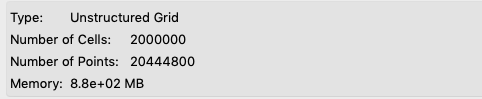
my idea is to get an isocontour from the field in question. Because it is element-wise constant, but still point data, what I do is apply the filters: `Point Data to Cell Data` and then `Cell Data to Point Data`. Then, I could create my `Contour`. This process did not work the first time (no contours). I realized that I had to apply `Clean to Grid` before the above mentioned filters. Now the number of points seem more reasonable

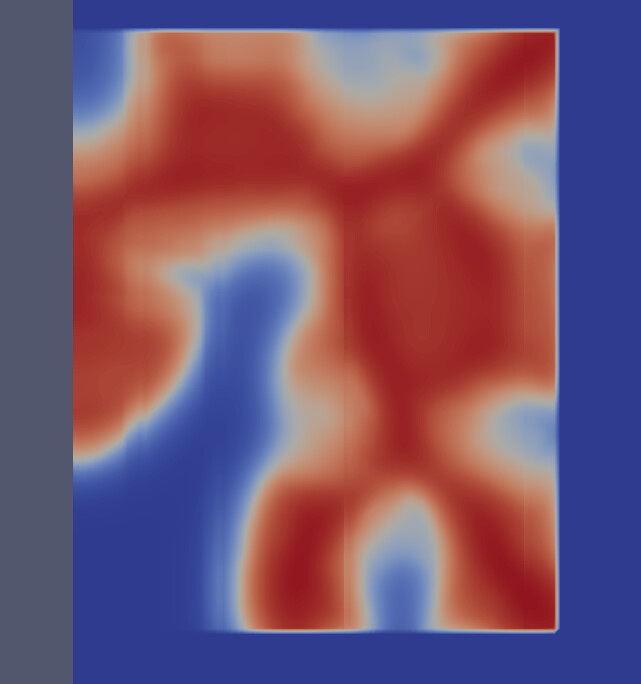
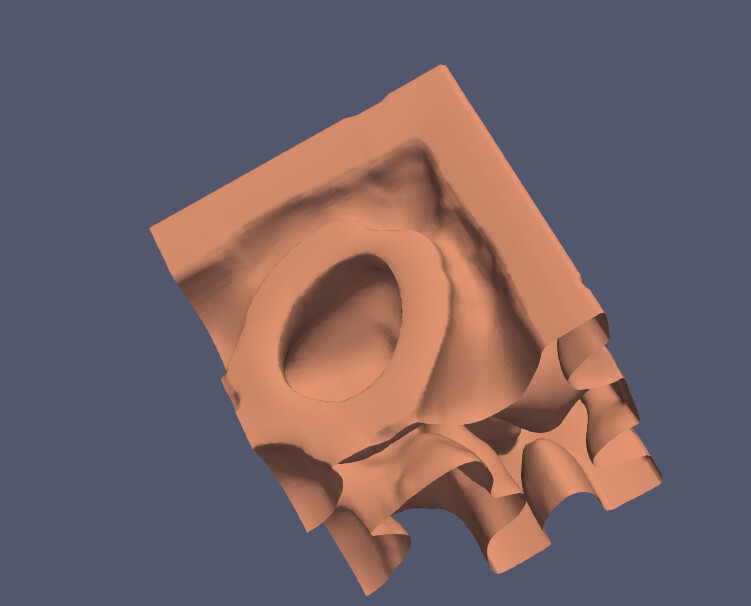
The problem though is that `Clean to Grid` produces some shift or overlap in the data. See the lines in here.
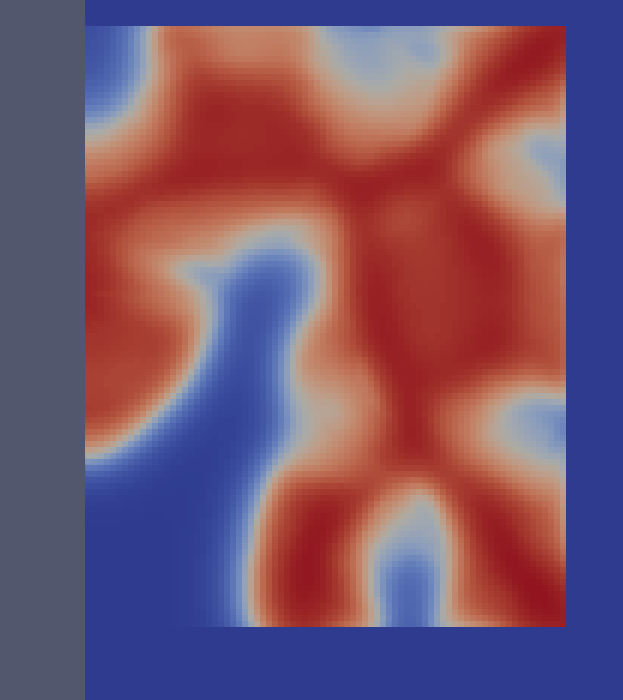
whereas before it looked like this:
So much so that the `Contour` has some gaps in it
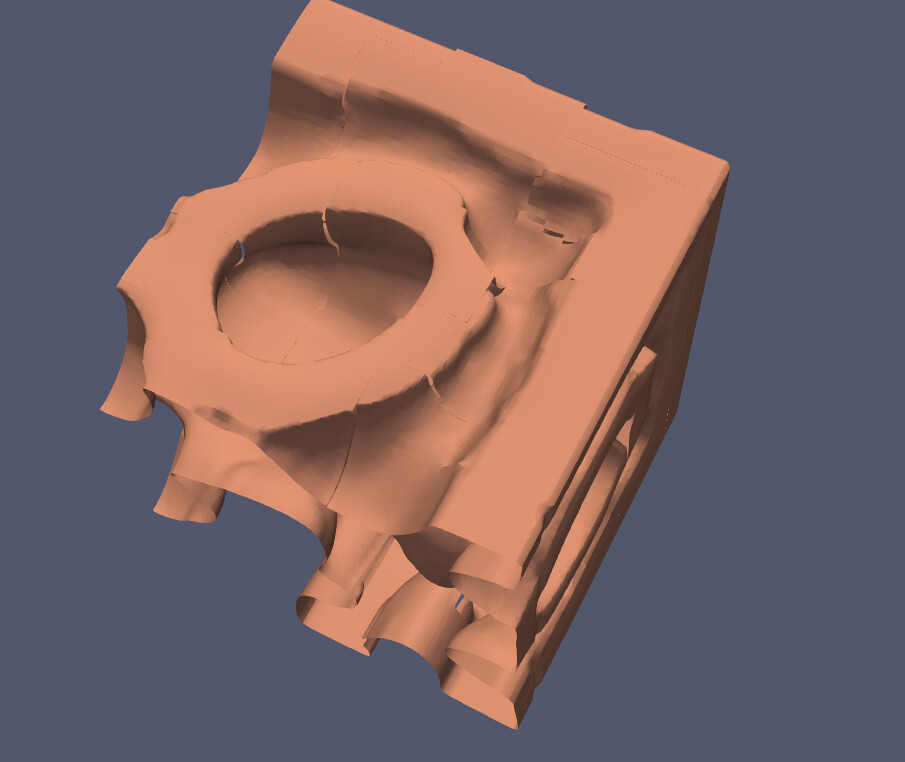
Applying `Clean to Grid` right before `Contour` makes things even worse.
The interesting thing is that this gap issue only happens when running paraview in parallel. If I run it in a single core, I get a perfect contour
I believe that the issue might be in how the finite element software writes the output. Can anyone confirm? Thanks.
---
### Author:  [@mwestphal](https://discourse.paraview.org/u/mwestphal)
#### Post date: [January 24, 2021, 5:53pm UTC](https://discourse.paraview.org/t/running-paraview-in-parallel-and-overlapping-regions/6287/2 "2021-01-24T17:53:02Z")
Could you share a subset of your inital dataset ?
---
### Author:  [@Miguel\_Angel\_Salazar](https://discourse.paraview.org/u/Miguel_Angel_Salazar)
#### Post date: [January 24, 2021, 6:26pm UTC](https://discourse.paraview.org/t/running-paraview-in-parallel-and-overlapping-regions/6287/3 "2021-01-24T18:26:20Z")
Unfortunately, it is going to be difficult for me to share the files due to company’s restrictions. In the mean time, is there anything that I can look at?
---
### Author:  [@Miguel\_Angel\_Salazar](https://discourse.paraview.org/u/Miguel_Angel_Salazar)
#### Post date: [January 26, 2021, 10:38pm UTC](https://discourse.paraview.org/t/running-paraview-in-parallel-and-overlapping-regions/6287/4 "2021-01-26T22:38:46Z")
I have created a similar output file that reflects my problem. It is a simple function also written with the same finite element framework. Hopefully this is more useful
It is in this google drive link: [https://drive.google.com/file/d/1oY8oCHeZSD8HiuPMacQKoQc7EHGdGDgL/view?usp=sharing](https://drive.google.com/file/d/1oY8oCHeZSD8HiuPMacQKoQc7EHGdGDgL/view?usp=sharing)
Let me know if you would prefer I uploaded it to a different service.
---
### Author:  [@mwestphal](https://discourse.paraview.org/u/mwestphal)
#### Post date: [January 27, 2021, 9:22am UTC](https://discourse.paraview.org/t/running-paraview-in-parallel-and-overlapping-regions/6287/5 "2021-01-27T09:22:21Z")
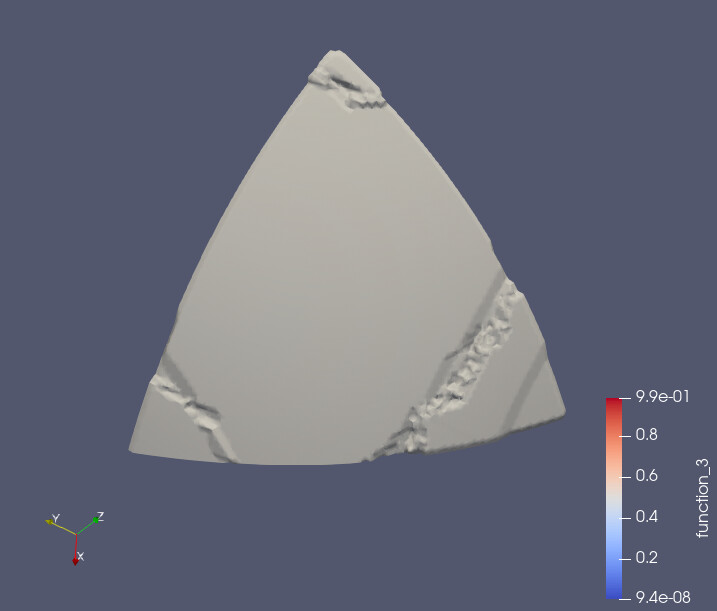
As you pointed out yourself, there are many connectecity and point duplicate issue in your dataset.
Your first step should be to use CleanToGrid.
Then you should be able to use contour directly.
Using PD2CD + CD2PD will only decrease the accuracy of the contour.
---
### Author:  [@Miguel\_Angel\_Salazar](https://discourse.paraview.org/u/Miguel_Angel_Salazar)
#### Post date: [January 27, 2021, 3:36pm UTC](https://discourse.paraview.org/t/running-paraview-in-parallel-and-overlapping-regions/6287/6 "2021-01-27T15:36:10Z")
I am still seeing the same issues when I run paraview in parallel. I am running it through pvserver so I call `mpirun -np 10 pvserver --force-offscreen-rendering`. My paraview is version 5.8.0 (the latest version in the cluster I am connected to). Which version are you running? Are you running with more than 1 core? Thanks.