# SaveScreenshot resolution issue with PlotData
**URL:** https://discourse.paraview.org/t/savescreenshot-resolution-issue-with-plotdata/411
**Category:** ParaView Support
**Created:** [August 9, 2018, 3:02pm UTC](https://discourse.paraview.org/t/savescreenshot-resolution-issue-with-plotdata/411 "2018-08-09T15:02:56Z")
**Posts on this page:** 4
**Page:** 1
### Author:  [@Tox](https://discourse.paraview.org/u/Tox)
#### Post date: [August 9, 2018, 3:02pm UTC](https://discourse.paraview.org/t/savescreenshot-resolution-issue-with-plotdata/411/1 "2018-08-09T15:02:56Z")
Dear all,
I am new to this forum, so please be patient if I do not pose my question in the correct format.
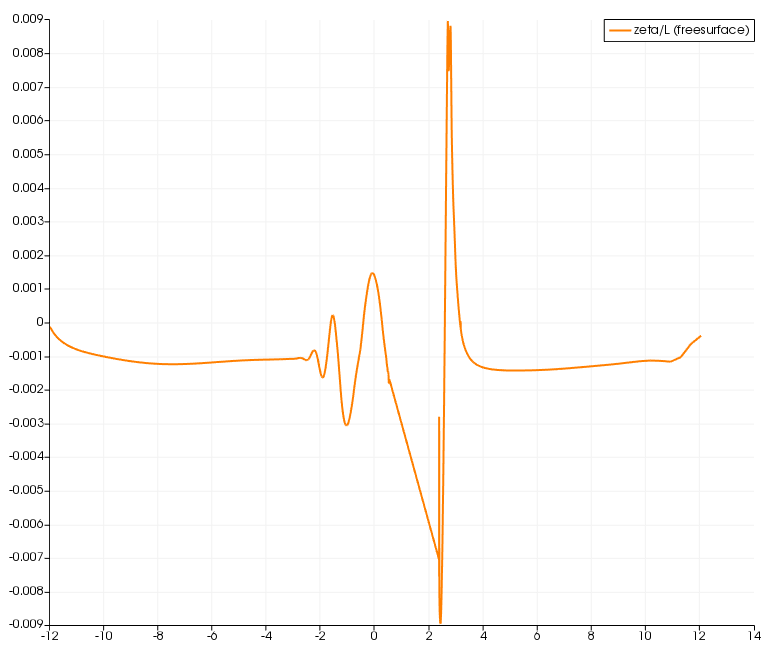
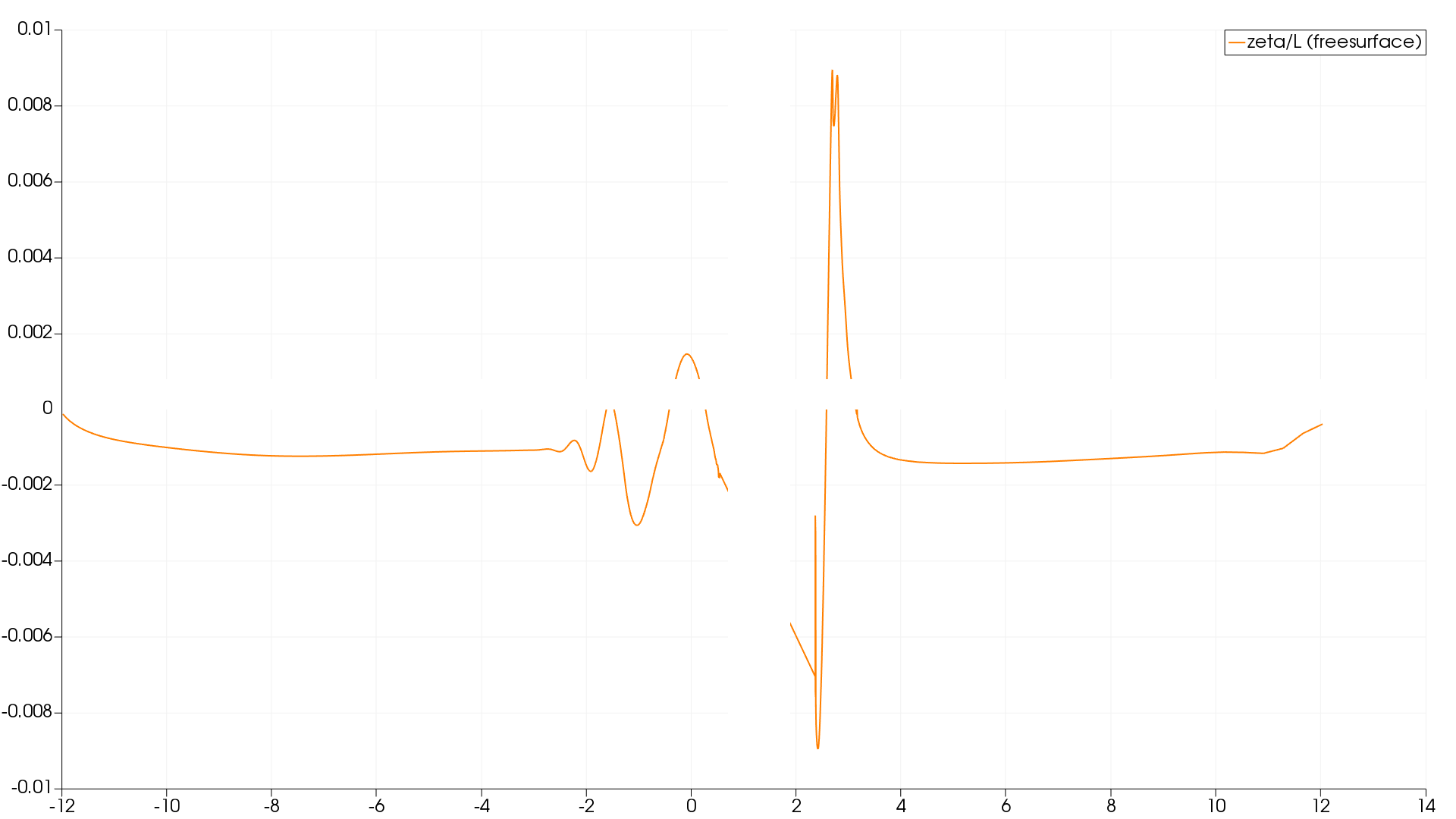
I am using Paraview 5.5.2 Qt5 64 bit on Windows 7 with python scripting and have an issue with SaveScreenshot when I select a output resolution other than the one that is used when I save my actions using the python trace. With the settings as provided by the trace [774x652] I get a nice plot of my PlotData filter in the LineChartView, but I would like to have a higher resolution plot. Therefore, I changed the output resolution to 1920x1080, and get a plot with blank bands in the graph. Does anybody know what I am doing wrong?
Thank you for the help and best regards,
Serge
---
### Author:  [@cory.quammen](https://discourse.paraview.org/u/cory.quammen)
#### Post date: [August 9, 2018, 3:08pm UTC](https://discourse.paraview.org/t/savescreenshot-resolution-issue-with-plotdata/411/2 "2018-08-09T15:08:44Z")
Can you post an image with the blank bands?
---
### Author:  [@Tox](https://discourse.paraview.org/u/Tox)
#### Post date: [August 9, 2018, 3:22pm UTC](https://discourse.paraview.org/t/savescreenshot-resolution-issue-with-plotdata/411/3 "2018-08-09T15:22:35Z")
Dear Cory,
Thanks for your reaction. I have figured out how to attach files, so here are the original (mwe\_screenshot-ori.png, first figure) and the high resolution screenshots (mwe\_screenshot-hires.png, second figure). As tou can see, about halfway horizontally and vertically, there is a white bar where the line should be. Hope this helps.
Best regards,
Serge
---
### Author:  [@cory.quammen](https://discourse.paraview.org/u/cory.quammen)
#### Post date: [August 9, 2018, 3:39pm UTC](https://discourse.paraview.org/t/savescreenshot-resolution-issue-with-plotdata/411/4 "2018-08-09T15:39:53Z")
Thanks, definitely a bug. I’ve reported it in our issue tracker here:
[https://gitlab.kitware.com/paraview/paraview/issues/18365](https://gitlab.kitware.com/paraview/paraview/issues/18365)