# smoothing mesh for extruded surface?
**URL:** https://discourse.paraview.org/t/smoothing-mesh-for-extruded-surface/4493
**Category:** ParaView Support
**Created:** [June 3, 2020, 3:08pm UTC](https://discourse.paraview.org/t/smoothing-mesh-for-extruded-surface/4493 "2020-06-03T15:08:50Z")
**Posts on this page:** 7
**Page:** 1
### Author:  [@Matt](https://discourse.paraview.org/u/Matt)
#### Post date: [June 3, 2020, 3:08pm UTC](https://discourse.paraview.org/t/smoothing-mesh-for-extruded-surface/4493/1 "2020-06-03T15:08:50Z")
Hi, I have spherical data and I’ve used the calculator to make an extruded surface based on one of the variables. When I zoom in, the mesh looks very boxy and I’m wondering if there’s a way to smooth it?

If I switch the display mode to points, I seem to lose the 3D effect:
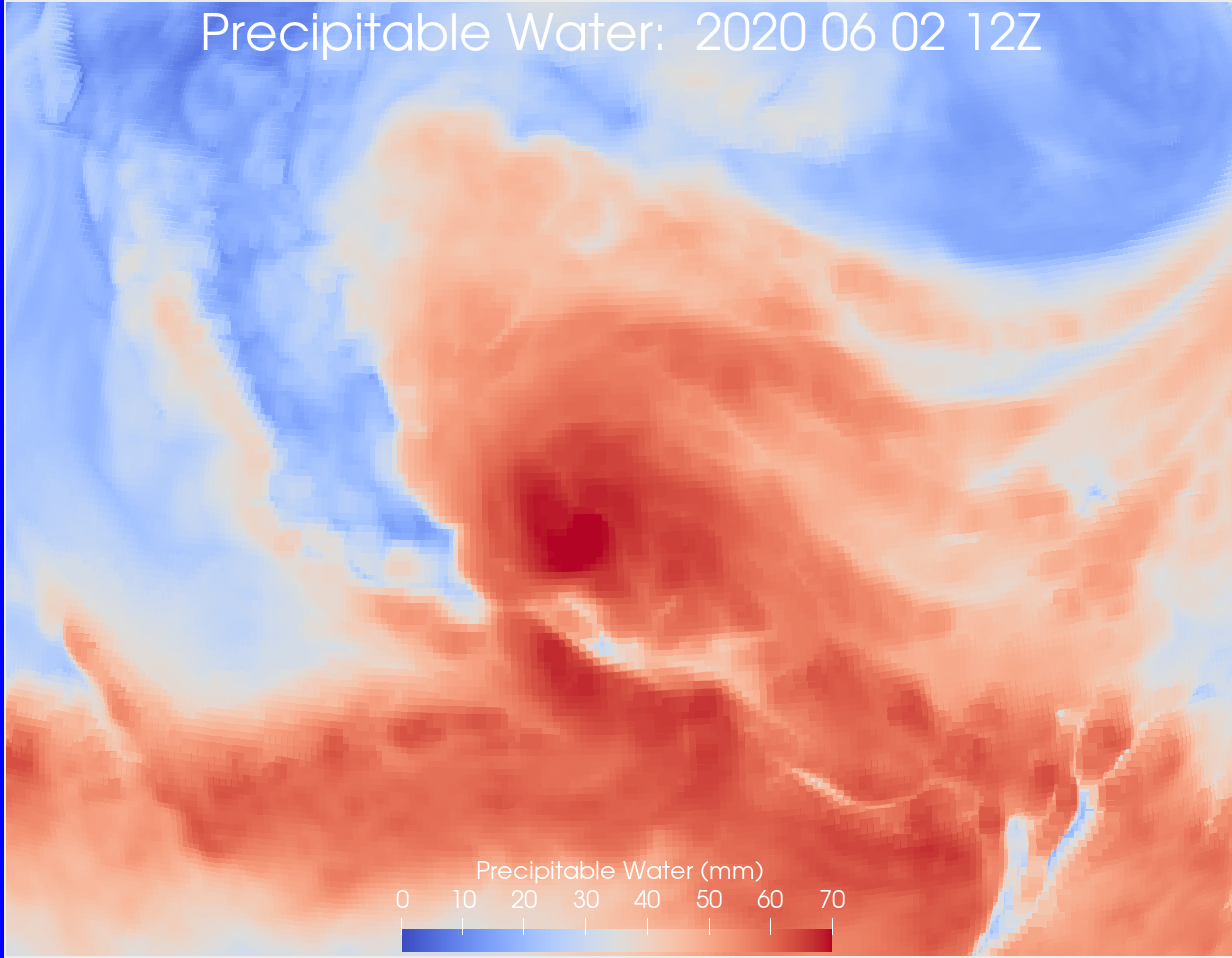
If I display the points as spheres, I get something that looks appealing in its way but is not what I was looking for:
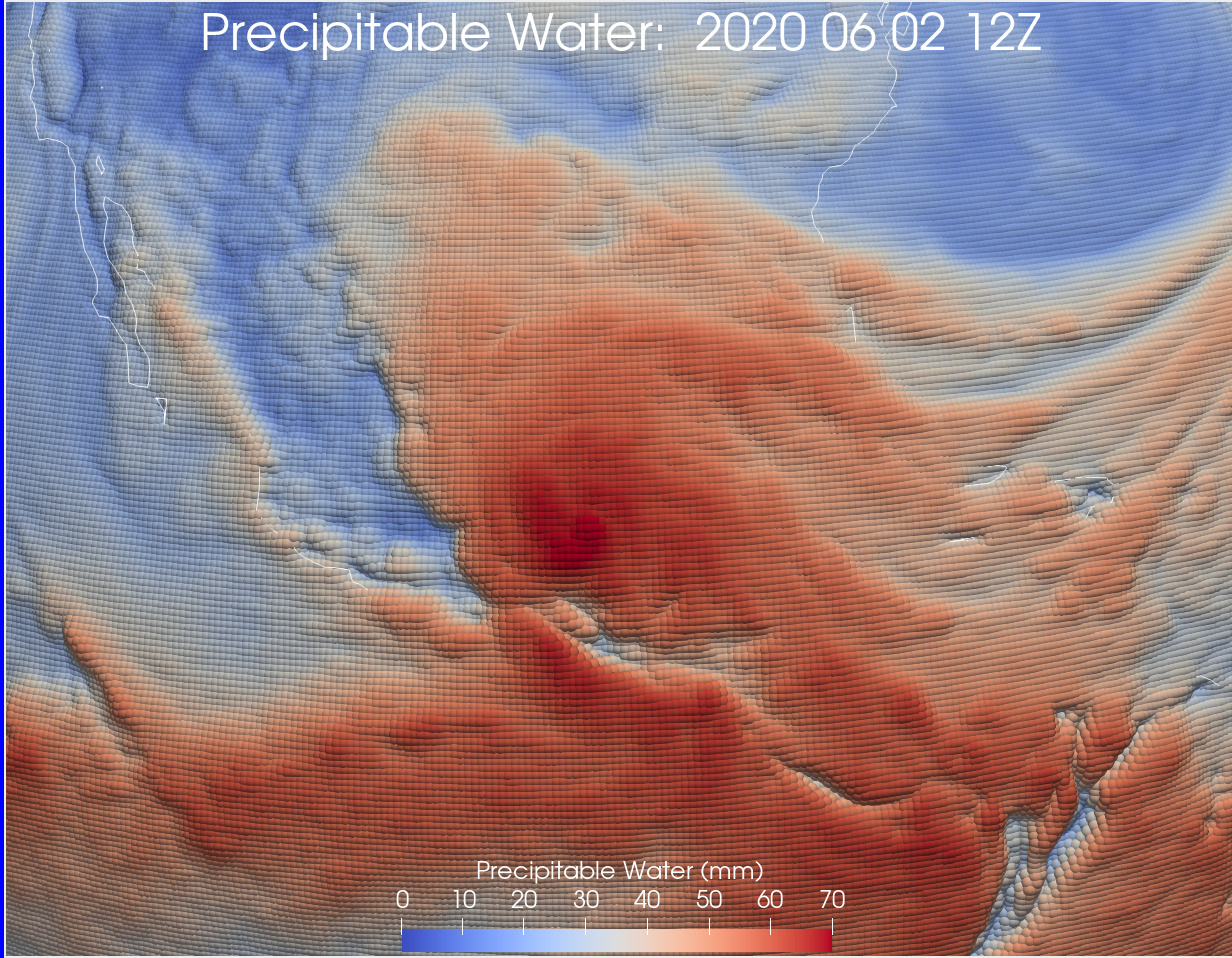
---
### Author:  [@mwestphal](https://discourse.paraview.org/u/mwestphal)
#### Post date: [June 4, 2020, 2:32am UTC](https://discourse.paraview.org/t/smoothing-mesh-for-extruded-surface/4493/2 "2020-06-04T02:32:03Z")
Is your dataset a plane or is there actual geometry ? Where does the shadows come from int he first image ?
---
### Author:  [@Matt](https://discourse.paraview.org/u/Matt)
#### Post date: [June 5, 2020, 12:38pm UTC](https://discourse.paraview.org/t/smoothing-mesh-for-extruded-surface/4493/3 "2020-06-05T12:38:17Z")
The input data is 2D in spherical coordinates (lat, lon). I use the calculator to make a 3D surface - small deviations from a sphere, where the deviations are proportional to one of the variables. That is, the variable becomes like topography. I’ve zoomed in for these images, so the spherical nature is not apparent.
With further experimenting, I’ve found that the middle image regains it’s 3D look if I turn on raytracing.
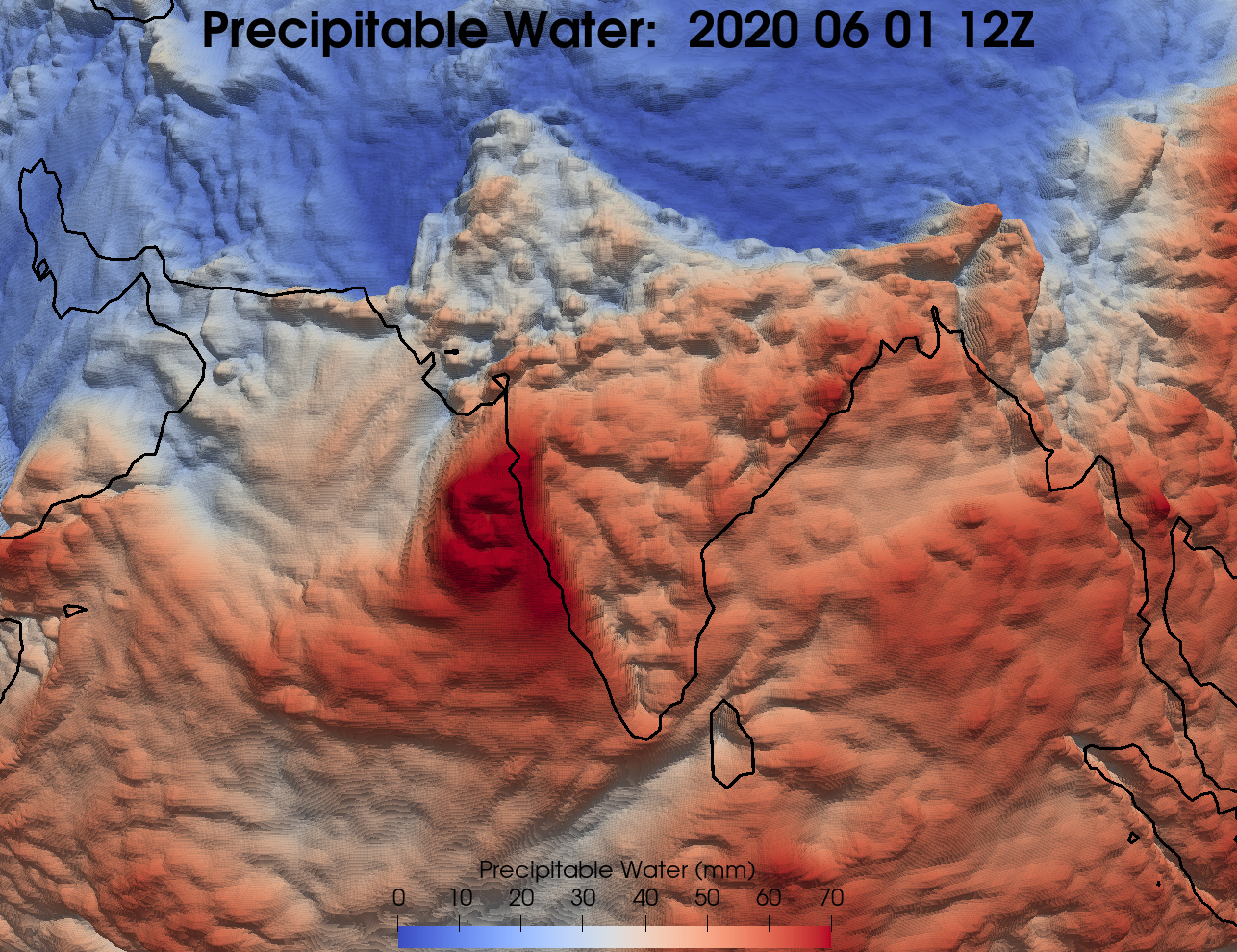
I’ve also had some luck reducing the blockiness of the mesh by turning it into triangles and subdividing it. Modest improvements but greatly slows everything down. Here’s an example doing that (different region):
---
### Author:  [@cory.quammen](https://discourse.paraview.org/u/cory.quammen)
#### Post date: [June 5, 2020, 4:33pm UTC](https://discourse.paraview.org/t/smoothing-mesh-for-extruded-surface/4493/4 "2020-06-05T16:33:05Z")
Have you tried adding a **Generate Surface Normals** filter? That should give you a much less faceted surface appearance.
---
### Author:  [@Matt](https://discourse.paraview.org/u/Matt)
#### Post date: [June 5, 2020, 6:08pm UTC](https://discourse.paraview.org/t/smoothing-mesh-for-extruded-surface/4493/5 "2020-06-05T18:08:32Z")
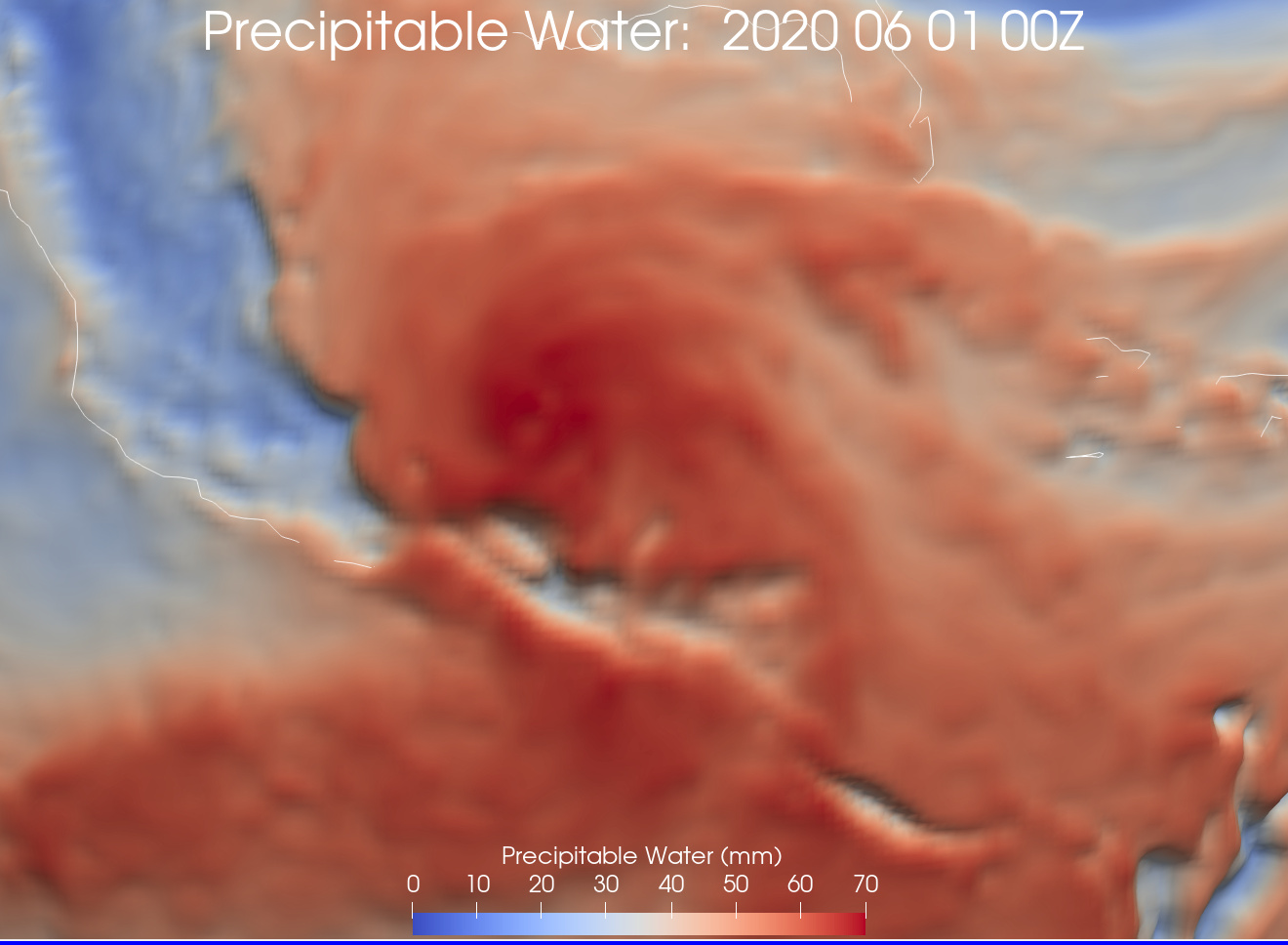
Thanks! That definitely helps, especially if I unselect splitting, although there’s still a slight amount of stair-stepping left in the areas of largest change (below). Overall, triangles and subdivision appears to give a nicer look. I will also experiment with a combination of the two approaches.
---
### Author:  [@mwestphal](https://discourse.paraview.org/u/mwestphal)
#### Post date: [June 8, 2020, 2:03am UTC](https://discourse.paraview.org/t/smoothing-mesh-for-extruded-surface/4493/6 "2020-06-08T02:03:49Z")
Looks like you figured it out. In any case I just want to mention the existence of representations dedicated to what your are looking for :
- Tools -\> Manage Plugins -\> Embossing Representation -\> Load Selected
- Crate a new view, show your non-transformed dataset
- Use “Extrusion Surface” or “Bump mapped surface” representation
---
### Author:  [@Matt](https://discourse.paraview.org/u/Matt)
#### Post date: [June 8, 2020, 5:53pm UTC](https://discourse.paraview.org/t/smoothing-mesh-for-extruded-surface/4493/7 "2020-06-08T17:53:16Z")
Ah, thanks for pointing those out, they work very nicely as well, and much faster than what I was doing!