# The remote server's ParaviewWeb is inaccessible.
**URL:** https://discourse.paraview.org/t/the-remote-servers-paraviewweb-is-inaccessible/15917
**Category:** ParaView Support
**Created:** [December 28, 2024, 2:47pm UTC](https://discourse.paraview.org/t/the-remote-servers-paraviewweb-is-inaccessible/15917 "2024-12-28T14:47:03Z")
**Posts on this page:** 3
**Page:** 1
### Author:  [@tianyu.cocytus](https://discourse.paraview.org/u/tianyu.cocytus)
#### Post date: [December 28, 2024, 2:47pm UTC](https://discourse.paraview.org/t/the-remote-servers-paraviewweb-is-inaccessible/15917/1 "2024-12-28T14:47:03Z")
Hi
I started a service on the remote server using the following command:
```auto
/home/hty/paraview_build/bin/pvpython --force-offscreen-rendering SimpleCone.py --venv /root/.environments/paraview --port 8081 --host 0.0.0.0 --server
```

But I cannot access it through the remote IP:8081.
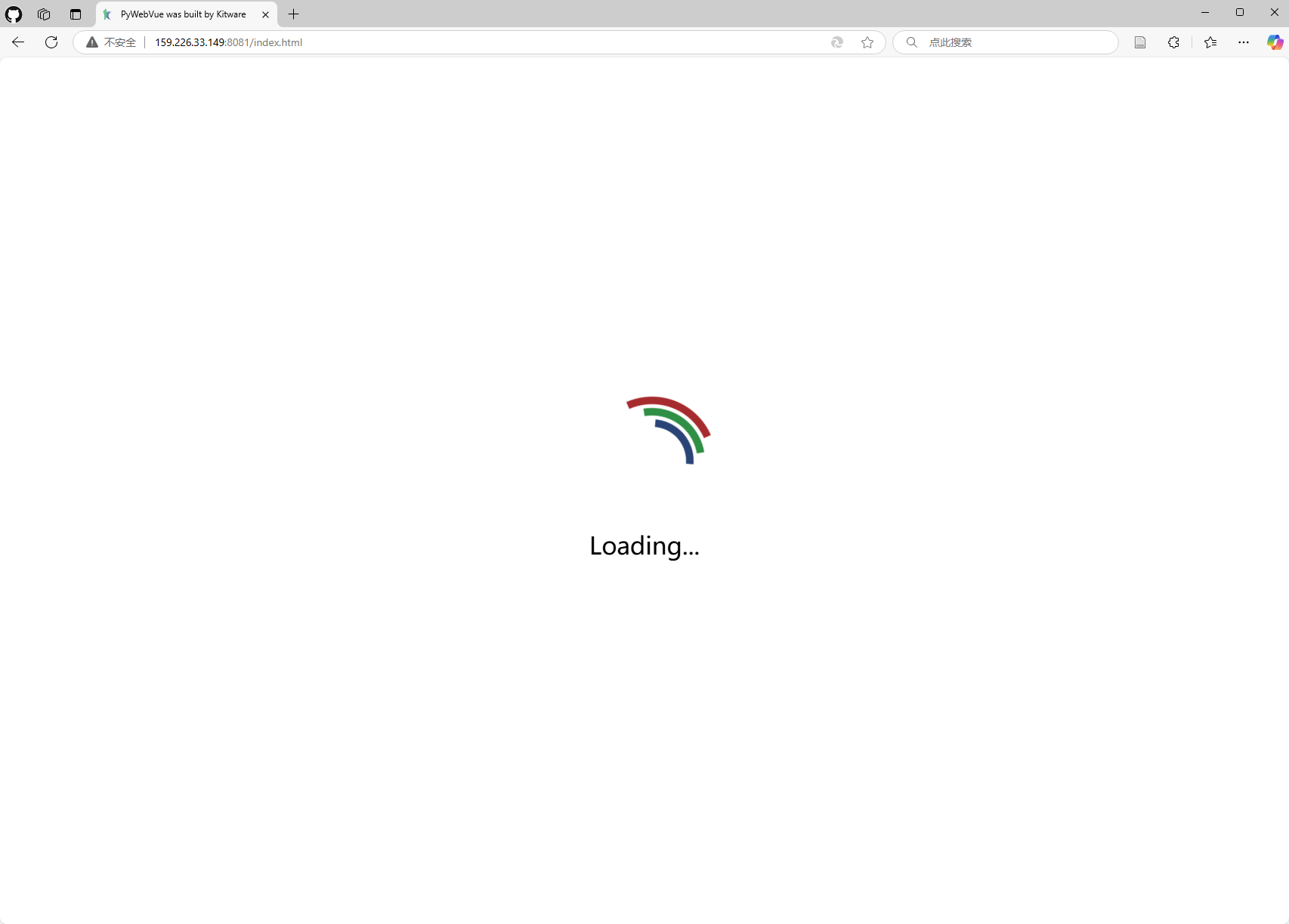
At the same time, the server reports an error:
```auto
wslink is not expecting text message:
> {"wslink":"1.0","id":"system:c0:0","method":"wslink.hello","args":[{"secret":"wslink-secret"}],"kwargs":{}}
wslink is not expecting text message:
```
If I remove the `--force-offscreen-rendering` parameter, the popup content is as follows:
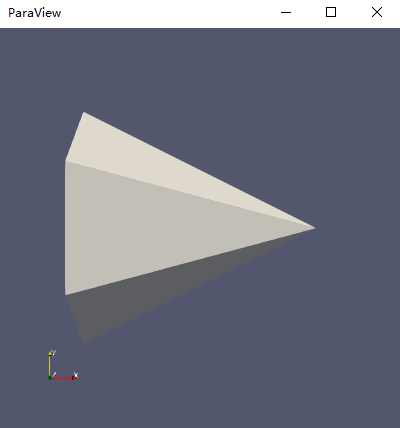
But I still cannot access it via the web.
What’s even more interesting is that when I perform the same operation on a Mac computer, I can access it via the web.
Is there anyone who can help me solve this problem? I would greatly appreciate it.
---
### Author:  [@jourdain](https://discourse.paraview.org/u/jourdain)
#### Post date: [December 29, 2024, 1:09am UTC](https://discourse.paraview.org/t/the-remote-servers-paraviewweb-is-inaccessible/15917/2 "2024-12-29T01:09:58Z")
Which version of ParaView? if you use ParaView \< 5.13, you need to use trame\<3.6 and wslink\<2.
With 5.13+, you won’t get any conflict, but you will need to clear your browser cache.
---
### Author:  [@tianyu.cocytus](https://discourse.paraview.org/u/tianyu.cocytus)
#### Post date: [December 29, 2024, 3:08am UTC](https://discourse.paraview.org/t/the-remote-servers-paraviewweb-is-inaccessible/15917/3 "2024-12-29T03:08:45Z")
> [@jourdain](#):
>
> ParaView \< 5.13
That’s great, thank you for your reply. My ParaView == 5.10.1, trame == 1.19.3, wslink == 2.2.1.
I downgraded the wslink version to 1.12.4, and the problem was solved.
Thanks again for the solution you provided. 😆