# Trouble getting ParaView OpenVR plugin to work with Windows Mixed Reality Headset (Samsung Odyssey Plus)
**URL:** https://discourse.paraview.org/t/trouble-getting-paraview-openvr-plugin-to-work-with-windows-mixed-reality-headset-samsung-odyssey-plus/3054
**Category:** ParaView Support
**Tags:** vr
**Created:** [November 26, 2019, 7:22pm UTC](https://discourse.paraview.org/t/trouble-getting-paraview-openvr-plugin-to-work-with-windows-mixed-reality-headset-samsung-odyssey-plus/3054 "2019-11-26T19:22:13Z")
**Posts on this page:** 3
**Page:** 1
### Author:  [@evan.kao](https://discourse.paraview.org/u/evan.kao)
#### Post date: [November 26, 2019, 7:22pm UTC](https://discourse.paraview.org/t/trouble-getting-paraview-openvr-plugin-to-work-with-windows-mixed-reality-headset-samsung-odyssey-plus/3054/1 "2019-11-26T19:22:14Z")
I recently bought a WMR headset (Samsung Odyssey+) and tried out ParaView’s OpenVR plug-n, but didn’t have much luck. Some computer specs:
Computer: ASUS ROG Zephyrus S GX701 (Laptop)
OS: Windows 10
Graphics card: NVIDIA GeForce RTX 2080 Max-Q
Using ParaView 5.7.0 installed from binaries
I started out following the instructions in this [blog post](https://blog.kitware.com/taking-paraview-into-virtual-reality/) (pretty old, but I couldn’t find anything else). That is, I plugged in the headset (which automatically opens Window’s Mixed Reality Portal), then opened SteamVR, and then opened ParaView and imported a surface file. Before pushing the display to VR, ParaView looked like this:
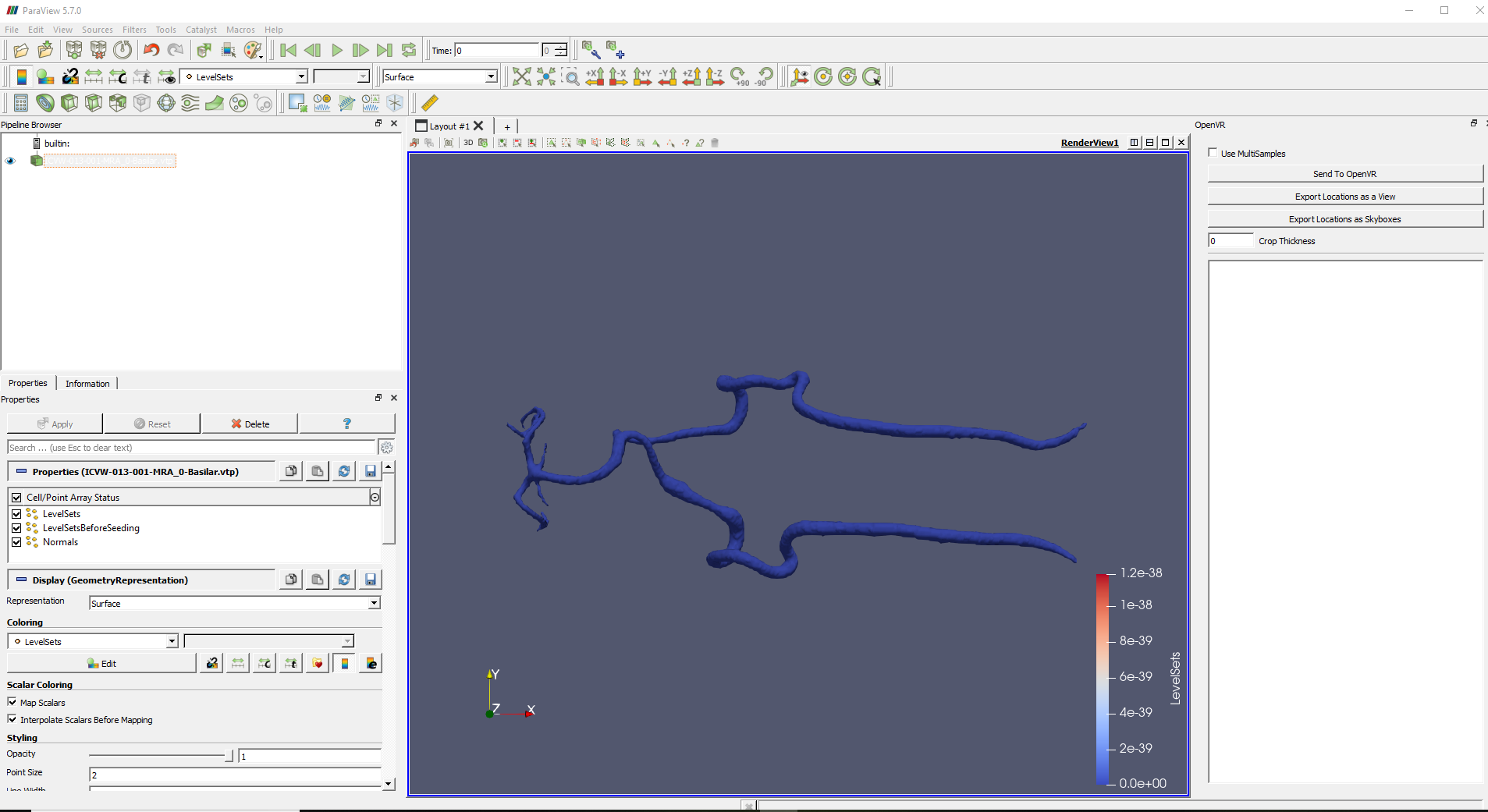
Afterward, it bugs out and looks like this:

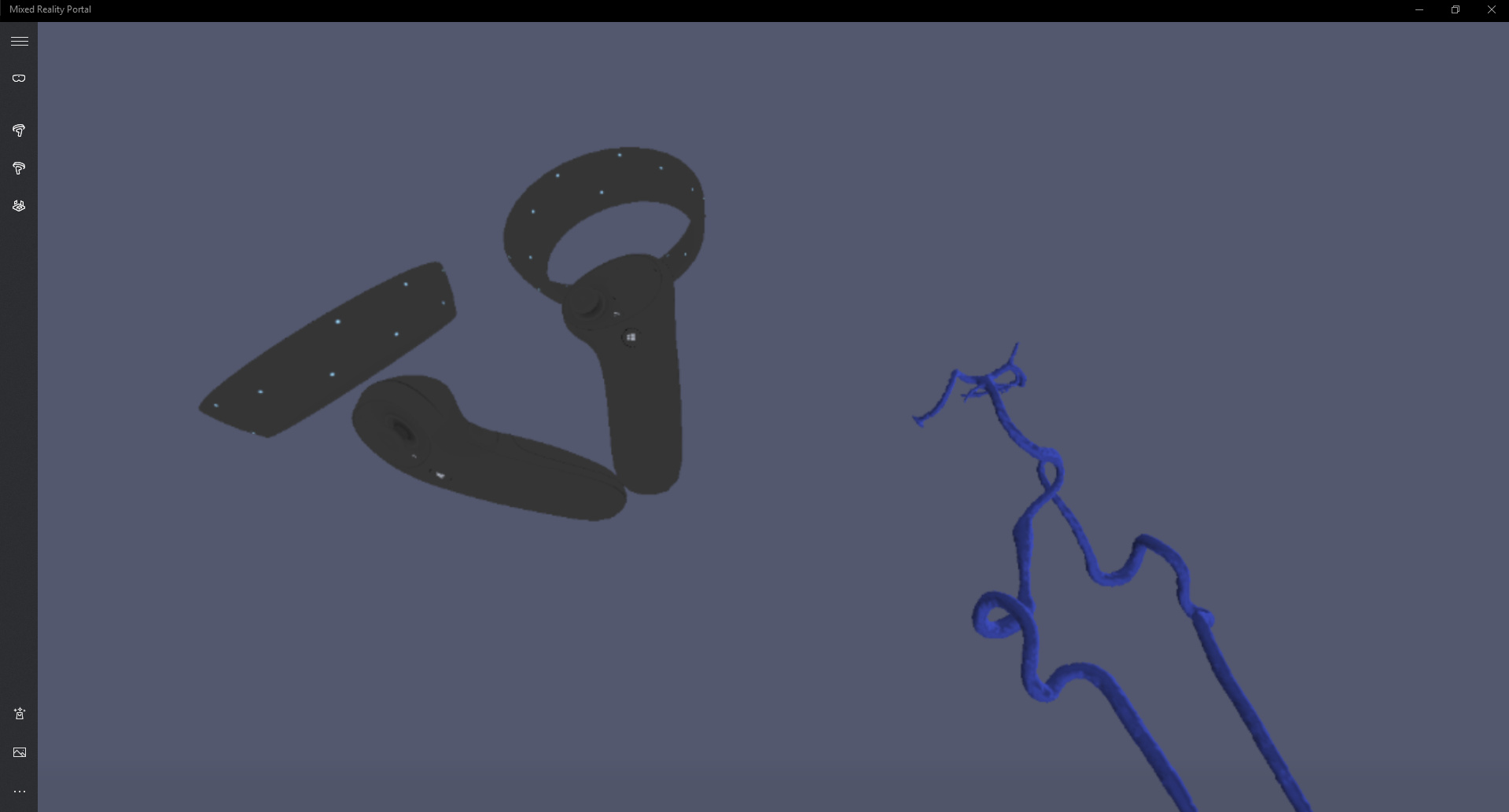
As for the VR view itself, the object appears to the right and below me for some reasons (The first image is the initial view after pushing to OpenVR, the second image is looking down and right):
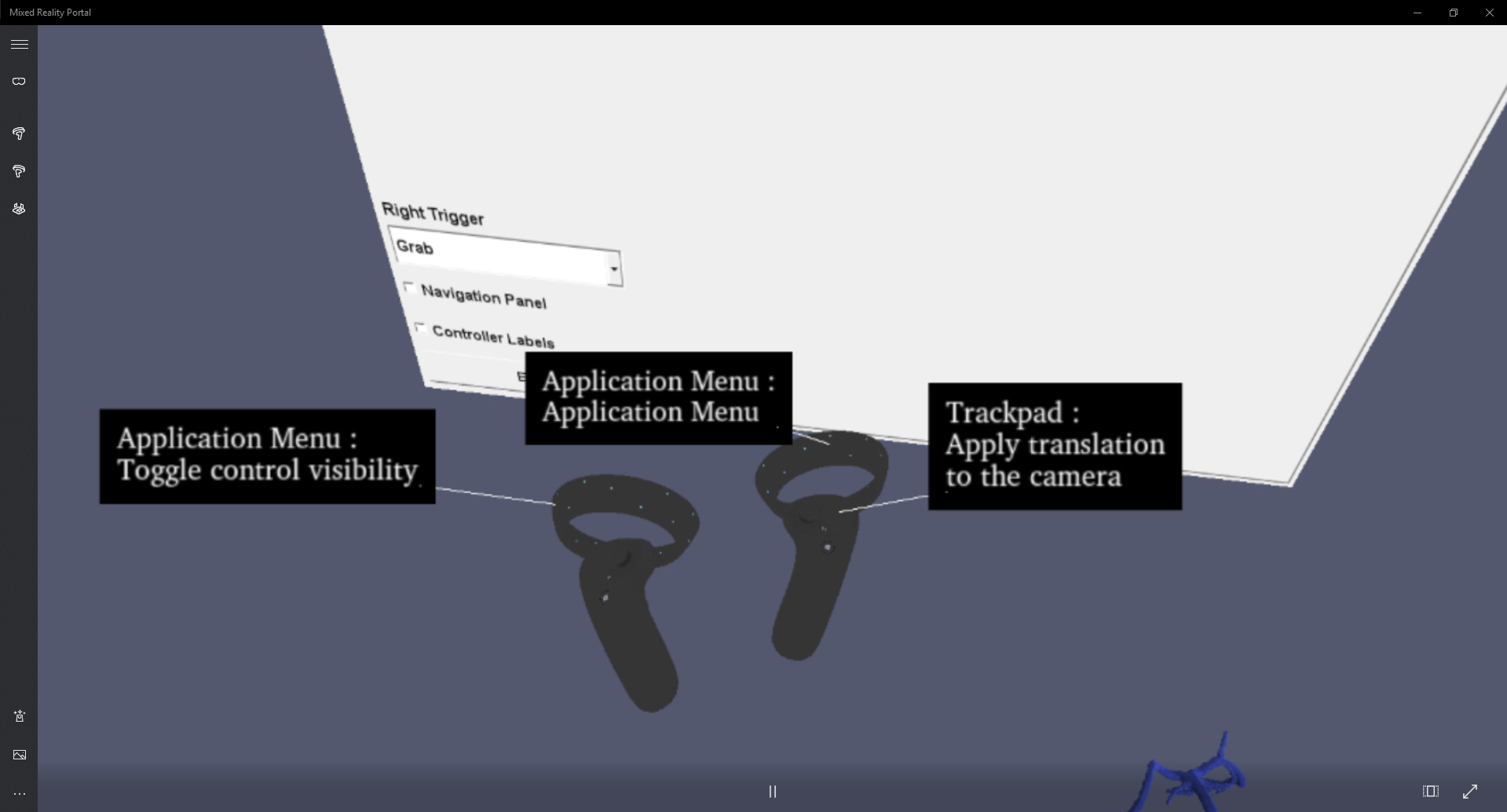
I can open the ParaView menu and select options on it with the right controller trigger, but I can’t seem to grab, translate, or scale. And the labels for the Application Menu options point toward the controllers’ tracking sensors, which doesn’t make sense:
So my main question is, is the OpenVR plugin even usable with my current equipment? And if yes, what can I do to make it work?
---
### Author:  [@mwestphal](https://discourse.paraview.org/u/mwestphal)
#### Post date: [November 27, 2019, 8:29am UTC](https://discourse.paraview.org/t/trouble-getting-paraview-openvr-plugin-to-work-with-windows-mixed-reality-headset-samsung-odyssey-plus/3054/2 "2019-11-27T08:29:22Z")
@martink
---
### Author:  [@halBRY](https://discourse.paraview.org/u/halBRY)
#### Post date: [February 3, 2020, 5:44pm UTC](https://discourse.paraview.org/t/trouble-getting-paraview-openvr-plugin-to-work-with-windows-mixed-reality-headset-samsung-odyssey-plus/3054/3 "2020-02-03T17:44:13Z")
Hi Evan,
Not sure if this will help, but I was having a very similar problem on desktop using both the Vive and the Mixed Reality headset. I was able to fix it by switching to ParaView version 5.8.0 RC1.