# Trying to save a rendered Layout in high resolution
**URL:** https://discourse.paraview.org/t/trying-to-save-a-rendered-layout-in-high-resolution/15865
**Category:** ParaView Support
**Created:** [December 13, 2024, 10:59pm UTC](https://discourse.paraview.org/t/trying-to-save-a-rendered-layout-in-high-resolution/15865 "2024-12-13T22:59:14Z")
**Posts on this page:** 4
**Page:** 1
### Author:  [@shashwotpaudel](https://discourse.paraview.org/u/shashwotpaudel)
#### Post date: [December 13, 2024, 10:59pm UTC](https://discourse.paraview.org/t/trying-to-save-a-rendered-layout-in-high-resolution/15865/1 "2024-12-13T22:59:14Z")
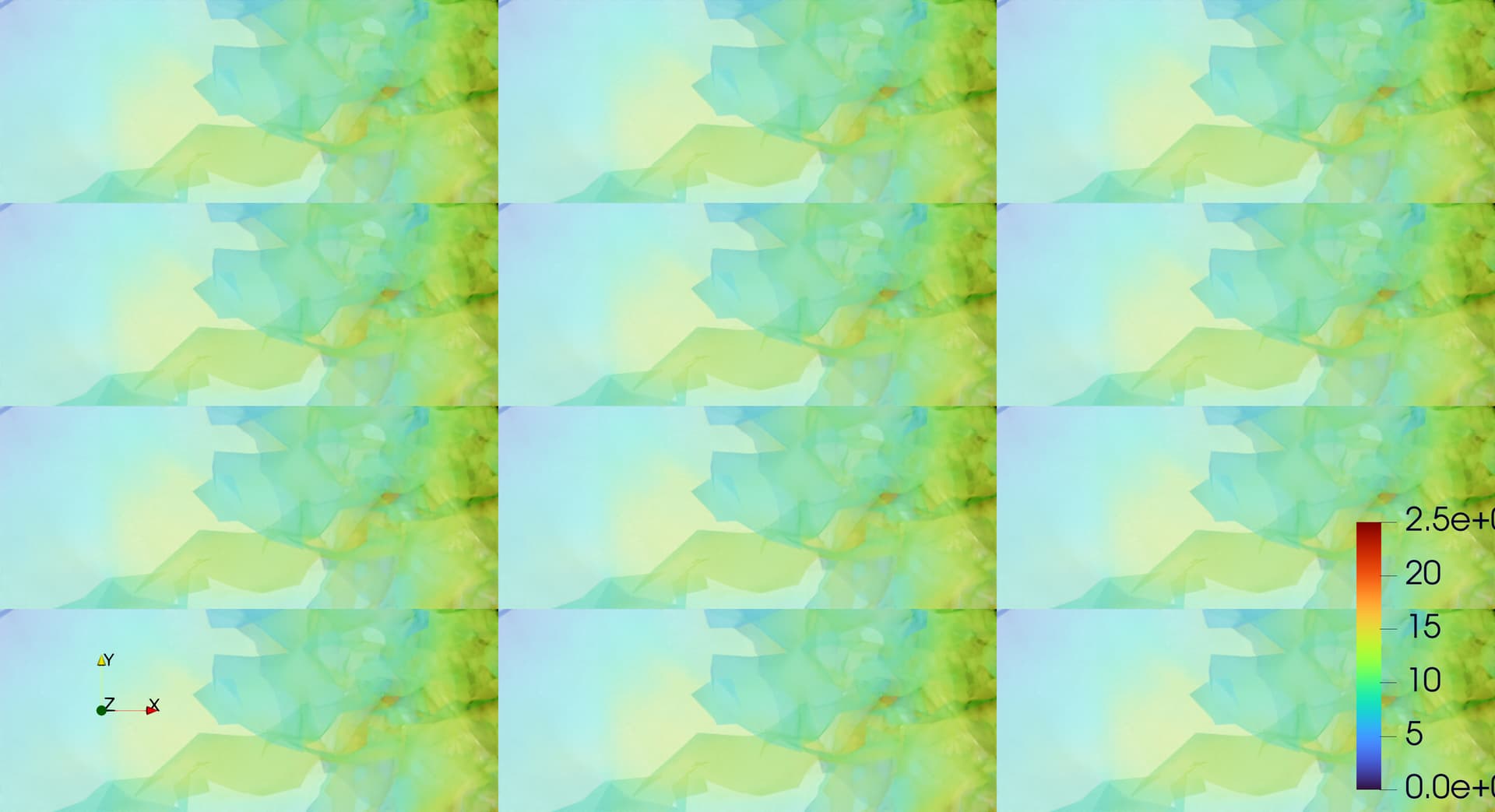
I was trying to use a pvpython script (trace generated) to save a screenshot in a higher resolution. However, when I increase the resolution for saving to screenshot, all I get is multiple images of the layout in a single image. The image is attached. I never had this problem until I had to use OSPray for rendered images. Any idea on what could solve this?
The default layout saving works fine. Only when I try increasing the resolution, I see this issue. For example, this is the image I get when I have around 3 times the original resolution along both directions.
---
### Author:  [@mwestphal](https://discourse.paraview.org/u/mwestphal)
#### Post date: [December 16, 2024, 8:47am UTC](https://discourse.paraview.org/t/trying-to-save-a-rendered-layout-in-high-resolution/15865/2 "2024-12-16T08:47:52Z")
> [@shashwotpaudel](#):
>
> I never had this problem until I had to use OSPray for rendered images. Any idea on what could solve this?
I’m afraid OSPRay does not support “Higher then your screen resolution” screenshots.
[https://gitlab.kitware.com/paraview/paraview/-/issues/22226](https://gitlab.kitware.com/paraview/paraview/-/issues/22226)
[https://gitlab.kitware.com/paraview/paraview/-/issues/19652](https://gitlab.kitware.com/paraview/paraview/-/issues/19652)
[https://gitlab.kitware.com/paraview/paraview/-/issues/19366](https://gitlab.kitware.com/paraview/paraview/-/issues/19366)
[https://gitlab.kitware.com/paraview/paraview/-/issues/17707](https://gitlab.kitware.com/paraview/paraview/-/issues/17707)
---
### Author:  [@shashwotpaudel](https://discourse.paraview.org/u/shashwotpaudel)
#### Post date: [December 16, 2024, 8:13pm UTC](https://discourse.paraview.org/t/trying-to-save-a-rendered-layout-in-high-resolution/15865/3 "2024-12-16T20:13:01Z")
Is there an workaround to this, for example how would the resolution be defined on a headless machine?
Any solution to this to get higher resolution images would be appreciated.
---
### Author:  [@mwestphal](https://discourse.paraview.org/u/mwestphal)
#### Post date: [December 17, 2024, 8:46am UTC](https://discourse.paraview.org/t/trying-to-save-a-rendered-layout-in-high-resolution/15865/4 "2024-12-17T08:46:59Z")
Try `Views > Preview `