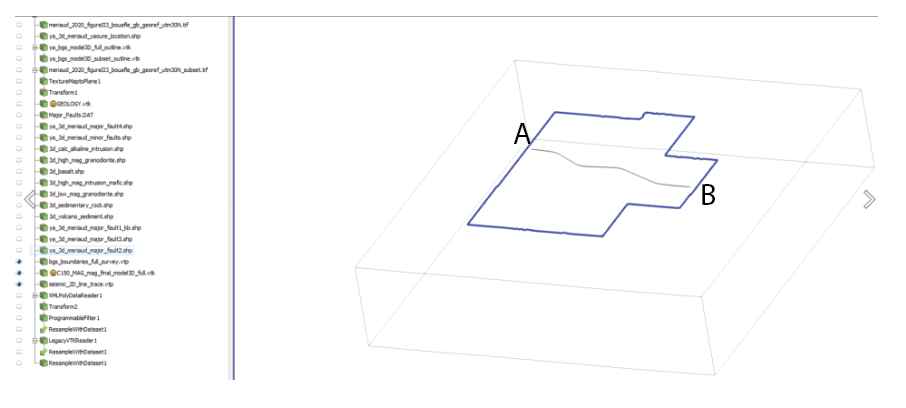
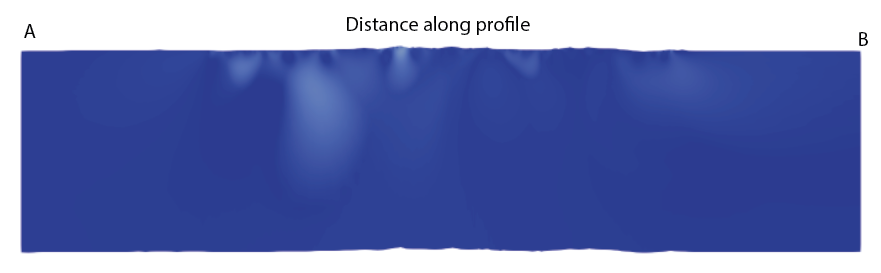
I am using ParaView version 5.12.0 for Windows. I would like to know if there is a way to create a slice along an irregular line within a structured grid and display it in an unwrapped format.
I have a structured grid (.vtk) and an irregular line (.vtp), shown in grey in the figure below. I would like to create a slice based on this .vtp line:
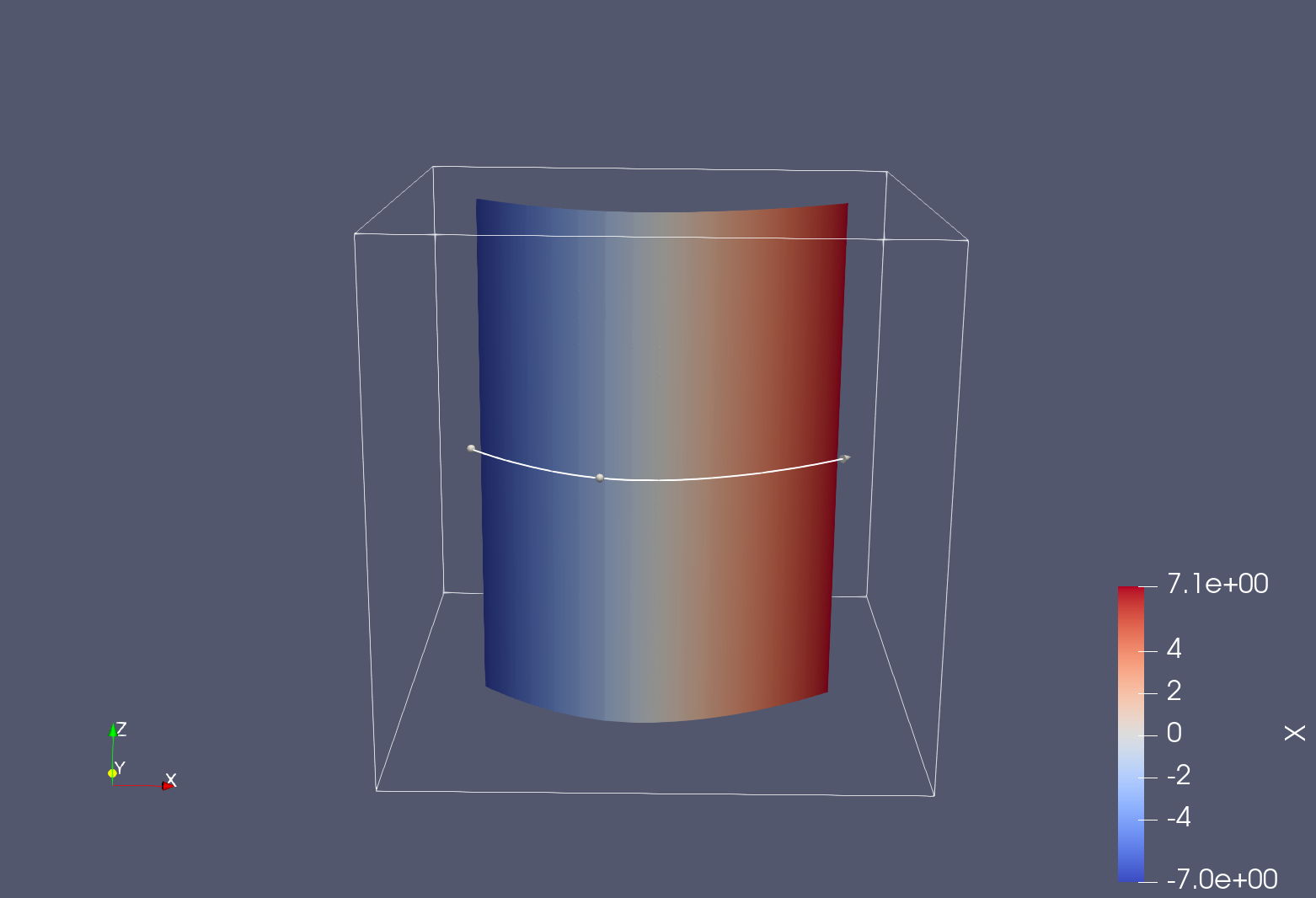
Slice Along Polyline will slice through a dataset in the z-direction so that the resulting section passes through your polyline. IIUC, that’s what you are looking for. It will produce geometry that follows the polyline, however. If you want it “unrolled”, you’ll need to project the resulting points to some plane manually using a Calculator filter, for example.
Likely you’ll also need to turn your irregular line (.vtp) file into a polyline using the Triangle Strips filter with the Join Contiguous Segments property enabled before sending it to Slice Along Polyline.
Attached is a ParaView 5.12.1 state file that demonstrates the use of Slice Along Polyline with some data sources built into ParaView SliceAlongPolyline.pvsm (543.0 KB)