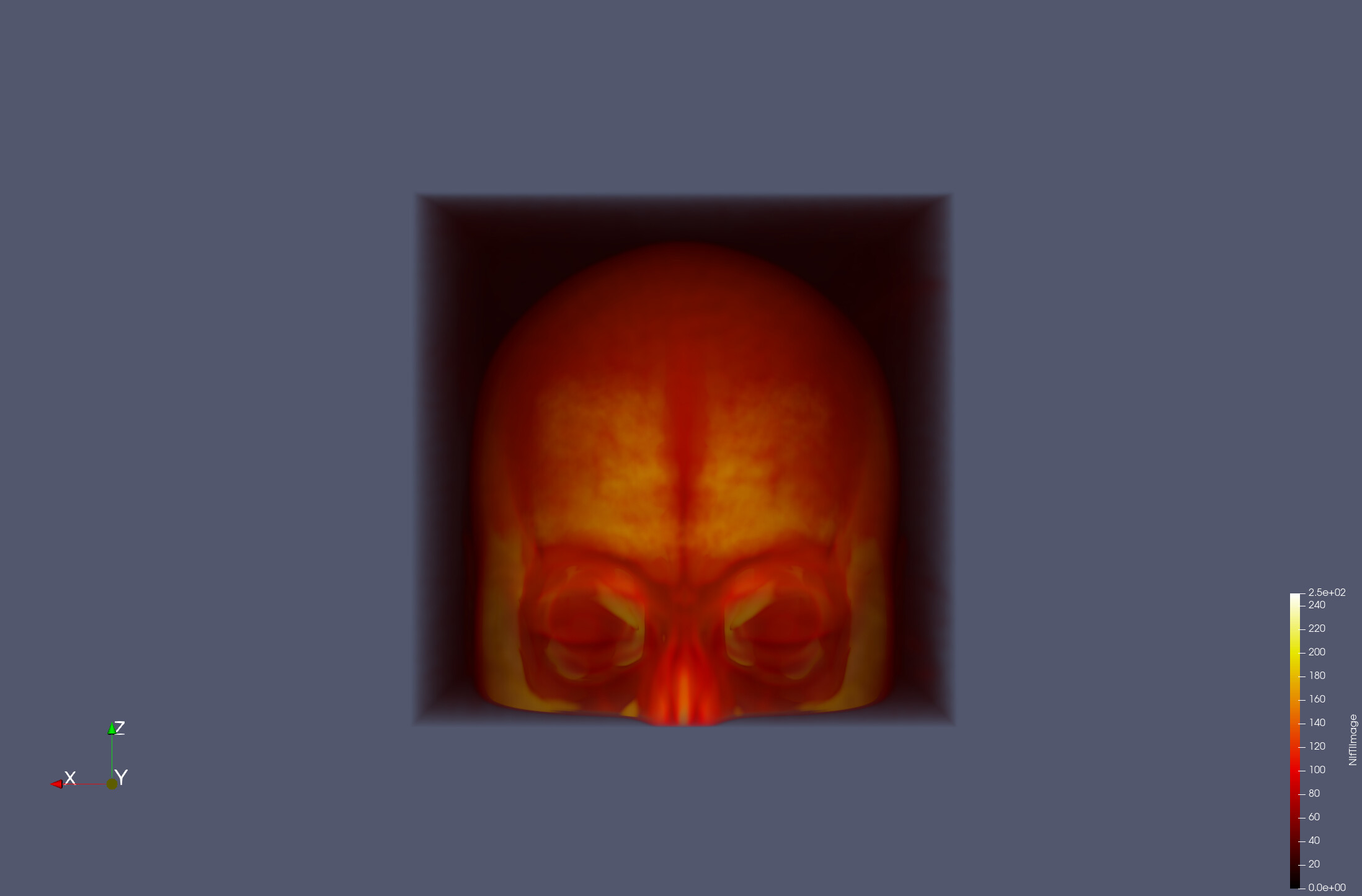
I downloaded the most recent version of Paraview, and I’m unable to open nifti files (.nii.gz) that I can open with FSLeyes and ITKsnap. First, I open the folder and select “All files(*)” because otherwise I can’t even see them. Then, when I click on the files, I try to open them with “Nifti Volume Reader”. Afterwards, I get the following error:
** ERROR (nifti_image_read): failed to find header file for ‘/path/to/file.nii.gz’
( 21.219s) [paraview ] vtkNIfTIReader.cxx:203 ERR| vtkNIfTIReader (0x5dabd40): Read failed
Is there any way I can solve this? Thank you very much.
sorry to dig this thread up…
I wanted to open some .nii files too (I gunzip’ed them already), but I cannot find that reader in paraview 6.1 RC1?
The .nii extension is not automatically recognized by paraview and I cannot find any hint for a plugin with that name?
My paraview also crashes with the same error. I tried reducing the dimensions of the image and then it was able to load just fine. Please try that. So I think this is a problem of lack of memory thrown from the nifti reader. Solution would be to either to shrink your data dimensions or get more of those expensive golden memory sticks.
okay, thanks for testing!
The server where I wanted to open the file has 1TB of RAM - if RAM is really the problem here, then the Nifty reader is really wasteful with resources…
I simply converted the file to something else, like MHD, which works just fine, also with that size.
Interesting! I just tried lowering the dimensions and it worked fine…that is what made me suspect memory in the first place. Glad switching formats did the trick. If you end up figuring out what caused the crash, definitely share it here