I’m rendering volumes in a paraview client (macos). The data lives on a different machine running pvserver. I notice that Paraview uses remote rendering all the time for even small volumes and there’s no way to override this. This is not interactive at all, even on a really good connection. I wanted to check the fps but the values it shows do not make sense.
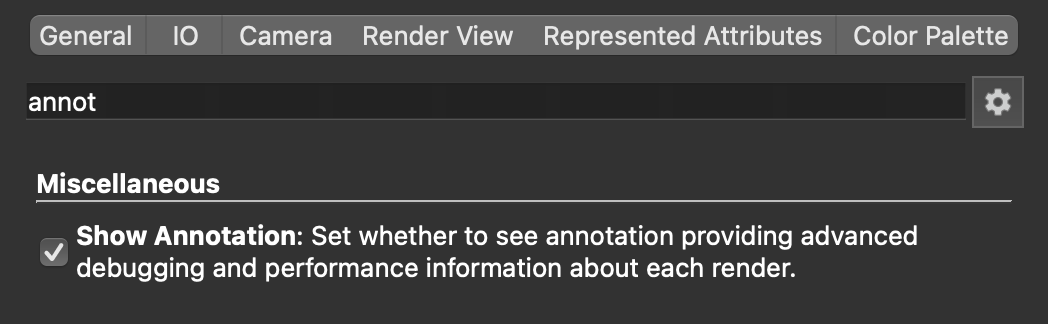
If you turn on the “Show Annotation” checkbox in ParaView Settings → Render View, the value shown for the “Frame rate (approx): … fps” is unrealistic. It shows numbers in the range 2400-2600, but that’s not true.
In the screen-recording below, only the orientation axes is drawn. vtkRenderWindow::Render() takes 0.4ms so 1000/0.4 ~ 2500 is where it got that number from.
I believe the label is incorrect, and should be called render throughput. A frame rate should take into account display refresh, qt blits.