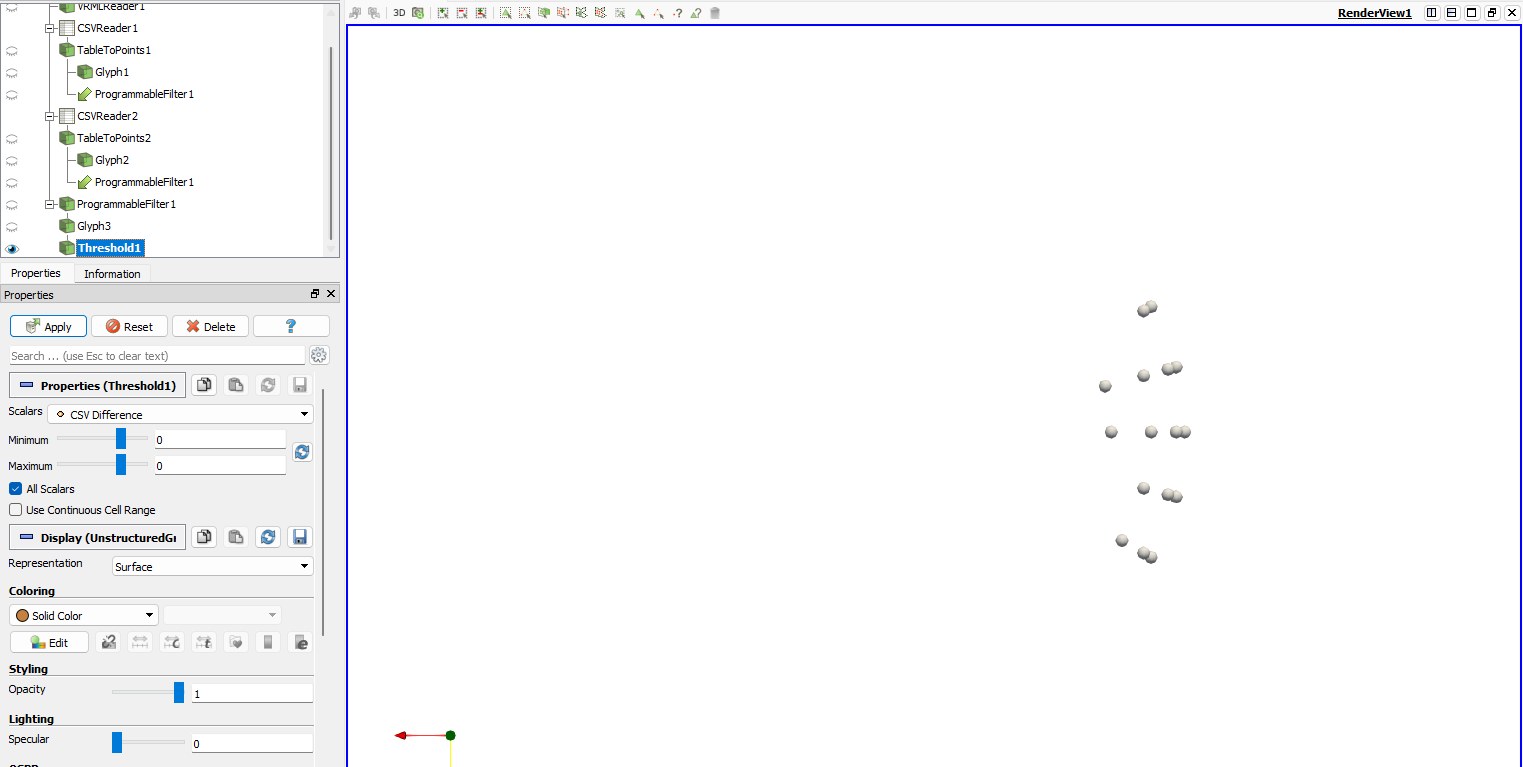
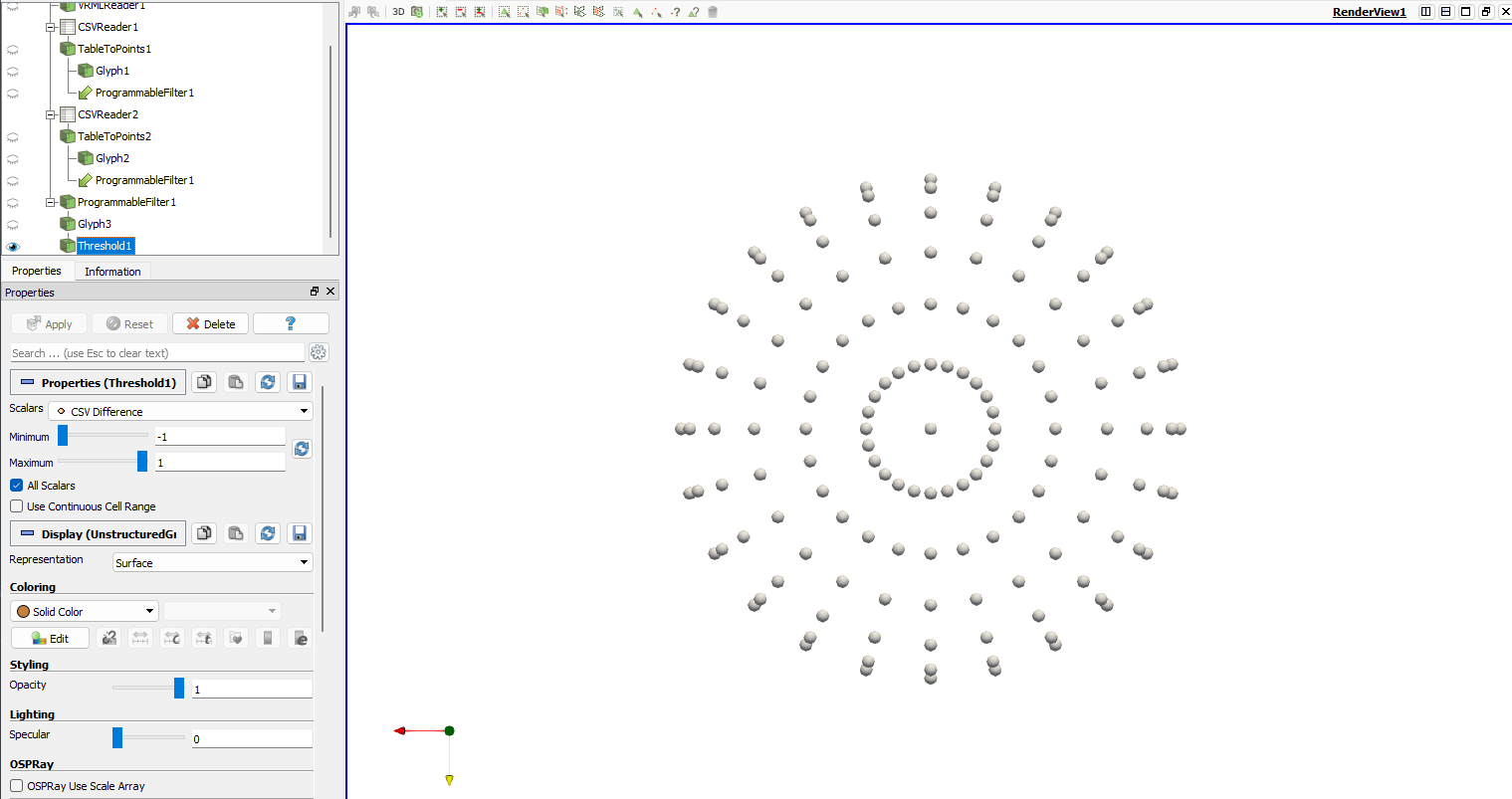
Hello I am trying to script a headless version of a process that I am using through the gui for school and I am running into a bit of an issue with the threshold fitler. I am using a Programmable Filter (to subtract 2 sets of table to points data from each other) > Applying a glyph (Sphere for visual) > and Applying threshold to the glyph (to filter my results based on positive or negative change recorded)
When used in the gui I am able to do these 3 steps then set my minimum and maximum threshold values from -1:1 and click apply where the renderview updates and I see all of my spheres.
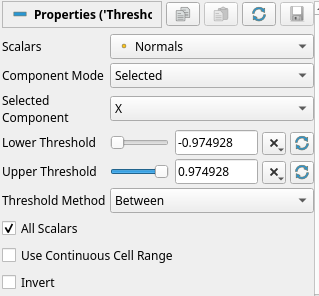
The issue I’m running into when scripting is that all of my commands are working but the minimum and maximum for the threshold are not sticking. I have a portion in the script that sets -1 to lower bound and 1 for upper bound but when the render loads the threshold values have been been automatically set from 0:0. This is causing only ~20% of my data to render at start whereas if I go through my manual method in the gui I can start with 100% of data and work backwards. I’ve tried adding in several spots to update pipeline as a way to force the apply button but have seen no change. I’ll upload the snip of script for threshold as well as a screen capture for the expected gui view vs actual. The parts commented out in the code snip are things I attempted but did not have luck with in changing.
print(“Applying Threshold filter…”)
#diff_glyph.UpdatePipeline()
threshold = Threshold(Input=diff_glyph)
#threshold.UpdatePipeline()
threshold.Scalars = \[‘POINTS’, ‘CSV Difference’\]  # Replace with actual difference column name
threshold.LowerThreshold = -1
threshold.UpperThreshold = 1
threshold.AllScalars = 1  # Use all scalars mode
#threshold.ThresholdMethod = “Between”

threshold.UpdatePipeline()
Render()