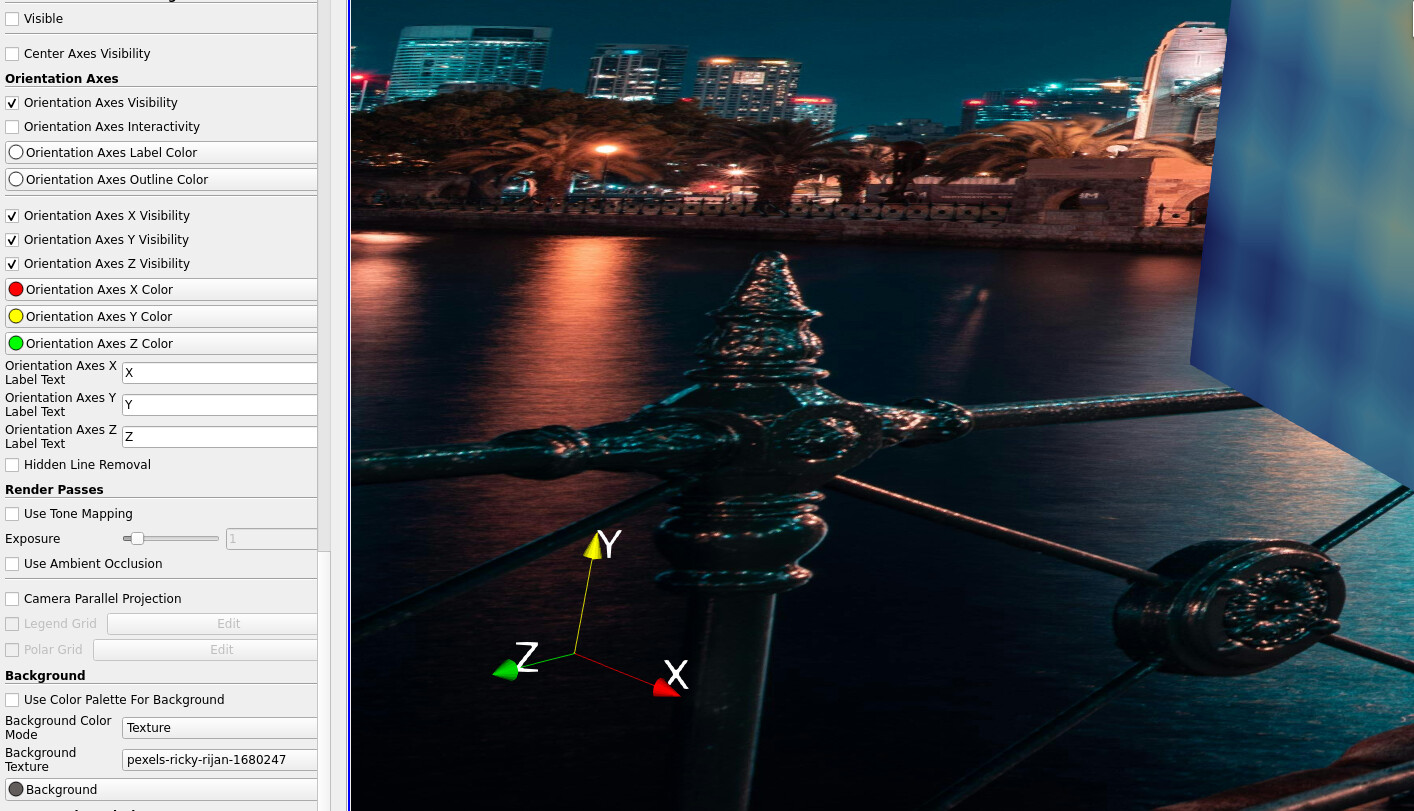
Im loading an image into the background, but the image colours are getting changed by the legend colourmap. I just want to create an orbit of my geometry with contours of velocity on the surface, but with a nice background. How to import an image without screwing up the colours please?
PS. I just discovered how to add a source (logo), which then allows me to load the image which looks great (no colour changes) - but how do I place it in the background (no on top of my results)?
PPS. Think I got it. plane source. then texture map to plane filter. then in advanced settings you can load/select the image you want. that took some doing!
PPPS The last option didnt work because Im doing an orbit, and I dont want the plane to rotate with the object, I want it to remain static in the background. So near, but so far.
The closest I have got to achieving what I want is this script below, but for some reason the image that appears has an opacity setting of 0.5 (or at least less than 1.0), so now Im trying to figure out how to change the opacity, which is tricky because there is nothing in the tree on LHS, so it needs doing via the script !?
from paraview.simple import \*
import vtk

image = vtk.vtkPNGReader()
rep = vtk.vtkLogoRepresentation()
logoProp = rep.GetImageProperty()
widget = vtk.vtkLogoWidget()
repPosition = \[0.5, 0.5\]

image.SetFileName(‘C:/Users/User/Desktop/image.png’)
image.Update()

logoProp.SetDisplayLocationToBackground()

rep.SetPosition(repPosition)
rep.SetImage(image.GetOutput())
rep.SetImageProperty(logoProp)

widget.SetRepresentation(rep)
widget.SetInteractor(GetRenderView().GetInteractor())
widget.On()
widget.Render()