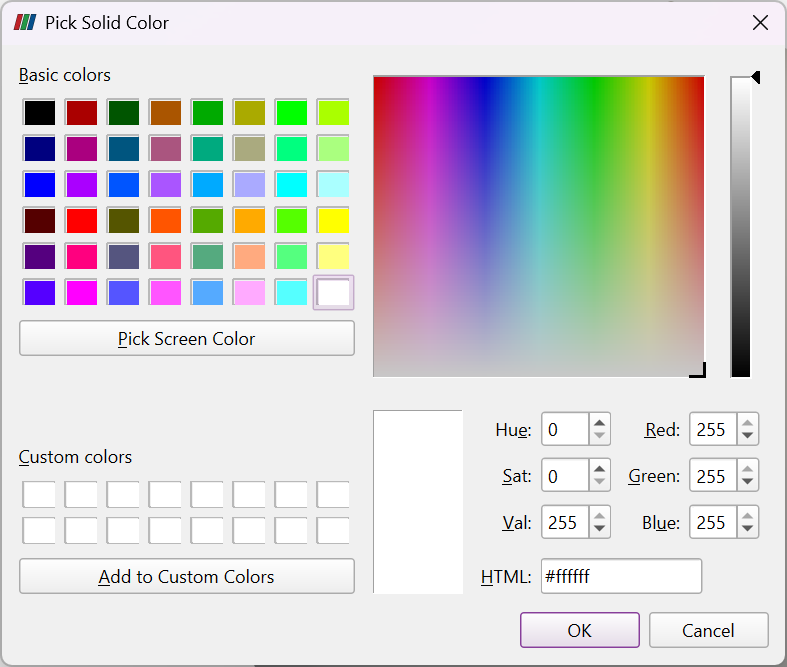
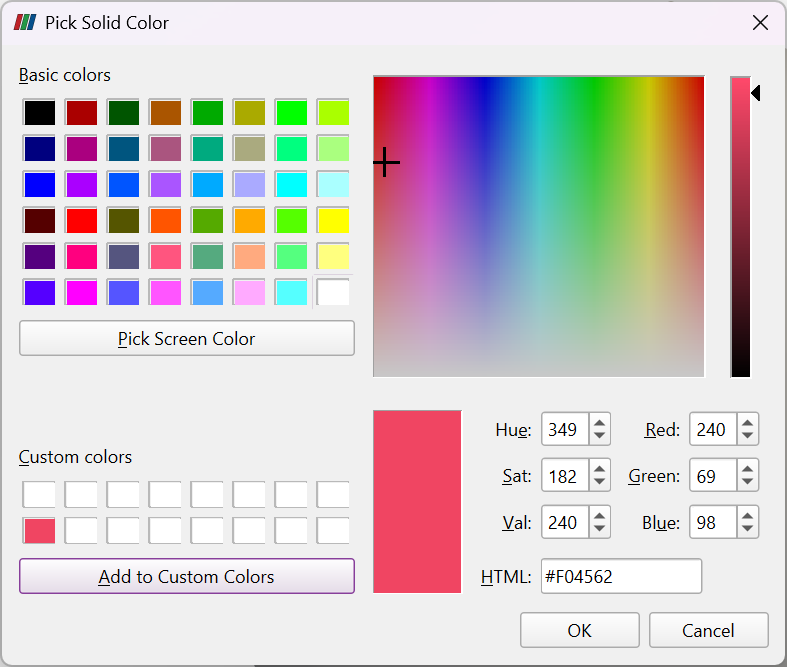
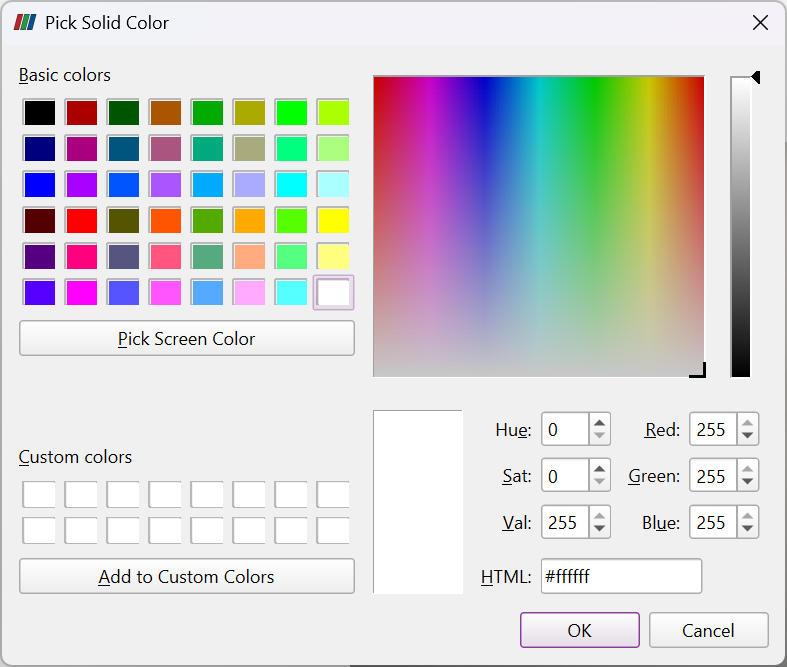
I find myself constantly adding custom colors to the Pick Solid Color dialog, since it doesn’t seem that these colors persist across sessions.
For example:
-
Launch fresh session of ParaView 6.1.0 (make sure it’s the only open instance of ParaView).
-
Create sphere source
-
Click the
Edit Color Mapbutton while coloring bySolid Color -
Click on the bottom left
Custom colorsbox, enter#F04562into theHTMLfield, click theAdd to Custom Colorsbutton. -
Click the
OKbutton to close the dialog. -
Close ParaView
-
Open ParaView and repeat steps 1-3. The custom color is back to white.
Is there a file somewhere I can modify? Doesn’t seem like this is in the ParaView-UserSettings.json and Claude suggests that this is a QT setting and, as such, is hidden from users.
Client Information:
Version: 6.1.0
VTK Version: 9.6.1
Qt Version: 6.9.0
vtkIdType size: 64bits
Embedded Python: On
Python Library Path: C:\\Program Files\\ParaView 6.1.0\\bin\\Lib
Python Library Version: 3.12.7 (tags/v3.12.7:0b05ead, Oct  1 2024, 03:06:41) \[MSC v.1941 64 bit (AMD64)\]
Python Numpy Support: On
Python Numpy Path: C:\\Program Files\\ParaView 6.1.0\\bin\\lib\\site-packages\\numpy
Python Numpy Version: 1.26.4
Python Matplotlib Support: On
Python Matplotlib Path: C:\\Program Files\\ParaView 6.1.0\\bin\\lib\\site-packages\\matplotlib
Python Matplotlib Version: 3.7.2
Python Testing: Off
MPI Enabled: Off
ParaView Build ID: superbuild af9bb3207d40b64f97c64a9c319d483ff3b17d03 (!1332)
Disable Registry: Off
Test Directory:
Data Directory:
SMP Backend: TBB
SMP Max Number of Threads: 32
OpenGL Vendor: NVIDIA Corporation
OpenGL Version: 3.2.0 NVIDIA 596.59
OpenGL Renderer: NVIDIA RTX A2000 12GB/PCIe/SSE2
Accelerated filters overrides available: No

Connection Information:
Remote Connection: No