Hi @Andrei,
Thanks for sharing the data. I have managed to download, open and work with it in ParaView.
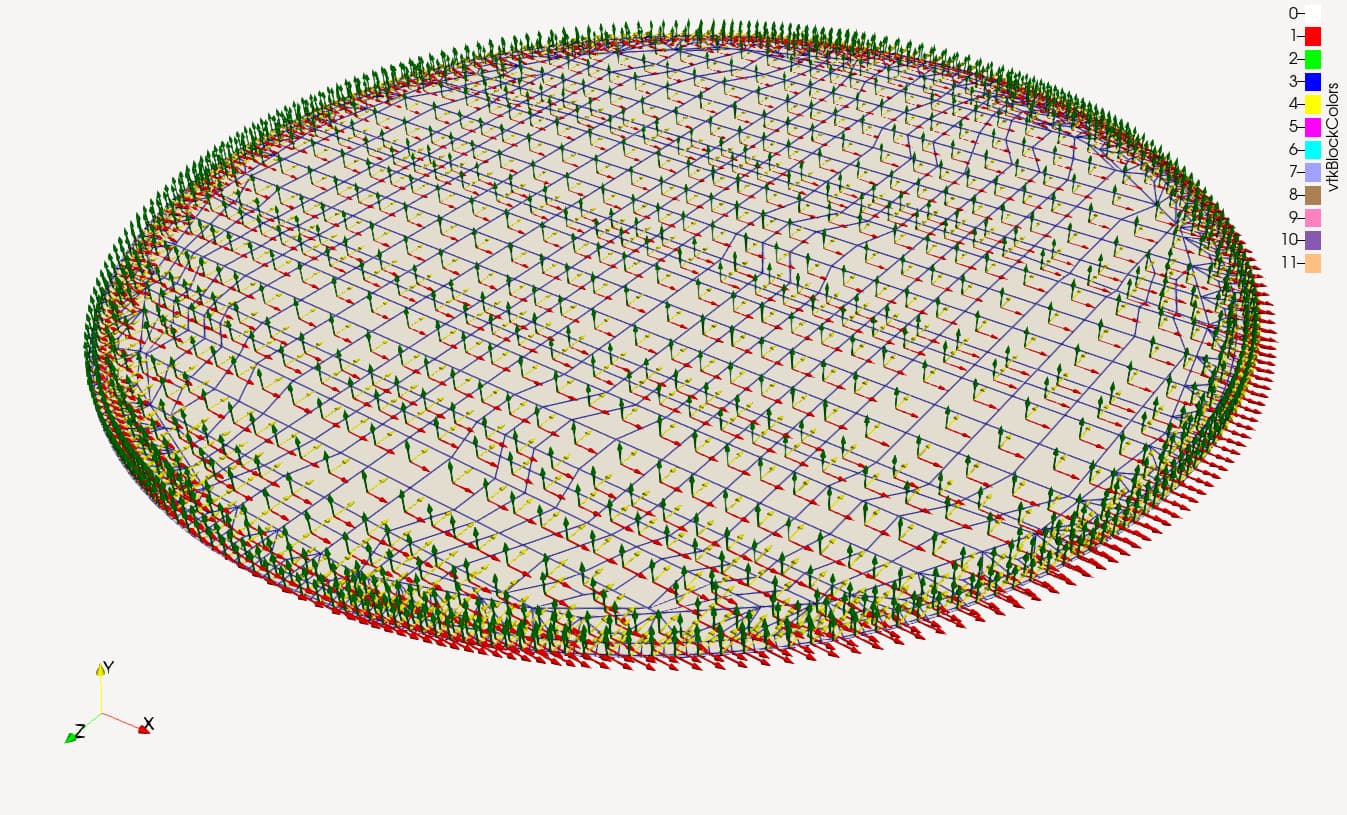
Here is a state file oil_tank_local_coords.pvsm (897.5 KB) where I propose the following for the X/Y glyphs:
- Use a “Cell Centers” filter on your extraction
- Use a “Glyph” filter on the output of the cell centers (by default it should make arrows pointing in the X direction)
- Use another “Glyph” filter on the output of the cell centers and use the “Glyph Transform” property in the properties panel to rotate the glyph by 90 degrees along the Y direction
This should give you approximately what you are looking for.