I am running ParaView on Ubuntu 22.04 by executing it directly from the binary files provided on the ParaView download page.
I am encountering a minor issue while trying to open files with very long paths.
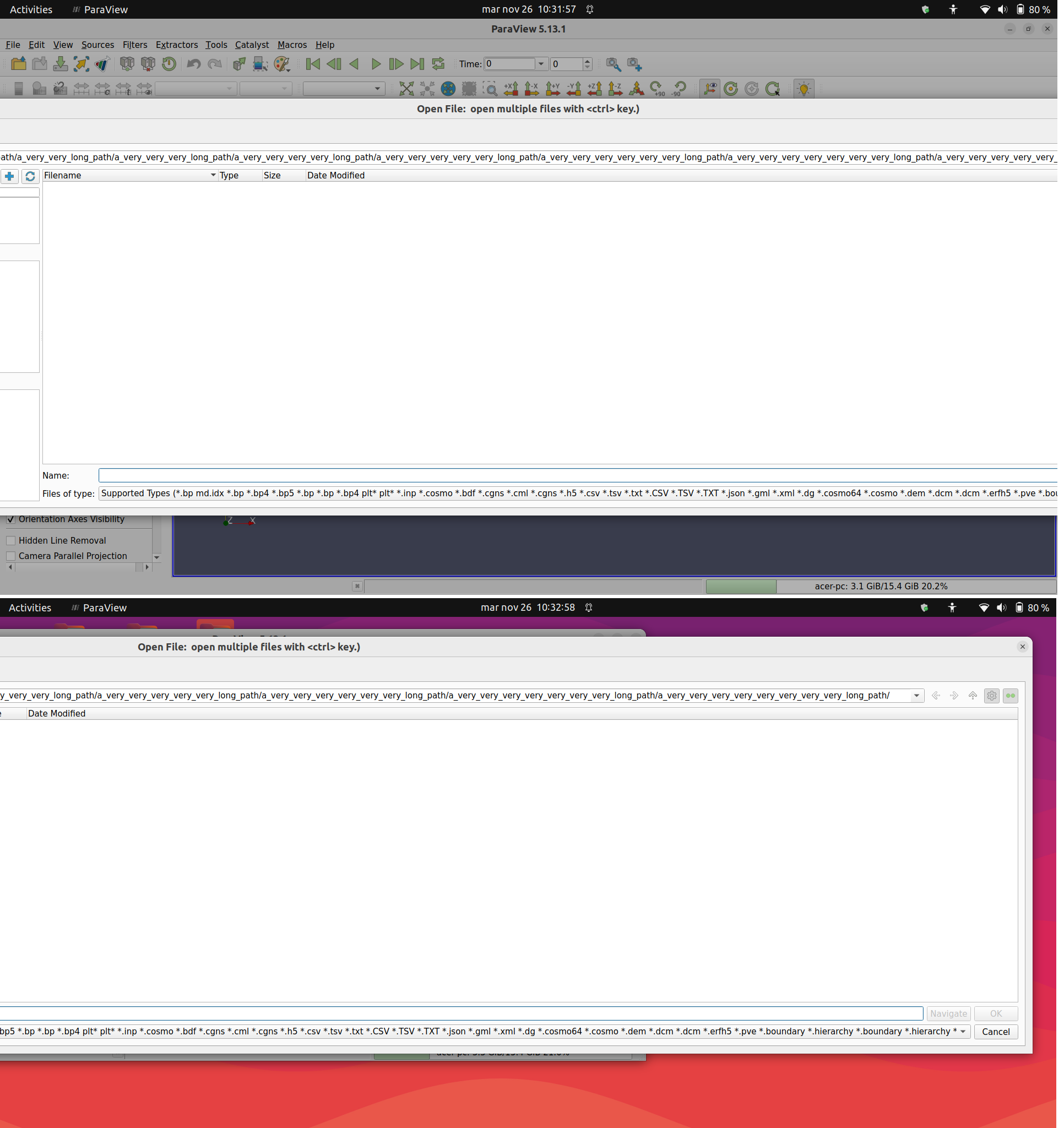
The ‘Open file’ screen becomes to wide and exceeds the screen limit so that just a dialog portion is visible, I think this happens since the dialog window shows you the entire path and to do so it becomes to wide.
The window cannot be resized but I can slide it to read and reach buttons.
Is there a way to resize the window or an option to ‘compress’ the file path to reduce dialog width?
Of course the best solution would be to use a shorter path but I’d like to keep files organized in multiple subdirectories.