Hi everyone,
ParaView has a lot of settings and properties to configure how you want your data to be rendered, and it can be quite hard to find the perfect settings. Some of you might have written down a collection of settings that you have to set every time in order to get a specific style of rendering that suits your data well. This might work for one user, but this makes sharing settings between users inconvenient.
Another issue is that many users of ParaView might not know how to get a specific style of rendering (Realistic, CAD, …).
To solve this problem, I’d like to add settings presets to ParaView.
Settings preset would work like user default settings: you can save settings from a render view (View tab) or a proxy’s representation (Display tab) to re-apply them later (This could also work with filter properties, but it’s not our main goal here). The only difference for now would be that you can save multiple presets and name them.
I already have a working POC, but I want to open discussions about the UI part. We need two buttons: one to save current settings to a preset, and another one to apply a preset. We could reuse the save and restore application default settings values buttons, or we could add two new buttons. To show you what it looks like, I implemented both solutions.
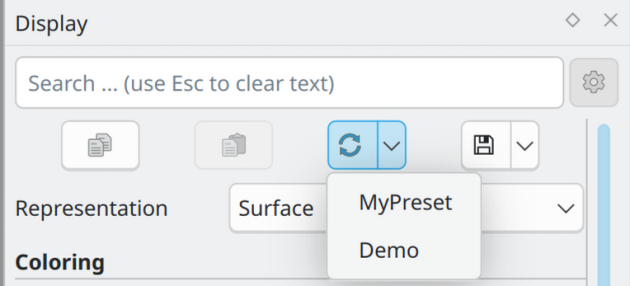
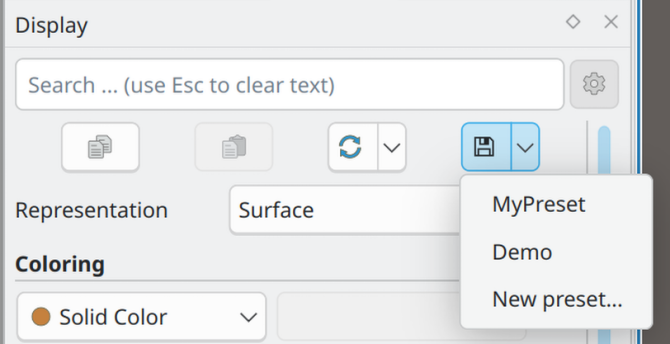
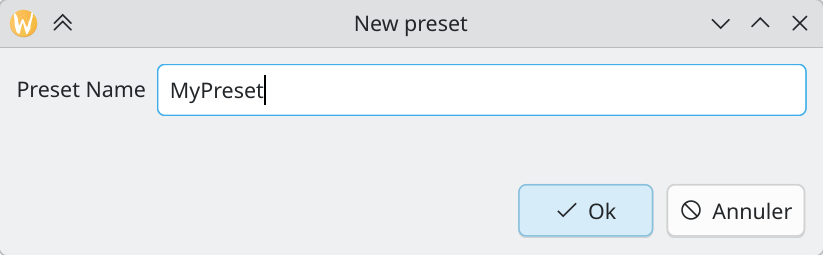
On these two following screenshots, you can see that the save settings and restore settings buttons now have an arrow on the right. When clicking on it, multiple options are shown to apply a preset for the first one, and either overwrite an existing preset or create a new preset for the second button. Creating a new preset opens a dialog where the user can enter the preset name.
On the two following screenshots, you can see two new “Apply preset” and “Save preset” buttons (that could just have an icon instead). Clicking on the buttons does nothing, but clicking on the arrow on the right shows options to apply or save to different presets.
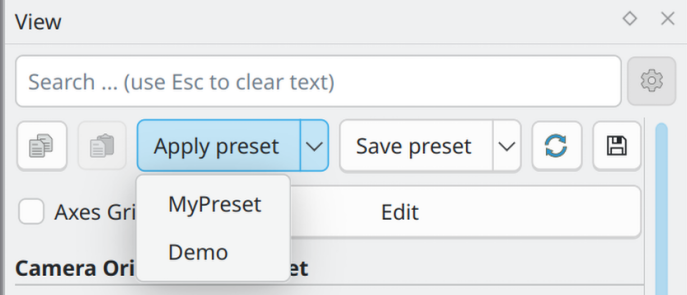
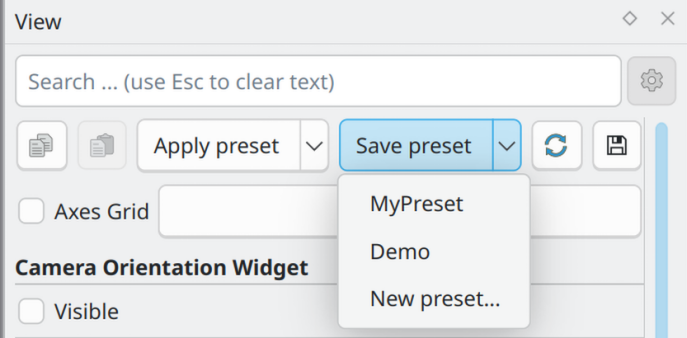
I think the first solution is the best to avoid overloading the UI too much, but we could imagine many other possibilities such as adding a new panel to manage presets. Don’t hesitate to give your opinion of this UI change and maybe suggest something else !
A few presets could be included in the superbuild so that beginners could see ParaView’s capabilities. After implementing a first version of presets, I’d like to add support for more things such as textures, skyboxes and additional lights in the presets, and why not more UI to manage presets.
 never has a pull down menu. Instead, clicking on it brings up the “New Preset” dialog. The restore button
  always brings up a pull down menu. The menu lists all available presents plus a special “Default” entry that is always at the top. That would make the behavior of the buttons easier to understand and also make them easier to click.