There seems to be an issue with the “Render points as spheres” option that fails to account for the depth / Z-order of the points (with respect to the camera), resulting in the spheres being rendered in random order, sometimes covering what is behind them. This is particularly egregious when multiple pipeline elements are using this option, as it will result in some components being completely covered by other components that are spatially behind them. Even transforming them to amplify the z order difference fails to correct for the issue. I could find no report of this issue either in the documentation or on the forum, although I may have just missed it.
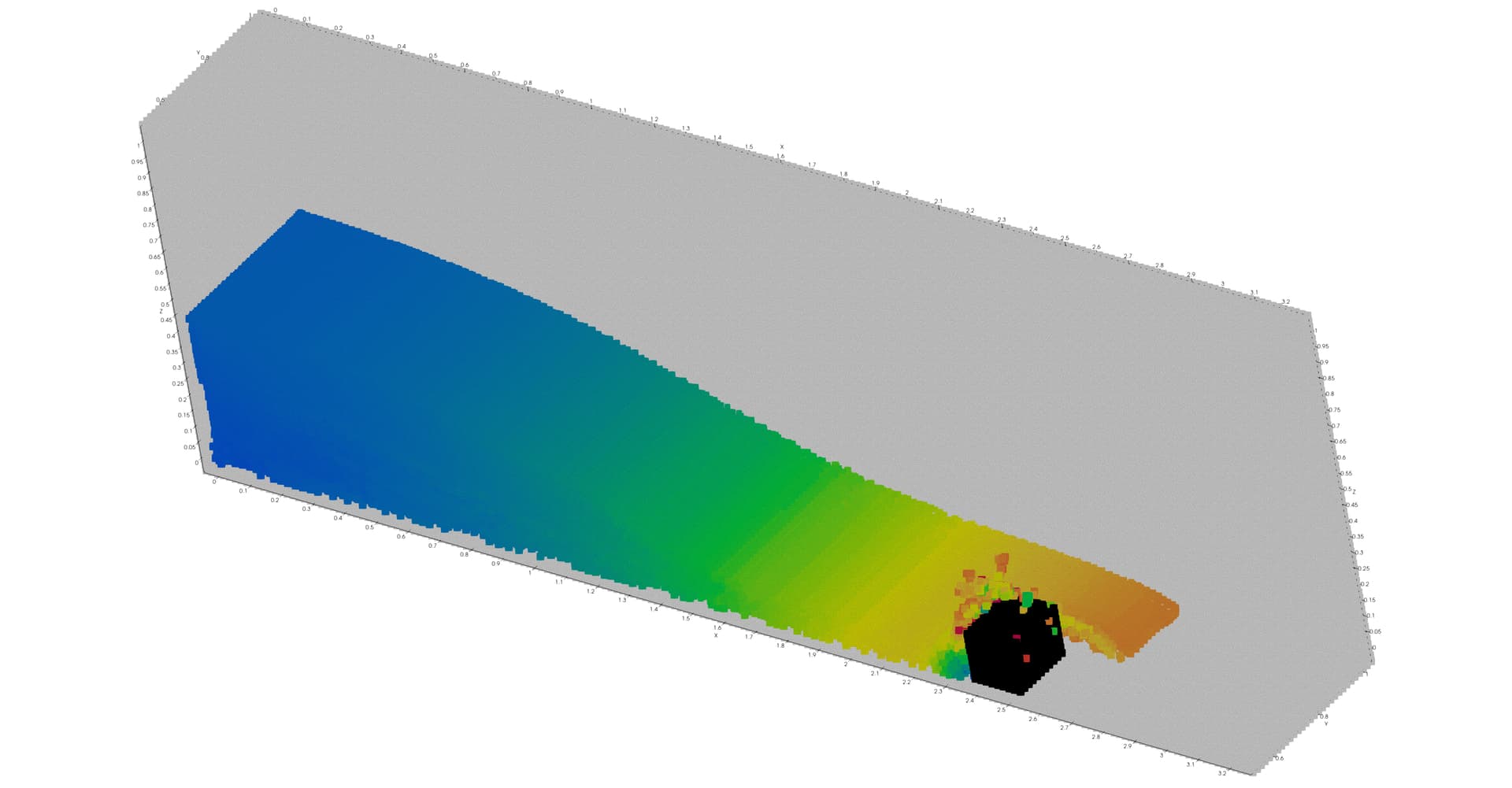
As an example, this is an SPH simulation plotted “normally” (render points as spheres OFF). The pipeline includes a clip to get the cross-section, and two thresholds (one for the fluid, one for the boundary particles). Note the correct Z-order between obstacle (boundary particles), fluid and walls (more boundary particles).
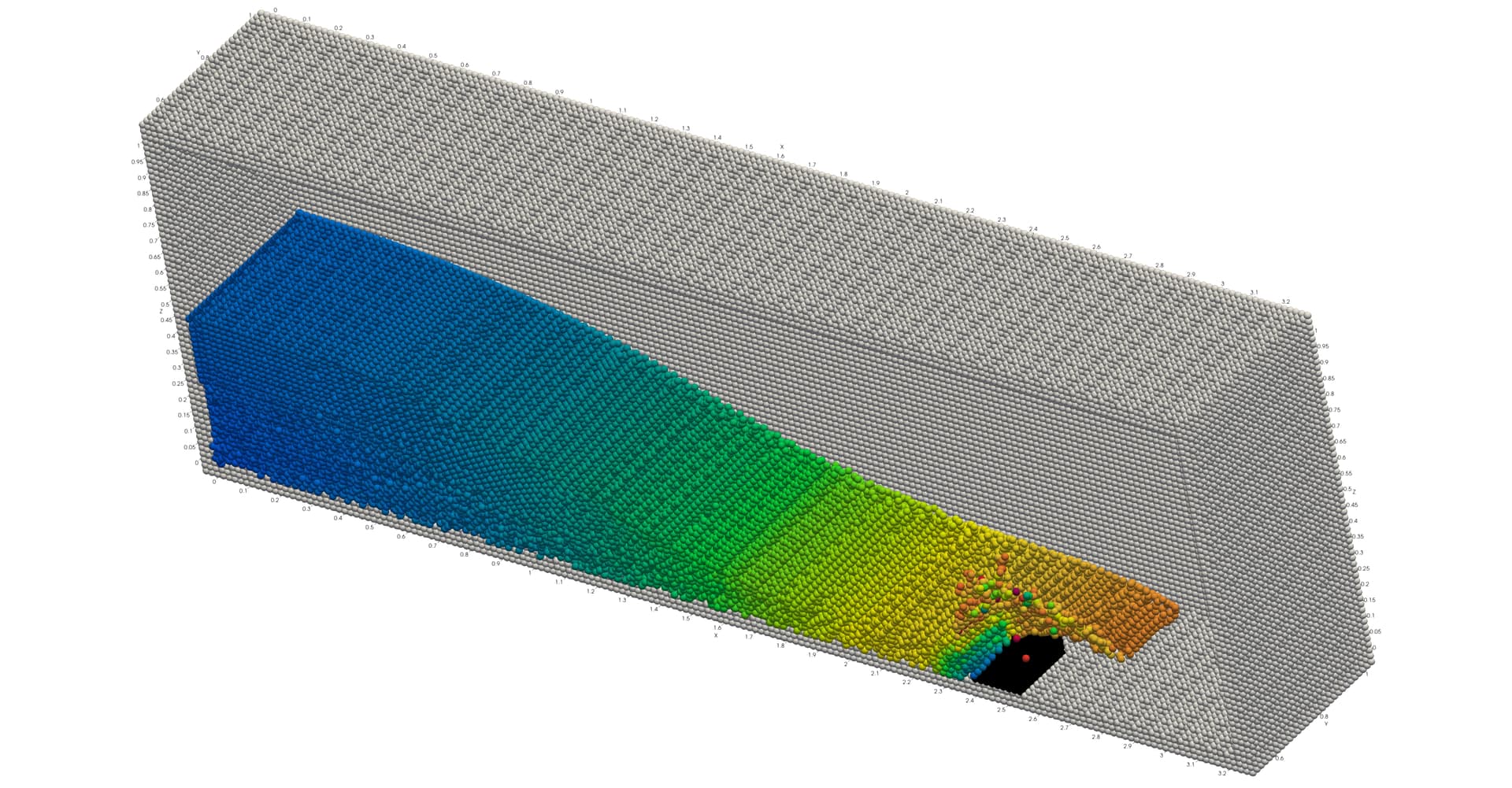
Enabling “render points as spheres” for both the fluid and boundary results in the fluid spheres being rendered OVER the boundary particles of the obstacles,
Trying to fix this by further thresholding the boundary particles to separate the obstacle makes everything worse, because now ParaView (confirmed in 6.0.1 too) now decides to render the fluid first, and all the boundary particles after. In this particular case the net result is that the fluid particles just disappear:
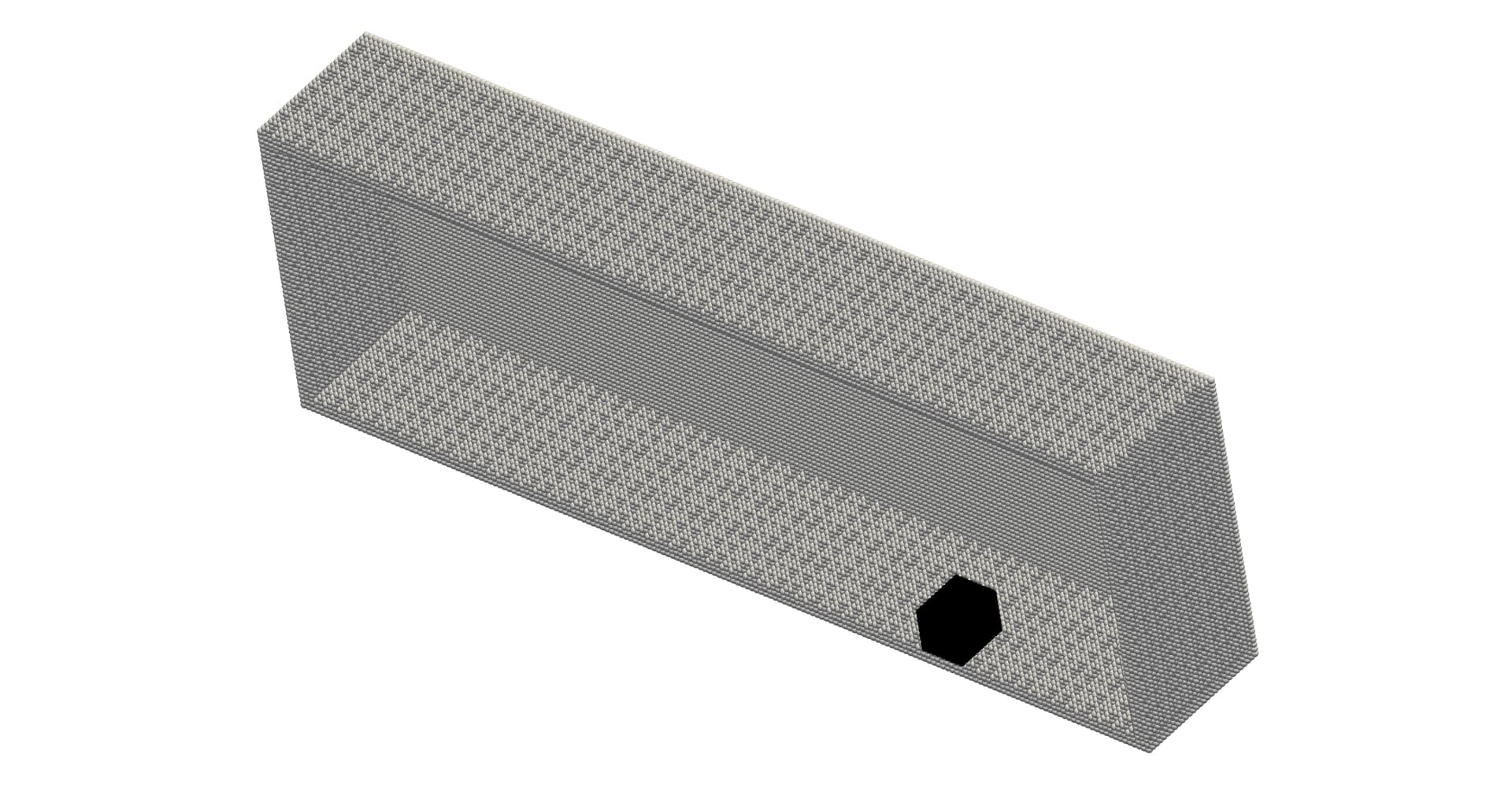
But in other cases I’ve also had other kinds of visualization glitches (obstacle disappearing, back wall appearing in front of the other wall particles, etc).
I can work around the issue by hiding these pipeline components from view and rendering Sphere glyphs instead, but this is considerably more time-consuming than just enabling the ¨Render as sphere” option. Is this a known, intentional limitation of the render option (e.g. for performance reasons), or have I hit an unknown bug?