I’m running 6.0.1 in ubuntu 26.04 LTS. To actually see the GUI, I have to export HWLOC_COMPONENTS=-gl, nothing shows otherwise.
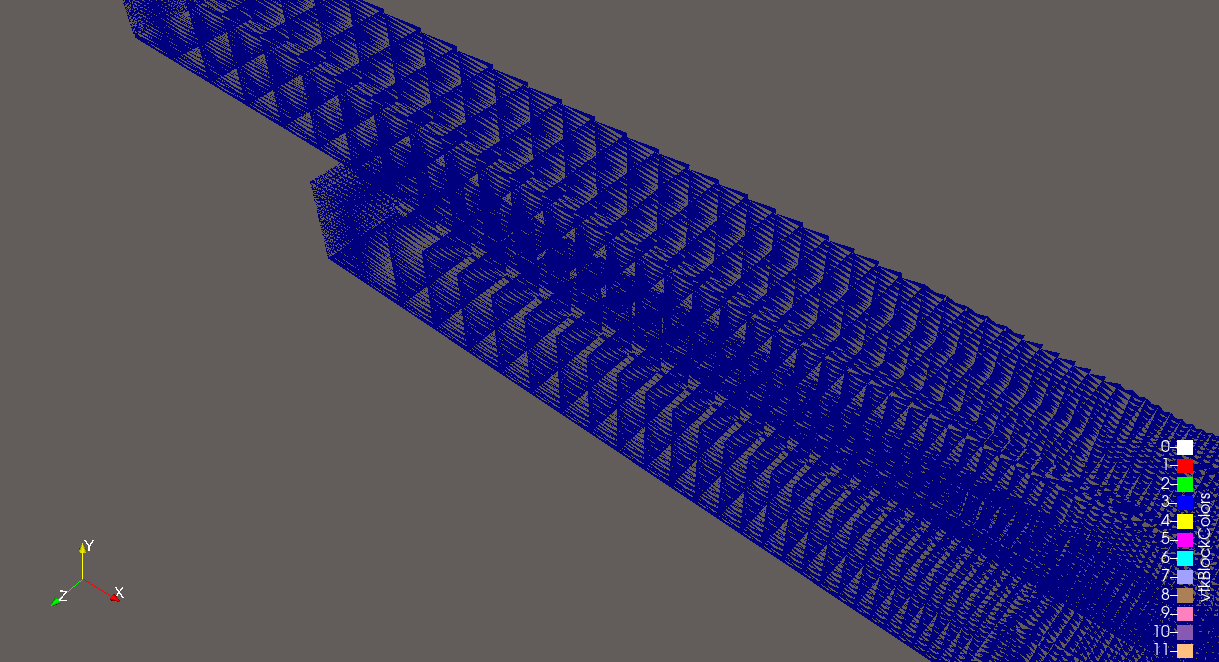
With that setup, I have a transparent object under ‘surface with edges’ in 3D.
Switching to 2D it looks like it should, but I lose the 3D controls and want to render in perspective:
This looks a bit like this very old bug surface with edges representation in 5.7 - #4 by Kenichiro-Yoshimi , but this has been fixed?
What can I do? Thanks, Jens
mwestphal
September 28, 2026, 9:00am
2
How did you install ParaView?https://www.paraview.org/download/ .
I’m using the version that ships with Ubuntu, expecting a stable setup and minimal installation effort across my various devices. But as pointed out, that failed, no GUI came up, and I had to resort to the HWLOC fix
I’d assume that my issue is related to not being able to use -gl. This appears to be a known issue with paraview on 26.04. Ubuntu 26.04 ParaView compile and run issues
Is there a pending update to fix this?
mwestphal
September 28, 2026, 9:26am
4
I’m using the version that ships with Ubuntu
This version is not shipped by Kitware.
If you reproduce the issue with the version from the latest release from https://www.paraview.org/download/ , I would be happy to investigate the issue.
If not, you may want to reach out to ubuntu maintainers.
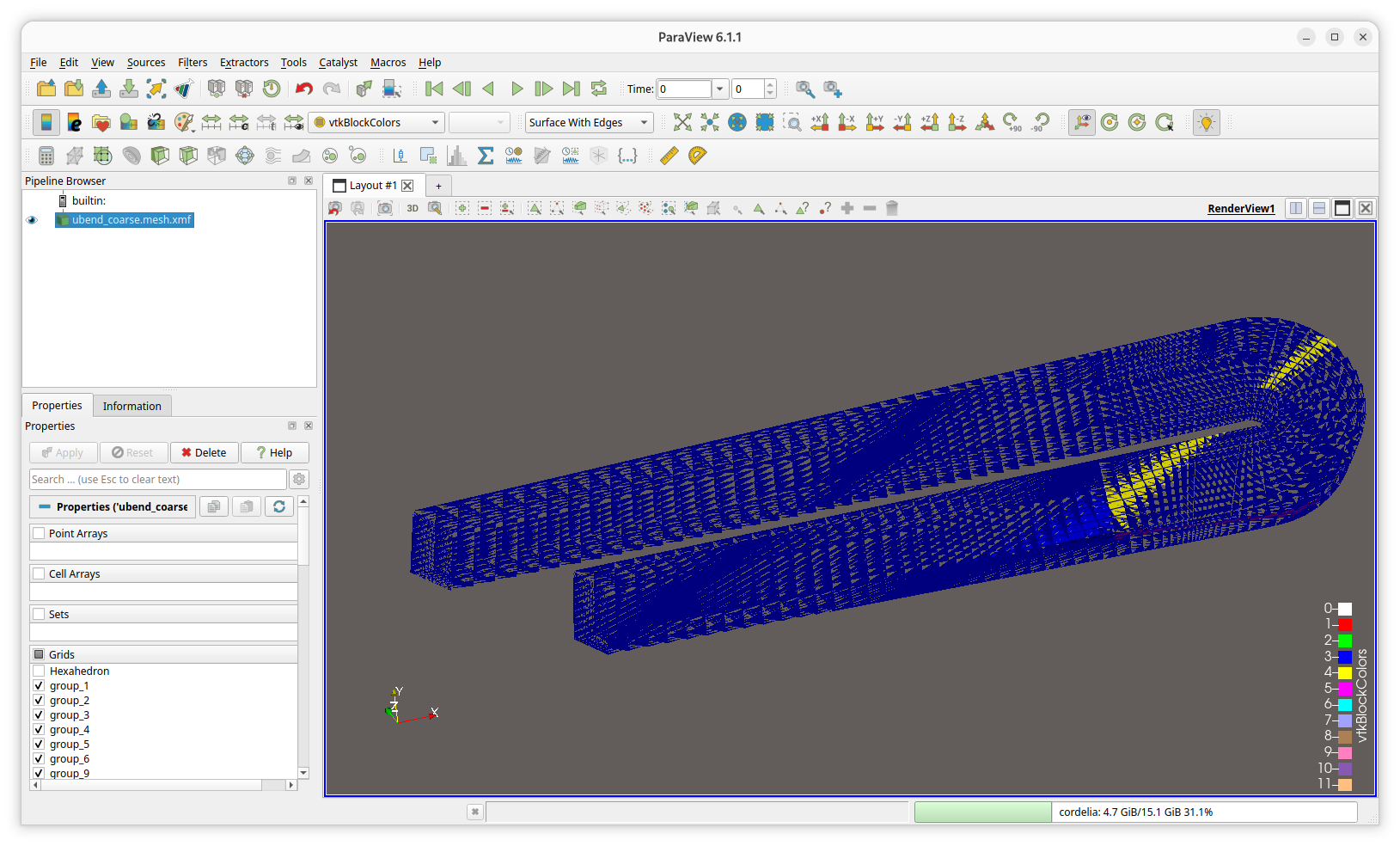
I have downloaded and installed 6.1.1 from your download. Binaries. I used 6.1.1 as this appeared to be the most recent ‘stable’.
This runs without the HWLOC fix, but has the same problem rendering ‘surface w/ edges’.
mwestphal
September 28, 2026, 11:39am
6
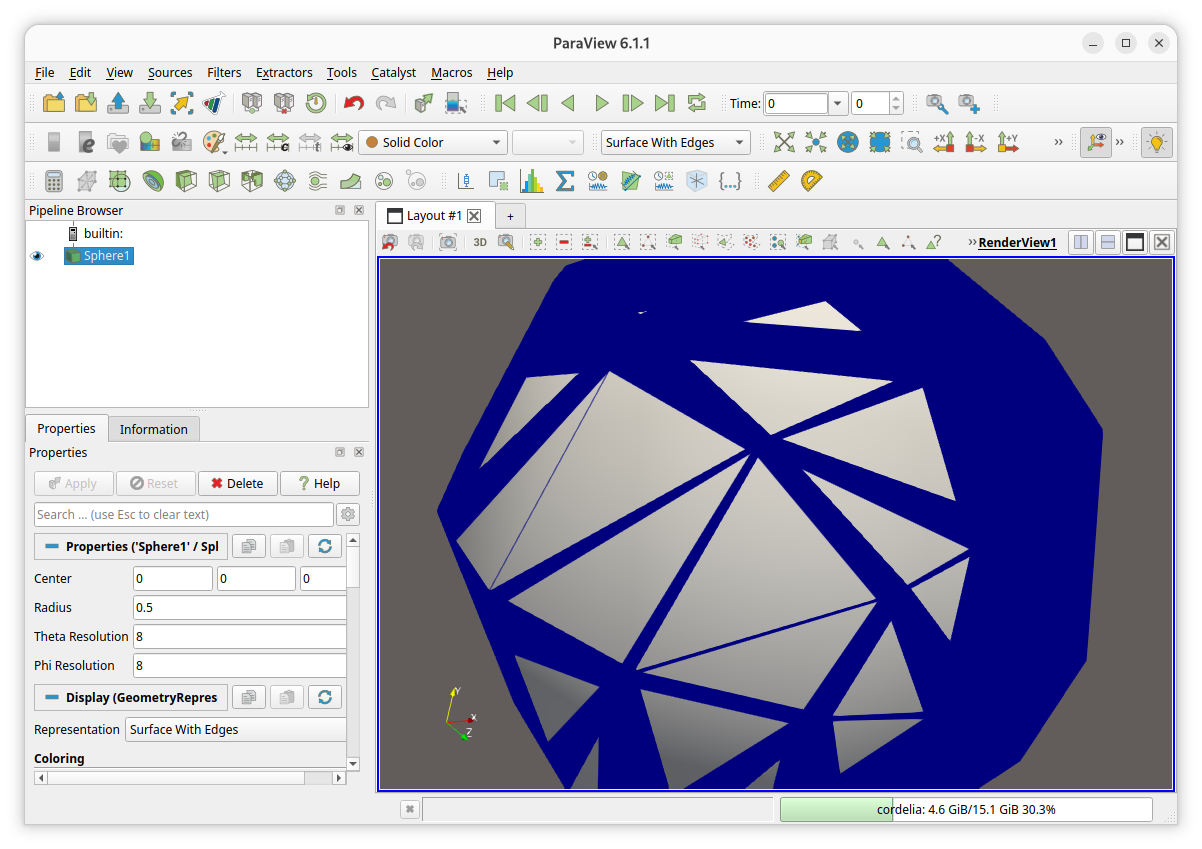
Got it, do this appear systematically ? (eg: Source → Sphere) or only with this specific data ?
Please share this data if that is so.
Slightly different, but still messed-up behaviour with the source->sphere. (And yes, I did reset all my user prefs before.)
The files for my earlier geom are attached.
ubend_coarse.mesh.xmf (7.8 KB)
ubend_coarse.mesh.h5 (5.7 MB)
mwestphal
September 28, 2026, 12:03pm
8
Ok, can you share the content of Help → About ?
Client Information:
Connection Information:
mwestphal
September 28, 2026, 12:08pm
10
So, If I’m not mistaken you are using a NVIDIA GK107, which is a chipset from 2012 ?
Do you have a discrete GPU you could on your machine ?
Well, my k2000 was sold 2013-2020, probably around 8y old.
But yes, if I run the 6.1.1. download binaries on a more recent laptop, this gets around the HWLOC issue and renders ok.
OpenGL Vendor: Intel
I have other devices with more recent h/w, will try your suggestion there.
Thanks a lot for the quick help, Jens