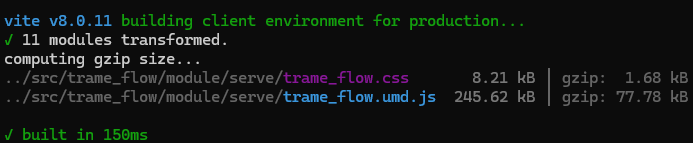
Hello,
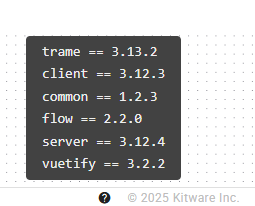
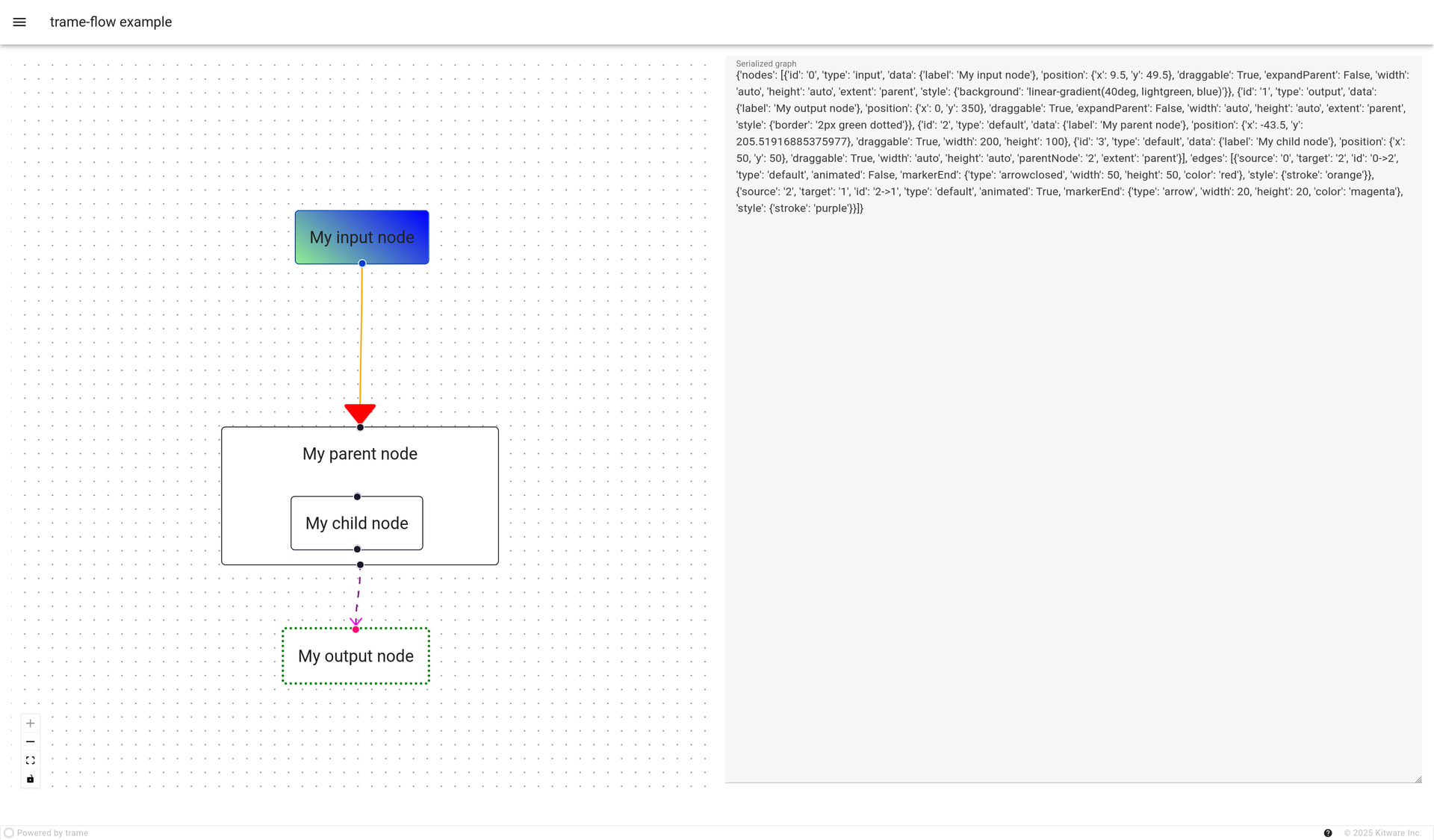
Got onto vue-flow and exploring trame-flow, this example python .\examples\serialization.py is rendering as below ..

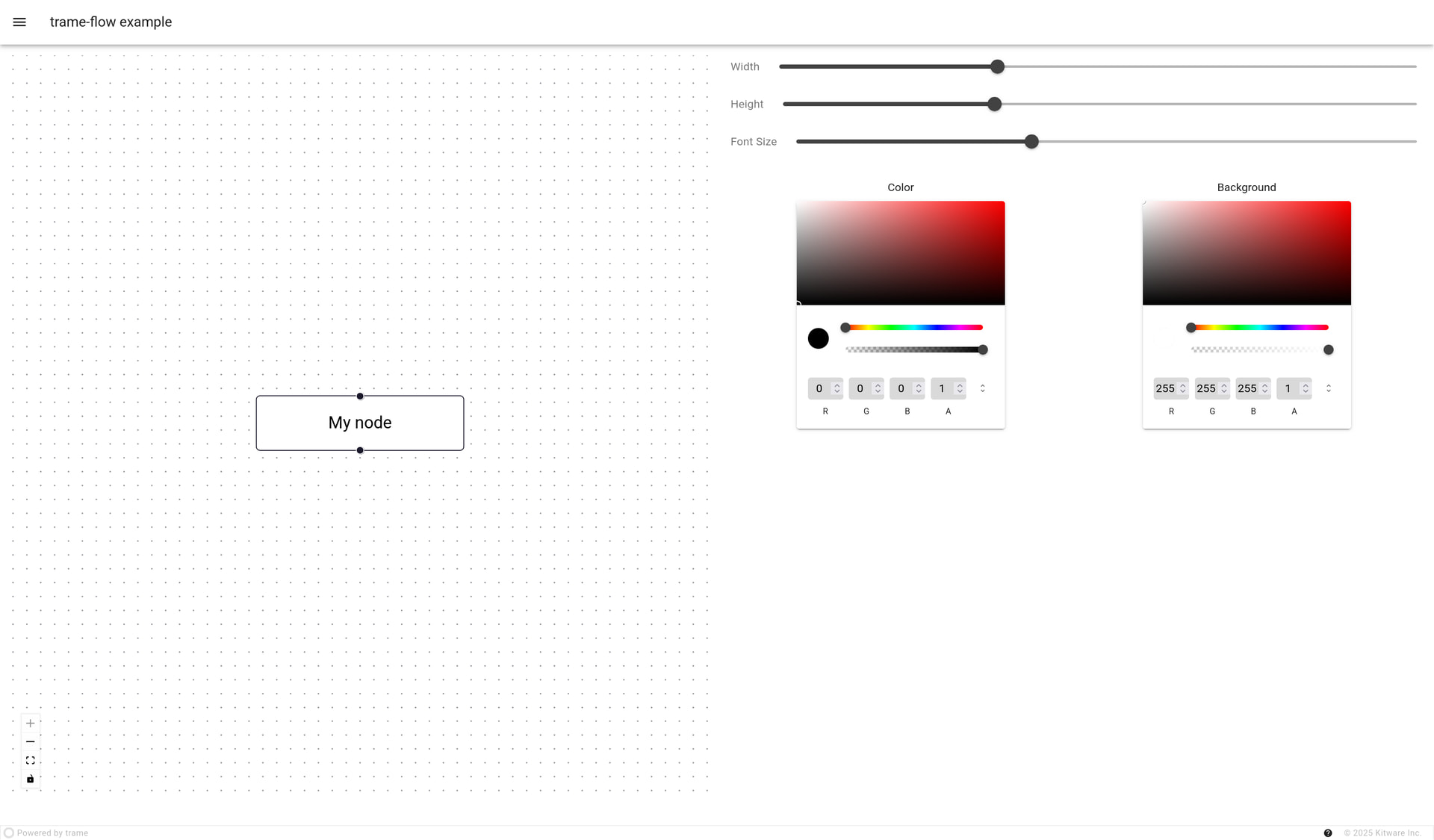
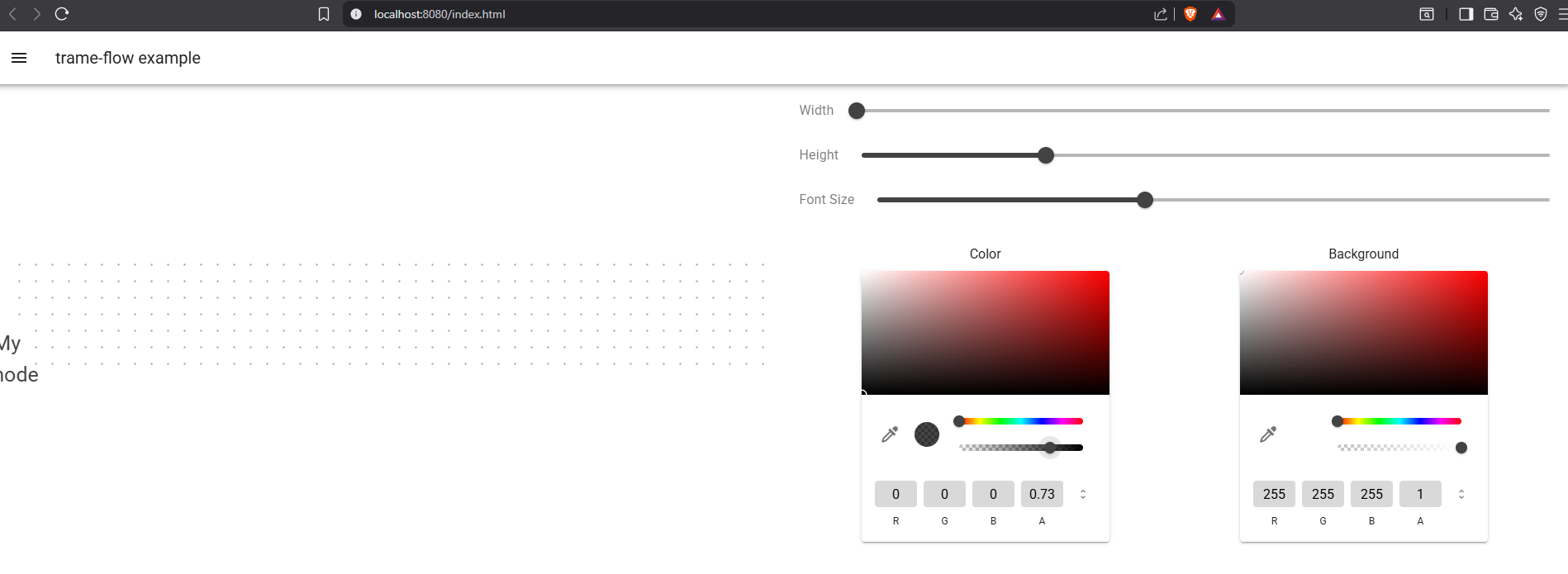
python .\examples\style.py
test.py also throws some error
(.venv) PS C:\Users\user\trame-flow> python .\examples\test.py
Traceback (most recent call last):
File “C:\Users\user\trame-flow\examples\test.py”, line 25, in
with vuetify.VContainer(fluid=True, classes=“pa-4”):
^^^^^^^^^^^^^^^^^^
AttributeError: module ‘trame_vuetify’ has no attribute ‘VContainer’
(.venv) PS C:\Users\user\trame-flow> python .\examples\test.py
No server available for element v-btn
v-btn.state is missing
Traceback (most recent call last):
File “C:\Users\user\trame-flow\examples\test.py”, line 8, in
vuetify.VBtn(“Primary”, color=“primary”),
~~~~~~~~~~~~^^^^^^^^^^^^^^^^^^^^^^^^^^^^
File “C:\Users\user\trame-flow.venv\Lib\site-packages\trame_vuetify\widgets\vuetify.py”, line 1678, in init
super().init(“v-btn”, children, **kwargs)
~~~~~~~~~~~~~~~~^^^^^^^^^^^^^^^^^^^^^^^^^^^^^
File “C:\Users\user\trame-flow.venv\Lib\site-packages\trame_vuetify\widgets\vuetify.py”, line 12, in init
super().init(_elem_name, children, **kwargs)
~~~~~~~~~~~~~~~~^^^^^^^^^^^^^^^^^^^^^^^^^^^^^^^^
File “C:\Users\user\trame-flow.venv\Lib\site-packages\trame_client\widgets\core.py”, line 435, in init
super().init(self._server, ctx_name=ctx_name)
~~~~~~~~~~~~~~~~^^^^^^^^^^^^^^^^^^^^^^^^^^^^^^^^^
File “C:\Users\user\trame-flow.venv\Lib\site-packages\trame_common\obj\component.py”, line 34, in init
self._bind_annotated_methods()
~~~~~~~~~~~~~~~~~~~~~~~~~~~~^^
File “C:\Users\user\trame-flow.venv\Lib\site-packages\trame_common\obj\component.py”, line 62, in _bind_annotated_methods
s_translator = self.state.translator
^^^^^^^^^^^^^^^^^^^^^
AttributeError: ‘NoneType’ object has no attribute ‘translator’
Can you provide png’s of how each example will finally render ?