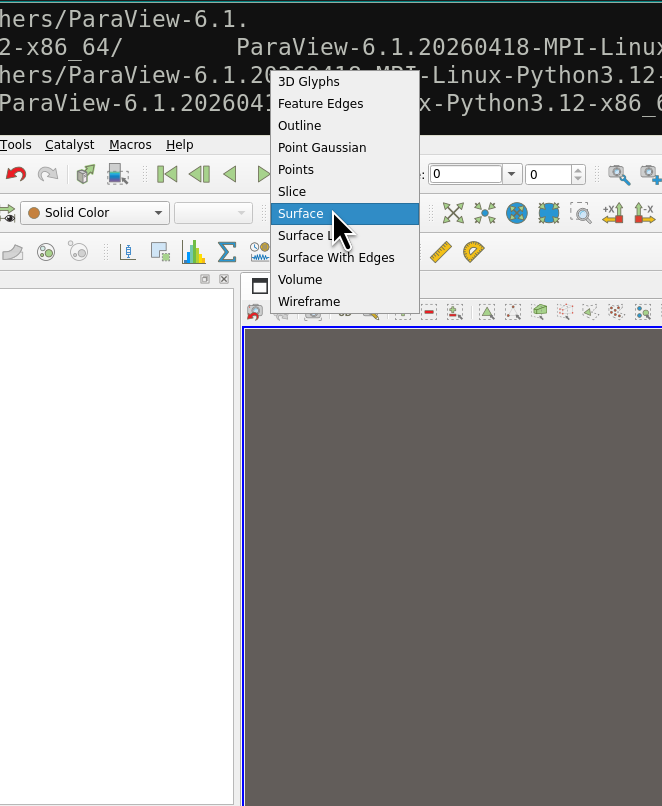
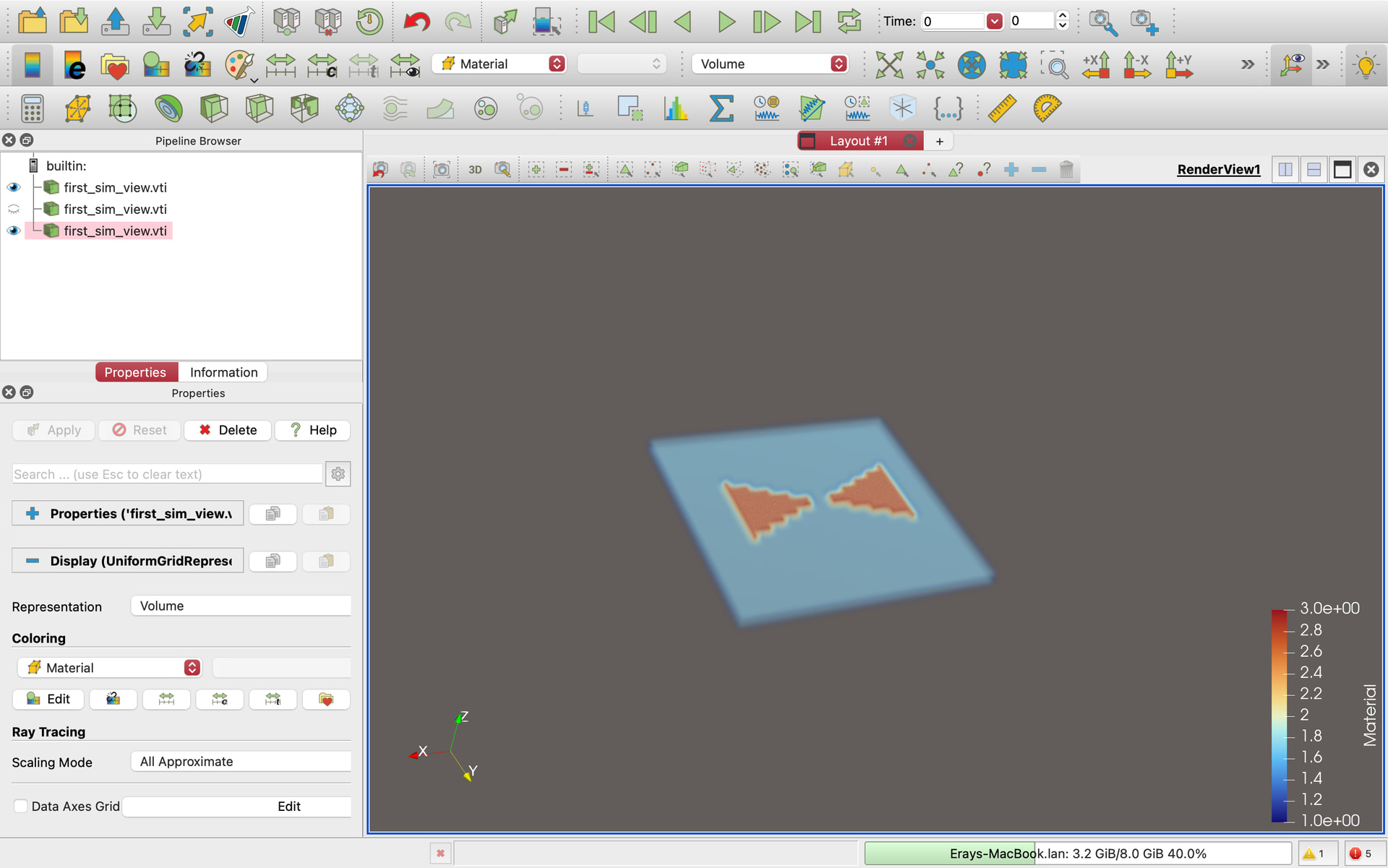
I’ve tried uploading vtk files from different sources and they all only seem to display the bounding box and no materials within. I’ve tried changing the coloring menu to the material but it didn’t change anything. Here’s one of the vtk files I’ve tried:
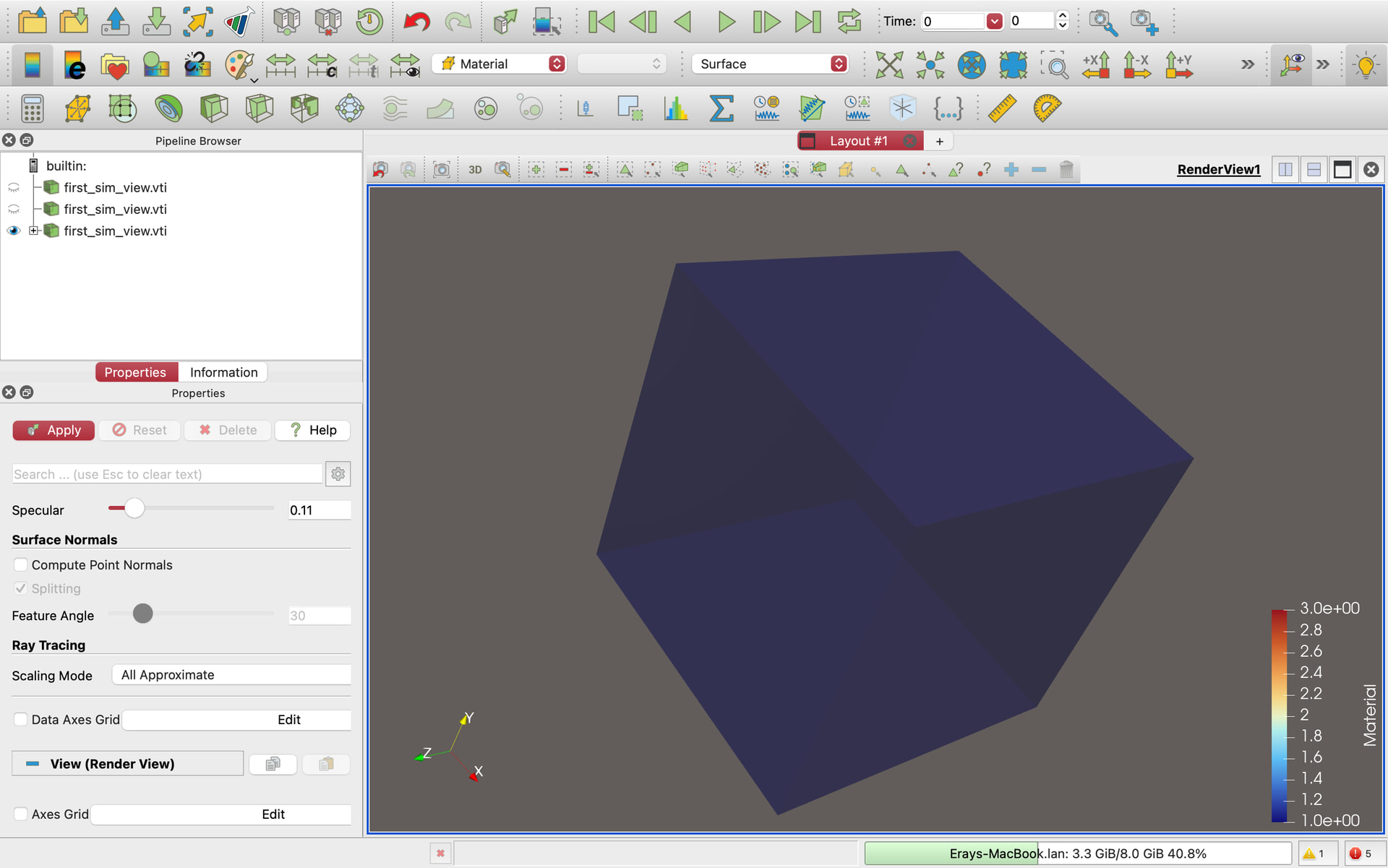
Thanks Mathieu! I tried changing it to surface but now it just made the bonding box solid. I reduced opacity to see if I’ll notice anything inside but still don’t see my object.
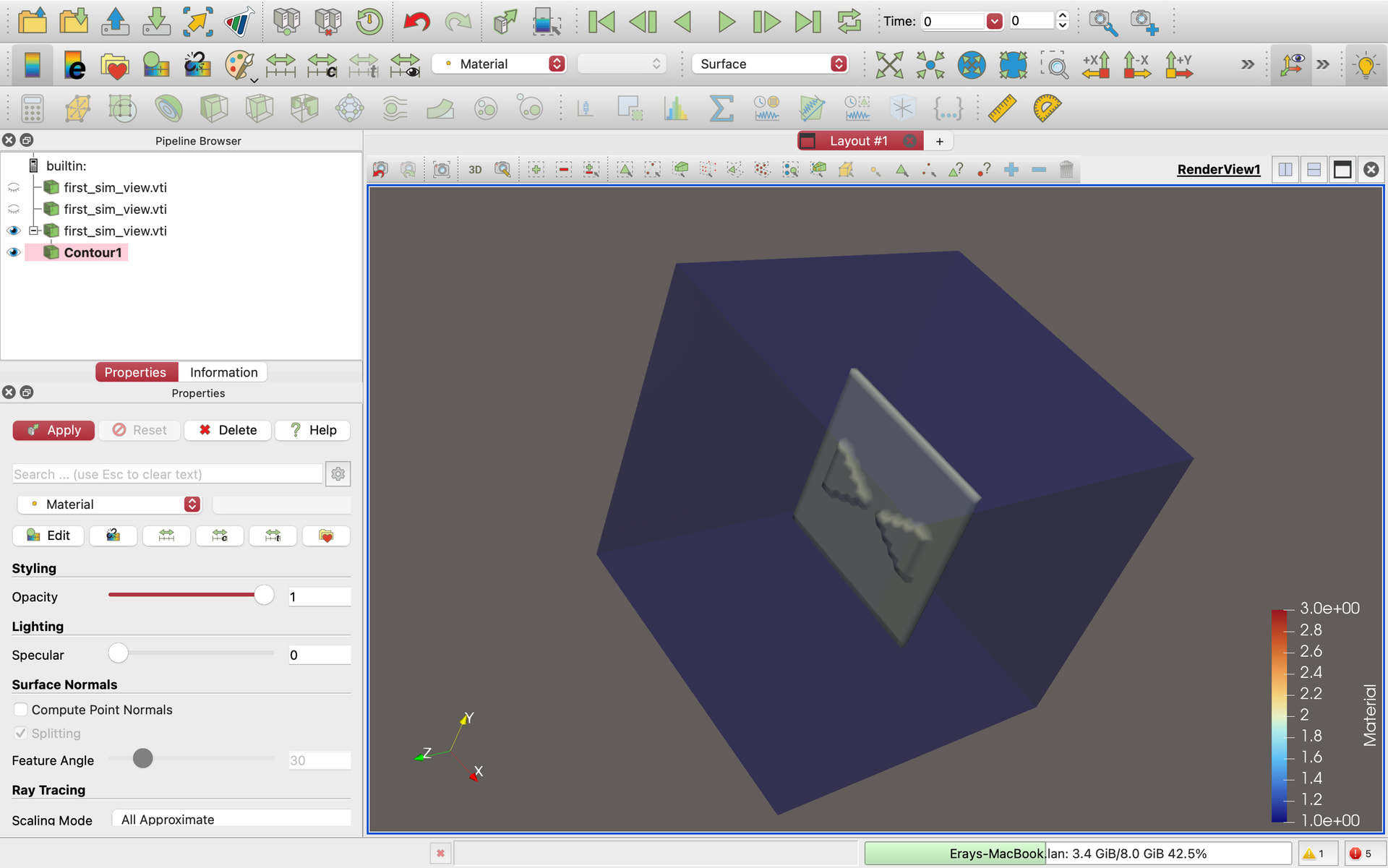
What’s weird is if I click contour, I see a shape that looks like my object.