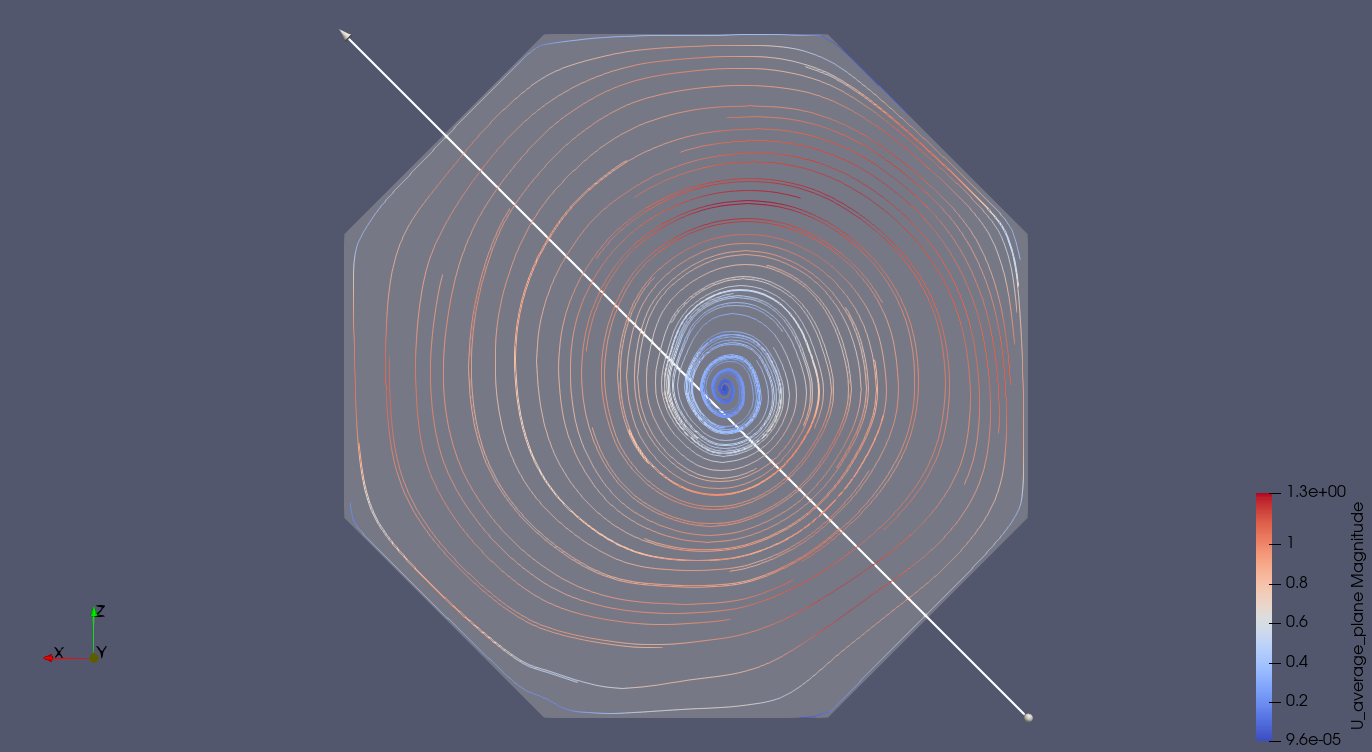
Hello folks,
Since i have spent more than 3 weeks (my bad) trying to figure out how to generate 2D streamlines from a 3D volume, using only Streamtracer filter, i provide here a very brief guide which should be compatible with all the Paraview versions.
- From the 3D volume do your slice (e.g. normal to Y axis).
- Define the velocity on the slice plane using the calculator filter (e.g. U_average_plane = U_average_X * iHat+U_average_Z * kHat ; where iHat unit vector for the X axis, kHat unit vector for the Z axis).
- Use now the “Stream Tracer” filter, with Vectors = U_average_plane and Seed Type = Line.
- Optional: use the “Glyph” filter to add arrows (i.e. directions) to the streamlines.
Note: instead of U_average_i use the actual nomenclature of your velocity field. The seeder line, of course, must lay extacly on the slice plane.