Cory,
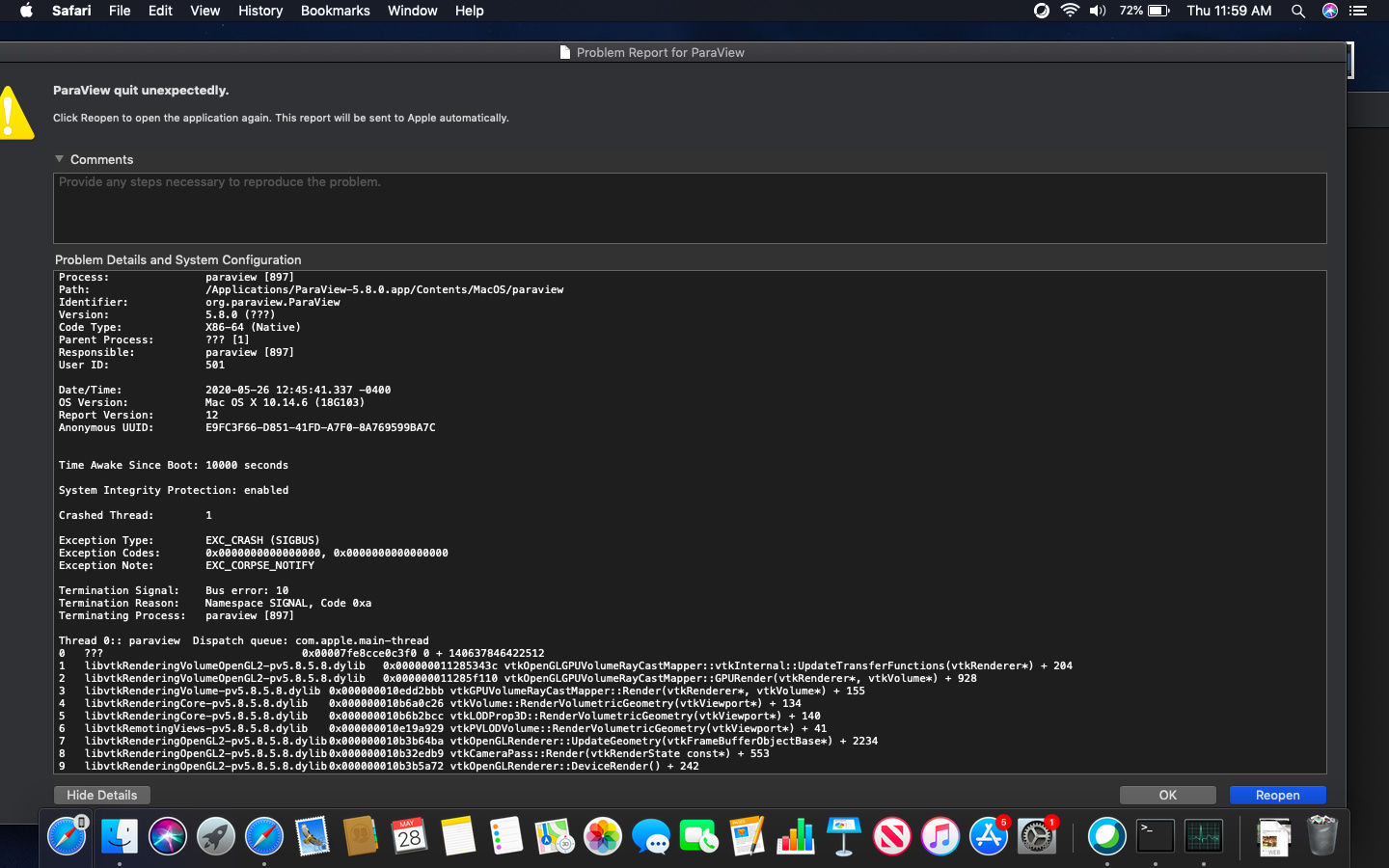
I realized that the reason that the problem reports were not showing up was probably because I had failed to close out of a previous problem report and it the previous one just hidden behind several open windows on my screen. I’ve attached a screenshot of the problem report as a .jpeg image, and also copied the full text of the report into a Rich Text document (RTF) format. There’s a lot of information here, and I’m not quite sure how to interpret it, but hopefully it is helpful. Thanks, Scott
Screenshot of Problem Report:
Text Document of Problem Report
Volume Rendering crash details_5.26.20.rtf (114.9 KB)